In 2013, Adobe suffered one of the biggest data breaches in internet history. 153 million user accounts were exposed, including usernames, email addresses, and encrypted passwords. Adobe reported it. Users got emails telling them to change their passwords.
Most didn't.
And the ones who did change their Adobe password? Many of them had used that same password on other sites: their email, their bank, their business software, their e-commerce platform. That password didn't die when Adobe fixed it. It went for sale.
Today, more than a decade later, credentials from that breach still circulate in criminal marketplaces. Automated tools try them constantly against every major service on the internet.
This attack has a name: credential stuffing. It requires no hacking skill, no custom malware, and no particular knowledge of your business. It just requires your old stolen password and a list of sites to try it on. Let me walk you through exactly how it works, why it's devastatingly effective, and what you can do to shut it down.
What Is Credential Stuffing (and Why It's Nothing Like What You've Seen in Movies)
Most people's mental model of a "hacking attack" involves someone furiously typing at a keyboard, trying to guess passwords one by one. That's called a brute-force attack, and while it still happens, it's the slow, dumb cousin of credential stuffing.
Here's the difference:
Brute force is a burglar trying every key on a giant keyring, one by one, until something opens the lock.
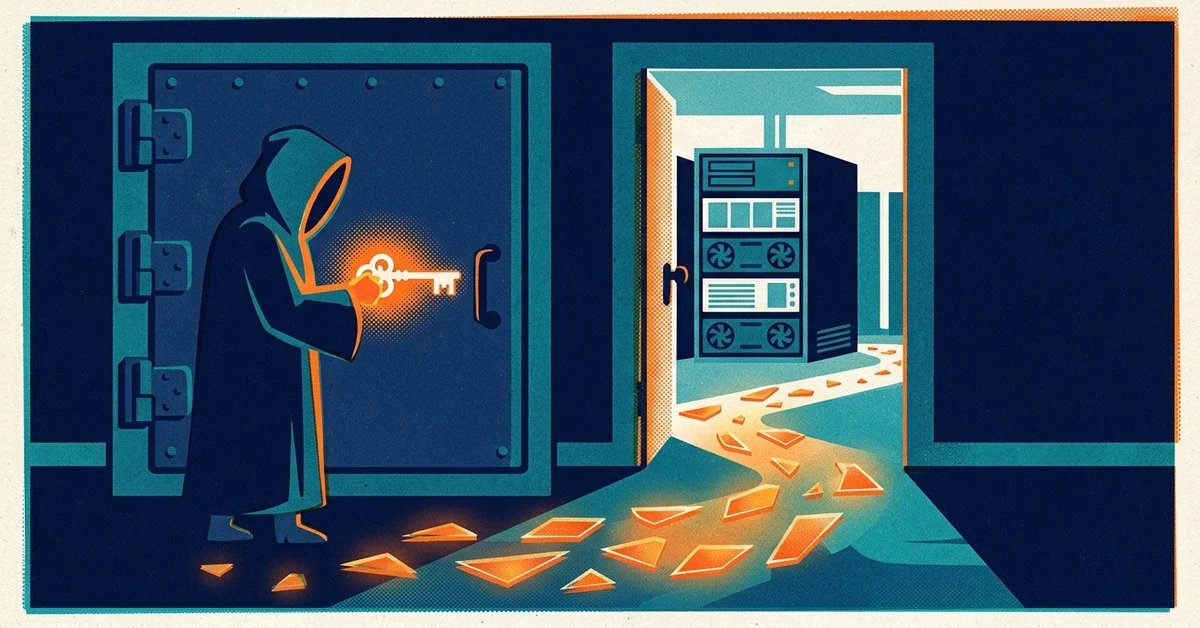
Credential stuffing is a burglar who bought a master list of keys that have already opened other doors. They're not guessing. They're walking up to your lock with a key that worked somewhere else, and checking whether it works here too.
The "master list" is real, and it's enormous. When a company gets breached, the stolen usernames and passwords (called "combo lists" in criminal circles) get sold on dark web markets, traded in hacker forums, and eventually leaked publicly. Sites like Have I Been Pwned track these breaches. As of 2024, HIBP had indexed over 14 billion compromised accounts across more than 800 known breaches.
Fourteen billion.
Criminals take these combo lists and run them through automated software that tries each username/password pair against hundreds of websites simultaneously. Not one at a time. All at once, using thousands of compromised devices (a botnet, meaning a network of infected computers) to spread the traffic so it doesn't look suspicious. A single credential stuffing campaign can make millions of login attempts per hour.
Why It Works So Well: The Password Reuse Problem
Here's where it gets uncomfortable. Credential stuffing only works if people reuse passwords. And the numbers on that are not great.
According to SpyCloud's Annual Identity Exposure Report, 87% of users with at least one compromised password had reused that same password on another account. That's not a minority of careless users. That's the overwhelming majority.
Why? Because remembering unique, strong passwords for dozens of accounts is genuinely hard. The human brain didn't evolve to store 50 random strings of characters. We pick a password we can remember, we use it everywhere because that's convenient, and we tell ourselves we'll change it if something happens.
Something happens. We just don't hear about it for months or years.
The Verizon 2024 Data Breach Investigations Report found that compromised credentials were involved in the vast majority of web application breaches. Stolen passwords aren't a secondary problem. They're the primary attack vector. And NordPass's annual most common passwords list is a yearly reminder that an alarming number of people are still using "123456" and "password" in 2024, which means even without a breach, some credentials are trivially guessable.
How a Credential Stuffing Attack Actually Runs
Let me be real with you about how low the barrier to entry is here. This isn't a nation-state operation. It's a commodity attack that someone with a credit card and a free afternoon can run.
Step 1: Source the list. An attacker buys or downloads a combo list from a breach marketplace. These lists vary in freshness and quality. A "fresh" list from a recent breach costs more. Older lists get cheaper as more attackers exhaust them. Some lists with hundreds of millions of credentials are available for free if you know where to look.
Step 2: Pick the targets. The attacker decides which websites to try. Banks and fintech apps are lucrative. Business email accounts (Microsoft 365, Google Workspace) are extremely valuable because compromising email lets you compromise everything else tied to that email. E-commerce sites with stored payment methods are attractive. Loyalty and rewards programs are a surprisingly common target because points convert to gift cards with no paper trail.
Step 3: Fire up the tool. Specialized software is designed specifically for credential stuffing. These tools accept a combo list, a target website, and configuration settings. They handle rotating through the logins, checking responses, flagging successful logins, and bypassing basic rate limiting automatically.
Step 4: Evade detection. This is where it gets clever. Websites try to block repeated login attempts from the same IP address. Attackers route their traffic through residential proxy networks: real home IP addresses from compromised consumer devices scattered around the world. From the website's perspective, the logins look like they're coming from thousands of different individual users in different cities. The attack traffic blends into normal traffic.
Step 5: Cash out. Successful logins get sorted and exploited. A cracked business email account sells for far more than a Netflix account. A bank account with a positive balance gets drained. A loyalty account with 100,000 airline miles gets converted to gift cards within hours.
Here's the part most articles skip: the speed matters. When a credential stuffing campaign succeeds against your account, the window between "they got in" and "you notice something is wrong" is often measured in hours, not days. By the time you get the "unusual login" notification (if you get one at all), the damage may already be done.
Real Businesses That Got Hit
This isn't theoretical. In 2019, Dunkin' Donuts was hit by a credential stuffing attack that compromised DD Perks accounts. Attackers used combo lists from other breaches, found accounts where customers had reused their passwords, and drained rewards balances. Dunkin had been hit by the same style of attack the year before.
Small businesses aren't immune. They're often less protected. The FBI's 2023 Internet Crime Report showed that business email compromise (BEC), which frequently starts with a credential stuffing foothold in someone's email account, cost U.S. businesses over $2.9 billion in reported losses in 2023 alone. "Reported" is the operative word. The actual figure is significantly higher, because most small business victims never file a report.
For a small business, a compromised Microsoft 365 account or Google Workspace login isn't just an inconvenience. An attacker inside your email can:
- Read every email in your inbox, including vendor contracts, banking details, and client information
- Send emails impersonating you to clients and vendors
- Intercept invoice payments by quietly changing wiring instructions before a payment goes out
- Access SharePoint documents, OneDrive files, and shared drives
- Reset passwords on connected services using email-based password recovery
One compromised login. One password reused from a breach that happened years ago. That's the entire attack surface.
What to Do About It: Specific, Actionable Steps
Here's the good news: credential stuffing is highly preventable. None of these steps require technical expertise. They just require actually doing them.
Step 1: Check Whether You're Already Exposed
Go to Have I Been Pwned right now. Enter your business email address. Enter your personal email. Enter your employees' email addresses.
HIBP will tell you exactly which breaches your email appeared in and what data was exposed. If you see a breach result, assume that password (and any password similar to it) is compromised, even if you changed it after the breach notification. Combo lists circulate for years.
Step 2: Get a Password Manager
This is non-negotiable. A password manager is the only tool that makes unique passwords per site actually practical at scale.
Bitwarden is my go-to recommendation for small businesses. It's open-source, independently audited, has solid business features (shared vaults, user management, admin console), and the business plan is a few dollars per user per month. There's also a strong free tier for getting started.
Once you're using a password manager, the workflow changes: Bitwarden generates a random 20-character password for every site, stores it encrypted, and auto-fills it when you log in. You remember one strong master password. The manager handles everything else.
Step 3: Change Every Reused Password
This is the part that takes time but is essential. If any two of your accounts share the same password, fix it. Use your password manager to generate a fresh unique password for each account, starting with the highest-value targets:
- Business email (Microsoft 365, Google Workspace)
- Online banking and financial accounts
- Your website or e-commerce admin panel
- Cloud storage (Dropbox, OneDrive, Google Drive)
- Any software that processes customer payments or holds client data
The NIST Digital Identity Guidelines recommend length over complexity. A randomly generated 20-character string is vastly stronger than a 10-character "clever" password with numbers and symbols substituted in, even if the latter looks more complicated.
Step 4: Turn On Multi-Factor Authentication Everywhere
Multi-factor authentication (MFA, sometimes called two-factor authentication or 2FA) adds a second verification step beyond your password. Even if an attacker gets your correct username and password from a combo list, they can't complete the login without that second factor.
CISA, the U.S. Cybersecurity and Infrastructure Security Agency, lists MFA as one of the single most impactful steps any user or organization can take. This is not a general recommendation buried in fine print. It's the top item on their "Secure Our World" campaign because it genuinely works. MFA stops credential stuffing attacks cold in most cases, because the attacker doesn't have your phone.
Enable MFA on, in order of priority:
- Your business email accounts (this protects everything else connected to that email)
- Your bank and financial accounts
- Your website admin panel
- Any cloud services that store customer or business data
Use an authenticator app (Microsoft Authenticator, Google Authenticator, or Authy) rather than SMS text codes wherever the option is available. SMS-based MFA is better than nothing, but it can be bypassed by SIM-swapping attacks where an attacker convinces your carrier to transfer your phone number to their device. App-based MFA is significantly more robust.
Step 5: Enable Login Alerts and Monitor for Unusual Activity
Most business email platforms and cloud services let you configure alerts for logins from new locations or unfamiliar devices. Turn these on. Set the alerts to go to a secondary email address (not the account being monitored), so that even if the primary account is compromised, you still get notified.
In Microsoft 365, you can review sign-in logs in the Azure Active Directory admin center. In Google Workspace, you'll find login activity under Admin Console > Reports > User Activity. Review these occasionally, especially if you have employees with access to sensitive systems.
Unusual login patterns to watch for:
- Logins from countries where you don't do business
- Logins at 3 AM from a city you've never visited
- Multiple failed logins followed immediately by a successful one
- A login followed quickly by new email forwarding rules being created
That last one is a hallmark of Business Email Compromise. Attackers often set up automatic forwarding of all incoming email to an external address so they can monitor your inbox even after you change your password. They're playing a long game, reading your vendor payment schedules and waiting for the right moment.
The Takeaway
Credential stuffing is what happens when "I'll update my passwords eventually" meets "that breach was years ago, it probably doesn't matter." It matters. Old breaches fuel today's account takeovers, and the attackers running these campaigns don't need hacking skills. They just press go on an automated tool and wait.
You now have exactly what you need to close most of that attack surface: check Have I Been Pwned, install Bitwarden, replace every reused password, turn on MFA starting with your business email, and enable login alerts. A few hours of work. Real protection.
If you're thinking about small business cybersecurity more broadly, credential hygiene is the foundation that everything else is built on. Get this right and you've eliminated the attack vector responsible for the majority of business account compromises.


