*Originally published on 2025-10-24. Details in this post may have changed since.*
So, you claimed your Google Business Profile—nice move. But if you think that’s the finish line, we’ve got news for you: you’ve just unlocked the door. Now it’s time to actually walk in.
Your profile is a live, public-facing asset that Google loves to reward… if you treat it right. Let’s break down 5 easy wins that small businesses can implement today to make that profile start working overtime.
1. Fill It Out Like You Mean It
Don’t just slap in your name, phone number, and zip code and call it a day.
- Add business hours, including holiday updates.
- Include multiple service categories, not just the obvious one.
- Use your business description to sneak in keywords naturally.
💡 *Pro Tip:* Describe your services the way your customers search for them. Example: “emergency HVAC repair in Augusta” beats “we offer timely solutions.”
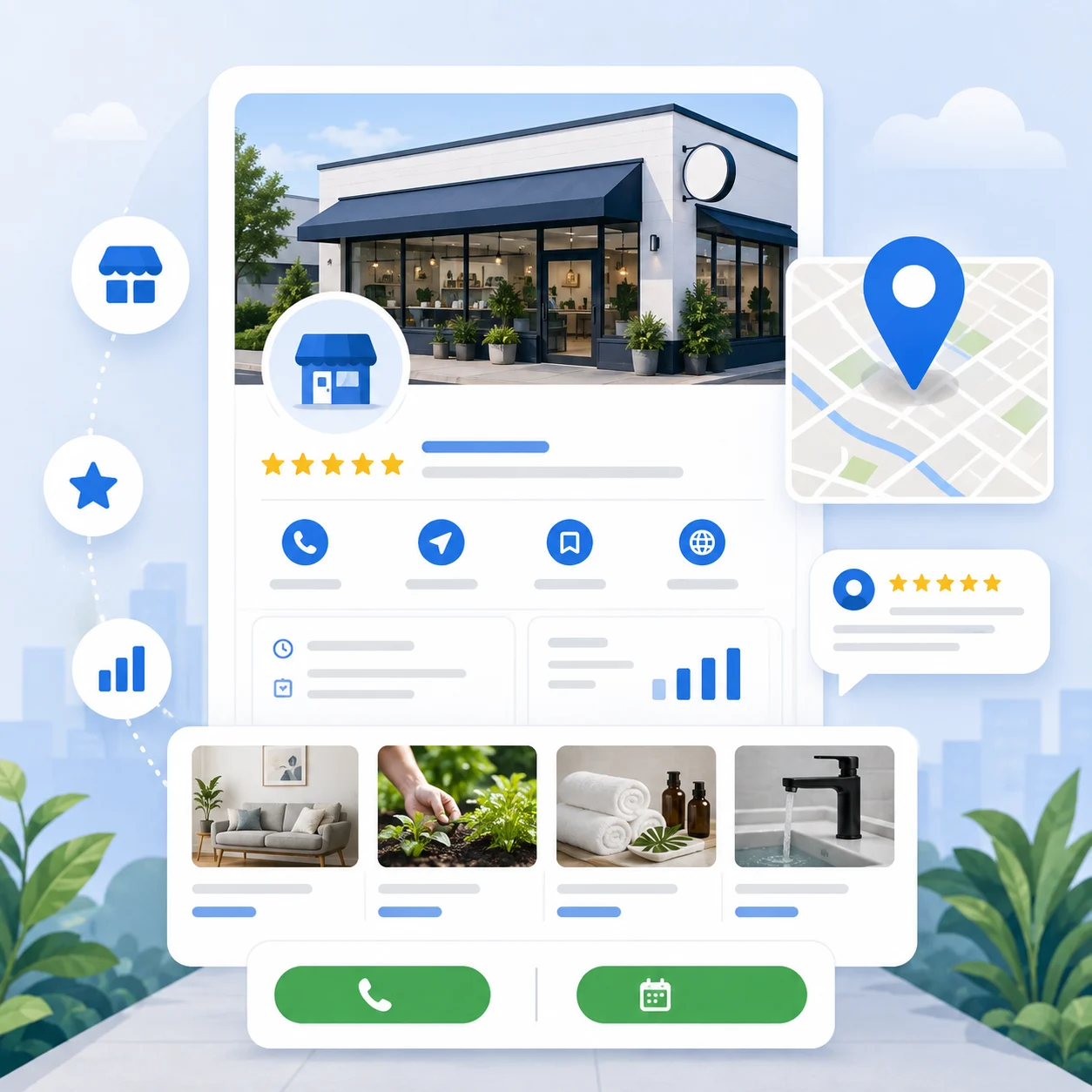
2. Upload Photos—And Keep Them Coming
Photos aren’t just for show. They boost engagement and build trust.
- Add interior and exterior shots of your business.
- Post behind-the-scenes images, happy customers, and real staff.
- Update regularly—Google favors active profiles.
Your profile with photos is 2x as likely to be considered reputable.
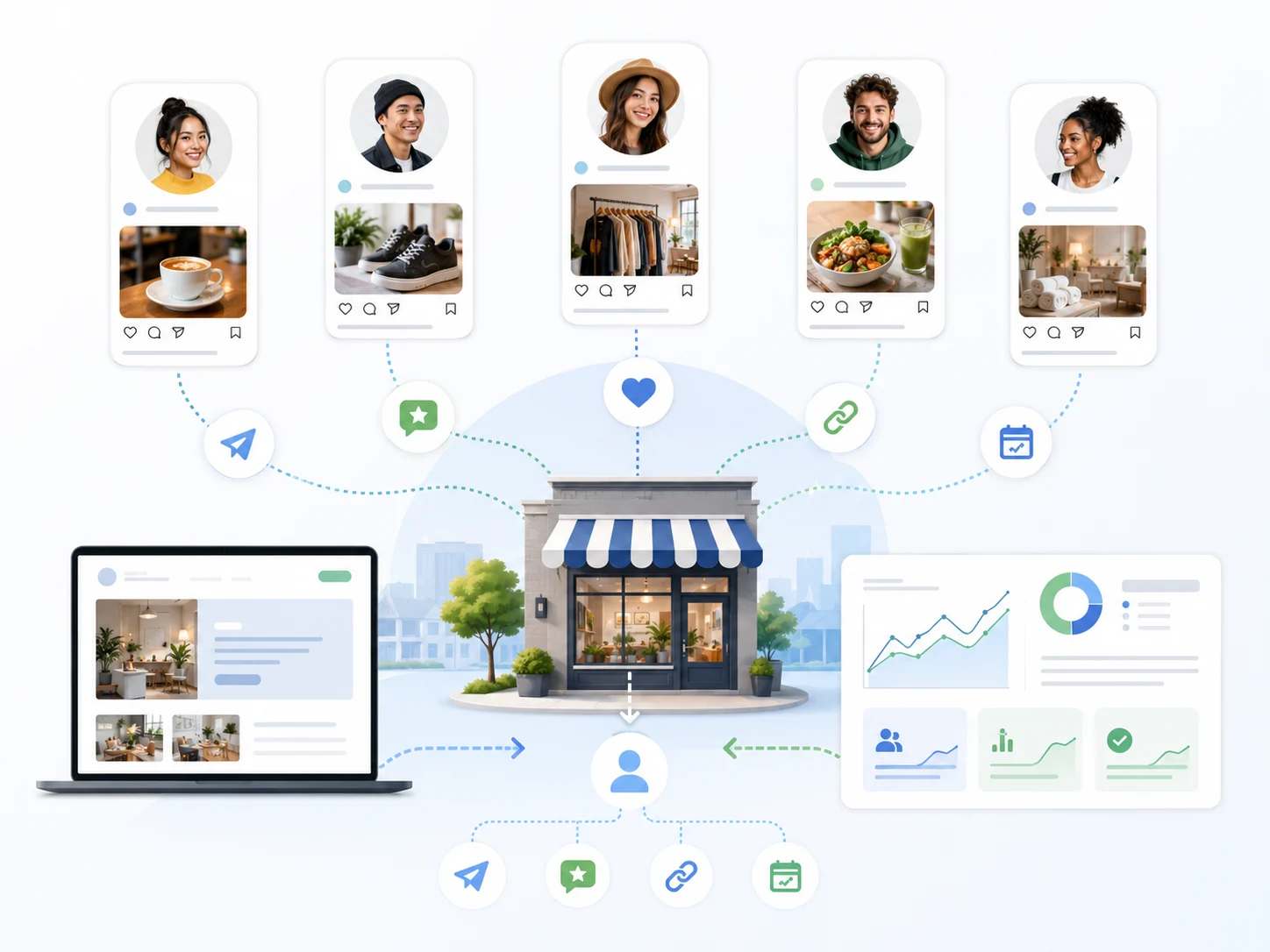
3. Post Like It’s Social Media
Yes, Google Posts matter. Treat your profile like another marketing channel.
- Announce specials, events, or updates.
- Share helpful tips or seasonal reminders.
- Add CTAs like “Call Now,” “Learn More,” or “Book Today.”
Even one post a week keeps your profile fresh in Google’s eyes—and in front of potential clients.
4. Respond to Reviews
A review you ignore is a lead you might lose.
- Always respond professionally, even to criticism.
- Thank people for positive feedback.
- Address concerns respectfully and factually.
Google ranks profiles higher that engage with customers—period.
5. Turn On Messaging—But Set Boundaries
Letting customers message you directly can be a game-changer. But it needs structure.
- Set expectations for response time.
- Use auto-replies for off-hours.
- Train your team or use an AI assistant to handle initial contact.
Messaging is convenient for customers—and converts faster than email.
Bonus Tip: Use Insights to Track What’s Working
Google Business Profile provides built-in analytics. Use them to see:
- How customers find you (search terms)
- Where they’re located
- What actions they take (calls, directions, clicks)
This isn’t just a listing. It’s a free marketing machine if you pay attention.
If you'd rather have someone handle this for you, talk to us.


No comments yet