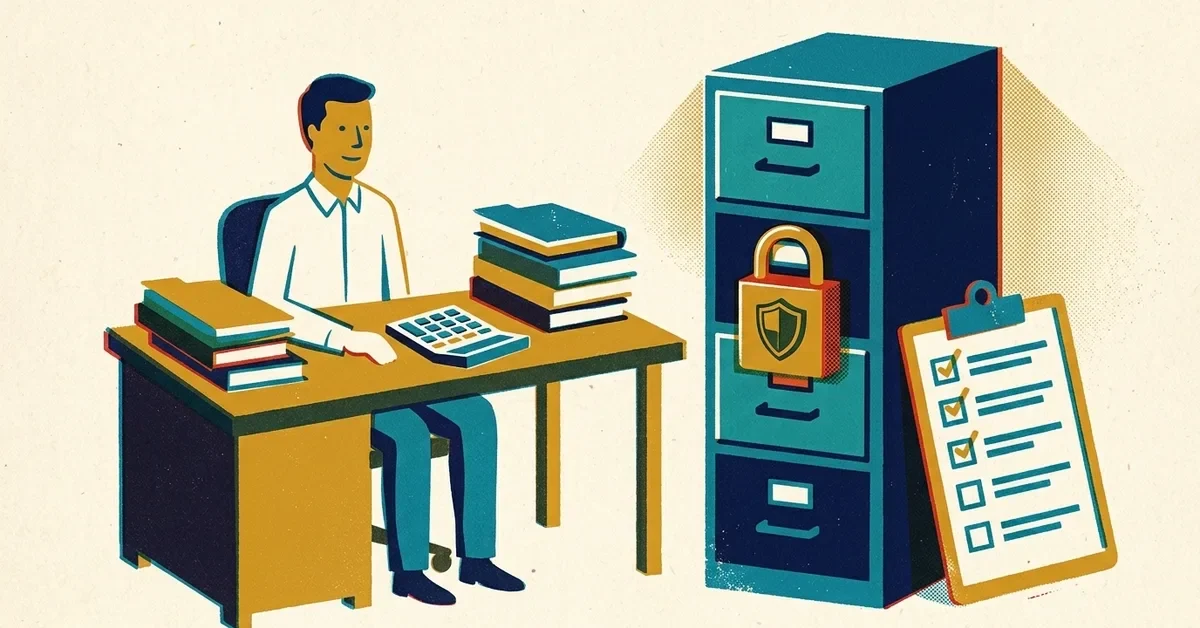
You renewed your PTIN, ticked the box that says you know you need a written information security plan, and moved on to the next return. Then a colleague mentions the FTC Safeguards Rule, and you're not sure whether a one-person practice is even covered, or what "covered" would mean.
Short version: if you prepare tax returns, it applies to you, whatever your size. Small firms get a partial break, but less of one than most people think. This post covers what the rule asks of a small practice and how to get there without a compliance department.
This is a practical guide, not legal advice. The rule itself is short and readable, and it's linked throughout.
The quick answer
- Yes, it applies. The rule's definitions name "an accountant or other tax preparation service that is in the business of completing income tax returns" as a financial institution.
- Fewer than 5,000 consumers gets you out of four requirements, not the whole rule.
- Count people, not clients or records. Current and former clients whose information you keep both count.
- You still need a written security program, one person in charge of it, MFA, encryption, access controls, secure disposal, staff training and vendor oversight.
- If a breach exposes 500 or more people's unencrypted information, you must tell the FTC within 30 days, whatever your size.
Why a tax practice counts as a "financial institution"
The Safeguards Rule comes from the Gramm-Leach-Bliley Act. It covers businesses that offer financial products or services to consumers, not just banks. Tax preparation is on that list, so the rule's definitions name tax preparers directly, and the FTC's plain-English guide lists tax preparation firms among its examples. The IRS reminds CPAs, enrolled agents and other preparers of the same thing every year.
There's an IRS side too. The PTIN application (Form W-12, line 11) has a checkbox acknowledging that paid tax return preparers are required by law to create and maintain a written information security plan. The IRS publishes a fill-in template for that plan, Publication 5708, and background in Publication 4557, Safeguarding Taxpayer Data.
The 5,000-consumer exemption: how to count
Section 314.6 says four requirements don't apply to a business that keeps customer information about fewer than 5,000 consumers. The counting is where people trip up.
- Count people. A consumer is an individual who gets a financial service from you for personal, family or household purposes. One client with ten years of returns is one person, not ten records.
- Include former clients. When the FTC finalized the rule, it said the count includes both current and former customers whose information you still keep. Every old file you haven't securely deleted counts.
- Joint returns and dependents: the rule doesn't spell this out. Both spouses on a joint return arguably each received the service, so the safe approach is to count both. Dependents are less clear. If you're anywhere near 5,000, count everyone named in your files, or get advice.
- Business-only clients (an entity return with no individual return) arguably aren't consumers, because the definition is about personal, family or household use. That's our reading of the definition, not something the FTC has said.
A solo preparer with 600 individual returns a year, keeping seven years of files, may hold information on well over 600 people once spouses and former clients are counted. Most small practices are still under 5,000, but do the count once and write it down.
What the exemption excuses (and what it doesn't)
Under 5,000 consumers, you don't have to:
- Write a formal risk assessment.
- Run continuous monitoring, or an annual penetration test plus vulnerability scans every six months.
- Keep a written incident response plan.
- Have your security lead give an annual written report to leadership.
You still have to do everything else in section 314.4. For a small firm, that list is:
- Name a Qualified Individual. One person who oversees and enforces your security program. It can be you, or someone at an outside IT provider, but you remain responsible.
- Write the program down. A written information security plan (WISP) covering the items below. Publication 5708 is a fill-in template built for small practices.
- Know what you hold and who can reach it. List where client data lives: the tax software, the portal, email, scanned files, the laptop, paper. Limit access to people who need it.
- Encrypt it, on your computers and when it's sent. Full-disk encryption (BitLocker on Windows, FileVault on a Mac) and a secure client portal instead of email attachments cover most of it.
- Turn on MFA for anyone accessing systems that hold client information: email, tax software, the portal, cloud storage and remote access.
- Dispose of it on schedule. The FTC's guide says to securely dispose of customer information no later than two years after you last used it to serve the customer, unless you have a legitimate business or legal reason to keep it, or targeted disposal isn't feasible because of the way the information is stored. Write down your retention reasons in the WISP.
- Manage changes and keep logs. Know when software, devices or access change, and keep sign-in logs for the systems that hold client data.
- Train your staff, even if "staff" is one seasonal helper.
- Check your vendors. Your tax software, portal, cloud storage and IT provider should be contractually required to protect the data. Keep those agreements on file.
- Review it. Update the program when something changes, and at least once a year.
If something goes wrong: the FTC notification rule
Since May 13, 2024, a breach that lets someone acquire unencrypted information about 500 or more consumers must be reported to the FTC as soon as possible and no later than 30 days after you discover it. The rule says to report electronically as the FTC's website directs; today that's the FTC's online reporting form. The small-firm exemption doesn't cover this, so even a solo practice is on the hook.
Two details from the rule's definition of a "notification event" matter. Unauthorized access is presumed to mean the data was taken unless you have reliable evidence otherwise. And encrypted data only stays "encrypted" for this purpose if the key wasn't taken too. Encrypting your laptop and your files is the cheapest way to avoid a reportable event.
Your state's breach-notification law can apply as well, and the IRS has its own steps: Publication 4557 says to report data theft or data loss to your IRS Stakeholder Liaison. Call your insurer early too.
A realistic setup for a one- to five-person practice
- Microsoft 365 or Google Workspace with MFA on every account, ideally an authenticator app or passkey rather than text codes.
- BitLocker or FileVault on every computer, automatic updates on, and a screen lock.
- A client portal for documents, so tax returns never travel as email attachments.
- A password manager so nobody reuses their tax software password.
- Backups that ransomware can't reach, tested at least once before tax season.
- A one-page staff rule: we never change payment or refund details based on an email alone.
- A WISP built from Publication 5708, saved with the date, and reviewed every year after filing season.
When to get help
- You don't have a WISP, or you have one but it doesn't match how your office actually works.
- You're not sure whether MFA and encryption are on everywhere client data lives.
- Your count is close to 5,000, or you've had a security incident.
We work with solo CPAs and small practices on exactly this: MFA, encryption, backups and a WISP that matches reality. Our cybersecurity service covers the technical side. If you'd like a hand before next season, get in touch.


