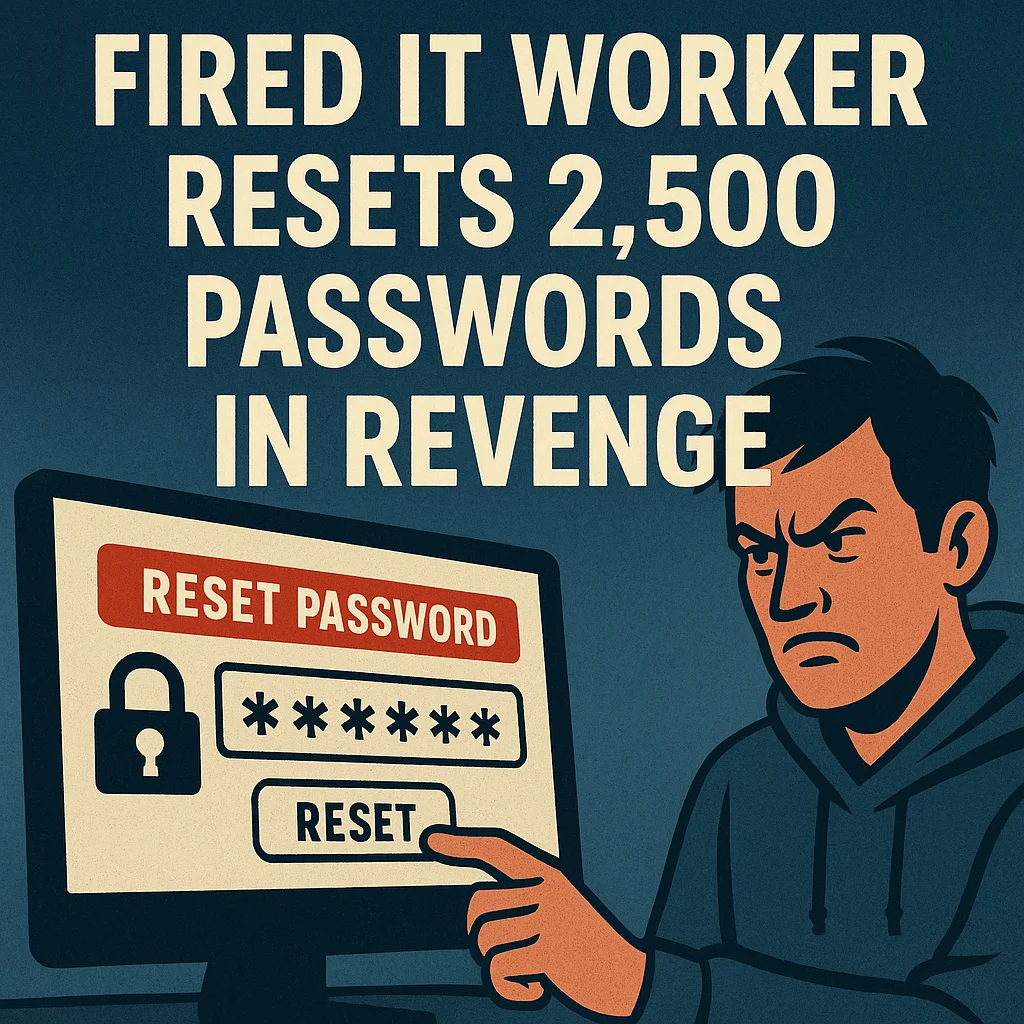
Being fired hurts—but one angry IT contractor took things way, *way* too far.
After getting let go, a 35-year-old Ohio contractor broke back into his former employer’s network, impersonated another worker to steal credentials, ran a script that reset 2,500 passwords, and effectively shut down the entire company nationwide.
The damage?
👉 Over $862,000 in downtime, support costs, and recovery efforts.
This wasn’t a sophisticated cyberattack.
It wasn’t a foreign hacker.
It wasn’t even malware.
It was a disgruntled insider with old access he never should’ve kept.
And this is exactly why small businesses need to take insider threats seriously—especially when employees leave.
Let’s break it down.
The Inside Job That Shut Down a Company
Here’s what happened, in plain English:
- After being terminated, the contractor still knew how to access the system.
- He impersonated another contractor to obtain active credentials.
- He used those credentials to log into the network.
- He ran a PowerShell script that reset thousands of passwords at once.
- Employees nationwide were instantly locked out of their computers.
- He tried to cover his tracks by deleting logs.
- The company spent nearly a million dollars recovering.
The U.S. Justice Department confirmed the attack caused:
- Employee downtime
- Customer service issues
- System recovery labor
- Major operational disruption
And now he faces:
- Up to 10 years in federal prison
- Up to $250,000 in fines
Why This Should Alarm Business Owners
Most small and mid-size business owners think:
“No one who works here would ever do that.”
But insider incidents are far more common than people realize.
And the #1 cause?
Former employees still having access to systems, tools, email, cloud accounts, or passwords.
This can happen after:
- Layoffs
- Contract changes
- Vendor transitions
- Role changes
- Internal disputes
All it takes is one upset former employee—or one contractor who still has a login—to cause massive harm.
And unlike outside cyberattacks, insiders already know where everything is.
How to Protect Your Business from Insider Threats
Even if you’re not technical, these steps are crucial:
1. Disable accounts immediately when someone leaves
The *same day*.
No exceptions.
2. Change shared passwords
Teams often share passwords such as Wi-Fi, admin logins, old systems.
These must be updated when someone leaves.
3. Audit access regularly
You need a list of:
- Who has access
- To what
- For how long
And remove accounts that don’t need to exist.
4. Limit admin rights
If everyone is an “Administrator,” everyone is a threat—accidental or intentional.
5. Use MFA (multi-factor authentication) everywhere
Even if someone steals a password, MFA stops them.
6. Monitor unusual activity
Failed login attempts, log clearing, inactive accounts suddenly activating—these are red flags.
7. Have clear offboarding procedures
Most businesses have onboarding…
But almost no one has good *offboarding*.
It only takes one missing step to create a disaster.
If you'd rather have someone handle this for you, talk to us.


No comments yet