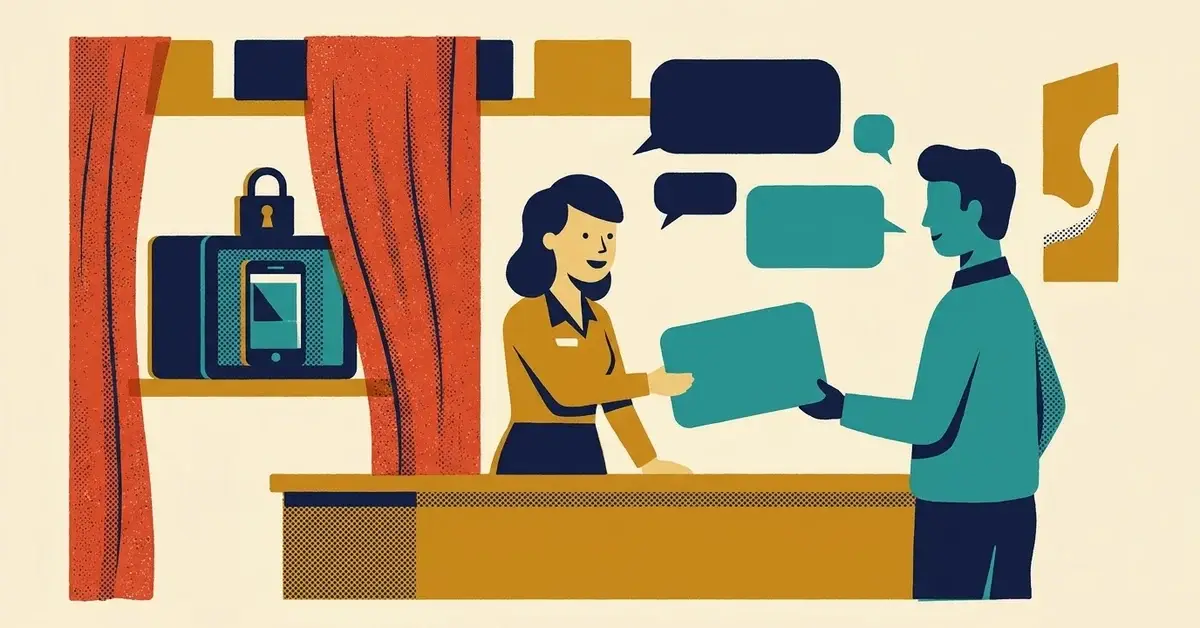
You answer customers on WhatsApp. Maybe vendors too. And every one of them has your number.
For a lot of owners, that's your personal cell. The one your family uses. The one that rings at 9 p.m. when a customer "just has a quick question."
WhatsApp usernames are meant to change part of that. Here's what's actually live, what isn't, and what to do about it this week.
The quick answer
- Reserve your username now in the WhatsApp app: Settings > Account > Username. It takes a few seconds and it's free.
- Match your Instagram or Facebook handle if you can, so customers find the same name everywhere.
- Know the limit: if you message customers from a WhatsApp Business account, your business number still shows. A username makes you easier to find; it doesn't hide that number.
- Ignore any email or text telling you to "claim" or "verify" your username. You only ever do it inside the app.
What WhatsApp actually announced
On June 29, 2026, WhatsApp opened username reservations ahead of a launch "later this year" (WhatsApp blog, also posted on Meta's newsroom). According to that announcement:
- You reserve in the latest version of the app under Settings > Account > Username.
- Once usernames are live where you are, someone you message for the first time doesn't see your phone number, as long as you've turned your username on.
- There's an optional username key. Turn it on and a stranger needs both your exact username and the key to message you the first time.
- There's no directory to browse. People need your exact username to reach you.
- Creators, small businesses and organizations can claim the username they already use on Instagram or Facebook.
- The rollout is gradual, and WhatsApp says it will tell you in the app when usernames reach your country.
You still need a phone number to sign up for WhatsApp (TechCrunch). A username is an extra way to be reached, not a replacement for the number.
Where the rollout stands (October 2026)
Partly live, not everywhere.
MacRumors reported on July 17, 2026 that some people who reserved a name were getting a notice that their username was now active. Since then, reports describe a country-by-country rollout.
What we couldn't find is a WhatsApp announcement saying usernames are now live for everyone. So the honest answer is: check your own app. If Settings > Account > Username shows your name as reserved rather than active, it hasn't reached you yet.
How to tell which situation you're in
Look at how you talk to customers today:
- Personal WhatsApp, personal number. The username helps most here. Once it's live, a new contact you message doesn't see your cell.
- WhatsApp Business app on a business number. The username makes you easier to find and gives you one handle to print everywhere. WhatsApp's own usernames FAQ says that when a business contacts someone, the business's phone number is still displayed.
- WhatsApp Business app on your personal cell. This is the common one for solo owners, and the username won't take your number off customer chats. The real fix is a separate business number for WhatsApp Business.
Setting it up, step by step
1. Reserve the name
Use your phone. When reservations opened, they weren't available on WhatsApp Web or the desktop app.
- Update WhatsApp from the App Store or Google Play.
- Open Settings > Account > Username.
- Type the name you want, or use the suggestions WhatsApp offers.
- Reserve it.
You get one username per account. Usernames can't be bought or sold, and WhatsApp blocks well-known names and certain words like "bank" and "verified" for everyone except the real owner.
2. Claim your Instagram or Facebook handle
If your business already has a handle on Instagram or Facebook, WhatsApp holds it for you. To claim it, link your WhatsApp account in Meta's Accounts Center so Meta can confirm it's yours.
Same name everywhere matters more than a clever one. A customer who saw @yourbusiness on Instagram shouldn't have to guess what you're called on WhatsApp.
3. Decide on the username key
For a personal account, turn it on. It's what stops a stranger who guesses your username from messaging you.
For the account customers use to reach the business, think twice. Every new customer would need the key before their first message. That's friction you probably don't want on the account that brings in leads.
4. Update where you publish your contact details
Wait until your username shows as active, then add it to:
- Your website's contact page
- Your Google Business Profile
- Your email signature
- Your Instagram and Facebook bios
Don't put it out while it still says "reserved." A customer who can't find you on the first try often doesn't try again.
Why this matters for a small business
It comes down to two costs.
Your time off. A personal number on 200 customer phones means 200 people who can reach you whenever they like.
Your findability. "Message us at @yourbusiness" is easier to say, print and remember than a phone number. Easier to say means more people actually do it.
Watch for the username scams
New feature, new bait.
Expect emails and texts saying your username is "about to expire," that you need to "verify" it, or that a "premium" name is available for a fee. WhatsApp reservations happen inside the app and they're free. Usernames can't be bought.
Two habits cover most of it:
- Never tap a link to manage your WhatsApp account. Open the app yourself.
- Turn on two-step verification: Settings > Account > Two-step verification. It adds a PIN or password that's needed when your number is registered on a new phone (WhatsApp Help Center), so a stolen text code alone isn't enough to take your account.
Also remember that a username is a name, not proof. A scammer can register something that looks close to yours, or to your bank's. If a "new" account asks for money or a login, check through a number you already have.
Preventing it in a business
If staff use WhatsApp with customers, give them a short rule sheet. Copy this one:
- We only manage WhatsApp settings inside the app, never from a link.
- Two-step verification stays on for every account that talks to customers.
- Anyone asking for payment or account details on WhatsApp gets a call back on the number we already have on file.
- Our official username is @[yourbusiness]. Anything else claiming to be us isn't us.
And one message you can send to regular customers once your username is live:
Hi [name], quick update: you can now find us on WhatsApp as @[yourbusiness]. We'll never ask you to pay or share passwords over WhatsApp. If something looks off, call us at [number].
When to get help
- A staff member's WhatsApp has already been taken over, or customers are getting messages from an account pretending to be you.
- Your team uses personal phones for customer chats and you want that separated properly.
- You're not sure which accounts need two-step verification and who holds the PINs.
If any of that sounds familiar, we can help.
Related reading
- WhatsApp just blocked 3 million scam accounts. Is your business next?
- Instagram profile SEO: your bio is a mini landing page
- Your competitor is buying your name: the simple brand protection strategy
Originally published July 2026. Updated October 2026.




No comments yet