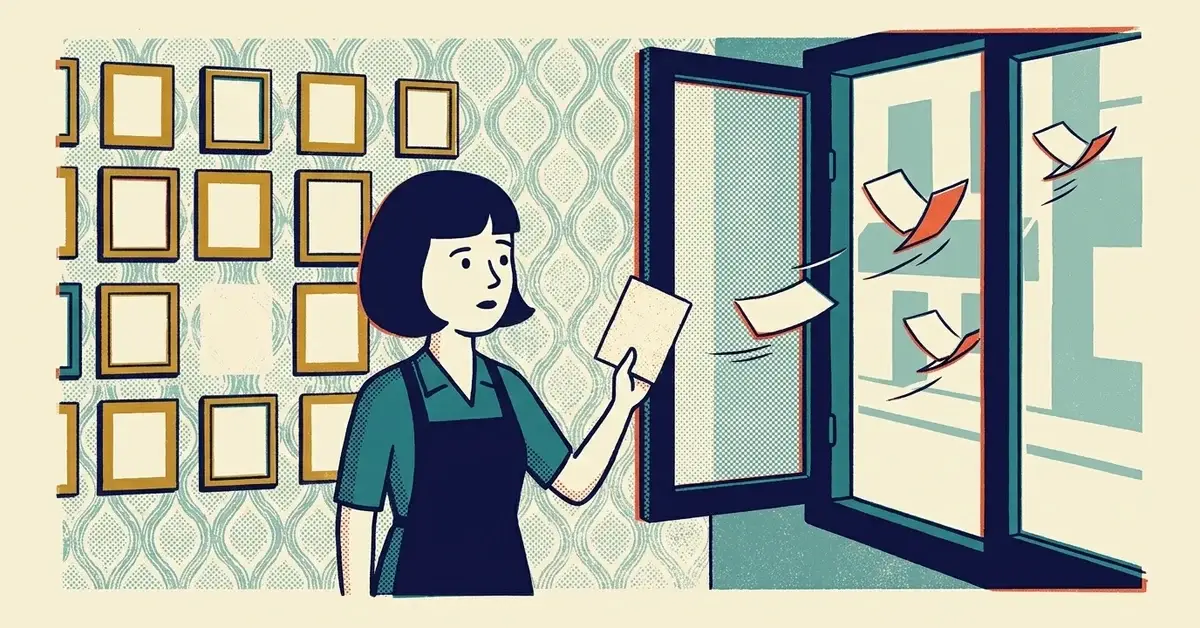
Last month your Google Business Profile said 47 reviews. Today it says 41.
Or one specific review is gone: the long, glowing one from a customer you remember, the one you sent new leads to read.
That stings. Reviews are what a stranger checks before they call you, and a lower count or a missing five-star review can cost you the call. Most of the time, though, there's a reason you can find in about ten minutes, and sometimes the review can come back.
This post is about reviews that were live and then vanished. If a customer says they left a review that never appeared at all, start with our post on Google reviews not showing up instead.
The quick answer
- Check your email. Look in the inbox for the Google account that manages your profile, spam folder included, for a message about a restriction or fake engagement.
- Think back over the last few months. A profile merge, a suspension and reinstatement, or a category change can each remove reviews.
- Ask the reviewer. They may have edited or deleted it, and if Google removed it, they're the one who can appeal (not you).
- Read Google's review policy against the missing review. A link, a phone number, an incentive or a staff connection is enough to get it removed.
- If it was a genuine review and none of that applies, contact Google Business Profile support. Google admits its spam filter sometimes removes legitimate reviews.
How to tell what happened
The pattern tells you more than any single review.
One review gone, the rest fine. Most likely the reviewer deleted or edited it, or Google removed it for a policy reason.
A batch gone, all from around the same time. Look at how that batch was collected. A discount, a giveaway, a staff push or a tablet at the counter are the usual suspects.
Lots gone at once, plus a warning on your profile. That's a restriction for fake engagement. Check your email.
Reviews gone after a merge or a reinstatement. Google says both can move or remove reviews. More on each below.
Every review gone, and you run a school. That's a category rule, not a mistake.
Write down the date you noticed, the reviewer names you remember and roughly how many went missing. You'll want that list if you contact support.
The usual reasons, and what to do about each
1. Google removed it for a policy reason
Google's prohibited and restricted content policy is the rulebook. Reviews are checked when they're posted, but they can also come down later. The rules that catch genuine, happy customers most often:
- Links or contact details. "Email addresses, phone numbers, social media links, or links to other websites" aren't allowed in a review. "Call Mike at 555-..." breaks the rule.
- An incentive. Google bans offering "payment, discounts, free goods and/or services" for reviews. That includes an honest review from a customer who got 10% off for writing it.
- A conflict of interest. Google says this "may include current or former employment," family ties and competitors. Reviews from staff, ex-staff or relatives are at risk.
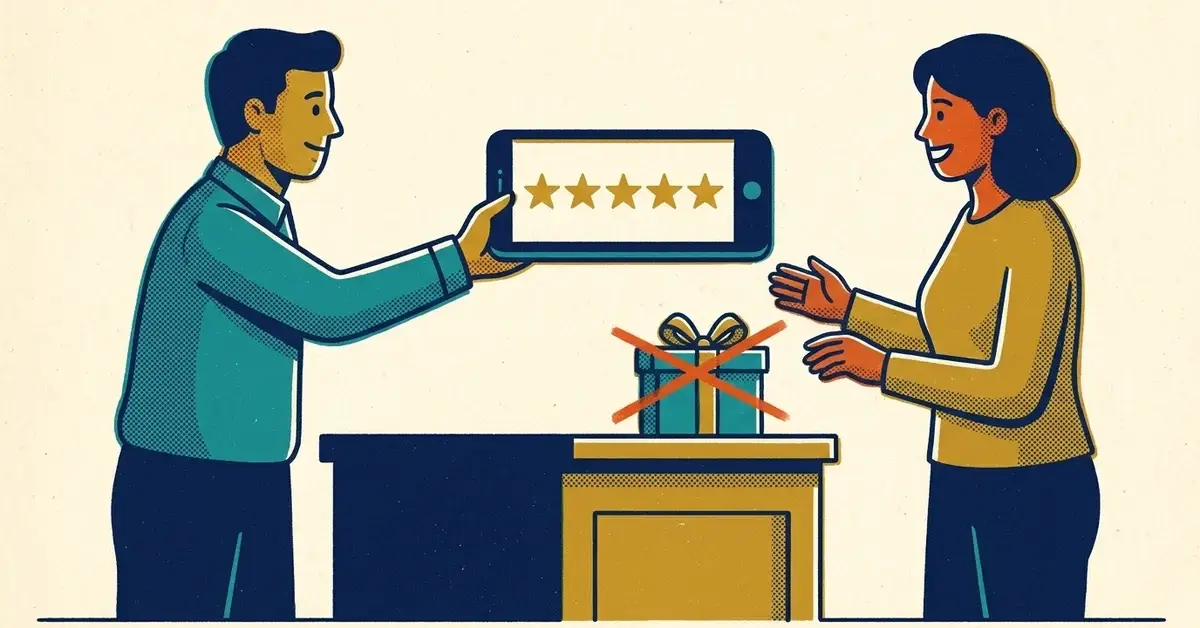
- Pressure on the premises. Businesses may not "require or pressure users to leave ratings or write reviews while on the premises." The tablet at the front desk counts.
- Selective asking. Businesses may not "selectively solicit positive reviews" or discourage negative ones.
Google's Maps help page on reviews is blunt: "We don't reinstate reviews that were removed for policy violations." As the business owner, you have no appeal for a review removed under the policy.
The reviewer might. Google's page on appealing Maps content removals says contributors can appeal some removals from their own Maps profile page, and a successful appeal restores the review. Not every removal or account is eligible, each removal can be appealed once, and editing or deleting the review cancels the appeal. So if a loyal customer's review vanished, tell them it's worth checking their profile.
2. Google's spam filter got it wrong
This one surprises people. Google's own review moderation page says "Occasionally, the system may also mistakenly remove legitimate reviews," and that if it happens you should contact support.
So if the review was real, from a real customer, with no link, no incentive and no staff connection, contact Google Business Profile support. Give them the reviewer's name, roughly when it was posted and when it disappeared.
No promises on the outcome. But it's the official route, and it costs you ten minutes.
3. Your profile was restricted for fake engagement
If Google decides a business broke its Fake Engagement policy, it can do more than delete reviews. According to Business Profile restrictions for policy violations, it can:
- block new reviews and ratings for a set period,
- unpublish existing reviews for a set period, and
- show a warning telling customers that fake reviews were removed.
Google says it emails the owner before applying a restriction. If you got that email, the same help page links to an appeal form. Explain what happened and what you've changed.
If someone else ran a review campaign for you (an agency, a "reputation" app, a well-meaning employee), find out exactly what they did before you appeal.
4. The reviewer edited or deleted it
Reviews belong to the person who wrote them. Google's help page for reviewers shows anyone can delete their own review from Google Maps, and if they edit it, "the date of when the last edit was made will show up as the review's post date." An edited review can look like it moved down your list or disappeared from the top.
If someone deleted their whole Google account, Google's account deletion page says they lose "all the data and content in that account." Reviews written from that account go with it.
Nothing to fix here. A short, friendly check-in is fine; pressure isn't.
5. Two profiles were merged
When duplicate profiles are merged, Google's missing or delayed reviews page says reviews from both can take a few days to show on Search and Maps. Google's duplicate profiles page adds that your replies to those reviews may be lost in the merge.
If you merged recently, give it a week before you worry.
6. Your profile was suspended and reinstated
The same Google page says reviews can sometimes be removed after a profile is reinstated. If that's your situation, contact support and say the reviews went missing after reinstatement.
7. Your category turns reviews off
Google removes and disables reviews for profiles whose main category is a school for students aged 6 to 18 (universities, day care centers and swim schools aren't included). Existing reviews are deleted. Google also says it may temporarily disable reviews for some profiles or categories.
If the school category doesn't describe your business, change it. If it does, reviews won't return on that profile.
Why Google is this strict
Google wants the stars on a profile to reflect real customers' own experiences, unprompted and unpaid. Its filters err on the side of removing anything that looks organized.
The law is heading the same way. The FTC's rule on consumer reviews and testimonials, in effect since October 21, 2024, bans fake reviews and testimonials, including AI-generated ones (Federal Register, 16 CFR Part 465). A review strategy that cuts corners now carries risk beyond Google.
How to ask for reviews so they stay up
This is the part you control. Run it on every job, not as a one-off campaign.
Your review request checklist
- Ask everyone, not just the customers you think are happy.
- No rewards of any kind for a review. Not a discount, not a raffle entry.
- No reviews from staff, family or friends.
- No tablet at the counter. Send the link so they review on their own phone, in their own time.
- Let them write their own words. Don't hand them a paragraph to paste.
- Ask as jobs finish, not in one blast to your whole customer list. That last one is my judgment, not a written Google rule: a sudden spike from an email blast looks more like a campaign than a run of real customers.
A request you can copy
Send it the day the job is done, with your direct review link (Google's help page on getting reviews shows where to find it in your profile):
Hi [Name], thanks again for choosing us for [service]. If you have a minute, a quick Google review would really help us. A sentence or two about how it went is perfect: [review link]
And if a regular customer's review has vanished:
Hi [Name], I noticed your Google review of us isn't showing anymore. No need to do anything, but if you'd like to check, Google lets reviewers see removed reviews on their Maps profile, and some can be appealed there. Thanks again for writing it.
No pressure. No offer. One link.
Keep trust up while you sort it out
A lower count hurts most when a new customer is comparing you with a competitor this week. Cover the gap:
- Reply to the reviews you still have. A reply shows someone's paying attention.
- Add recent photos of real work to your Business Profile.
- Put testimonials on your own website, with the customer's permission, so your proof doesn't live only on Google.
When to get help
- A large share of your reviews disappeared and you can't match it to anything above.
- Google has restricted your profile and you're not sure what triggered it.
- A past agency or app ran your review requests and you don't know how.
Untangling Business Profile problems is part of our SEO and marketing work. Get in touch if you'd like a hand.


No comments yet