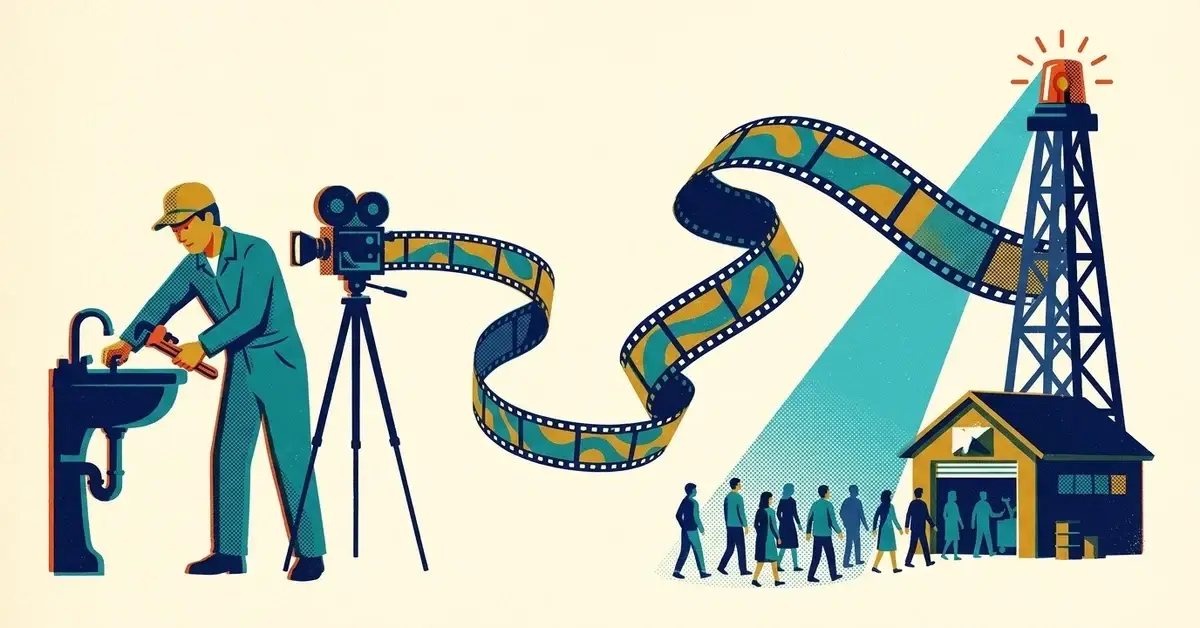
You made a video. Maybe a few. They explain things your customers ask you every week.
And they're sitting at 40 views, most of them yours.
That's usually not a quality problem. It's a findability problem. YouTube is a search engine, and a video nobody searches for, with a title nobody would type, doesn't get shown.
The quick answer
- Pick one question a customer would actually type, and make the video answer only that.
- Put that question in the title, close to word for word.
- Write a real description: two or three sentences on what the video covers, then a link to the matching page on your website.
- Say the topic out loud in the first 30 seconds, and check the captions are right.
- Add chapters if the video runs longer than a few minutes.
- Embed the video on the related blog post or service page, and link back from the video.
That's YouTube SEO for a small business. No studio, no influencer budget.
How YouTube decides what to show
YouTube's help page on how YouTube search works names three things it weighs:
- Relevance: "how well the title, tags, description, and video content match your search query."
- Engagement: signals such as how long people watch a video after searching for that query.
- Quality: which channels show expertise, authority and trustworthiness on the topic.
Read that list again. Two of the three are things you control before you hit upload. The third, engagement, comes from making a video that actually answers the question in the title.
How to tell whether search is working for you
Before you change anything, check where your views come from.
- Open YouTube Studio and pick a video.
- Go to Analytics > Reach.
- Look at How viewers find this video, then the Traffic source: YouTube search card.
YouTube's help on traffic sources explains each one. The YouTube search card lists the actual words people typed to find the video.
If "YouTube search" is tiny or missing, the fixes below are where to start. If it's there, the search terms tell you which questions to answer next.
Fix it: six changes, easiest first
1. Write the title as a search
Your title should sound like something a customer types into the search bar.
Weak | Better |
|---|---|
Let's Talk About Online Reputation | Why Are My Google Reviews Not Showing Up? |
Marketing Strategy Thoughts | SEO or Google Ads: Which Should a Small Business Do First? |
Episode 12 | How Much Does a Website Audit Cost? |
Clear beats clever. Every time.
2. Write a description that does a job
Don't leave it blank. YouTube's search page names the description as one of the things it matches against the query.
A simple pattern:
- Line 1-2: what the video answers and who it's for.
- Line 3: where you work, if you serve a local area.
- Line 4: a link to the matching blog post or service page.
- Then: chapters (see step 4).
Copy-and-paste starter:
In this video we explain why a small business's leads can be low quality and the four filters that fix most of it: service area, form fields, keyword intent and call tracking. Full written guide: [link to your blog post]
3. Say it out loud, then check the captions
If the video is about your Google Business Profile, say "Google Business Profile" naturally in the first half minute. It tells viewers they're in the right place, and it's what the captions will show.
YouTube adds automatic captions to many videos, but its captions help page says their quality "may vary" and tells creators to "always review automatic captions and edit any parts that haven't been properly transcribed." Product names and local place names are where they go wrong most. Five minutes of fixing is worth it.
4. Add chapters to longer videos
Chapters let viewers jump to the part they need. They can also show up as "key moments" in Google Search: Google's video SEO guide says that for YouTube videos you can set the timestamps and labels in the description.
YouTube's chapters help page sets the rules (as of October 2026):
- The first timestamp must be 0:00.
- You need at least three timestamps, in order.
- Each chapter must be at least 10 seconds long.
Paste something like this into the description:
0:00 What this video covers
0:35 Why it matters
1:20 The most common mistake
2:15 What to fix first
3:10 Your next step
YouTube can also add automatic chapters to some videos, but timestamps you write in the description override them, so write your own.
5. Use a thumbnail with one idea
One picture, one idea: a search bar, a map pin, a phone ringing, a form with too many fields. Not ten things at once.
To upload your own thumbnail, YouTube's thumbnail help page says your account has to be verified. If the custom thumbnail option is grayed out, that's usually why.
6. Connect the video to your website
A video shouldn't live alone.
- Embed it in the blog post that covers the same question.
- Put it on the related service page.
- Link to both from the video description.
- Mention it in your newsletter or a Google Business Profile post.
The video builds trust. The blog post gives the detail. The service page is the next step. Each one sends people to the others.
What to make videos about
Start with the questions people already ask you. These five types work well for service businesses because buyers search them before they pick up the phone.
- "How much does it cost?" You don't need exact prices. Explain the range and what moves it. "What affects the cost of Google Ads for a local business?"
- "Before you hire..." "Before you hire an SEO company, ask these 5 questions." You come across as a guide, not a seller.
- "Signs you need..." "3 signs your website is losing leads." People use these to diagnose themselves.
- "What happens next?" "What happens after you request an SEO audit?" When people understand the next step, it feels less risky to take it.
- "Mistakes to avoid" "Stop sending ad clicks to your homepage." Easy to watch and easy to share.
Turn one blog post into YouTube content
You already have the script. Take one post and make:
- One longer video (3-6 minutes) that follows the post: the problem, why it matters, three to five fixes, the next step.
- Two or three Shorts. One mistake, one checklist item, one myth. YouTube's Shorts help page says vertical or square videos up to three minutes uploaded since October 15, 2024 count as Shorts.
Shorts get people to notice you. The longer video is what answers their question.
Why good videos don't get found
Usually one of these:
- The title describes the video ("Q&A with our team") instead of the question it answers.
- The description is empty, so YouTube has little text to match against.
- The video answers five questions loosely instead of one well, so people leave early.
- Nothing links to it, from your site or anywhere else.
None of that has to do with the camera you used.
A one-video-a-month plan
One video a month is enough if you keep doing it.
Week | Task |
|---|---|
1 | Pick one question from your inbox or sales calls. Check how people phrase it. |
2 | Record a 3-6 minute answer. Phone, decent mic, quiet room. |
3 | Upload with a search-style title, description, chapters and checked captions. Cut 2-3 Shorts. |
4 | Embed it on the blog post or service page. Share the Shorts. Mention it in your email or Google Business Profile post. |
Audio matters more than video quality. People will forgive a plain background. They won't sit through echo.
What to measure
Views are the least useful number on the page. Watch these instead:
- YouTube search traffic and the search terms behind it.
- Average view duration, which YouTube's search and discovery tips say its systems use, along with average percentage viewed, as signals to inform ranking.
- Clicks to your website from the description link.
- Comments and questions, which are your next video topics.
- Leads who mention the video. Ask "how did you hear about us?" and add "YouTube video" as an option.
A video with 80 views can still pay for itself if three of those viewers were serious buyers who called after watching.
When to get help
YouTube is something most owners can run themselves. It's worth bringing someone in when:
- You've posted a dozen videos and the YouTube search source is still close to zero.
- Videos get views but nobody clicks through to your site or calls.
- You can't connect video views to leads at all because your tracking isn't set up.
If that's where you are, we can take a look.
Related reading
- Social search is real: why TikTok, YouTube and Instagram act like mini search engines
- How long should your videos be?
- The content repurposing machine: turn one blog into 10 marketing pieces
Originally published July 2026. Updated November 2026.





No comments yet