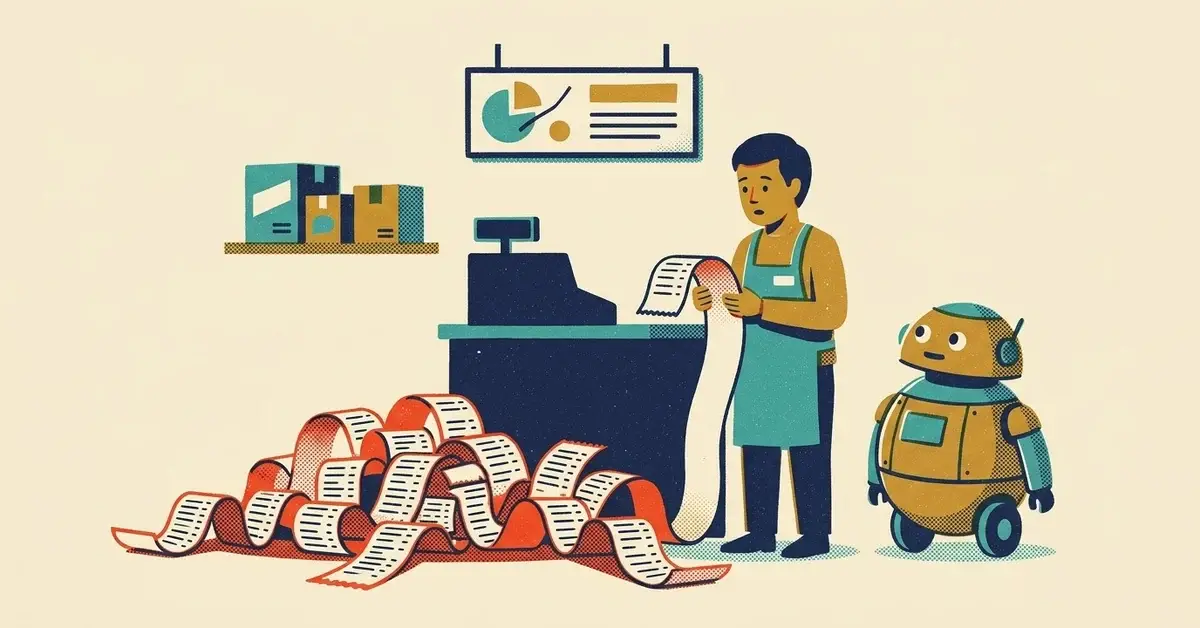
Everyone has heard that AI tools make things up. Fewer people have worked out what that actually costs when it happens in a business.
The answer, from the cases that have made it into court records and the news: refunds, fines, honoring a promise you never made, customers who leave, and a lot of hours spent cleaning up.
This post looks at what a hallucination costs, using real documented cases only, and where the cheapest place to catch one is. If you want to know which of your own documents are at risk, start with how careful you need to be with each kind of document For the client-facing side, see the "confident wrong" trap.
The quick answer
- A hallucination is an AI tool stating something false as if it were true. A fake policy, a made-up citation, a wrong rule.
- The cost is rarely the mistake itself. It's what happens after: the refund, the credit, the fine, the time to fix it, the customer who doesn't come back.
- You can be held to what your AI tells a customer. A tribunal made Air Canada pay up over its chatbot's wrong answer.
- Checking costs minutes. Missing it costs a lot more. Put the check where the AI's output leaves your business.
Five documented cases, and what each one cost
A chatbot invented a refund rule. The airline paid.
In November 2022 a customer asked Air Canada's website chatbot about bereavement fares. The chatbot told him he could book a full-price ticket and apply for the reduced rate within 90 days. The airline's actual policy didn't allow refunds after travel.
When he asked for the difference, Air Canada argued the chatbot was responsible for its own answers. The British Columbia Civil Resolution Tribunal called that "a remarkable submission" and ruled in February 2024 that the airline was responsible for everything on its website, chatbot included. It ordered Air Canada to pay him back the difference, plus interest and tribunal fees (Moffatt v. Air Canada, 2024 BCCRT 149).
What it cost: the refund, the fees, and a case that's now cited every time someone writes about chatbot liability.
The lesson for a small business: if your website chat, booking assistant or AI email reply tells a customer something, expect to be held to it.
A support bot invented a policy. Customers canceled.
In April 2025 an AI support agent for Cursor, a coding tool, answered a user's question about being logged out by stating a "one device per subscription" rule. The bot signed its email "Sam." There was no such rule. Users took it as a real policy change, and several posted publicly that they were canceling. Cursor apologized, calling it "an incorrect response from a front-line AI support bot," and said AI replies in support emails would be labeled from then on (CX Today, the Hacker News thread).
What it cost: paying customers, and a public apology.
A lawyer filed made-up quotes. The court fined him.
Lawyers keep getting caught by AI-invented case law, and the fines are going up. In the best-known early case, Mata v. Avianca, a federal judge in New York fined two lawyers and their firm $5,000 in 2023 for citing cases ChatGPT had made up (the court's sanctions order).
In September 2025 a California appeals court fined a lawyer $10,000, to be paid personally, and referred him to the state bar, after finding that 21 of the 23 quotations in his opening brief were fabricated by AI tools (Noland v. Land of the Free).
What it cost: the fine, the bar referral, and the client's confidence.
A consulting report cited sources that don't exist. Part of the fee went back.
In October 2025 Deloitte agreed to repay the final installment of its fee for a report to Australia's Department of Employment and Workplace Relations, after a researcher found references to papers that don't exist and a made-up quote attributed to a court decision. The corrected report disclosed that a generative AI tool had been used (ACS Information Age).
What it cost: part of the fee, and headlines in every business paper.
A city's chatbot gave business owners the wrong rules
New York City's MyCity chatbot was built to help people starting and running a business. In March 2024, The Markup tested it and found it giving answers that would break the law if followed, including that employers could take a cut of workers' tips and that landlords didn't have to accept tenants on rental assistance (The Markup).
What it could cost you: this one is the reverse case. You're the one asking. If you act on an AI's answer about employment law, tax or licensing without checking, the bill lands on you, not the chatbot.
Where the cost actually comes from
Look across those cases and the same pattern shows up. The AI's mistake was free. The cost came later.
Where the wrong answer lands | What it can cost | The check that stops it |
|---|---|---|
A customer, through chat or email | Refunds, honoring a promise, lost customers | AI answers only from your real policies; a person handles refunds and exceptions |
A quote or proposal | Underpricing, scope you didn't agree to | A person supplies every price, date and promise |
A filing, report or anything with sources | Fines, refunds, credibility | Open every citation and link before it goes out |
A decision you make | Acting on a wrong rule | Check legal, tax and HR answers at the official source |
The time cost doesn't show up in court records, but it's real: finding the error, working out who got the wrong information, writing the correction, making the apology call. That's usually hours of the owner's time, for a draft that took the AI ten seconds.
Why the cost lands on you, not the tool
AI chat tools write the most likely-sounding answer, not a checked one. OpenAI's own researchers have written that the way models are trained and scored rewards a confident guess over admitting uncertainty.
And the terms you agreed to put the checking on you. OpenAI's terms of use tell users not to rely on output as a sole source of truth or factual information (OpenAI terms of use). Microsoft's documentation for Microsoft Copilot (the business version, formerly Microsoft 365 Copilot) says it "may include information in its response that isn't present in its input sources," tells users to review and verify what it produces, and lists "loss of trust, product abandonment, financial loss" among the results of relying on it too much (Microsoft Copilot application card).
Air Canada tried the "the chatbot did it" argument. It didn't work.
How to keep the cost small
You don't need to stop using AI. You need the check in the right place.
- List where AI output leaves your business. Website chat, email replies, quotes, social posts, anything a customer or official reads.
- For each one, name the person who checks it. One name per item, not "the team."
- Keep money and promises out of the AI's hands. Prices, refunds, deadlines and guarantees come from a person, from your own records.
- Give customer-facing bots your real policies to work from, and a clear handoff to a person for refunds, complaints and anything unusual.
- Label AI replies in support channels, so customers know to ask a person when it matters. Cursor started doing this after its bot's mistake.
- Check rules at the source. For employment, tax or licensing questions, the answer comes from the government agency's own site, not a chatbot's summary of it.
The step-by-step for proposals and quotes is in how do I stop AI from hallucinating in my business documents?
If a hallucination already got out
- Work out who saw it. Which customers, which documents, which dates.
- Correct it in writing, plainly: what was wrong, what's right.
- Decide whether to honor it. If a customer relied on it, honoring a small promise is often cheaper than the argument, and Air Canada's case shows how the argument can go.
- Fix the gap. Add the missing policy to what the AI works from, or move that job back to a person.
When to get help
- You have an AI chatbot or auto-reply on your website and nobody has checked what it tells customers.
- Your team uses AI tools for client work with no rule about who checks what.
- A wrong AI answer has already reached a customer and you're not sure how far it went.
If you'd like a second pair of eyes on how your business uses AI, get in touch.



No comments yet