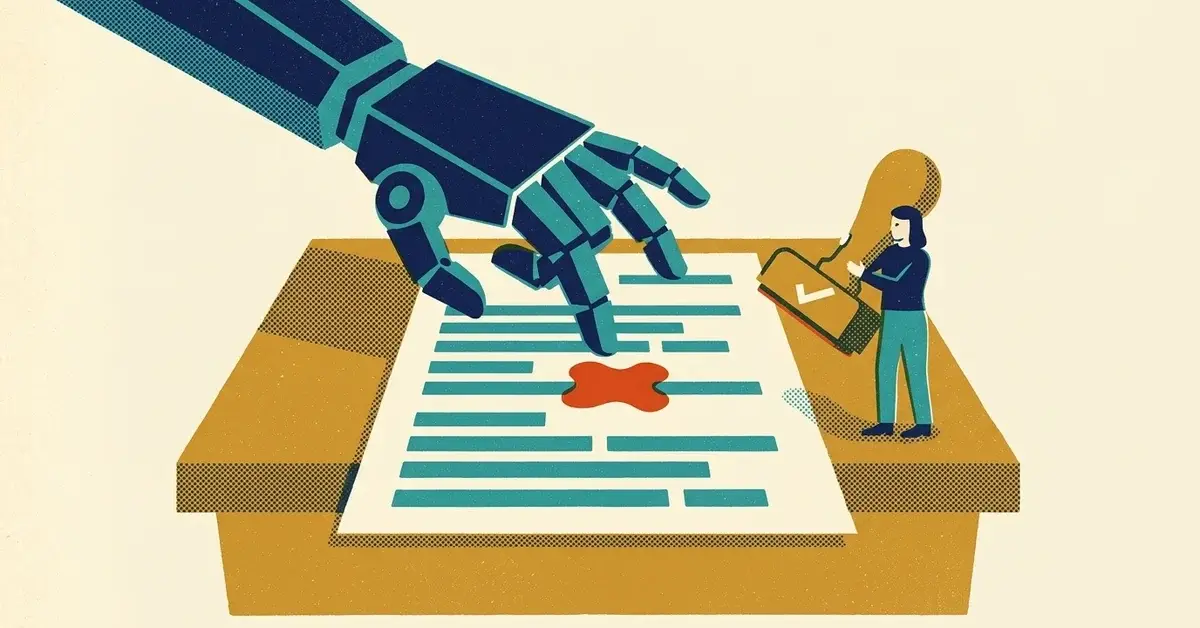
You asked AI to draft a proposal. It came back polished and confident. And it included a service you don't offer, a start date nobody agreed to and a "satisfaction guarantee" you've never given.
That's a hallucination: the AI filling a gap with something that sounds right but isn't. You can't switch it off. You can make it much less likely, and catch the rest before a client sees it.
The quick answer
- Match the check to the stakes. A quick read is fine for internal notes. Quotes, contracts and anything with a price get a line-by-line check.
- Give the AI the facts. Paste in the job notes, price list or policy it should use. Don't make it guess.
- Tell it not to guess. Add: "Don't invent facts. If something is missing, ask me. List any assumptions separately."
- Keep prices, dates and promises out of its hands. You fill those in, from your own records.
- Check four things before sending: names, numbers, sources, scope.
What it looks like in business documents
Hallucinations rarely look like nonsense. They look like a normal, tidy document with one wrong detail:
- A proposal that lists a service you don't offer
- A quote email with a timeline you never gave
- A scope of work that quietly includes more than you agreed
- A policy paragraph that sounds official but isn't your actual policy
- A meeting summary that gives the wrong task to the wrong person
The dangerous ones are mostly right. That's why they get sent.
Why AI does this
AI chat tools write the most likely-sounding answer. They don't know your prices, your availability or what you promised a client unless you tell them. When the prompt leaves a gap, the tool fills it with something plausible.
OpenAI's own researchers say part of the problem is how models are trained and scored: the way they're evaluated rewards a confident guess over admitting uncertainty. So "I don't know" doesn't come naturally to them. You have to ask for it.
And it happens with the business tools too. Microsoft's own documentation for Copilot says that even when it's working from your business documents, it "may include information in its response that isn't present in its input sources", and tells users to check.
How careful do you need to be?
Not every document needs the same care. A wrong word in an internal note costs nothing. A wrong number in a quote costs money. Size the risk first, then match the check to it.
What makes a made-up detail more likely
- No source to work from. Asking "what's the standard warranty for a roof repair?" makes the AI answer from memory. Pasting in your own warranty and asking it to summarize is far safer.
- Specific details. Numbers, dates, names, prices, quotes, laws and citations are where made-up content shows up most. Tone and structure are rarely the problem.
- Long inputs. Summaries of long contracts, email threads or meeting transcripts can drop a condition, merge two people or swap a date.
- Recent or local facts. Without web search turned on, the tool doesn't know what changed last month, and it may know little about your town's rules or your own product line.
- Nobody reads the output. The same draft is low risk if a person checks it and high risk if it's sent straight from the tool.
If most of your AI use is rewording text you wrote, the risk is small. If you ask it for facts, it's bigger.
Sort your documents into three piles
Make a quick list of what your team uses AI for, then put each item in a pile.
Low stakes: a quick read is enough
- Internal notes and first drafts
- Brainstorms and outlines
- Rewording or shortening text you supplied
- Formatting and tidying
Check: read it once. If a detail is wrong, nobody outside the business sees it.
Medium stakes: check the facts
- Client emails and replies
- Website and social media copy
- Meeting summaries and action lists
- Staff guides and how-to documents
Check: every name, number and date against where it came from. Anything that claims to be a fact about your services, your prices or a client gets traced back to a real source. How to make sure AI doesn't give you the wrong info covers checking sources.
High stakes: a person owns every line
- Quotes, estimates and proposals
- Contracts, terms and policies
- Anything that cites a law, a regulation, a study or a court case
- Anything touching money, safety or someone's legal rights
Check: line by line against the original. A person, not the AI, supplies every price, date and promise. Open every link and citation. If the AI added something you can't trace, it comes out.
The steps below are how to handle the high-stakes pile, and they work for everything else too.
Step 1: Give it facts and a tight brief
Most hallucinations start with a loose prompt like "write a proposal for this job." Give it a brief with four parts instead:
Part | What to write | Example |
|---|---|---|
Goal | What you want back | "Draft a proposal email." |
Inputs | The facts it must use | Paste the job notes, quote and your standard terms |
Limits | What it must not do | "Don't add dates, guarantees or services that aren't in the notes." |
Format | How to lay it out | "Subject line, two-line intro, bullet list of what's included, next steps." |
Then add the do-not-guess line from the quick answer. It won't stop every made-up detail, but it gives the tool permission to ask instead of invent.
Step 2: Split the work between AI and people
AI is good at structure, tone, formatting and turning messy notes into readable text.
People own anything that costs money or creates a commitment:
- Prices, deposits and totals
- Dates and deadlines
- What's included and what isn't
- Refunds, warranties and guarantees
- Policy and contract wording
A simple way to enforce that: build a quote template with fixed sections (what's included, what's excluded, payment terms, next steps) that nobody edits with AI. The AI only drafts the "project details" section.
Step 3: Run the four-check review
Before anything AI-assisted goes to a client, check four things.
Names
Client name and spelling, company name, address, project or property name. One wrong name and the whole message looks careless.
Numbers
Prices and totals, deposits, dates, quantities, measurements, extra fees. AI can format numbers. It shouldn't be the one coming up with them.
Sources
Every fact that matters should trace back to something real: your price list, your contract template, the client's email, your calendar. If you can't point to where a fact came from, treat it as unverified.
Scope
This is the one that costs service businesses money. Ask:
- Does it promise work we didn't agree to?
- Did it add a guarantee?
- Did it turn "estimated" into something that sounds final?
- Did it include materials, travel or follow-up visits that change the price?
Step 4: A two-minute read before you send
- Look for commitment words. "We will", "guaranteed", "includes", "final price", "no matter what". Change them to "estimated", "based on", "typically" or "if needed" unless you really mean them.
- Check the last sentence. It usually holds the next step. Make sure it's correct.
- Read it out loud. If it sounds odd to you, it'll sound odd to the client.
Signs a draft has a made-up detail
You can't spot every hallucination by reading, but these are the usual giveaways:
- A detail you never gave it. A number, a date, a client's job title, a policy term.
- A citation or quote. Search for it. If you can't find it in under a minute, assume it's invented.
- It's more specific than your notes. Your notes said "a few weeks"; the draft says "14 business days."
- It sounds exactly like you, about something you never said.
One quick extra check: ask the tool, "List every fact in this draft that didn't come from the material I gave you." It won't catch everything, and the list itself can be wrong, but it often points straight at the problem.
Do some tools hallucinate less?
Tools that answer from documents you give them, and show where each answer came from, make checking much easier:
- Microsoft 365 Copilot working from your files, with references to its sources.
- ChatGPT or Gemini with web search on, for anything current.
- Google's Gemini Notebook (the tool many people know as NotebookLM), which Google says gives "grounded information based on your sources with clear in-line citations".
Easier to check isn't the same as always right. Microsoft's own guidance for one of its Copilot products says plainly that citations don't guarantee the answer is correct. Click through on anything that matters.
Where to be extra careful
Some documents shouldn't go from AI draft to client without a slow, line-by-line read:
- Contract edits and policy wording
- Refunds, warranties and guarantees
- Price or scope changes
- Anything that affects money or legal responsibility
If AI has already sent something wrong, here's what to do next.
A rule for the whole team
Write this down where everyone can see it:
"AI can draft. It can't decide. Names, numbers, sources and scope get checked by a person."
Four words are easy to remember: Names. Numbers. Sources. Scope.
When to get help
- Staff are using different AI tools and you don't know which ones see client data.
- You want templates and AI tools set up so the risky sections stay locked.
- A client is disputing something an AI-written document promised.
If that's where you are, talk to us.
Related reading
- Bad AI Output? Fix the Input Mistake Behind It
- AI Promised a Refund You Never Offered? What to Do
- AI Edited Your Contract? Check These 5 Clauses First
Originally published March 2026. Updated November 2026.



No comments yet