You ask AI for a service page, a Google Business Profile post or a reply to a review. What comes back is bland, too long, full of claims you'd never make, or just not you.
So you ask again. It gets worse. Twenty minutes later you've spent the time you were trying to save.
The tool usually isn't the problem. The request is. AI fills every gap you leave with a guess, and a short request leaves a lot of gaps.
The quick answer
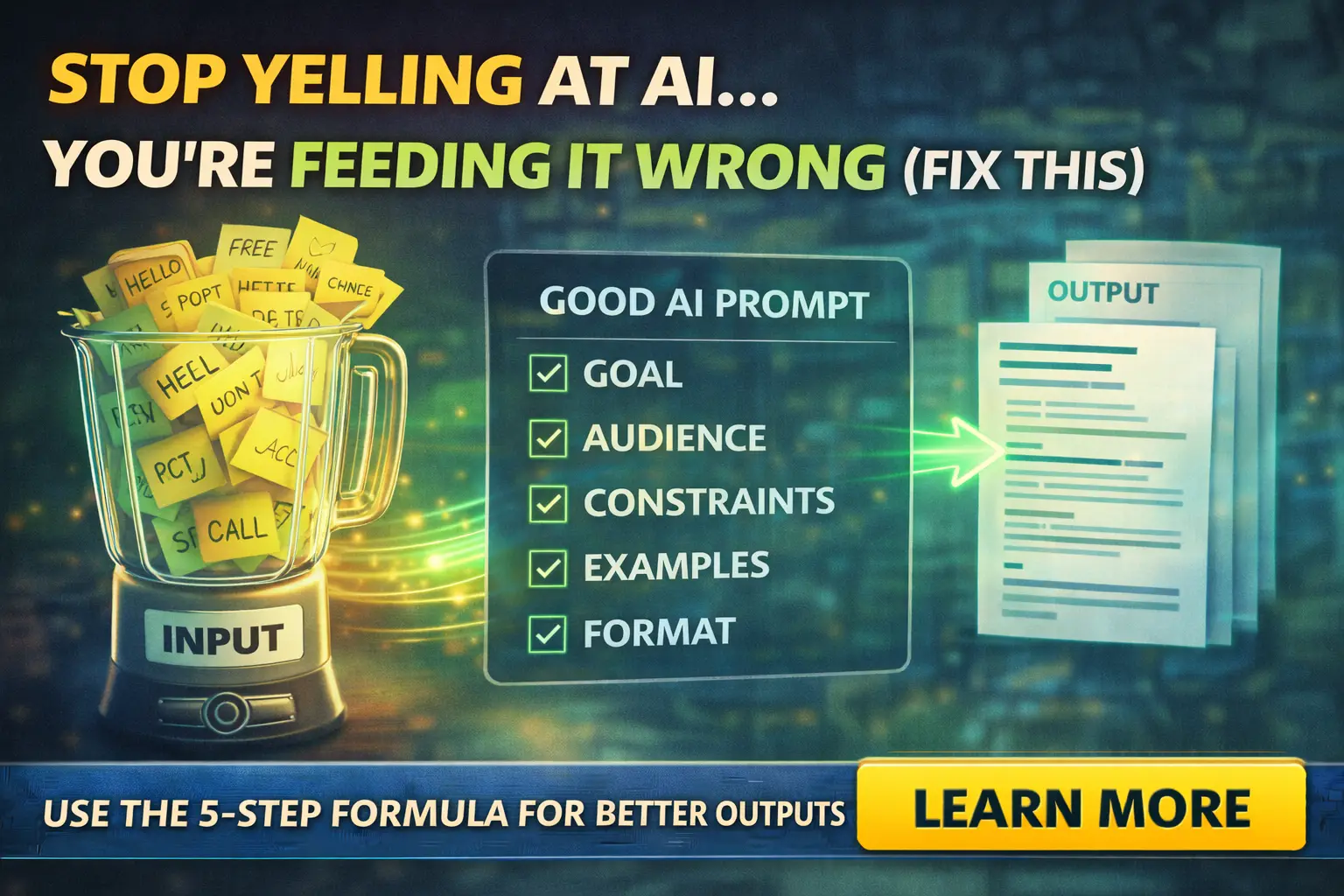
- Say five things in every request: the goal, the audience, the rules, an example of what good looks like, and the format you want back.
- Paste in the real material (your notes, your prices, the customer's message). Don't make it guess.
- Tell it what to do when something's missing: "Ask me questions instead of guessing."
- Give it one job at a time. Outline first, then draft, then shorten.
- Read every line before it goes on your website or your profile.
Which input is missing?
Look at the bad output. It usually tells you what the request left out.
What you got | What the request was missing |
|---|---|
Generic, could be any business | Audience and your real details |
Too long, rambling | Format and a length limit |
Claims you'd never make ("best in town", "guaranteed") | Rules: what not to say |
Wrong tone, stiff or too chirpy | An example of how you sound |
Made-up facts, hours, prices | The source material, and permission to ask |
Did half of what you asked | Too many jobs in one request |
Fix the one you see most first.
The fix: five parts, about 30 seconds
Goal + Audience + Rules + Example + Format.
Here's a weak request:
Write a Google Business Profile post about our gutter cleaning.
Here's the same request with all five parts:
Goal: a Google Business Profile post that gets homeowners to book fall gutter cleaning.
Audience: homeowners in [town], mostly older houses with big trees.
Rules: under 120 words. No emojis, no "best", no guarantees, no prices. Only use the details below. If something you need isn't there, ask me.
Example of our tone: "Quick heads-up: the leaves are coming down early this year. If your gutters overflowed last fall, now's the time."
Format: one short headline, two short paragraphs, one line telling them how to book.
Details: [paste your notes: service area, what's included, how to book]
It's longer to type. It's a lot shorter to fix.
Goal: what it's for, not just what it is
"Write a post" is a thing. "Get homeowners to book before the first freeze" is a goal. The goal tells AI what to put first and what to leave out.
Audience: who reads it
A property manager, a first-time homeowner and a realtor want different things from the same service. Name one. If you don't, AI writes for everyone, which reads like it's for no one.
Rules: the guardrails
Rules are where you stop the weird stuff. A few worth keeping on hand:
- a length limit ("under 150 words")
- what not to say ("no prices", "no guarantees", "no 'best' or 'number one'")
- "Only use the details I gave you"
- "If you need something I didn't give you, ask"
Example: the fastest tone fix
Describing your tone ("friendly but professional") does very little. One real sentence you've written does a lot. Paste a line from an email or post you liked and say "match this."
Format: what you want back
"Three headline options and one body." "A headline, three bullets and a booking line." "A table with two columns." If you don't say, you'll get whatever length the tool feels like.
Give it the facts, then let it ask
The input mistake behind most made-up details is asking AI to write about your business without giving it your business.
It doesn't know your service area, your hours, what's included or what you charge. Ask anyway and it writes something that sounds right. OpenAI's own researchers have written that the way these models are trained and scored rewards a confident guess over admitting uncertainty, so a gap becomes a plausible guess.
Two lines change that:
Only use the details I've given you. If you need anything else, ask me questions before you write.
List any assumptions you made at the end, separately.
Then check that list. Every assumption is something to confirm or delete.
If you write the same kind of content every week, put your details in a fact sheet and your rules in the tool's saved instructions so you stop retyping them. Why your AI assistant keeps getting it wrong shows where those settings live in ChatGPT, Copilot and Gemini.
One job at a time
"Write my blog post, make it SEO friendly, add a call to action, use these keywords and make it fun" is five jobs. AI will do all five badly.
Split it:
- "Give me an outline with headings, based on these notes."
- "Write the first section from the outline, in this tone."
- "Write the rest."
- "Suggest a page title under 60 characters and a meta description under 160."
- "Now turn the main point into a three-sentence social post."
Each step is narrow, so there's less room to wander, and you catch problems early instead of rewriting the whole thing.
A starter pack for your website and profiles
Copy these and swap the brackets.
Service page section
Rewrite this service description for [type of customer] in [area]. Goal: they understand what's included and how to book. Rules: under 150 words, plain English, no "best", no guarantees, only facts from my notes. Format: a headline, three bullets, one booking line. Notes: [paste]
Review reply
Draft a reply to this Google review. Thank them by first name, mention the specific thing they mentioned, and keep it under 60 words. No discounts, no promises, no emojis. Review: [paste]
For a bad review, write the reply yourself or rewrite AI's draft heavily. Tone matters more than speed there.
Page title and meta description
Here's my page: [paste]. Suggest three page titles under 60 characters and three meta descriptions between 140 and 160 characters. Each should say what the page offers and where. No hype words.
FAQ from real questions
Here are questions customers actually asked us: [paste]. Turn each into an FAQ with a two-sentence answer, using only the answers I've given. Mark anything you'd need to check with [CHECK].
Why bad input hurts more on your website
An email that's a bit off goes to one person. A page that's off sits there for everyone, including Google.
Google doesn't ban AI-written content. Its guidance says AI can help with research and structure, but it warns that mass-producing pages without real value can fall under its spam policy on scaled content abuse, and it tells site owners to "manually factcheck and review all AI-generated content for accuracy and trustworthiness before publishing" (Google Search Central: using generative AI content). That review covers titles, meta descriptions and image alt text too.
Vague prompts produce exactly the kind of interchangeable page that guidance is about. Specific prompts built on your own details produce pages only you could have written.
If it already went live
- Read it like a customer. Anything you can't back up (a price, a guarantee, "same-day", "best in town") comes out today.
- Fix the facts first, then the tone.
- Check the bits people forget: page title, meta description, image alt text, and any Google Business Profile posts written the same way.
- Save the request that finally worked, so next time you start there.
Making it stick in a small team
- Keep a shared prompt doc. Five or six requests that work, with the brackets left in. One place, one owner.
- Keep one fact sheet (services, area, hours, what you never promise) and paste it into every request about the business.
- A one-line rule: nothing AI wrote goes on the website or a profile until someone has read every line.
When to get help
- AI-written pages are live and you're not sure what's accurate on them.
- Several people write content with different tools and it all sounds different.
- Your traffic or leads dropped after a batch of new pages went up.
That's the kind of thing we help with. Talk to us if it's on your list.
Related reading
- Why Your AI Assistant Keeps Getting It Wrong (and How to Fix It)
- AI Is Breaking Your Brand Voice: The Copy-Paste Tone Drift That Confuses Customers
- How Do I Stop AI From Hallucinating in My Business Documents?
Originally published January 2026. Updated November 2026.





No comments yet