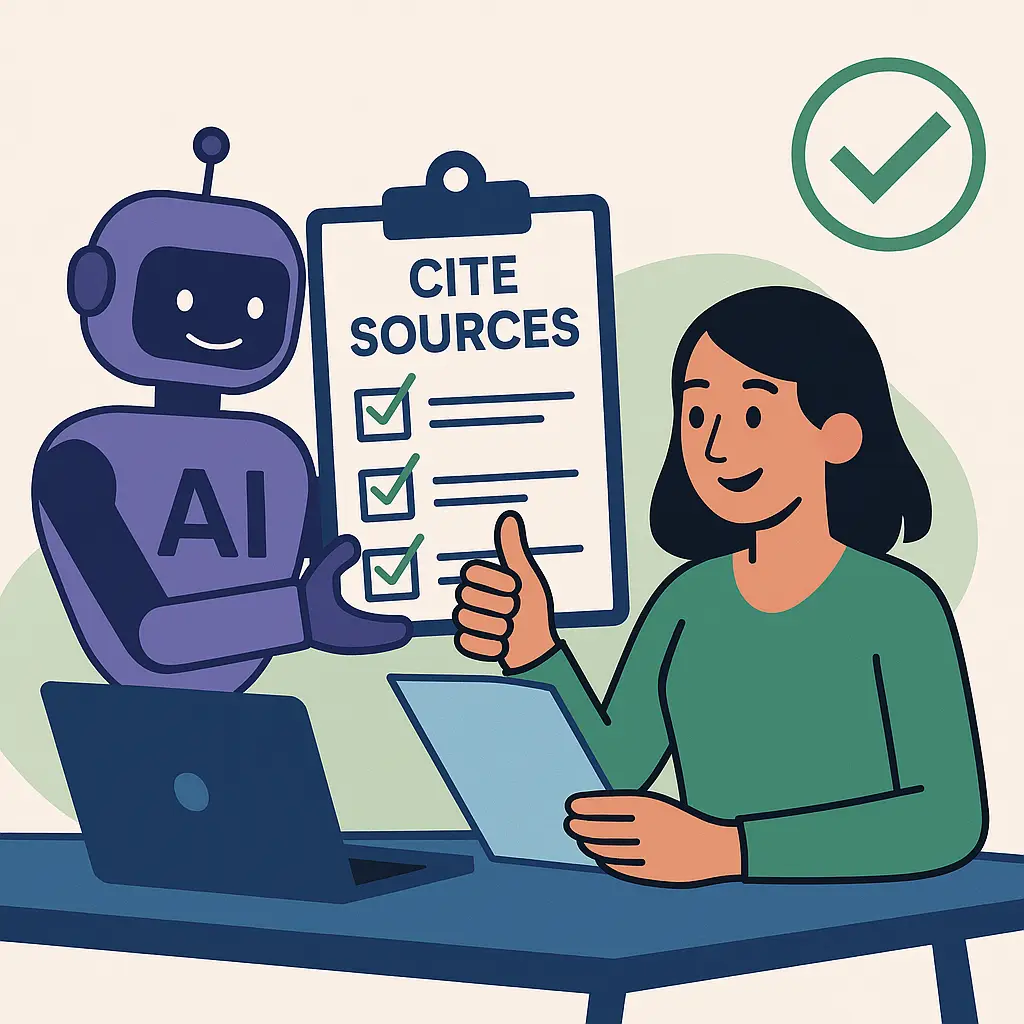
You ask an AI tool a straight question. What's the deadline for this form? Does this law apply to a business my size? Which of these three apps is cheaper? It gives you a clear, confident answer.
Then a client, a supplier or your accountant tells you it's wrong.
AI tools don't flag their own mistakes. A wrong answer reads exactly like a right one. So the job isn't to find a tool that's never wrong. It's to check the answers that matter, quickly, before you act on them.
The quick answer
- Decide what's riding on it. A blog idea needs no checking. A deadline, a price, a legal rule or a number you'll repeat to a customer does.
- Ask for sources, then open them. A source you haven't clicked doesn't count.
- Use a tool that searches the web for anything current: prices, laws, deadlines, product features.
- Confirm it on the official page: the government agency, the vendor, the regulator.
- When the answer matters, ask a person who'd be accountable for it: your accountant, attorney or vendor.
How much checking does this answer need?
Not every answer needs the same treatment. Sort the question first.
Type of question | Example | How much to check |
|---|---|---|
Ideas and wording | "Give me ten blog topics" | None. Use what you like |
General, stable knowledge | "What does a CRM do?" | A quick sanity check |
Current facts | Prices, features, deadlines, "the latest" anything | Open the source and confirm the date |
Rules with consequences | Tax, employment, contracts, licensing, safety | Official source, then a professional |
About your own business | Your prices, policies, a client's history | Your own records, never AI's memory |
The bottom three rows are where people get burned.
The checks, easiest first
1. Ask for sources in the question
Add this to any factual question:
Answer with links to the original sources: the government agency, vendor or official document, not a blog about it. If you're not sure, say so. Tell me what date your information is from.
Then do the important part: open every link. Check three things:
- It loads. AI tools can produce links and citations that look real and don't exist.
- It says what the AI said it says. A real page can still be summarized wrong.
- It's current. A 2022 page about a rule that changed in 2025 is a real source with the wrong answer.
This isn't a theoretical risk. In 2023, a federal judge in New York fined two lawyers and their firm $5,000 after they filed a court brief citing six cases that ChatGPT had made up, in the case Mata v. Avianca (the court's sanctions order). The cases had believable names and citations. Nobody opened them.
2. Turn on web search for anything current
A chat answer without web search comes from what the model learned in training, which can be months or years old. For anything that changes (prices, laws, product features, deadlines), use a mode that searches the web and shows where each fact came from.
Where to see the sources, as of October 2026:
Tool | Where the sources show | Worth knowing |
|---|---|---|
Google Gemini | A Sources button at the bottom of the answer, or links inside it; it opens a side panel | No Sources button means Gemini didn't link any sources for that answer |
Microsoft Copilot Chat | Citations in the answer, with a linked citation section underneath | That section also shows the exact web searches Copilot ran, for 24 hours |
ChatGPT | Linked sources appear when it searched the web for the answer | No links usually means it answered from training, not a search |
Sources: OpenAI's help page on searching the web with ChatGPT, Google's help page on viewing related sources in Gemini Apps, and Microsoft Learn on Copilot Chat web search query citations and web search in Copilot. Your admin can turn web search off for Copilot in a work account. As of November 2026, so can you: in the Microsoft Copilot app, Settings > Personalization > Advanced has a web search toggle. If you never see web citations, check that toggle first, then ask your admin. And look in Copilot Chat itself: the citation section with the searches doesn't show in the Copilot pane inside Word or PowerPoint. Menus move. If yours doesn't match, check the tool's help page.
3. Go to the official page yourself
For anything with a consequence, the AI answer is a lead, not the answer. Find the page it should come from:
- tax and payroll: the IRS or your state's revenue department
- employment rules: the U.S. Department of Labor or your state's labor department
- software features and prices: the vendor's own pricing or help page
- your industry's rules: the licensing board or regulator
If the official page and the AI disagree, the official page wins. Every time.
4. Ask it to argue with itself
A quick way to find the weak spots:
What in your answer is most likely to be wrong or out of date? What would change the answer for a business with [five employees / in [state] / on [plan]]?
It won't catch everything. It often surfaces the "it depends" the first answer skipped.
5. Don't ask AI about your own business
AI doesn't know your prices, your policies or what you told a client last week, unless you gave it that information. Asked anyway, it fills the gap with something plausible. For anything about your own business, the source is your own records: the price list, the contract, the email thread.
If you want AI to work from your facts, give them to it. Why your AI assistant keeps getting it wrong shows how to set up a fact sheet and saved instructions.
Why AI gets facts wrong
AI language tools predict likely words. They don't look facts up unless they're searching the web, and even then they summarize what they found. OpenAI's own researchers have written that the way these models are trained and scored rewards a confident guess over admitting uncertainty, so "I don't know" is rarer than it should be.
Three things make it worse:
- The question is current. Training data has a cutoff date.
- The question is specific. A rule for your state, your plan or your business size gets blended with the general case.
- The answer is a number. Dates, prices and percentages are easy to get almost right.
If you already acted on a wrong answer
- Find the right answer first, from the official source, before you contact anyone.
- Correct it in writing, plainly: "I gave you incorrect information about X. Here's the correct version, from [source]."
- Check where else it went: a proposal, a page on your website, a social post, an internal how-to.
- If money, a deadline or a legal obligation is involved, talk to your accountant or attorney now, not after.
If it went to a client in an AI-drafted email, My AI sent the wrong info to a client. Now what? covers the cleanup.
A rule for your team
Put this where people use AI:
AI can find it. A person confirms it. The official page decides.
And two habits:
- Anything AI-sourced that goes to a customer, onto the website or into a decision carries a link to the original source.
- If nobody can find the source, it doesn't get used.
When to get help
- Your team is making decisions from AI answers and nobody's checking the sources.
- Wrong information from AI has already reached customers or your website.
- You want Copilot or Gemini set up with web search, sources and your own documents configured properly.
That's the kind of thing we help with. Talk to us if it's on your list.
Related reading
- How Do I Stop AI From Hallucinating in My Business Documents?
- Why Your AI Assistant Keeps Getting It Wrong (and How to Fix It)
- AI Overviews Got It Wrong: How to Stop Your Business From Being Misrepresented
Originally published July 2025. Updated November 2026.


No comments yet