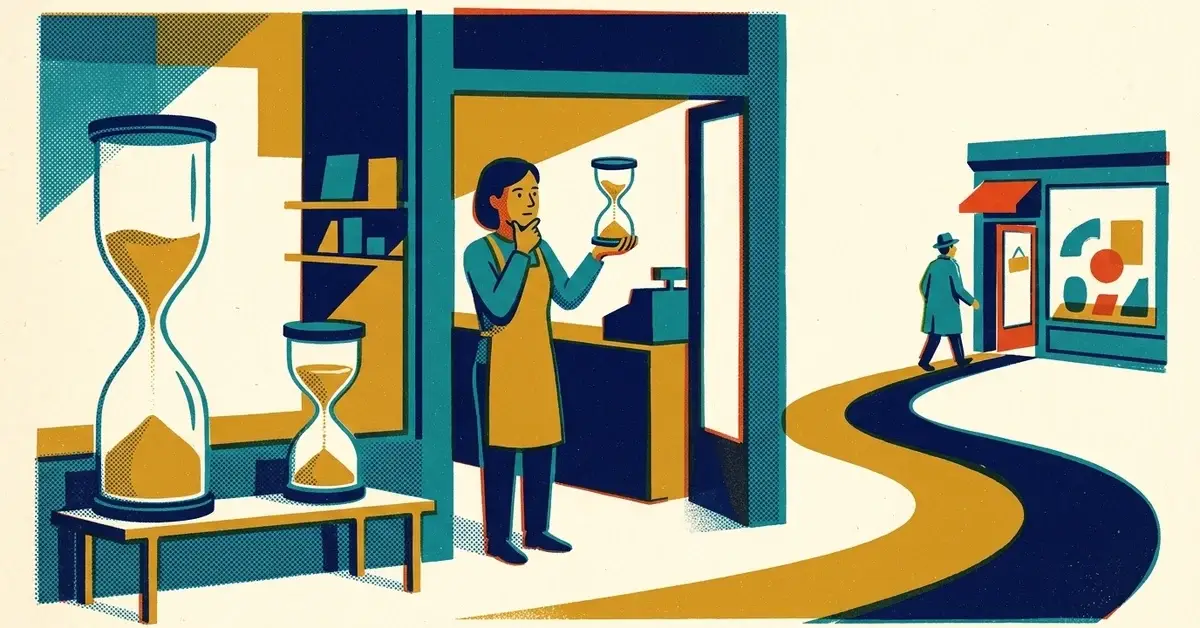
You set up retargeting. Now you have to pick how long people stay in the audience: 7 days, 30, 90, more?
Pick too short and you drop people who just needed a few more days to decide.
Pick too long and you keep paying to show ads to someone who hired another company back in March.
That setting is your retargeting window. Here's how to choose it, and how to split one audience into tiers so the right message reaches people at the right time.
The quick answer
- Match the window to how long customers take to decide. Google's own advice: membership duration "should be similar to the length of your sales cycle" (Google Ads Help).
- Starting points: 30 days for urgent work, 90 for most local services, 180 for big decisions.
- Make sure the audience is big enough to run. Google needs at least 100 active visitors in the last 30 days.
- Once you have the volume, split it into tiers (0-7, 8-30, 31-90 days) with a different ad for each.
- Exclude people who already booked, and watch frequency so nobody sees the same ad all month.
What a retargeting window is
It's how long someone stays in your retargeting audience after they visit your site.
- 7-day window: people who visited in the last 7 days
- 30-day window: the last 30 days
- 90-day window: the last 90 days
Google calls this membership duration. The default is 30 days and the maximum is 540 (Google Ads Help). If someone comes back to your site, their clock starts again.
Meta calls it retention on a website custom audience. Meta's documentation for website custom audiences allows up to 180 days.
How long do your customers take to decide?
This is the whole question. Ask yourself:
- Is this a "need it fixed today" service?
- Or a "let me think about it and talk to my spouse" purchase?
Then use your own numbers if you have them. Look at your last 20 jobs and note how many days passed between the first contact and the booking. That's your sales cycle, and it beats any rule of thumb.
Starting windows by business type
If you don't have that data yet, these are reasonable starting points. They're the same ones we use in the $5/day retargeting trick.
Your service | Audience window to start with | Where most of the budget goes |
|---|---|---|
Urgent (repairs, leaks, lockouts) | 30 days | The first 7 days |
Most local services | 90 days | The first 30 days |
Big decisions (remodels, high-ticket installs, contracts) | 180 days | Spread across the window |
Why 30 days for urgent work and not 7?
Because a 7-day audience on a small local site is often too small to run. Google needs at least 100 active visitors in the last 30 days before a segment can serve on Search, Display or YouTube. So build the audience at 30 days, and put the weight on the first week once you have enough people to split it.
If someone with a burst pipe hasn't called in a week, they've usually called someone else. Someone pricing a kitchen remodel might come back in four months when the budget's sorted.
Split one audience into three tiers
Once your audience is big enough, don't show everyone the same ad. Someone who looked at your pricing page yesterday isn't in the same place as someone who browsed two months ago.
Tier 1: Hot (0-7 days)
They're close. Be direct.
- "Book this week"
- "Two openings Thursday" (only if it's true)
- A real review plus a clear button
Tier 2: Warm (8-30 days)
They need reassurance.
- A before-and-after of your own work
- "Here's how it works" in three steps
- "What it costs and what to expect"
Tier 3: Cool (31-90 days, or longer)
They need a reminder, not pressure.
- A useful tip
- A short behind-the-scenes video
- A soft ask: "Questions? Send us a message."
Three tiers, three messages. Our one offer, three ads system covers how to write them.
How to set up the tiers
The trick is exclusions. Each tier includes its window and excludes the shorter one, so nobody sits in two tiers at once.
Google Ads
- Click the Tools icon, then Shared library > Audience manager.
- Create three website visitor segments with membership durations of 7, 30 and 90 days.
- Under Your data segments, click the plus button and choose Custom combination.
- Make a "Warm" combination: include the 30-day segment, and under Exclude segments (NOT) add the 7-day one. Make a "Cool" one the same way: include 90, exclude 30.
- Use each one in its own ad group or campaign.
The combination steps are from Google's custom combination guide, as of October 2026. Each segment keeps its own membership duration inside a combination. Menu labels move; if one doesn't match, search that help page.
One catch: each tier has to clear the 100-active-visitor minimum on its own. If a tier won't run, merge it back into the one next to it.
Meta (Facebook and Instagram)
- In Ads Manager, open Audiences and create three website custom audiences with retention of 7, 30 and 90 days.
- In each ad set, add the audience for that tier and exclude the shorter one (the 30-day ad set excludes the 7-day audience, and so on).
Small Meta audiences deliver poorly, so the same rule applies: if a tier is tiny, combine it.
Too many views is what makes it feel creepy
If retargeting feels "creepy," it's usually because someone saw the same ad too many times. That's frequency.
Watch for:
- Frequency climbing in your reports (the average number of times each person saw the ad)
- Click-through rate dropping week over week
- Comments like "I keep seeing this everywhere"
Fix it by:
- Swapping the creative. Three ads per tier, refreshed every month or two.
- Capping it where you can. Google offers frequency caps on Display and Video campaigns.
- Shortening the window for the tier with the highest frequency.
Exclude people who already booked
Nothing wastes money faster than a "Get a quote" ad shown to someone who got a quote yesterday.
Build a segment of people who reached your thank-you or booking-confirmed page, and exclude it from every retargeting tier. Google allows exclusions using your data segments, and Meta lets you exclude a custom audience the same way. If you don't have a real thank-you page yet, the thank-you page post explains why you want one.
Retarget your best visitors first
Not every visitor is equal. If you can track them, start with:
- service page and pricing page visitors
- contact page visitors
- people who started a form
- people who tapped to call
Then add the wider groups: social engagers and video viewers.
Send the click somewhere useful
Retargeting is your second chance. Don't send them to your homepage to start over.
Send them to the page for the service they looked at, or straight to booking. The landing page lie covers what that page needs.
A small-budget split to start with
There's no official split. This is a starting point to test:
- About 70% of the retargeting budget to Hot and Warm (0-30 days)
- About 30% to Cool (31-90 days)
If you're mostly urgent work, shift more to the first 7 to 14 days. Run it for a month, then move money toward the tier that produces leads.
When it's not working
- Ads not running: a tier is under the minimum. Merge tiers or lengthen the window.
- High frequency, no leads: same ad too often. Swap the creative or shorten the window.
- Leads from people who already hired you: your converter exclusion isn't working.
- Clicks but no leads: it's the landing page, not the window.
Keeping it right in a business
- One person checks frequency and cost per lead every week. Ten minutes.
- Every month or two: refresh the ads in each tier.
- Every quarter: recheck your sales cycle from recent jobs and adjust the windows.
- Whenever you add a tracking tool: update your privacy policy. The setup and privacy requirements are in the $5/day retargeting trick.
When to get help
- Your tiers won't run and you can't tell which audience is too small.
- Converters keep seeing your ads even with exclusions set up.
- Your tag or pixel isn't recording visits or conversions.
If you're stuck there, we can take a look.
Related reading
- The $5/day retargeting trick: stop losing people who already clicked
- One offer, three ads: the simple creative system that stops ad fatigue
- The landing page lie: why sending ad clicks to your homepage kills sales
Originally published April 2026. Updated November 2026.





No comments yet