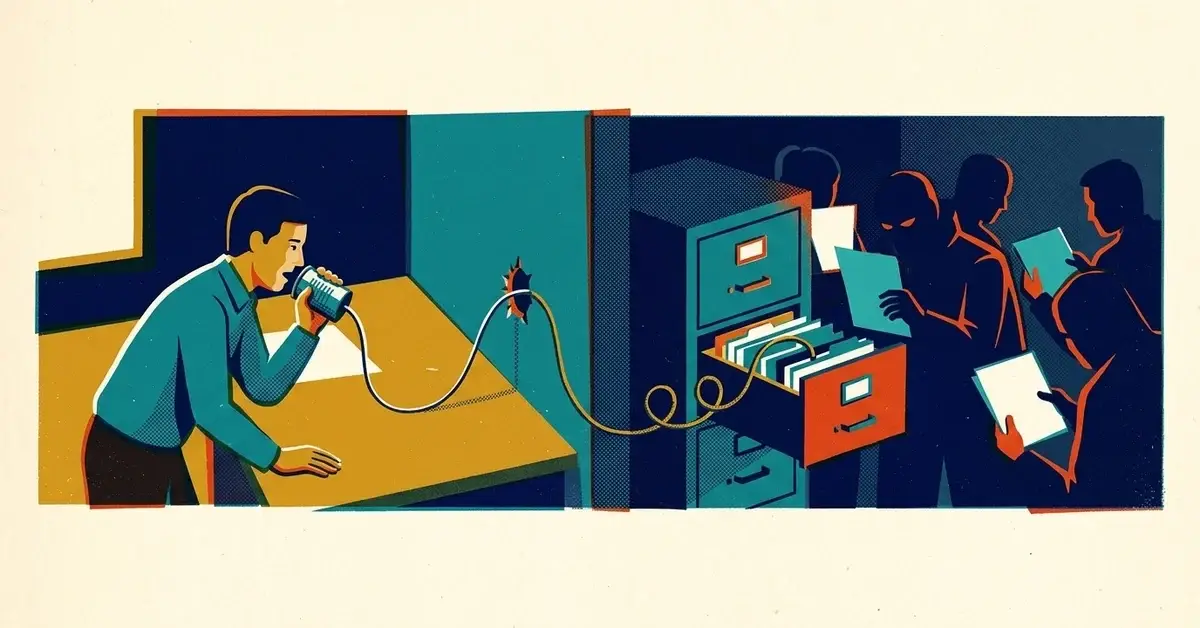
You pasted a client email into ChatGPT and asked for a polite reply. Or you had Copilot tidy up a contract clause. It felt like scribbling on a whiteboard that gets wiped afterward.
It isn't. Most AI chat tools keep a copy of what you type. Depending on the tool and your settings, that copy can be used to train future models, read by the vendor's reviewers, or handed over in a lawsuit. And if you ever clicked "Share" on a chat, it may have been public.
You don't have to stop using AI. You do need to know which of those applies to you, and change a few settings.
The quick answer
- Check which account you're using. A free personal account and a business account with a data agreement are treated very differently.
- Turn off model training on any personal or free account you use for work (exact settings below).
- Use temporary chats for anything sensitive, and delete chats you don't need.
- Review your shared links and delete any you don't need anymore.
- Keep client names, account numbers and legal details out of prompts unless the tool is one your business pays for and controls.
How to tell if your chats are exposed
Ask yourself four questions.
- Is it a free or personal account? On consumer ChatGPT, OpenAI can use your chats to improve its models unless you turn that off. OpenAI says it doesn't train on data from ChatGPT Business, Enterprise or Edu, or its API, by default (OpenAI: business data privacy).
- Is chat history turned on? If your past conversations show up in a sidebar, they're stored with your account.
- Have you ever clicked "Share"? A shared link lets anyone with the link read the chat.
- Does more than one person log in to the account? A shared login means everyone sees everyone's chats, and you can't tell who typed what.
If you answered yes to the first two, assume your chats are stored and possibly used for training until you change the settings.
Where your chats can end up
In training data and in front of reviewers
Free tools often improve their models with your conversations. Google says that with Gemini's Keep Activity setting on, a subset of chats is read by human reviewers, and reviewed chats are kept for up to three years, disconnected from your account (Gemini Apps Privacy Hub). Deleting your activity afterward doesn't pull back the copies already reviewed.
In search results
This one really happened. ChatGPT used to have a "Make this chat discoverable" box on the Share screen. In late July 2025, Fast Company reported that thousands of shared chats were showing up in Google search, some with personal details in them. OpenAI's security chief called the feature "a short-lived experiment" and OpenAI removed it at the start of August 2025, then worked with search engines to de-index the shared chats (TechRadar, Search Engine Journal).
The box was opt-in. People ticked it without realizing what "discoverable" meant. That's a design problem, not a user problem, and it's the reason to check your shared links now.
In a lawsuit
AI chats are records like email. If they're relevant to a case, they can be requested.
- In July 2025, OpenAI's CEO Sam Altman said there's no legal confidentiality for ChatGPT conversations the way there is with a doctor or lawyer, and that OpenAI could be required to produce them in a lawsuit (TechCrunch).
- In May 2025, a federal magistrate judge in The New York Times' copyright case against OpenAI ordered OpenAI to preserve ChatGPT output logs it would otherwise have deleted. OpenAI says that duty ended on September 26, 2025, but it is keeping a limited set of data from April to September 2025 under legal hold (OpenAI's statement, updated October 22, 2025; the court's October 9, 2025 order).
- In the same case, the court later ordered OpenAI to hand over a sample of about 20 million de-identified ChatGPT logs to the plaintiffs (Decrypt).
Your chats probably won't end up in someone else's lawsuit. But a business account works the other way too: in Microsoft 365, Copilot prompts and responses are logged and can be searched with eDiscovery for audits and legal holds (Microsoft Learn: Copilot Chat privacy and protections). That's a feature when you control it. It's also a reminder that "I asked the AI" is a written record.
Fix it: the settings to change
Easiest first. These are the consumer and business versions most small offices use, as of October 2026. Menus move, so look for the setting name if the path has changed.
Tool | Where | What to set |
|---|---|---|
ChatGPT (Free, Plus, Pro) | Settings > Data controls | Turn off Improve the model for everyone |
ChatGPT shared links | Settings > Data controls > Shared links > Manage | Delete links you don't need |
Gemini (personal Google account) | Settings & help > Activity | Turn off activity, or shorten auto-delete |
Microsoft Copilot (personal account) | New app: nothing to switch off. Older app: Your profile > Privacy | New app: not used to train models. Older app: turn off both Training switches |
Microsoft Copilot Chat (work account) | Nothing to switch off | Not used to train models; make sure you're signed in with your work account |
ChatGPT
- Click your name or profile picture, then Settings > Data controls.
- Turn off Improve the model for everyone. OpenAI says your chats still show in your history but won't be used for training, and the setting applies to your whole account on every device (OpenAI Data Controls FAQ).
- In the same screen, open Shared links > Manage and delete what you don't need. Deleting a chat also deletes its shared link, but anyone who already copied the chat into their own account keeps that copy (OpenAI: shared links FAQ).
- For one-off sensitive work, start a Temporary Chat. It isn't saved to your history or used to train models, though OpenAI may keep a copy for up to 30 days for safety reasons (OpenAI: Temporary Chat FAQ).
Gemini
- Go to gemini.google.com and click Settings & help > Activity.
- Click Turn off (or Turn off and delete activity), or leave it on and change auto-delete. Google's default is 18 months; you can pick 3 or 36 months instead, or choose not to auto-delete at all (Gemini Apps Privacy Hub).
- With it off, Google still keeps chats with your account for 72 hours to answer you and keep the service safe. Temporary chats work the same way and aren't used for training.
On a work Google account, your Workspace admin controls this setting, so you may not be able to change it yourself. If your business uses Gemini through a paid Google Workspace plan, Google says your prompts and content aren't reviewed by humans or used to train models outside your organization without permission (Generative AI in Google Workspace Privacy Hub).
Microsoft Copilot
There are two Copilots, and it matters which one you're in.
- Copilot Chat signed in with a work or school account (Microsoft 365): Microsoft says prompts and responses aren't used to train the underlying models and stay inside the Microsoft 365 service boundary (Microsoft Learn: Copilot Chat privacy). Microsoft shows a green shield at the top of the chat and a "Work" label under your profile when you're in the protected version (Microsoft Learn: Manage Copilot Chat). No shield, wrong account.
- Copilot with a personal Microsoft account: Microsoft released an updated Copilot app on August 18, 2026. In the new app, Microsoft says your prompts, responses and files aren't used to train its foundation models, so there's no training switch to look for (Microsoft Copilot: your activity history). Still on the older app? Open your profile, go to Privacy, and turn off Training on conversation activity and Training on voice conversations (Microsoft Copilot privacy controls). Microsoft also says older-app chats are permanently deleted unless you sign in to the updated app by December 31, 2026 (Privacy FAQ for Microsoft Copilot).
Why this happens
AI tools need your past chats to show you your history, to catch abuse, and on free plans, to improve the product. Storage is the default because it's useful to the vendor and convenient for you.
Free tools pay for themselves partly with your data. Paid business plans pay for themselves with your subscription, which is why they come with written promises about training and retention.
If something sensitive already went in
- Delete the chat. On ChatGPT, deleting removes it from your history and its shared link with it.
- Check for a shared link and delete it. Then search Google for a unique phrase from the chat in quotes to see if a copy is still indexed.
- Turn off training now. It covers future chats; it can't pull back data a vendor already used or reviewed.
- If it was client data covered by a contract, a privacy law or professional rules (legal, medical, tax), talk to your attorney about whether it counts as a disclosure you need to report. Don't guess.
Preventing it in a business
A one-page AI policy is enough for a small office. Copy this and adjust it:
- Approved tools: list them by name and account type ("Copilot Chat signed in with your work account").
- Never paste: client names with account details, Social Security numbers, passwords, medical or legal details, anything under an NDA.
- Business accounts only: no personal ChatGPT or Gemini for client work.
- No sharing links to chats with client information.
- No shared logins. One person, one account.
- Who to ask: one named person for "is this OK to paste?"
The one-line staff rule: if you wouldn't put it in a group text, don't put it in a prompt.
When to get help
- You don't know which AI tools your staff are using, or with which accounts.
- Client or regulated data has already gone into a free AI tool.
- You want Copilot or Gemini set up on business accounts with retention and access settings that match your contracts.
That's the kind of setup we do. Get in touch if it's on your list.
Related reading
- Who owns the data I feed into AI?
- Your "confidential" emails? Microsoft Copilot just read them
- What AI tools should my employees use without getting in trouble?
Originally published September 2025. Updated November 2026.




No comments yet