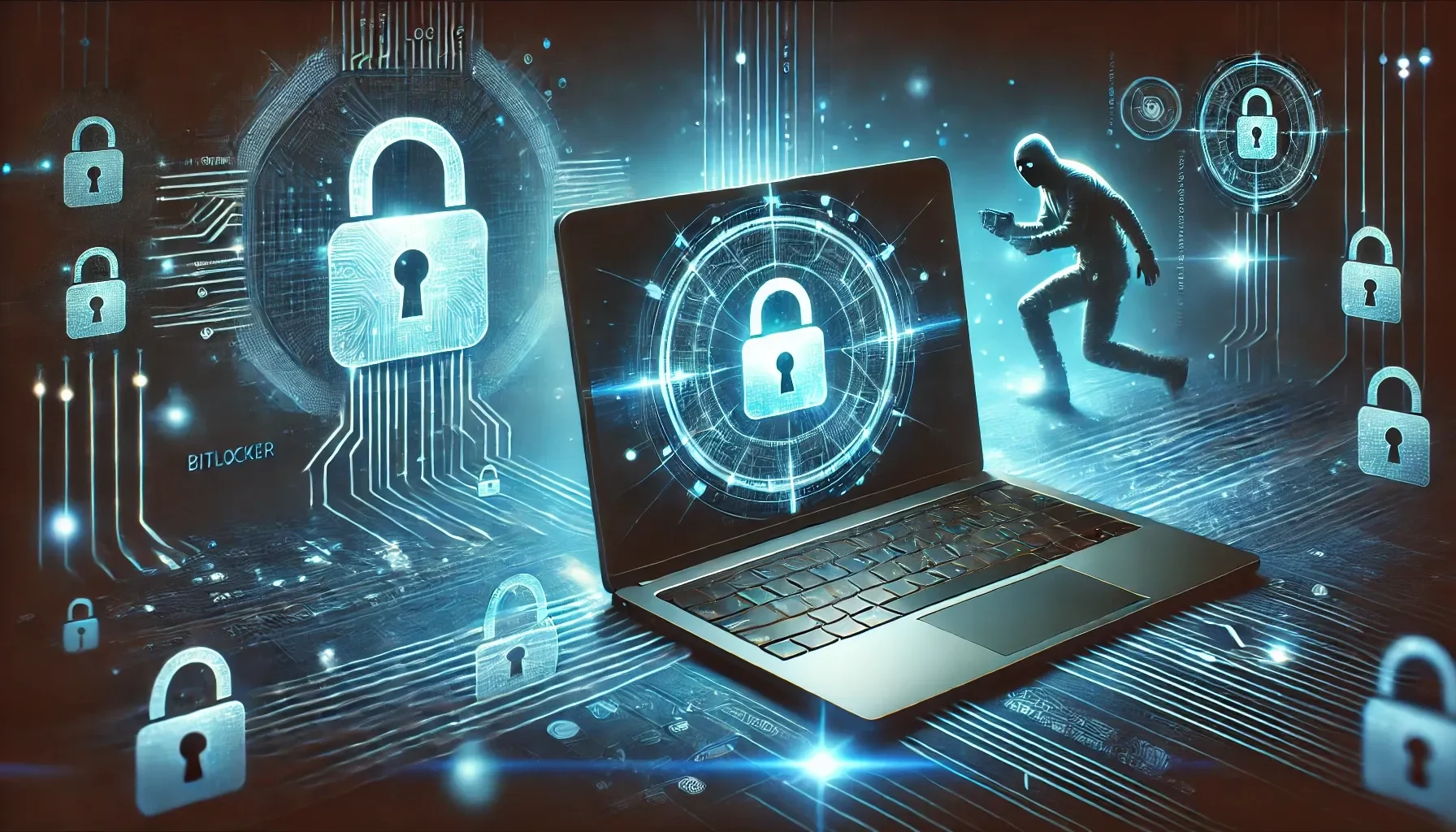
Laptops get left in cars, airports and coffee shops, and they get stolen from all three. When one goes missing, the hardware is the cheap part. For businesses and individuals using Windows laptops, a theft could expose sensitive data, leading to financial loss, identity theft, or reputational damage.
If your laptop runs Windows 11 Pro, there’s a solution at your fingertips: BitLocker. This built-in encryption tool keeps your data protected even if your laptop is stolen. Windows 10 reached end of support on October 14, 2025, so if you're still on it, now is the time to move to Windows 11 Pro.
Why Laptop Theft Is a Serious Concern for Small Businesses
Once a laptop is gone, you rarely get it back. Without proper protection, everything on it is readable by whoever ends up with it. In the wrong hands, your business information is a Swiss army knife for criminals who want to exploit your data for their own financial gain.
Financial Fraud Using Stolen Banking Credentials
If your data is not encrypted and your laptop is stolen, a thief can pull saved passwords, browser sessions and documents straight off the drive and use them to get into your bank and email accounts. If you think that’s bad, imagine if the stolen laptop contained the financial information of your clients. If your business is covered by the FTC Safeguards Rule, you're required to encrypt customer information on your devices (FTC), which makes BitLocker your best friend for staying compliant.
Business Intellectual Property Theft
Your business data that’s contained on your laptop is the intellectual property that you and your employees have worked to create. Even if the data isn’t sold to a competitor, it could cost you thousands to reproduce the work and, in some cases, you might not be able to reproduce what was stolen. When Detroit Dog Rescue’s Director Christina Ranaldi’s laptop was stolen while creating a children’s book, some of the illustrations and contents weren’t saved or backed up. She pleaded with the public hoping that the perpetrator would also see her plea and the reward and return her laptop. BitLocker would have kept her files private, and regular backups would have saved the work itself.
Theft of Stolen Client Medical Records
If you’re a small business subject to HIPAA, data residing on a stolen laptop can result in very hefty fines. In 2020, Rhode Island-based Lifespan agreed to pay $1,040,000 and follow a corrective action plan to settle potential HIPAA violations with the HHS Office for Civil Rights after an unencrypted laptop was stolen. Under the HIPAA Security Rule, encryption of electronic protected health information (ePHI) is an "addressable" safeguard: you either encrypt it or document why an equally strong alternative is in place. For a laptop, there rarely is one.
Business Espionage to Gain Competitive Intelligence
Device theft can result in leaked confidential business data or trade secrets. A case that may hit close to home for NBA fans: in 2024, former Timberwolves analyst Somak Sarkar pleaded guilty to unauthorized computer access after taking a hard drive plugged into the laptop of team executive Sachin Gupta. The drive held personal information and confidential team information. Encrypting that drive (BitLocker To Go does this for external drives) would have left the files unreadable.
How BitLocker Works

*With BitLocker, your business data is protected by a unique recovery key.*
BitLocker might sound complex, but it works in the background to safeguard your files:
- Full Disk Encryption: It locks up everything on your computer—from important customer data to your business documents—making it unreadable to anyone without permission.
- Unique Decryption Key: Even if a device is lost or stolen, BitLocker’s special recovery key ensures that only you can access the data, rendering it useless to thieves.
- Effortless Security: You don’t need to be a tech expert. Once enabled, BitLocker works quietly, protecting your data without slowing you down or disrupting your work.
System Requirements for BitLocker
Getting started with BitLocker is straightforward if you meet these basic requirements:
- Windows edition: Full BitLocker is part of Windows 11 Pro, Enterprise and Education. Windows 11 Home doesn't include it, but many Home laptops have Device encryption, a simpler version that turns itself on. Check under Settings > Privacy & security > Device encryption (Microsoft Learn).
- Modern Hardware: Most newer laptops and computers come equipped with a Trusted Platform Module (TPM) chip, which enhances BitLocker’s performance and ensures top-notch encryption.
BitLocker is an easy, cost-effective way to protect your business data. It’s built into Windows 11 Pro, meaning there’s no need to spend extra money or invest in complicated tools. For small businesses looking to secure their data without the hassle, BitLocker is the smart choice.
How to Set Up BitLocker on Your Windows Laptop
Here’s a simple guide to activating BitLocker on your Windows Pro device:
- Open Settings: Navigate to “Manage BitLocker” in the Control Panel or Windows Settings.
- Choose a Drive: Select the drive you want to encrypt.
- Backup Your Recovery Key: Save your recovery key securely to your Microsoft account or external storage. If your business laptop is centrally managed by Intune, your keys can be backed up to Microsoft Entra.
- Start Encryption: Choose full-disk or used-space encryption, depending on your preference.
If you manage more than a couple of laptops, an IT partner can make sure BitLocker is on across all of them and that every recovery key is backed up where you can find it.
Why BitLocker Is the Best Choice for Windows Laptops
- Designed for Windows: BitLocker is easily integrated into Windows Pro versions, ensuring hassle-free setup and compatibility. It leverages the Trusted Platform Module (TPM) to provide enhanced security by verifying the integrity of boot and system files before decrypting a protected volume.
- Cost-effective: BitLocker is included at no extra cost with Windows Pro licenses, so you don't need to buy a third-party encryption tool.
- Reliable recovery options: Recovery keys can be stored in Microsoft Entra ID (formerly Azure Active Directory) or a Microsoft account, so if a user forgets their PIN or BitLocker asks for the key after a hardware change, you can still unlock the drive.
- Regulatory Compliance: BitLocker helps businesses comply with encryption mandates under regulations like HIPAA and the FTC Safeguards Rule. By encrypting customer data, businesses minimize the risk of legal noncompliance, fines, and reputational damage.
- Advanced Encryption: BitLocker uses the Advanced Encryption Standard (AES) with 128-bit or 256-bit keys, providing strong protection against unauthorized access. AES is widely recognized for its security and efficiency, making it a trusted choice for data encryption.
- Proven track record: BitLocker has been a part of Windows since Vista, continuously evolving to meet modern security needs. Its long history and widespread adoption in enterprise environments demonstrate its reliability and effectiveness.
- Extra startup protection: On top of the TPM, BitLocker can require a startup PIN or a USB startup key before Windows even loads.
Don’t Let Laptop Theft Bring Your Small Business Down

*BitLocker prevents your data from being stolen along with your laptop, preventing a full data breach situation.*
If you’re handling sensitive information on a Windows laptop, BitLocker should be your best friend. If your business has to follow federal or state rules for your industry, encryption is often expected or required. The FTC's updated Safeguards Rule under the Gramm-Leach-Bliley Act, in force since June 2023, requires covered non-bank financial businesses such as tax preparers, mortgage brokers and car dealerships to encrypt customer information. HIPAA expects healthcare businesses to encrypt protected health information or document an equivalent safeguard.
Using BitLocker not only protects against theft but also helps your business meet these regulatory requirements, reducing the risk of fines and legal repercussions. If you’d like your laptops centrally managed so you know every one of them is encrypted, talk to us.
References
Paolomatarazzo. (n.d.). *BitLocker FAQ*. Microsoft Learn. https://learn.microsoft.com/en-us/windows/security/operating-system-security/data-protection/bitlocker/faq
*What is BitLocker?* (n.d.). https://support.microsoft.com/en-us/windows/bitlocker-overview-44c0c61c-989d-4a69-8822-b95cd49b1bbf
*What is BitLocker: features, limitations, and how to use it*. (n.d.). https://preyproject.com/blog/bitlocker
No comments yet