You asked your AI assistant to help write a proposal. It grabbed details from an old file… including client pricing that wasn’t meant to be shared.
Why This Happens
What’s Going On:
Many AI tools are connected to your digital life—emails, documents, calendars. If they’re not set up right, they can pull the *wrong* info at the *worst* time.
🤖 AI’s Job: Be helpful.
🛑 AI’s Flaw: No context unless you give it one.
Real Risk, Real Business
68 % of organization experienced **data leak** via AI tools.
📉 Consequence: Morale tanked. Trust evaporated.
The Fix Is Simpler Than You Think
How to Stay Safe:
- Use AI tools with clear data boundaries
- Turn off file access when you don’t need it
- Use “incognito” or sandbox modes for sensitive work
- Don’t paste confidential info unless it’s encrypted
🛡 Bonus: Managed Nerds can set up these guardrails for you.
Don’t Fear It—Train It
AI is like a new hire.
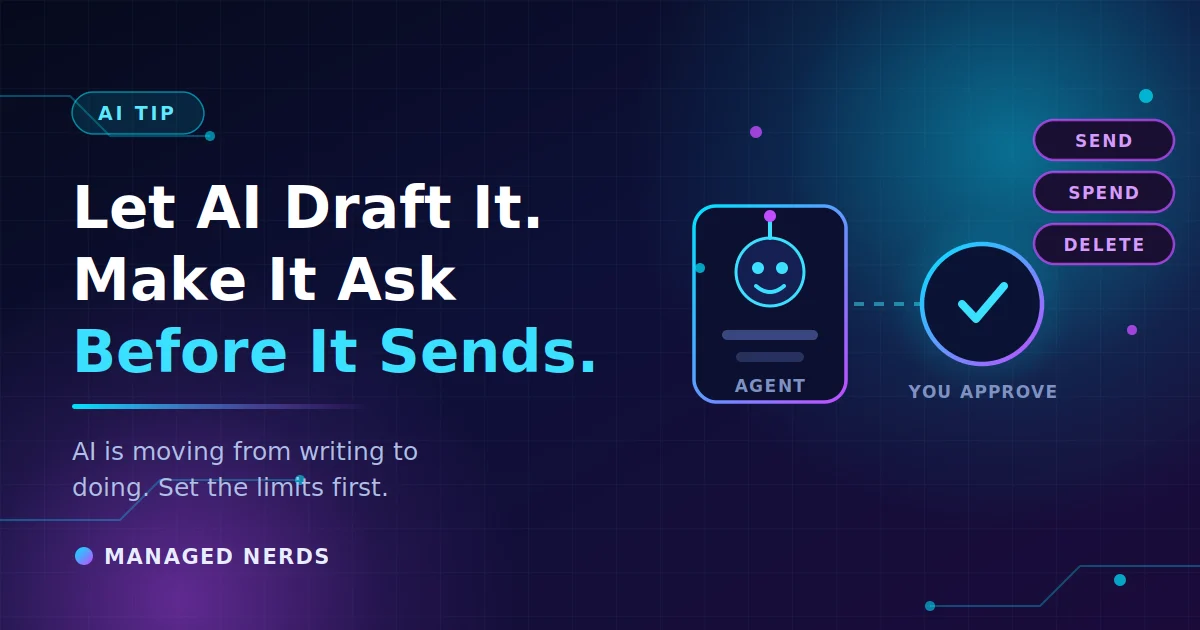
You wouldn’t let an intern send client emails unsupervised, right?
With just a little training, your AI can:
- Summarize without oversharing
- Draft without leaking
- Help you work faster without breaking trust
Bottom Line
AI is powerful—but it needs your direction and guardrails. A few smart settings can mean the difference between time saved and secrets spilled.
See how we keep small businesses smart *and* secure
If you'd rather have someone handle this for you, talk to us.