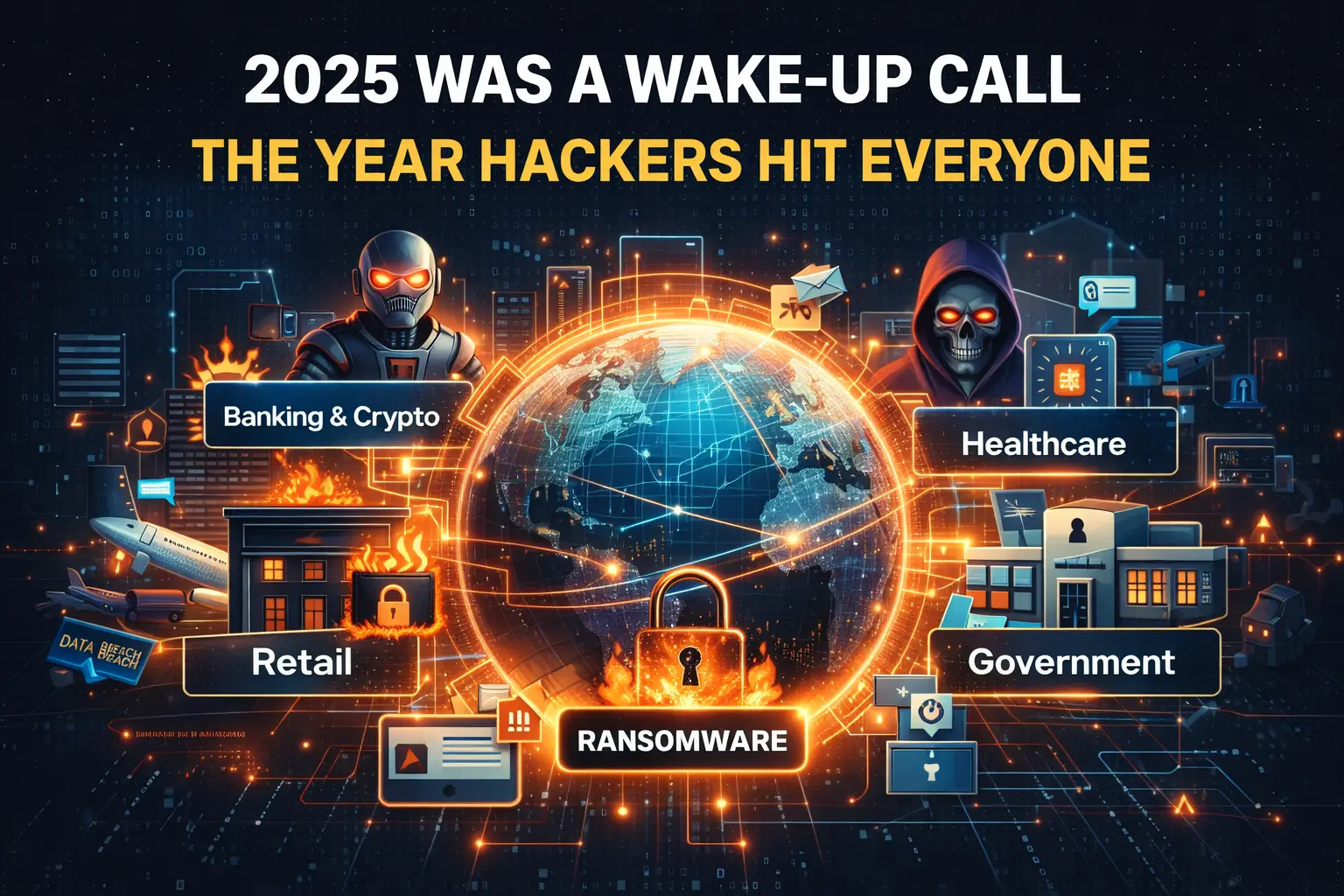
If it felt like every week of 2025 brought another breach headline, you weren't imagining it. Airlines, retailers, airports, crypto exchanges. Even an AI tool got turned into an attacker.
Here's the deal. Almost none of these started with a genius hack. They started with a vendor, a phone call, or a login. Which is good news for a small business, because those are things you can do something about.
The short version
- Vendors were the weak spot. Several of the biggest incidents came through a supplier's system, not the victim's own.
- People were the way in. Social engineering (tricking a person, often over the phone) did more damage than clever code.
- Downtime cost more than the data. When systems went down, companies lost money every day they couldn't trade.
- AI showed up on the attacker's side. Anthropic reported the first documented large-scale attack run mostly by an AI agent.
- Your to-do list hasn't changed much: MFA everywhere, backups you've tested, a list of your vendors, and a plan for a bad day.
What happened in 2025
These are the patterns, with the incidents that made them obvious. We've kept to what the companies themselves said publicly.
Crypto and finance: a reminder that money attracts the pros
In February, the crypto exchange Bybit had about $1.5 billion in cryptocurrency stolen, and the FBI attributed the theft to North Korea (FBI public service announcement).
You're not running a crypto exchange. But if your business moves money (payroll, invoices, vendor payments), you're on the same target list, just for smaller amounts. Fake invoices and changed bank details are the small-business version.
Airlines: when the breach is at your supplier
Qantas said in July that a criminal got into a third-party customer service platform used by one of its call centers. It later confirmed that records for 5.7 million customers were taken (SecurityWeek). The airline said its own core systems weren't breached.
Then in September, a ransomware attack on Collins Aerospace's check-in and boarding software disrupted several European airports, including Heathrow, Brussels and Berlin. Collins's parent company, RTX, confirmed ransomware in a regulatory filing.
Neither airline nor airport wrote the software that failed. That's the point. Your security includes every tool you log in to.
Retail: the help desk phone call
UK retailer Marks & Spencer was hit over Easter. It stopped taking online clothing and home orders for 46 days, and in May it told investors to expect about a £300 million hit to the year's operating profit before insurance (Marketing Week). Co-op and Harrods reported attacks around the same time, and reporting pointed to attackers talking IT help desks into resetting staff passwords.
Reporting on these attacks pointed to social engineering: someone calls a help desk, pretends to be an employee, and talks their way into a password reset. No malware needed for the first step.
AI: the attack mostly ran itself
In November, Anthropic reported that a group it assessed as Chinese state-sponsored had used its Claude Code tool to attempt break-ins at about thirty organizations, succeeding in "a small number of cases." Anthropic said the AI did roughly 80 to 90 percent of the work, with people stepping in only at a few decision points, and called it "the first documented case of a large-scale cyberattack executed without substantial human intervention" (Anthropic, November 2025).
What that means for you: attacks are getting cheaper to run. Cheaper attacks get pointed at smaller targets.
The pattern behind all of it
Strip out the company names and the same five things keep coming up:
- Third-party access. A vendor, a platform, a contractor's account.
- Stolen or tricked logins. Not code-breaking. Someone just signed in.
- Small setup mistakes. A setting left open, an old account never closed.
- Slow detection. The attacker had time to look around.
- Automation. More attempts, faster, for less effort.
None of those need a big company to exist. A five-person office has vendors, logins and settings too.
What to do this month
Free or cheap first, in roughly this order:
- Turn on MFA for email, banking and payroll. Use an authenticator app or passkey rather than text messages where you can. If you're on Microsoft 365, start with the security settings most small businesses never turn on.
- Write down your vendors. Every app that holds customer data or can log in to your systems. Next to each one: who has access, and is MFA on?
- Set a rule for password resets and payment changes. Nobody gets a reset or a bank-detail change based on a phone call or email alone. Call back on a number you already have.
- Check your backups actually restore. A backup you've never tested is a hope, not a plan. Here's a 10-minute check.
- Close old accounts. Ex-employees, old contractors, the trial you signed up for in 2022.
- Know who you'd call. Your bank, your IT help, your cyber insurer if you have one. Phone numbers on paper, not only in the email that might be locked.
If something already happened
- Change the password and sign out everywhere on the affected account, then turn on MFA if it wasn't on.
- Call your bank right away if money moved. Speed matters for getting it back.
- Report it to the FBI's Internet Crime Complaint Center at ic3.gov.
- Check what the account could reach (email rules, shared files, connected apps) before you call it closed.
When to get help
- You found a login, forwarding rule or app you don't recognize.
- A vendor told you they had a breach and you don't know what of yours they held.
- An insurer or a big customer is asking for MFA, backups or security monitoring you can't show yet.
If that's where you are, talk to us.
Related reading
- Do your backups actually protect you from ransomware? A 10-minute check
- Can a stranger reach your office computer? How to lock down remote access
- The Microsoft 365 security settings small businesses never turn on
Originally published December 2025.




No comments yet