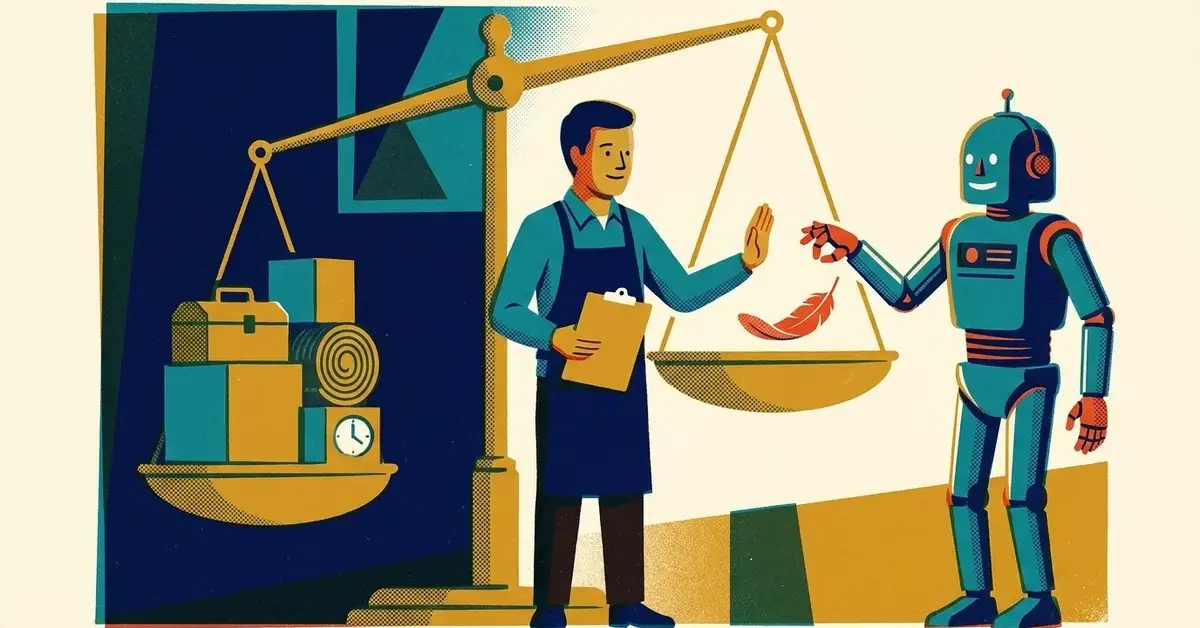
You typed "What should I charge for a water heater install?" into ChatGPT. It gave you a number, a range, maybe a nice paragraph about market rates. It sounded sure of itself.
That number didn't come from your costs. It came from a model predicting what a believable answer looks like. Send it to a customer and you own it.
The quick answer
- Never let AI pick the number. Your rates come from your own costs, capacity and profit target.
- Use AI for the wrapper: the wording, the layout, the scope, the follow-up email.
- Tell it so in the prompt: "Do not invent prices. Leave price fields blank."
- Before any AI-drafted quote goes out, check every number against your own price sheet.
How to tell a price was guessed
Look at the quote, or the AI chat that produced it, and check for these:
- No inputs. You asked "what should I charge" and didn't give it your labor cost, overhead or materials. Any number it gave back is a guess.
- A round range with no math. "Most contractors charge $150 to $300" with nothing behind it.
- "Typical" or "average" market rates with no source you can click and check.
- Missing cost lines. Drive time, disposal, permits, callbacks or the card processing fee aren't in it.
- It changes when you ask again. Ask the same question in a new chat. If the number moves, it was never a calculation.
If any of those are true, the number isn't yours yet.
The fix: you own the numbers, AI owns the wording
Split pricing into two layers and keep them apart.
Layer 1: your pricing sheet (human only)
A spreadsheet is fine. One row per service, with these columns:
Column | What goes in it |
|---|---|
Service | "Water heater install, 40-50 gal, like-for-like" |
Labor | Hours × your loaded hourly cost (wage plus taxes, insurance, vehicle) |
Materials | Your real cost, plus your markup |
Trip or zone | Your fee by distance or zone |
Risk buffer | A set amount or percentage for unknowns |
Profit | Your target, as a number |
Price | The sum. This is the only price anyone quotes |
Update it when your costs change. Nobody, human or AI, quotes a price that isn't on it.
Layer 2: AI turns the sheet into a quote
This is where AI is genuinely useful:
- Packaging: turning one service into Good / Better / Best options
- Consistency: the same sections on every quote, so nothing gets skipped
- Scope: what's included and, just as important, what isn't
- Speed: a clean, friendly draft in a minute instead of twenty
- Follow-up: the email that goes out two days later
AI helps you present the price. It doesn't get to invent it.
Prompts you can copy
Paste your real numbers in where the brackets are.
Package builder
Turn these services into Good / Better / Best packages: [list]. Keep it short and customer-friendly. Do not invent prices. Leave every price field blank.
Quote writer
Write a one-page quote from the details below. Include: scope, what's included, what's excluded, timeline and payment terms. Use only the prices I give you. If a price is missing, write [PRICE NEEDED] instead of filling one in. Details: [paste the row from your pricing sheet and the job notes]
Follow-up email
Draft a short follow-up to the quote below. Offer to answer questions and give two next steps: book a quick call or pick a date. No pressure language. Quote: [paste]
The "[PRICE NEEDED]" line matters. Ask for a "complete" quote without it and the model may fill the gap with a believable number instead of leaving it empty.
Why AI gets pricing wrong
Two reasons.
It doesn't know your business. Your overhead, how booked you are, your warranty risk and whether you sell on price or on quality all change the right number, and none of that is in the model unless you type it in.
And it's built to answer, not to say "I don't know." OpenAI's own researchers wrote in September 2025 that the way language models are trained and scored rewards a confident guess over admitting uncertainty, which is one of the main reasons they hallucinate (OpenAI: Why language models hallucinate, full paper). A price is exactly the kind of question where a confident guess looks like an answer.
If a bad quote already went out
- Check it against your sheet and work out the real number before you call anyone.
- If it's too low and not yet accepted, call the customer, say you found an error in the quote and send the corrected one. Short and honest beats a long explanation.
- If it's already accepted, decide whether to honor it this once. Either way, fix the source so it doesn't happen twice.
- If it's too high, send the corrected quote. Nobody complains about that call.
- Find the prompt or template that produced it and fix that, not just the one quote.
Preventing it in a business
- One pricing sheet, one owner, and a "last updated" date at the top.
- A team rule: AI drafts the words; prices come only from the sheet.
- A four-question check before any quote is sent:
- Do the numbers match the pricing sheet?
- Are travel, time and materials included?
- Is it clear what's excluded?
- Would you be comfortable defending this quote on the phone?
- Save your best prompts in a shared doc so everyone uses the same ones, including the "do not invent prices" line.
When to get help
- Your team uses different AI tools, and you don't know what's being pasted into them (client details, pricing, contracts).
- You want the pricing sheet connected to your quoting or CRM tool so nobody types prices by hand.
- You're not sure which AI tools are safe to give customer information to.
That's the kind of setup we help with. Talk to us if it's on your list.
Related reading
- How do I use AI to create a Good / Better / Best pricing menu for my services?
- Your AI is making promises you can't keep: the liability trap in emails and proposals
- How do I stop AI from hallucinating in my business documents?
Originally published December 2025. Updated November 2026.




No comments yet