You started using AI to write your posts and emails faster. It worked. Now everything you put out sounds the same: smooth, polite and a bit empty. It doesn't sound like you anymore.
That's not AI stealing your creativity. It's AI doing the creative part when it should be doing the busywork.
Swap the order and you get your voice back.
The quick answer
- Start with your own notes, even messy ones, before you open the AI tool.
- Ask AI for options, questions and rough drafts, not finished pieces.
- Give it a short voice sheet (how you talk, words you use, words you never use) every time.
- Add one thing only you know to every piece: a real detail, an opinion, a lesson from the job.
- Edit out the filler before anything goes out.
How to tell AI is flattening your voice
Read your last three posts or emails out loud. Watch for:
- Openers like "In today's fast-paced world" or "Are you looking to...".
- Lots of "unlock", "elevate", "seamless" and "game-changer".
- Every paragraph the same length, every list exactly three items.
- No names, no places, no numbers from your own business.
- Something a competitor could post word for word.
If two or more of those show up, AI is writing and you're approving. Flip it.
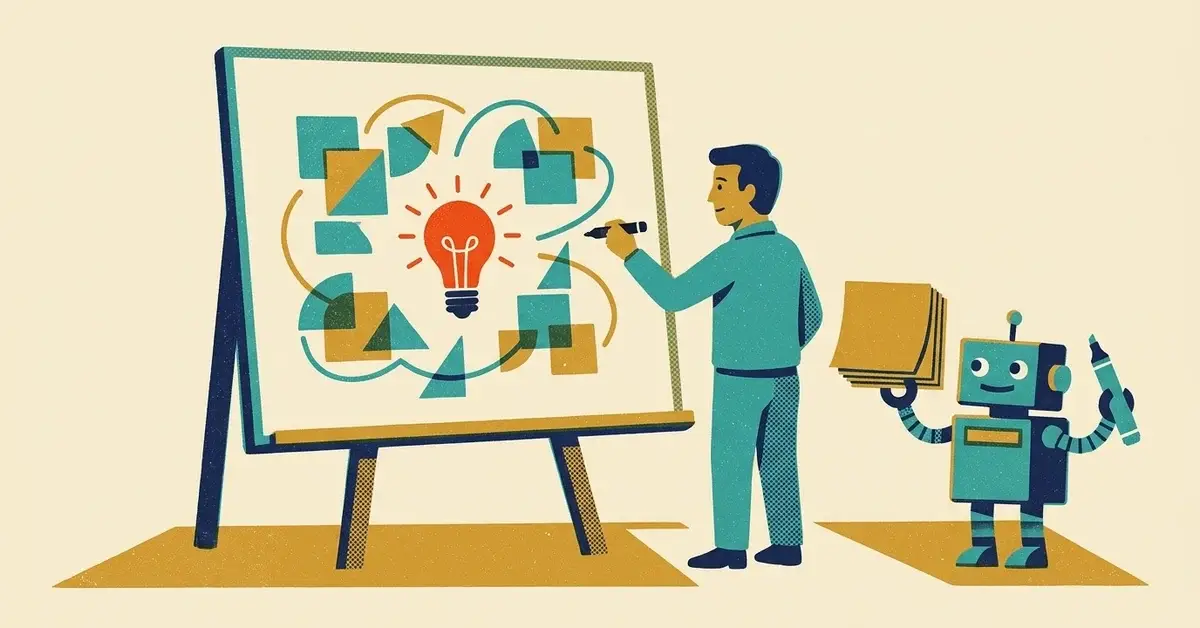
Use AI as a whiteboard, not a ghostwriter
The order matters more than the tool.
The workflow:
- You first. Jot down the point you want to make, in your own words. Bullets are fine. Two minutes.
- AI second. Paste your notes in and ask for structure, angles or a rough draft.
- You again. Rewrite the draft in your voice. Cut what you'd never say. Add the real details.
- Read it out loud. If you wouldn't say it to a customer at the counter, change it.
AI is fast at the parts that drain you: getting past a blank page, tidying the order, shortening. It's poor at the parts that make people pick you: your opinions, your stories and how you actually talk.
Build a voice sheet (10 minutes, once)
AI doesn't know how you sound unless you tell it. Write this once, save it, and paste it in at the start of every writing chat.
Copy and fill in:
- How I write: [e.g. short sentences, plain words, a bit of dry humor]
- Who I'm writing for: [e.g. busy homeowners in our town]
- Words and phrases I use: [3-5 examples]
- Words I never use: [e.g. "synergy", "elevate", "unlock"]
- What I care about: [e.g. showing up when we said we would, fair quotes]
- One example of my writing: [paste a post or email you're proud of]
The example does the most work. One real paragraph of yours teaches the tool more than a list of adjectives.
If your AI tool lets you save standing instructions or set up a project, put the voice sheet there so you don't have to paste it each time.
Prompts that keep you in charge
Ask for raw material, not a finished product.
For ideas:
Here's what I do and who I do it for: [two lines]. Give me 15 blog or post ideas based on questions customers ask before they hire someone like me. One line each. No intros.
For a draft from your notes:
Here are my notes: [notes]. Turn them into a rough draft of about 200 words. Keep my wording where you can. Don't add facts I didn't give you. Use my voice sheet.
For a second opinion:
Read this draft and tell me three places it sounds generic and one place it could use a real example. Don't rewrite it.
For when you're stuck:
Ask me five questions about [topic] that would help me write something only I could write.
That last one is the most underrated. Answer the questions out loud or in a few lines, and the answers usually are the post.
Five jobs AI is good for
- Brainstorming topics from your customers' real questions.
- Turning FAQs into short posts or a proper FAQ page.
- Outlining a video, a talk or a longer article.
- First drafts of bios and service pages, which you then rewrite.
- Shortening and tidying something you've already written.
What to keep human
- Stories from real jobs. AI can't have been there.
- Your opinions. What you'd recommend, and what you'd never do.
- Anything sensitive. Apologies, complaints, bad news. AI-written replies can come across as cold.
- The final read. AI tools state wrong things with full confidence, so check every fact, name and number before it goes out.
And keep customer details out of prompts unless your AI account is a business one that doesn't use your data for training. If you already pay for Microsoft 365 or Google Workspace, you may have one. Microsoft says prompts and responses in Copilot Chat at work aren't used to train its foundation models, and Google says your Workspace content isn't used for AI model training outside your domain without permission (both as of November 2026).
If your team writes too
The same rules work for staff. Agree on three things:
- Everyone uses the same voice sheet.
- AI drafts, a person rewrites and approves.
- Nothing goes out with a fact nobody checked.
When to get help
- You want AI set up for the whole team with shared instructions and the right business accounts.
- You're not sure which AI tools are safe to use with customer information.
- You've tried for a month and the results still read like a brochure.
If you'd like a hand, talk to us.
Related reading
- Why Your AI Gives Bad Answers (and How to Fix Your Prompts)
- AI Made Your Customer Reply Sound Rude? How to Fix It
- How New Businesses Can Use ChatGPT: 8 Jobs, Prompts and Limits
Originally published August 2025. Updated November 2026.




No comments yet