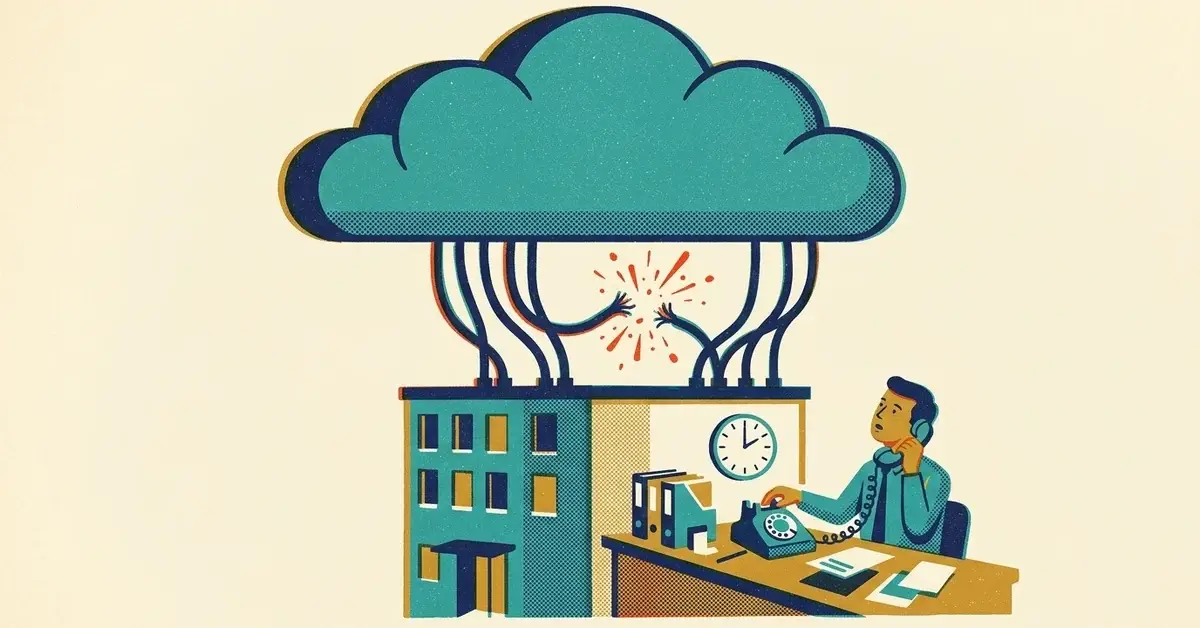
Outlook won't load. Teams spins. The Microsoft 365 admin page errors out too. Your Wi-Fi is fine and other websites work.
That was the afternoon of October 29, 2025 for a lot of businesses. Microsoft's Azure cloud had a global problem in a service called Azure Front Door, and it took Microsoft 365, Xbox, Minecraft and a long list of other companies' websites with it for several hours. It came just over a week after the AWS outage of October 20.
You can't stop Microsoft going down. You can tell quickly whether a problem is yours or theirs, and you can keep the business running until it's fixed.
The quick answer: is it you or Microsoft?
- Check another site on a different device on the same Wi-Fi. If most sites work, your internet is fine.
- Check Microsoft's status page at status.cloud.microsoft (no sign-in needed) and, for Azure, the Azure status page.
- If you're the Microsoft 365 admin, check admin.microsoft.com > Health > Service health. If the admin center won't load either, that's a strong sign the problem is on Microsoft's side.
- Don't start fixing things that aren't broken. No router resets, no password changes, no reinstalling Office in the middle of someone else's outage.
- Switch to your backup plan (below) and tell customers if it affects them.
What happened on October 29, 2025
Azure Front Door is the part of Microsoft's cloud that sits in front of websites and apps, Microsoft's own included, and routes visitors to them quickly. When it fails, services that are working fine behind it still look broken from the outside.
- When: Microsoft says customers using Azure Front Door and Azure CDN saw delays, timeouts and errors from 15:45 UTC on October 29 to 00:05 UTC on October 30, 2025 (Microsoft's status notice, quoted on Microsoft Q&A; the incident is tracking ID YKYN-BWZ in Azure status history). That's about 11:45 a.m. to 8:05 p.m. U.S. Eastern time.
- What broke: AP reported that Office 365 and Minecraft were inaccessible, Downdetector users also reported problems with Xbox Live and Copilot, and Alaska Airlines said its systems, including check-in services, were affected (an AP report via ABC7). Plenty of other companies' sites failed too, because they run behind Azure Front Door.
- Why: Microsoft's final review traced it to valid customer configuration changes, made across two versions of its control software, that together produced incompatible settings data. That data exposed a hidden bug in the servers that carry the traffic. It got past the safety checks meant to stop a bad change from spreading worldwide because the crash only came later, in a delayed background task. Microsoft said the bug "escaped detection due to a gap in our pre-production validation" (Microsoft's post-incident review).
- The timing: it landed just hours before Microsoft was set to release its quarterly earnings report, AP noted.
It wasn't a cyberattack. Things simply stopped working until Microsoft fixed its configuration and recovered the network. It couldn't just roll back: its last known good configuration already contained the conflicting data, so Microsoft chose not to revert to it. Engineers removed the problem settings from that copy and started deploying the fixed version at 17:40 UTC, about 1:40 p.m. Eastern (Microsoft's post-incident review).
What changed afterward
For Azure customers, the clean-up took longer than the outage. Microsoft blocked customers from changing their Azure Front Door settings while it investigated, and lifted that block at 23:00 UTC on November 5, 2025. It also slowed every configuration change down on purpose, to up to 45 minutes, so a bad change could be caught before reaching everyone (Microsoft's update, quoted on Microsoft Q&A).
By October 2026, that delay is shorter. Microsoft's Azure Front Door FAQ now says a single change can take up to 15 minutes "for added safety" and a cache purge finishes within 10 minutes (Microsoft Learn). On December 18, 2025, Microsoft also published a lessons-learned post covering this outage and a smaller Front Door incident earlier that October. It set two targets: rolling back a bad configuration in under 10 minutes by March 2026, and by June 2026 isolating customers in small "micro-cells" so one customer's problem can't spread to everyone else. The post was last updated in July 2026 and still lists those as targets, without saying whether either has shipped.
Outages didn't stop. Cloudflare went down on November 18, 2025 and again in December (our write-up), and Microsoft 365 email had a long outage on January 22, 2026 (what to do when Outlook goes quiet).
The lesson hasn't changed: a handful of companies run a lot of the internet, and each of them has a bad day now and then. Plan for it.
How to tell what's broken
- Only Microsoft 365 is down (Outlook, Teams, SharePoint), everything else works: it's Microsoft. Check the status page and wait.
- Lots of unrelated sites and apps fail at once, including your booking tool or your bank: probably a shared provider like Azure, AWS or Cloudflare. Check their status pages.
- Nothing loads anywhere, on any device: it's your internet. Restart the router, then call your internet provider.
- Only one computer has the problem: it's that computer. Restart it.
Your backup plan for the next cloud outage
None of this costs much. Most of it is a page of notes and a few settings.
1. Keep a phone list that isn't in the cloud
Staff, key customers and suppliers, printed or saved on your phone's own contacts. When Outlook and Teams are down, the phone still works.
2. Keep your most important files on the computer too
If you use OneDrive, right-click the folders you can't work without and choose Always keep on this device. They stay usable on that PC even when the cloud isn't reachable. Same idea with the Outlook desktop app: it keeps a copy of your mail on the PC, so you can still read what's already arrived.
3. Agree a fallback channel
Decide now how the team talks if Teams is down: a group text, a phone call, a WhatsApp group. Write it down where everyone can find it.
4. Know where your website and tools live
Ask your web host and your booking or payment tools which cloud they run on, and bookmark their status pages. When three things fail at once, you'll know why.
5. Have a "we're having trouble" message ready
One short line for your website, voicemail or social: "Our email is down because of a Microsoft outage. Please call us on [number]." Writing it during the outage is harder than it sounds.
6. Don't confuse backups with uptime
Backups protect you when data is lost or locked by ransomware. They don't help much when Microsoft is having a bad afternoon and nothing is lost. You need both a backup and a way to keep working. If you're not sure your Microsoft 365 data is backed up at all, that's worth checking separately.
When to call someone
- Microsoft's status page says everything's fine, but you're still down after an hour.
- The outage is over, but some staff still can't sign in, sync files or send mail.
- You want a backup plan written for your office before the next one.
If you'd rather have someone set this up with you, get in touch.
Related reading
- When the Cloud Goes Dark: What the October 2025 AWS Outage Means for Your Business
- The Cloudflare Outage That Broke Half the Internet
- Not Getting Email Replies? It Might Not Be You: Microsoft Went Down
Originally published November 2025. Updated October 2026.




No comments yet