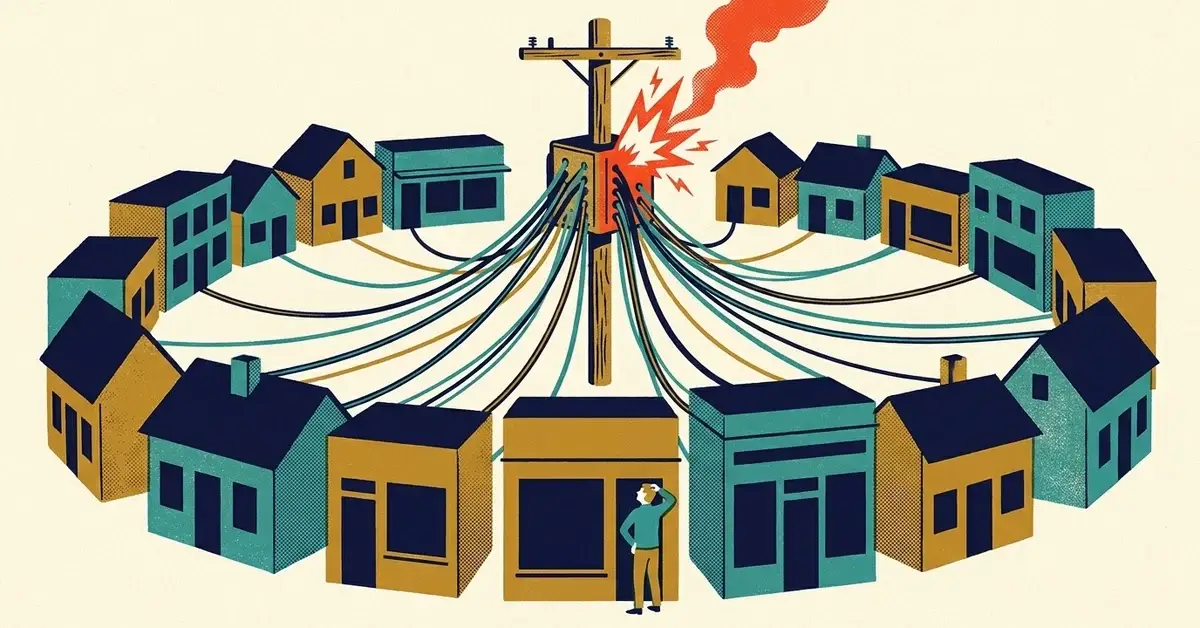
Your website shows an error page. So does your booking tool. ChatGPT won't load, and neither will X. Your Wi-Fi is fine. Your computer is fine.
That was the morning of November 18, 2025 for a lot of businesses. The common thread was Cloudflare, a company that sits in front of a huge share of websites and apps, and its network failed for several hours.
You can't stop Cloudflare going down. You can tell in two minutes whether a problem is yours or theirs, and you can have a plan so your business keeps working while it's fixed.
The quick answer: is it you or them?
- Try a site you didn't just try, on a different device on the same Wi-Fi. If most sites work, your internet is fine.
- Read the error page. If it mentions Cloudflare, the problem is between Cloudflare and that website, not your computer.
- Check cloudflarestatus.com or the status page of the tool that's down.
- Don't start changing things. No router resets, no reinstalling, no DNS changes on your website in the middle of someone else's outage.
- Switch to your backup plan (below) and wait it out.
How to tell what's broken
Here's what each symptom usually means.
What you see | What it usually means |
|---|---|
Every site and app fails, on every device | Your internet connection or router |
One computer fails, others on the same Wi-Fi work | That computer (Wi-Fi, VPN, browser) |
Many big sites fail at once, error pages mention Cloudflare | A Cloudflare problem |
One business tool fails, everything else works | That vendor. Check its status page |
If it's the first two, it's worth restarting the router or the computer. If it's the last two, restarting anything on your end won't help.
What happened on November 18, 2025
Cloudflare published a detailed post-mortem the same week. As of that report:
- 11:20 UTC (6:20 a.m. Eastern): Cloudflare's network started failing to deliver traffic. Visitors to sites behind Cloudflare got error pages.
- The cause: a change to permissions on one of Cloudflare's internal databases made a routine query return duplicate rows. That query builds a "feature file" used by Cloudflare's Bot Management system (the part that scores whether a visitor is a bot). The file roughly doubled in size, was copied to every machine on the network, and went over a size limit in the software that routes traffic. The software failed.
- Not an attack. Cloudflare says it first suspected a huge DDoS attack, then found the real cause. It was not caused, directly or indirectly, by any attack or malicious activity.
- 14:30 UTC: core traffic was mostly flowing normally again, after Cloudflare pushed out an older, known-good copy of the file.
- 17:06 UTC: all Cloudflare systems were back to normal.
Other Cloudflare services broke along the way, including Workers KV, Cloudflare Access and the Cloudflare dashboard. Many Cloudflare customers couldn't log in to fix their own settings, because the login page's bot check (Turnstile) was down too.
News coverage the same day named X, ChatGPT, Spotify and Canva among the services affected (Tom's Guide, USA TODAY via The Inquirer).
It wasn't a one-off
It was the third big cloud outage in about a month:
- October 19-20, 2025: Amazon Web Services in its Northern Virginia region, starting with a DNS problem in its DynamoDB database service (AWS summary).
- October 29, 2025: Microsoft's Azure Front Door, after a bad configuration change (Azure incident review).
- November 18, 2025: Cloudflare.
And Cloudflare went down again on December 5, 2025, for about 25 minutes (08:47 to 09:12 UTC), affecting customers that carried roughly 28% of its HTTP traffic. That one came from a change to how Cloudflare's firewall reads web requests, made while protecting customers from a newly disclosed vulnerability in React Server Components (Cloudflare post-mortem). It had another incident on February 20, 2026.
Why it happens
None of these were hacks. All three were internal changes that spread faster than anyone caught them. The CrowdStrike outage of July 2024 was the same kind of failure, on millions of Windows PCs.
The bigger lesson is how much depends on a few companies. Your website, your payment page, your scheduling app and your AI tools may all sit on Cloudflare, AWS or Azure, even if you've never signed up for any of them. When one of those fails, businesses that never touched it go down with it.
After these outages, Cloudflare announced a resilience plan it called Code Orange: Fail Small: rolling out configuration changes gradually with health checks instead of everywhere at once, and falling back to the last good configuration when a new one can't be read. In May 2026 it said that work was complete. That lowers the risk. It doesn't make it zero, for Cloudflare or anyone else.
Preventing it from stopping your business
You can't prevent the outage. You can prevent it from stopping work. Do these this week.
1. List what you depend on
A short spreadsheet. One row per tool. Columns:
Tool | What breaks without it | Status page | Backup |
|---|---|---|---|
Website | New leads, online orders | Your host's status page | Phone number on your Google Business Profile |
Card payments | Taking money | Your provider's status page | Offline mode, invoice later |
Booking app | New appointments | The vendor's status page | Paper or shared calendar |
Most vendors have a status page. Bookmark them in one browser folder.
2. Decide the backup for each, in advance
- Payments: ask your provider whether its card reader has an offline mode, and what the limits are. Find out before you need it.
- Bookings: print or export tomorrow's appointments at the end of each day.
- Files: keep the handful of files you need every day available offline, not only in the browser.
- Customer contact: make sure your phone number is on your Google Business Profile, so customers can still reach you when your site can't load.
3. Don't put everything with one provider
If your website, email and payments all depend on the same company, one bad day takes out all three. Spread the critical ones where it's practical. Not everything needs a second vendor; the things that make you money do.
4. Get told before your customers tell you
A free uptime monitor can check your website every few minutes and text or email you when it stops answering. Set one up for your site and your booking page.
5. Write a half-page outage plan
Who checks the status pages. What staff say to customers. How you take payments. Where the offline copies live. Put it somewhere that doesn't depend on the internet: a printout works.
When to get help
- Your website or email was down for hours and you didn't know whose problem it was.
- You don't know which provider your website, DNS or email runs on.
- An outage stopped you taking payments or bookings and you have no fallback.
If that sounds familiar, we can help you set up the plan.
Related reading
- When the Cloud Goes Dark: What the AWS Outage Means for Your Business
- Another Day, Another Outage? Microsoft Joins the Cloud Chaos
- Not Getting Email Replies? It Might Not Be You. Microsoft Went Down
Originally published November 2025. Updated October 2026.




No comments yet