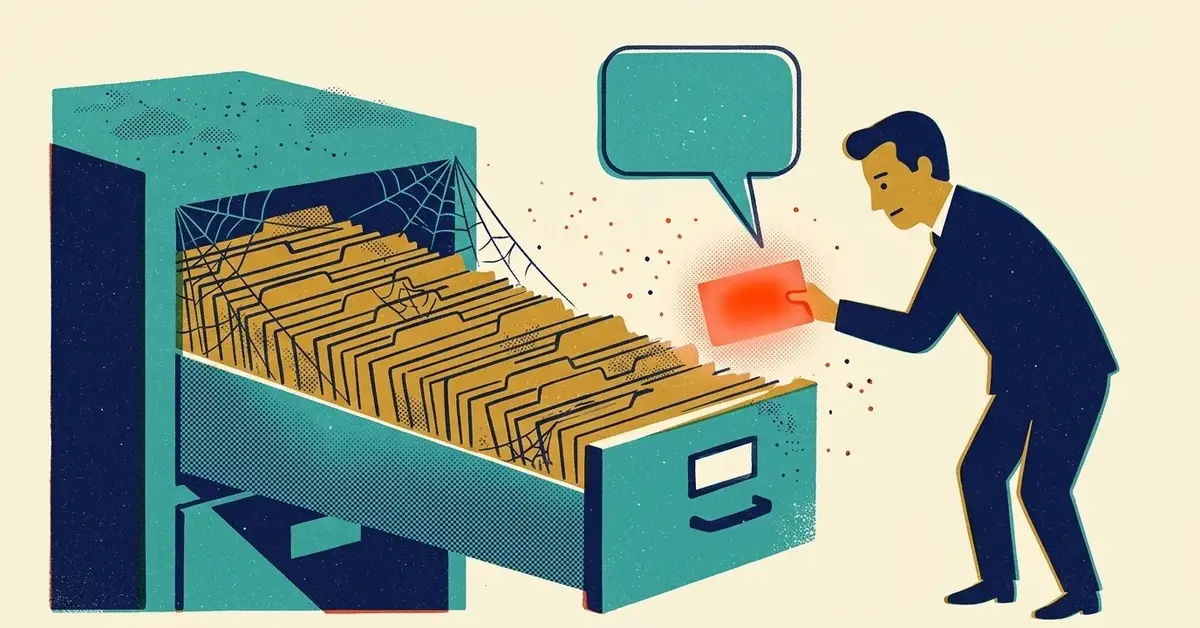
Somewhere in your email, your phone and a notebook in your truck is a list of people who wanted to hire you.
They called. They filled in the form. They asked what it would cost. Then the job got busy, or you sent a quote and never followed up, or they said "let me think about it" and you both moved on.
That list is the cheapest lead source you have. You already paid for those people, in ad money or phone time or a quote written at nine at night. Nobody has to be convinced you exist.
It never gets worked because it's tedious. Digging through a year of email and writing something that isn't embarrassing takes hours nobody has. That's the part AI is good at.
This post is a one-time sweep of the backlog. For the ongoing routine after it, see the 7-day follow-up schedule.
The quick answer
- Collect the last 12 to 18 months of inquiries into one sheet. Messy is fine.
- Have AI sort it: group by what they asked for, and flag the ones where you owed the last reply.
- Pick 15 to 20 names worth a personal message. Skip the rest.
- Write each message about the real conversation, one short paragraph, one easy question.
- Send them yourself, a few a day. Not a blast.
Step 1: Build the list
You don't need a CRM. You need to look in the three or four places leads actually landed.
- Email. Search for words inquiries contain: "quote," "estimate," "pricing," "availability," and your web form's subject line.
- Your phone. Missed calls and texts from numbers you didn't save, especially ones you meant to return.
- Website form notifications. Wherever those go.
- Social messages. The inbox nobody checks.
Paste what you find into a sheet with these columns: Name, Contact, Date, What they asked about, What happened.
Then give the mess to AI:
Here's a list of past inquiries. Group them by what they asked for. Flag any where the conversation stopped without a reply from me. Sort by how likely they are to still need the work. Tell me what information is missing.
The flag is the useful part. Those are the people who were waiting on you, and you can't remember who they are.
Leave out the sensitive stuff
Names and what someone asked about are fine for most tools. Payment details, health information and anything under a confidentiality agreement stay out. Check your AI tool's data settings before you paste a customer list into it. We covered how AI assistants end up sharing more than you meant them to.
Step 2: Decide who's worth contacting
Some of them bought from someone else. Some were never serious. Some you're glad you didn't work with.
Ask AI to split the list three ways: worth a personal message, worth a short general note, not worth contacting. Then overrule it wherever you disagree. You know things about these people that a spreadsheet doesn't.
The first group is usually small. Fifteen or twenty names is an afternoon, not a campaign.
Step 3: Write about the actual conversation
"Just checking in!" gets deleted. A message that shows you remember the specific job gets answered.
Write a short, plain email to a past lead. They asked about [what they asked about] in [month]. The conversation ended without a reply from me. Be direct, acknowledge the gap in one sentence without over-apologizing, and give them one easy way to pick it back up. Under 100 words, no marketing language, sound like someone who runs a small business.
Then read it and fix it. AI drafts tend to come out a bit too polished and a bit too eager. Cut the enthusiasm and make it sound like you. AI follow-ups that sound fake-friendly has a list of phrases to strip out.
Three rules:
- Name the specific thing. "The kitchen refit you asked about in March" beats "your recent inquiry."
- Own the silence in one line. "I dropped the ball on getting back to you" is enough.
- Make the next step tiny. A yes-or-no question beats "let's schedule a call."
Here's the shape that works:
Hi [Name], you asked about [job] back in [month] and I never got back to you. That's on me. Is this still something you need? If so, I can [next step]. If not, no problem, I'll take you off my list.
Step 4: Send them like a person
Send them one at a time, from your normal email address, spread over several days. No bulk send, no merge-field template, no marketing platform.
Part of the reason is practical. A sudden mass email to a stale list can land in spam, and these people contacted you once, some of them a year ago. That isn't the same as an engaged mailing list. Part of it is that a message from you reads like a message from you.
Be more careful with texts. Marketing texts have their own consent rules, and a text to someone who only ever phoned you for a quote isn't the same as replying to their original message. The AI follow-up post covers where the lines are. When in doubt, email or call.
If someone says they're not interested, thank them and take them off the list.
Step 5: Track who answers
Add two columns to the sheet: Date sent and Reply. When someone answers, move them into your normal process. When a week passes with nothing, one more short note, then let it go.
After the sweep, fix the leak that created the list. One place where every inquiry lands, one named owner, and a rule that nobody goes more than a day without a reply. Why leads ghost you has the first-response routine.
When to get help
- Your leads are spread across too many inboxes, phones and DMs to find in an afternoon.
- You want inquiries to land in one place automatically, with reminders.
- You're about to paste customer data into an AI tool and aren't sure what that tool does with it.
That's the kind of setup we help with. Talk to us if it's on your list.




No comments yet