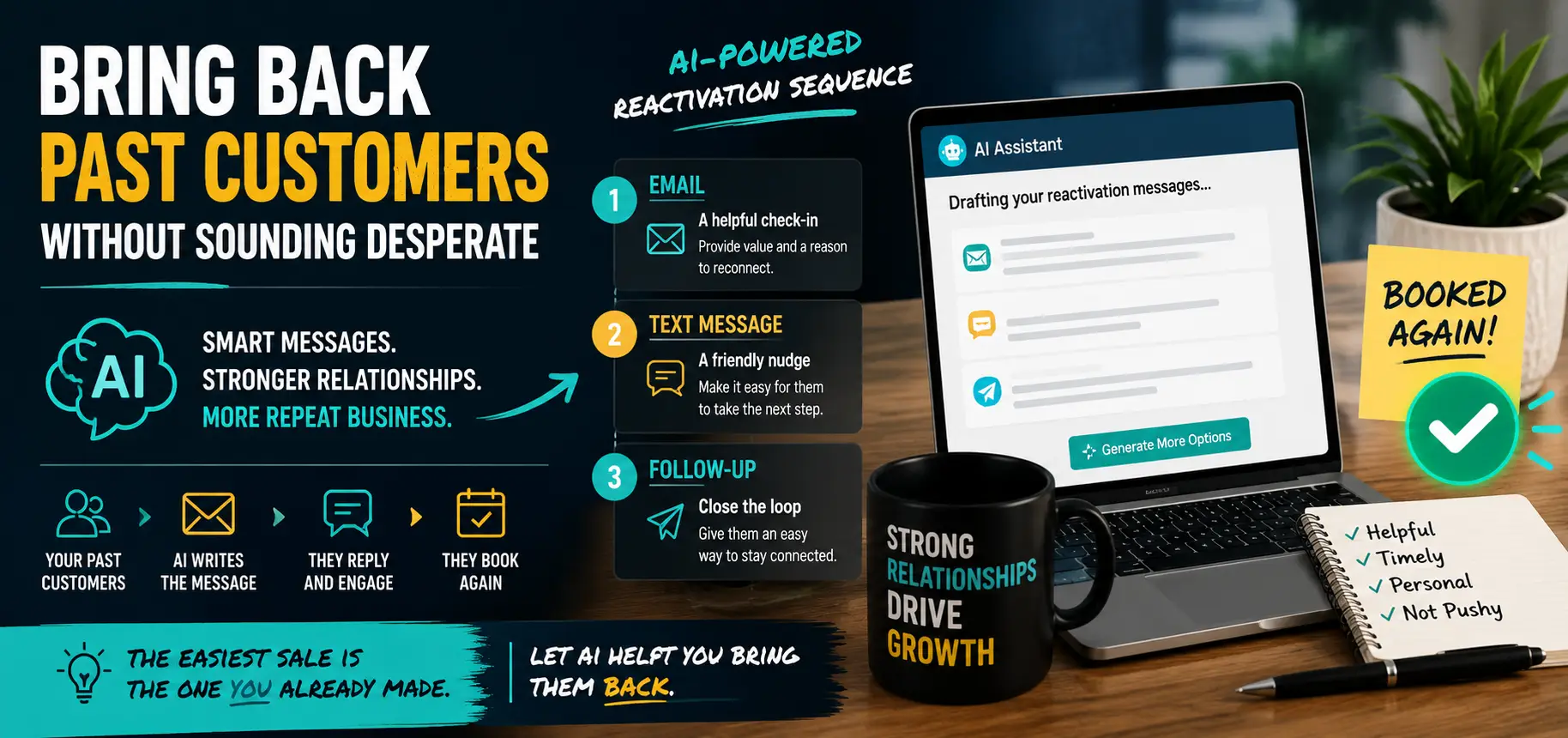
You have a list of people who already paid you once. They were happy. Then nothing. No repeat booking, no referral, no reply.
They didn't leave because of you. They forgot, got busy, or assumed you'd reach out when it was time. And you didn't, because writing those messages felt awkward and there was always a more urgent job.
AI is good at exactly this: turning one idea into a short, consistent set of messages you can send in an afternoon. The trick is making them sound helpful, not needy.
The quick answer
- Pick one reason to get in touch (a season, a service cycle, a new option), not "just checking in."
- Start with your best past customers, not the whole list.
- Send three short messages over about two weeks: a helpful check-in, a nudge with two options, and a close-the-loop.
- Use AI to draft them from a prompt with your details. A person reads every one before it goes out.
- Only email or text people who can legally get it, include an opt-out, and honor every one.
Why past customers go quiet (and why that's good news)
Past customers already know you're real, you show up and you did the job. You don't have to convince them of any of that again.
What they need is a reason to think about you this week. "Just checking in" doesn't give one. It hands them homework: work out why you're writing and what they're supposed to do about it.
A good reactivation message gives three things: a reason, a reminder of what you did for them, and one easy next step.
Step 1: Pick one trigger
One reason to get in touch, that you can reuse every year.
- Seasonal: spring maintenance, storm season prep, year-end review.
- Time-based: it's been six months or a year since the last job.
- Service cycle: the filter, the inspection, the policy or the software license is due.
- Something new: a faster option, a new service, new hours.
Pick the one that fits most of your list. You can add a second next quarter.
Step 2: Pick who gets it
Don't send to everyone. Split your list into three groups:
- Group A: Best customers. Paid on time, easy to work with, would hire you again.
- Group B: Normal customers. Good experience, average job size.
- Group C: Quotes that never closed. Not customers yet, but they asked once.
Start with Group A. Always. You'll learn what works from the people most likely to say yes.
And leave some people off on purpose. Don't reactivate customers who didn't pay, argued every invoice, kept adding scope or treated your team badly. This is a growth tool, not a way to invite headaches back.
Step 3: Check who you're allowed to contact
This is the part to get right before you write a word.
- Email. A message promoting your services is commercial email, so the FTC's CAN-SPAM compliance guide applies: include your valid physical postal address and a working way to opt out, and honor every opt-out.
- Texts. A text inviting a past customer to book is a marketing text. Only text people who agreed to get texts from you, keep a record of that consent, and ask your attorney what that consent needs to look like. Anyone who didn't agree gets an email or a call from a person instead.
- Anyone who opted out before stays off the list. Check your email tool's unsubscribe list before you import anything.
Should I use AI for lead follow-up? covers the consent rules for texts and calls in more detail.
Step 4: Let AI draft the three messages
Copy this prompt and fill in the brackets:
Write a three-message reactivation sequence for past customers of a small [industry] business. Message 1 is an email, message 2 a text, message 3 an email. Tone: friendly, confident, local, not pushy. Each message must include one clear reason we're getting in touch: [your trigger], and one simple question they can answer in a word. Constraints: no guilt, no hype, no emojis, no "just checking in," no discounts or prices unless I list them here: [any approved offer]. Use [First name], [Service] and [Month of last job] as placeholders. Email under 120 words; text under 300 characters.
Use placeholders, not your real customer list. Your email or texting tool fills in the names when it sends, so you never have to paste customer details into an AI tool. Before you do paste anything about customers into one, check what it does with your data. Who owns the data I feed into AI? explains what to look for.
Then read every draft. Check the names, the dates and anything that sounds like a promise.
Templates you can start from
If you'd rather edit than prompt, these work for most service businesses.
Message 1 (email): the helpful check-in
Subject: [Season] check for your [service]
Hi [First name],
We did your [service] back in [month of last job]. [Season] is when we usually see [common issue], so we're booking [checkup or service] appointments for the next few weeks.
Would you like a spot, or should I send you two time options?
[Your name], [Business name]
[Physical address] · [Unsubscribe link]
Message 2 (text, about five days later): the nudge with options
Hi [First name], it's [your name] at [business]. We're booking [service] the week of [date]. Want me to hold a spot, or send two times? Reply STOP to opt out.
Message 3 (email, about a week after that): close the loop
Hi [First name], no worries if the timing isn't right. Want me to take you off the list for now, or check back in [next season]?
[Same footer as Message 1: address and unsubscribe link]
That last one gets replies because it's easy to answer. A "check back in spring" is useful information. So is "take me off."
Step 5: Add one useful thing
A small value hook makes Message 1 feel like help instead of marketing:
- a five-point checklist for the season
- the most common problem you're seeing right now
- a two-minute tip that saves them money
Ask AI for it:
Write a five-point checklist about [service] that a past customer would find useful this [season]. Practical, plain English, nothing salesy. Only include advice that is true for [your area and service].
Check it yourself before it goes out. You're the one who knows whether the advice is right.
Step 6: Track it in one sheet
No CRM required. A spreadsheet with these columns is enough:
Column | What goes in it |
|---|---|
Name | Customer's name |
Last job | Date and service |
Group | A, B or C |
Consent | Email only, or email and text |
Message 1 / 2 / 3 | Date each one was sent |
Result | Booked, replied, not now, opted out, no response |
Opt-outs go in the Result column the day they come in, and into your email or texting tool's suppression list at the same time.
After the first round, look at what booked. That tells you which group and which trigger to use next time.
If it already went wrong
- Someone replies "stop" or "unsubscribe": remove them everywhere, the same day, and don't reply with another pitch.
- A message went to the wrong person or used the wrong name: send a short correction, and fix the merge field or the list before the next message goes.
- Someone complains it felt pushy: thank them, take them off, and reread your sequence. If one person said it, others probably thought it.
- Lots of bounces: your list is old. Clean it before sending again; repeated bounces can hurt your email deliverability.
Making it a habit
- One trigger per quarter, on the calendar.
- One named person who owns the list and the opt-outs.
- One staff rule: AI drafts, a person sends, and nobody texts a customer who didn't agree to texts.
What it looks like in different businesses
The structure stays the same. Only the hook changes.
- Trades: seasonal inspections, maintenance checks, storm prep.
- Insurance agencies: annual policy review.
- Realtors: home-purchase anniversary, a list of trusted local vendors.
- Consultants: quarterly check-in, a new service.
- IT and tech: security checkup, device refresh, staff training refresher.
When to get help
- You want the sequence set up in your email or texting tool with merge fields, opt-outs and consent tracking working properly.
- Your customer list lives in three places and you're not sure which one is right.
- You want an AI tool connected to your customer data and need to know it's handling that data safely.
If that sounds like you, talk to us.




No comments yet