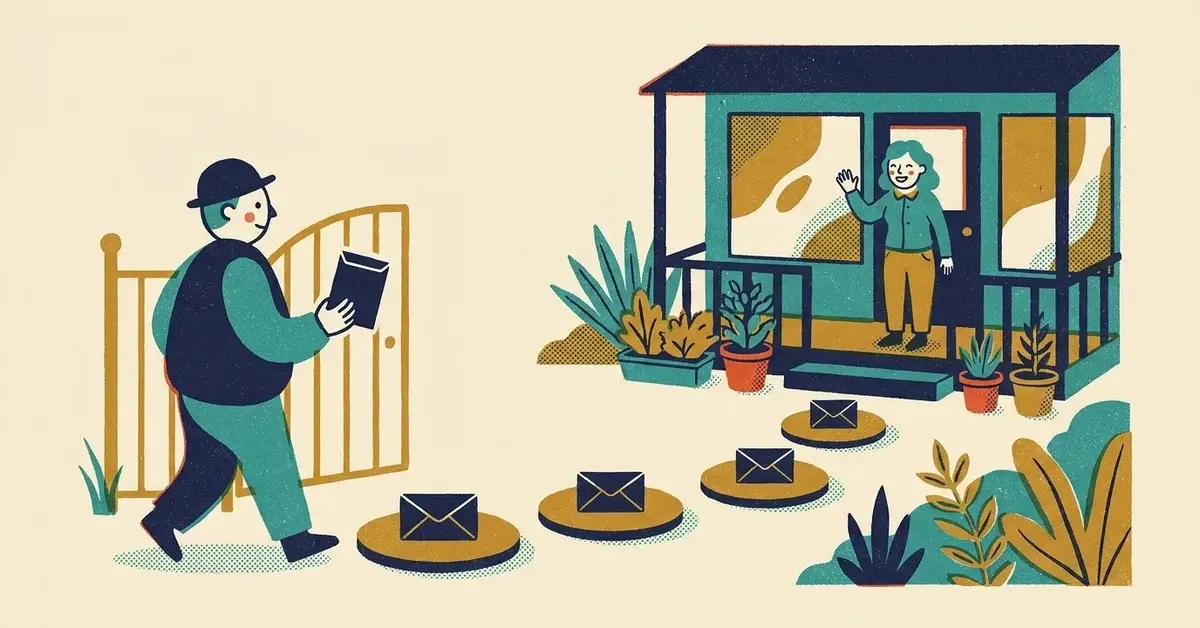
Someone downloaded your checklist. You got their email address. The download link went out automatically.
And then nothing.
No second email, no reply, no booked call. A week later they've forgotten who you are, and the lead you worked to get is gone.
That's the gap a welcome sequence fills. It's a few short emails that go out on their own after the download, so the person who was interested on Monday still knows your name on Friday.
The quick answer
- Email 1, right away: deliver the download and say what's coming next.
- Email 2, the next day: one extra tip that helps them use it.
- Email 3, about day 3: show what "fixed" looks like, with a real example.
- Email 4, day 5 to 7: one soft invitation to talk.
- In every email: your business name, your postal address and a working unsubscribe link. Those aren't optional (more on that below).
Four emails. Set them up once in your email tool and they run for every new signup.
How to tell your follow-up is leaking
Look at your last 20 downloads and check:
- Did anything go out after the download email? If not, that's the leak.
- Did anyone reply or book a call? Zero replies from 20 downloads usually means you never asked.
- Does your delivery email end with a next step? "Here's your file. Thanks!" leaves nowhere to go.
- Can you tell which links got clicked? If every link points to your homepage with no tracking, you can't tell which email worked.
- Is there an unsubscribe link and a postal address in the footer? If not, fix that before you send anything else.
If two or more of those are a "no", start with the sequence below.
The four emails, with copy you can paste
Keep each one short. One idea per email. Swap the brackets for your own details.
Email 1: deliver it (send immediately)
The job: give them what they asked for, and set expectations.
Don't make people wait. A download that arrives an hour later feels broken.
Subject: Here's your [checklist name]
Thanks for downloading the [checklist name]. Here's the link: [link]
Start with the section you can fix this week. Tomorrow I'll send one tip that makes the checklist easier to use.
[Your name], [Business name]
That's it. No pitch, no list of services.
Email 2: one extra tip (day 1)
The job: prove you're useful, not just collecting addresses.
Subject: Start with the easiest fix
Quick tip for the [checklist name]: don't start with the hardest item. Start with the one that's costing you the most right now.
For a lot of small businesses that's old hours or an old phone number on your Google Business Profile, a contact form with too many fields, or a service page that doesn't say where you work.
Fix one this week and your existing traffic gets more useful before you spend a cent more on it.
Email 3: show what better looks like (about day 3)
The job: make the advice feel real.
Use a real result only if you have one and the customer said you can share it. Don't invent a case study or a testimonial. If you don't have a story yet, describe the fix as a before-and-after example instead.
Subject: The small fix that changes the lead flow
A common one: a site gets visitors but loses them at the contact step. Long form, vague button, no idea what happens after you hit send.
The fix is usually small: cut the form to the fields you actually use, say your service area near the button, and add a thank-you page that says when you'll reply.
Same traffic. More people who know what to do next.
Email 4: a soft next step (day 5 to 7)
The job: invite a conversation without pressure.
Subject: Want a second set of eyes?
If you worked through the [checklist name] and found a few gaps, that's normal.
If you'd like someone to look at it with you, just reply to this email or book a time here: [booking link]
No pressure either way. The checklist is yours to keep.
The easy out in that last line is on purpose. It makes the invitation read like help, not a sales call.
The timeline at a glance
Here's the whole sequence in one place, so you can set it up in your email tool:
When | Its one job | |
|---|---|---|
1 | Immediately | Deliver the download |
2 | Day 1 | One extra tip |
3 | Day 3 | Show what better looks like |
4 | Day 5 to 7 | Invite a reply or a call |
The legal basics: CAN-SPAM
If you send email in the U.S. to promote your business, the CAN-SPAM Act applies. It covers business-to-business email too. Here's what the FTC's own guide, CAN-SPAM Act: A Compliance Guide for Business, says you need:
- Honest headers and subject lines. The "From" name and address have to identify you, and the subject line has to match what's in the email.
- Your valid physical postal address in the email. A street address, a P.O. box registered with the Postal Service, or a registered private mailbox all count.
- A clear way to opt out, explained in the email, that keeps working for at least 30 days after you send.
- Honor opt-outs within 10 business days. You can't charge a fee, ask for more than their email address, or make them do more than reply or visit one page to unsubscribe.
- You're still responsible if a vendor sends it. The FTC guide says you can't contract away your legal responsibility to comply, even if another company handles your email marketing.
What about Email 1? The FTC treats messages whose main purpose is delivering something the person already agreed to receive as "transactional or relationship" messages, which have lighter rules. A plain "here's your download" email may fall there. But Emails 2 to 4 are promoting your business, and a welcome email that leads with an offer is commercial too. The simple, safe habit: put the postal address and unsubscribe link in every email in the sequence. Most email tools add both to the footer for you once you fill them in.
Penalties are per email and run into the tens of thousands of dollars each, per the same FTC guide. This isn't legal advice; if you email customers outside the U.S., other countries' rules apply as well.
Why downloads go cold
Two reasons.
The download email is a receipt, not a relationship. It answers "where's my file?" and nothing else. The questions that actually decide whether someone calls you are still open: Can this business help me? What should I fix first? Will they hard-sell me if I reply?
And people get busy. Someone who grabbed your guide on a Tuesday lunch break has moved on by Thursday. A short sequence keeps you in front of them while the problem is still on their mind.
If your list has already gone cold
Say you've collected 200 addresses over a year and never emailed any of them.
Don't dump them into the four-email sequence like they signed up yesterday. Send one short note first:
Subject: Still working on [the problem]?
A while back you downloaded our [checklist name]. I'm sending a few practical tips on [topic] over the next couple of weeks. If that's not useful anymore, the unsubscribe link is at the bottom and I won't take it personally.
Then let the people who stay get Emails 2 to 4. Make sure that first note has your postal address and unsubscribe link, and remove anyone who opts out within 10 business days.
Track what's working
Tag every link back to your site with UTM parameters, so Google Analytics shows which email sent the visit. Google's URL builder guide recommends always setting utm_source, utm_medium and utm_campaign, in lowercase, named the same way every time. For example: utm_source=welcome-sequence, utm_medium=email, utm_campaign=seo-checklist.
Then keep a simple sheet with these columns:
- Email (1 to 4)
- Sent
- Clicks
- Replies
- Calls booked
- Unsubscribes
Go easy on open rates. Apple's Mail Privacy Protection downloads email content privately in the background and stops senders seeing whether you opened a message, so opens from Apple Mail users aren't reliable. Clicks, replies and booked calls are the numbers that tell you something.
Setting it up in a business
- One owner. One person is responsible for the sequence and reads the replies.
- Replies go to a real inbox, not a no-reply address. Email 4 asks people to reply.
- Footer filled in once: business name, postal address, unsubscribe link.
- A monthly look at the sheet. If Email 3 gets no clicks, rewrite Email 3. Leave the rest alone.
- A team rule: nobody adds a signup to the list by hand without the sequence's footer, and anyone who unsubscribes stays off every list.
When to get help
- Your email tool, website form and CRM don't talk to each other, so signups get lost between them.
- You can't tell which marketing actually brings in leads, because nothing is tagged.
- You've got a list of hundreds and you're not sure how it was collected or whether every email has a working unsubscribe.
That's the kind of setup we help with. Talk to us if it's on your list.
Related reading
- Lead Magnets for Small Businesses: What Actually Gets Signups
- The Thank-You Page Most Small Businesses Waste
- The UTM System That Makes Marketing Finally Make Sense
Originally published July 2026. Updated November 2026.

No comments yet