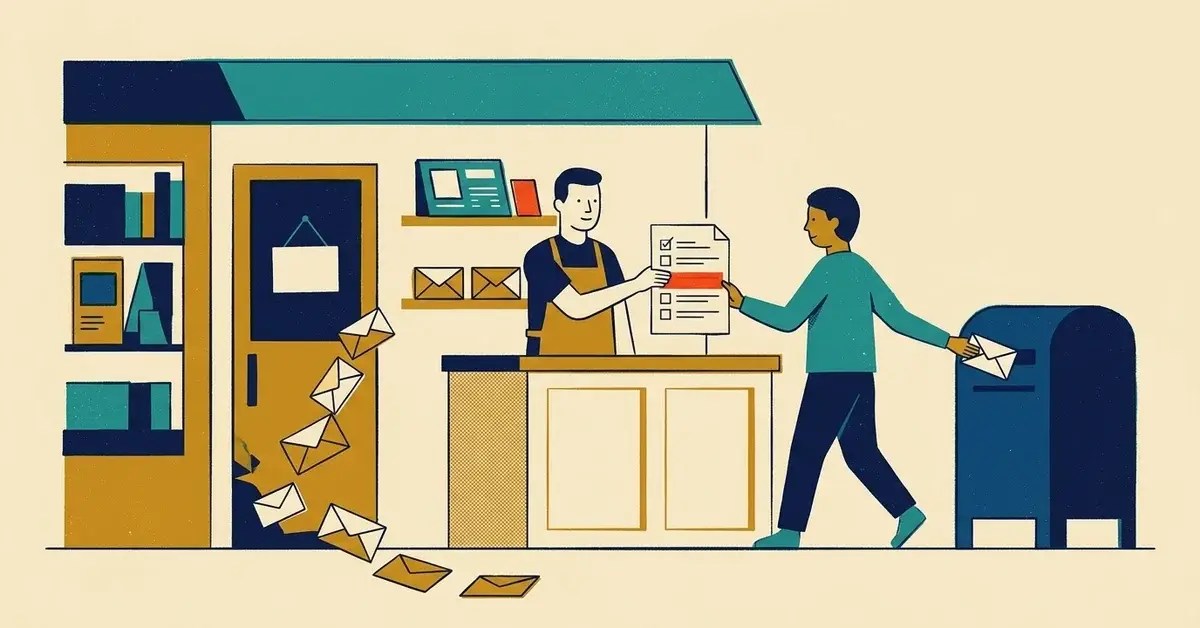
Your website says "Subscribe to our newsletter."
Nobody subscribes.
Don't take it personally. Most people don't want another newsletter. They want an answer to the problem they came in with. Give them that, and the email address follows.
That answer is a lead magnet: something useful you hand over in exchange for an email address. A checklist, a short guide, a worksheet, a template.
The key word is useful.
The quick answer
- Pick one problem your best customers ask about before they hire you.
- Solve a small piece of it in something they can use in 10 minutes: a one-page checklist, a scorecard or a template.
- Give it a specific name. "The 10-Point Checklist Before You Hire an SEO Company," not "Free Guide."
- Put it next to the matching content, on the blog posts and service pages where people already read about that problem.
- Send it by email right away, then follow up with three short emails over the next week or so.
How to tell if your sign-up box is the problem
Look at your current offer and check it against these:
- It says "updates," "news" or "newsletter." That's a promise of more email, not a reason to give you one.
- It's the same box on every page. Someone reading about Google Ads and someone reading about reviews get the same pitch.
- It lives in the footer. Nobody scrolls there looking for it.
- The form asks for name, phone, company and job title. For a checklist, that's a lot to ask.
- People sign up, but none of them ever buy. The freebie attracts the wrong crowd.
Any one of these is enough to keep sign-ups near zero.
What makes a lead magnet work
It solves one small problem
Bad: "Small Business Marketing Guide."
Better: "7 Questions to Ask Before Hiring an SEO Company."
The first one is homework. The second one helps with a decision the reader is making this month.
It's quick to use
A 40-page ebook sounds like a weekend project. These get used:
- a one-page checklist
- a short guide (two to five pages)
- a worksheet or scorecard
- a template they can copy
- a short video, five to eight minutes
It leads to what you sell
If you do SEO, your lead magnet might be a Google Business Profile checklist or a website lead-form checklist. If you're an accountant, a year-end document checklist.
If it attracts people who'd never buy from you, it's the wrong magnet.
It's easy to deliver
A PDF and an automatic email are enough to start. Most email tools (Mailchimp, Kit, MailerLite and the rest) can send a file the moment someone joins a list.
10 lead magnet ideas for small businesses
Here's how the common formats compare:
Format | Best for | Effort to make |
|---|---|---|
Checklist | Any service business; the easiest start | Low |
Pricing guide | Services where cost is the first question | Medium |
Audit worksheet or scorecard | Marketing, IT, websites, trades | Medium |
Template | Anything people do over and over | Low |
Mini email course | Topics that need a little teaching | Medium |
Decision guide | People comparing two options | Medium |
1. Checklist
The easiest place to start. People like checklists because they're fast and they finish them.
- "The Google Business Profile Cleanup Checklist"
- "The Website Lead Form Checklist"
- "The 10-Minute Google Ads Waste Check"
2. Pricing guide
Cost is often the first question and the one people are shy about asking. A guide that explains what drives the price, what's included and what to budget for first answers it without a sales call.
- "What Goes Into the Cost of Small Business SEO"
- "Google Ads Starter Budget Guide"
- "Website Fixes: What to Budget for First"
You don't have to publish one fixed number if your pricing varies. Explain the factors.
3. Audit worksheet
Strong for marketing, IT, websites and business services. It helps people diagnose their own problem, and then the next step (help) is obvious.
- "Website Speed Self-Audit"
- "Is Your Website Ready for AI Search?"
- "SEO vs Ads: 90-Day Planning Worksheet"
4. Template
Templates save time, so people keep them.
- a review request script
- a follow-up text sequence
- a UTM naming template
- a content calendar
5. Short video training
Good if your audience would rather watch than read.
- "How to Check if Your Google Business Profile Is Costing You Leads"
- "How to Spot Wasted Google Ads Spend in 10 Minutes"
Keep it to five to eight minutes.
6. Mini email course
Useful when the topic needs a little teaching. One small step a day:
- Day 1: fix your tracking
- Day 2: clean up your Google Business Profile
- Day 3: improve one landing page
- Day 4: collect proof (reviews, before-and-afters)
- Day 5: review last month's leads
It keeps your name in their inbox for a week without a single pushy email.
7. Scorecard
People like to know where they stand. "Lead Quality Scorecard," "Website Trust Scorecard," "Ad Waste Scorecard."
Once someone sees a score, they want to improve it. That's your next step.
8. Local checklist
Local versions feel more relevant: "[Your town] Small Business Google Profile Checklist" or "[Your county] Contractor's Guide to Permits and Paperwork." Only include local details you know are right.
9. Decision guide
For people comparing options, which usually means they're close to buying.
- "SEO vs Ads: Which Should You Start With?"
- "Should You Boost Posts or Run Real Ads?"
- "Do You Need a New Website or Better Landing Pages?"
10. "Before you hire" guide
This one builds trust fast, because it helps the reader even if they hire someone else.
- "Before You Hire an SEO Company, Ask These 7 Questions"
- "Before You Spend on Ads, Check These 5 Things"
It makes you look helpful, not desperate.
Where to put it
Put the offer where the topic matches what the person is already reading.
- inside related blog posts (a short box partway down works well)
- on the matching service page
- in your email signature
- in your social media bio link
- in a Google Business Profile post
If someone's reading a post about low-quality leads, offer "The Lead Quality Filter Checklist." That beats "Subscribe to our newsletter" every time.
Careful with pop-ups. A small banner or an in-page box is safer than a full-screen pop-up. Google's Search Central guidance says intrusive interstitials and dialogs that block the content make pages harder to use and can hurt how they do in search, and it recommends banners that take up a small part of the screen instead.
Ask for as little as you can. For a checklist, an email address (and maybe a first name) is enough. Only ask for a phone number if the offer is worth it, like a free audit someone will call about.
What to send after someone signs up
This is where most businesses drop the ball. Set up four emails once and let them run:
- Right away: deliver it. The download link and one line on how to use it. Keep it short.
- The next day: one extra tip related to the resource.
- A few days later: proof. A short example or a real customer review.
- About a week in: a soft next step. Ask a question, request an audit, book a short call or read a related guide.
The full sequence, with wording you can copy, is in the welcome email sequence post.
Every one of these is a commercial email, so the U.S. CAN-SPAM rules apply. The FTC's CAN-SPAM compliance guide includes these, among others: an honest subject line, your valid physical postal address, a clear way to opt out, and opt-outs honored within 10 business days. Your email tool handles most of this if you fill in the settings.
Gmail adds its own rules. Google's email sender guidelines ask everyone sending to Gmail addresses to set up SPF or DKIM for their sending domain and keep reported spam below 0.3%. Send 5,000 or more a day and you also need DMARC and a one-click unsubscribe. If your email tool offers to authenticate your domain, do it before the first send.
How to tell if it's working
Track these in one simple spreadsheet, monthly:
- Visits to the page or post with the offer
- Sign-ups (and sign-ups divided by visits)
- Replies to your follow-up emails
- Calls booked from people on the list
- Lead quality: did they turn into the kind of customer you want?
Use UTM links when you promote the lead magnet on social media, in email or in ads, so you can see which channel actually builds your list.
The mistakes that kill sign-ups
- Too broad. "The Ultimate Guide to Marketing" sounds big and says nothing.
- Too many form fields. Every extra question loses some people.
- Made once, never promoted. A lead magnet nobody sees does nothing. Mention it in posts, emails and your bio, again and again.
- No follow-up. A download with no emails after it is a missed chance.
- The wrong audience. If it attracts people who only want free help, change the topic to one closer to what you sell.
When to get help
Most businesses can build their first lead magnet in an afternoon. Get a second pair of hands if:
- You've had a lead magnet up for two or three months and sign-ups are still near zero.
- People sign up but you can't tell whether any of them became customers.
- Your email tool, website form and CRM don't talk to each other, so leads fall through the gaps.
If that sounds familiar, we can take a look.
Related reading
- Welcome email sequence: what to send after a download
- Low-quality leads? 7 filters for ads, forms and calls
- Ads to your homepage or a landing page? The fix
Originally published July 2026. Updated November 2026.





No comments yet