You've started using ChatGPT or Copilot for emails and quotes, and a nagging thought shows up: is this thing watching everything I do?
Short answer: no, it isn't secretly listening to your office. But it does keep what you type into it, and depending on the tool and the account you use, people at the company or its future models can learn from it. That's the part worth ten minutes of your time.
The quick answer
- AI chat tools see what you give them: what you type, paste, upload or connect. Not your whole computer.
- Free and personal accounts are the risk. Chats on them can be used to improve the company's models, and some get read by human reviewers.
- Business accounts are handled differently. Microsoft, Google and OpenAI all say they don't train on business-plan data by default. Use those for work.
- Turn off model training on any personal account you use for work, and keep client details out of it anyway.
- Watch the add-ons: browser extensions, meeting note-takers and "connect your inbox" buttons are where AI gets more access than you meant to give.
What an AI tool actually sees
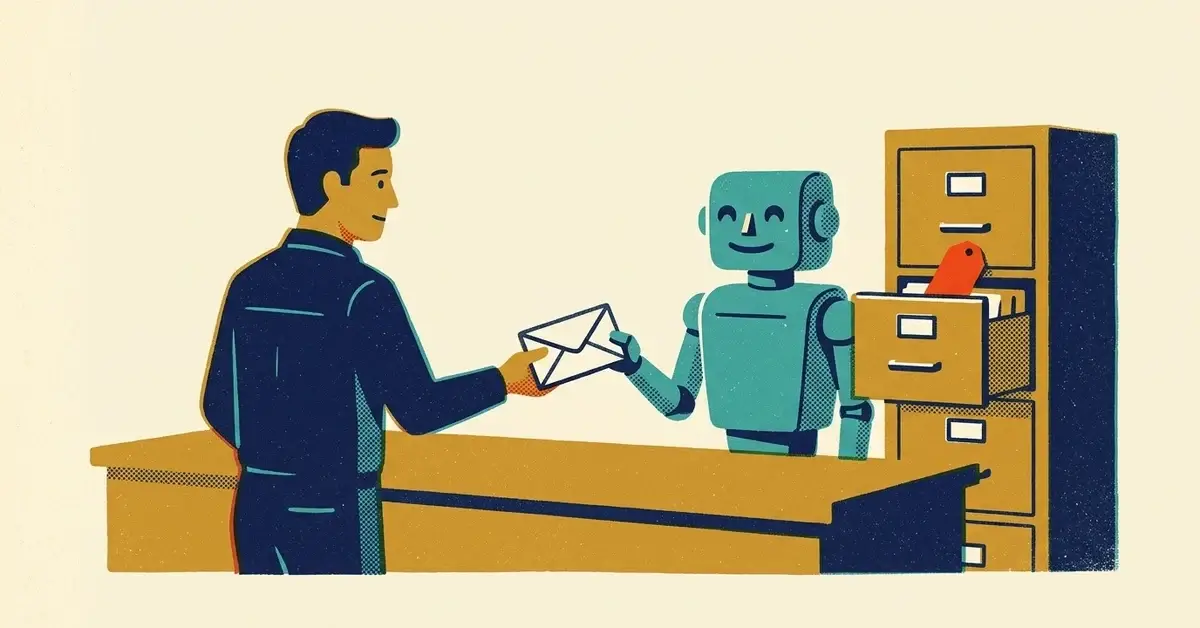
Think of an AI chat tool like a contractor you've let into one room. They see what's in that room: the question you typed, the spreadsheet you uploaded, the email thread you pasted. They don't wander the rest of the house.
The house rules are what matter:
- Where does what you typed go? It's stored on the company's servers, usually in your chat history.
- Who can read it? Sometimes people. Google's Gemini help page says plainly that "a subset of chats are reviewed by human reviewers" and asks you not to enter "confidential information that you wouldn't want a reviewer to see" (Gemini Apps Privacy Hub).
- Does it train future models? On many personal accounts, yes, unless you switch it off.
So "spying" is the wrong word. "Keeping a copy" is the right one.
Free vs business accounts: what each tool says
This is where most small businesses get caught. Someone signs up for a free account with their work email, pastes in a client contract, and nobody checks the settings.
Here's what each company's own documentation says, as of October 2026:
Tool | Personal or free account | Work account on a business plan |
|---|---|---|
ChatGPT | Chats can help train OpenAI's models unless you turn off “Improve the model for everyone” | OpenAI says business workspace data isn't used for training by default |
Google Gemini | With “Keep Activity” on, Google uses chats to improve its services, including training AI models; some are read by human reviewers | Google says Workspace content isn't human reviewed or used for AI model training outside your domain without permission |
Microsoft Copilot | Personal Microsoft accounts have their own privacy settings; check them | Microsoft says prompts and responses aren't used to train its foundation models |
Sources: OpenAI's Data controls in ChatGPT article and enterprise privacy page, Google's Gemini Apps Privacy Hub and Generative AI in Google Workspace Privacy Hub, and Microsoft's Copilot data, privacy and security page.
The pattern is the same everywhere: pay for the business version, sign in with the work account, and the data terms get much better.
How to switch off training on a personal account
If you or your staff use a personal account for work anyway (it happens), do this today.
ChatGPT (web):
- Click your account menu, then Settings.
- Open Data controls.
- Turn off Improve the model for everyone.
It applies to the whole account, on every device. Your chats still show in your history; they just aren't used for training.
Google Gemini:
- Go to myactivity.google.com/product/gemini.
- Turn Keep Activity off.
With it off, Google says future chats aren't used for AI training unless you send feedback. Chats a human already reviewed are kept for up to three years, per the same help page, so deleting your history doesn't erase those.
Microsoft Copilot (personal account): check the privacy options in Copilot's settings, and move work use to a work account if you have Microsoft 365 for business.
Where the real risks are
The chat box is the obvious part. These are the parts that catch people.
Fake AI apps and extensions. Anything with "ChatGPT" or "AI" in the name gets copied by scammers. In January 2026, Bitdefender reported research by LayerX that found at least 16 Chrome extensions posing as ChatGPT add-ons that stole users' ChatGPT login sessions. Get AI apps from the company's own site or official app store listing, and treat AI browser extensions like any other software: approved ones only.
Connected accounts. "Connect your Google Drive" or "let it read your inbox" turns a tool that sees one room into one with a key to the building. Know what you've connected, and remove what you don't use. More on that: your AI toolchain is a security hole.
Meeting note-takers. AI note-takers can join calls automatically once they're connected to a calendar. Check the settings on any you use, and tell people on the call when one is recording.
Copy and paste. The most common leak isn't a hack at all. It's someone pasting a client's details into a free tool to "just tidy up this email." How one copy-paste can leak a client's info covers how that plays out.
A one-page AI rule for your business
You don't need a policy binder. You need a few lines everyone has read:
- Approved tools: list them (for example, "Copilot with your work account").
- Never paste in: passwords, payment card numbers, Social Security numbers, health details, or client documents into anything not on the approved list.
- Work accounts only for work. No personal ChatGPT logins with client data.
- Ask before installing any AI app, browser extension or note-taker.
- A person checks anything AI writes before it goes to a customer.
Put it where people will see it, and go over it when someone new starts. Picking the approved list: what AI tools should my employees use?
When to call someone
- You've found staff using AI tools you didn't approve, with client data in them.
- You want AI connected to your Microsoft 365 or Google Workspace and need to know what it will be able to see first.
- Someone installed an AI extension or app and you're not sure it's the real one.
If you'd like a second pair of eyes on your setup, talk to us.





No comments yet