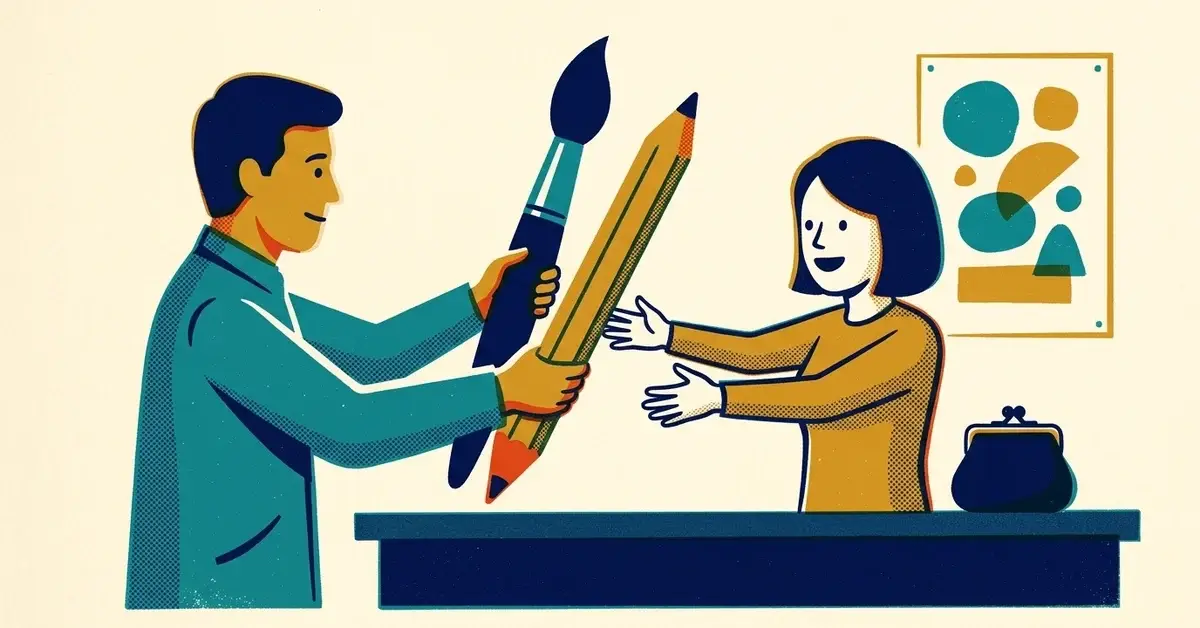
Your non-profit is paying for Canva Pro or Adobe Express on someone's credit card. Or you're stuck on the free plan because there's no line in the budget for design.
If you're a registered charity, you may not need to pay for either. Both companies run nonprofit programs that give the paid plan away to eligible organizations. "Free" comes with limits, though, so here's exactly what you get, who qualifies and how to apply.
The quick answer
- Check your organization is a registered charity. In the U.S., that means 501(c)(3) status.
- Apply for Canva for Nonprofits: Canva Pro features plus team tools, free for one team of up to 50 people.
- Apply for Adobe Express for Nonprofits: the Premium plan, free for up to 50 people, for one year at a time.
- Apply directly with each company. Adobe Express no longer goes through TechSoup.
- Set both up on an organization email address, not someone's personal one.
What's actually free (as of October 2026)
Here's what each program gives you, and where "free" stops.
What you get | Canva for Nonprofits | Adobe Express for Nonprofits |
|---|---|---|
What's free | All Canva Pro features plus team and collaboration tools | Adobe Express Premium plan |
How many people | One team of up to 50 | Up to 50 licenses |
How long | No fixed term on Canva's pages | One year, then you reapply |
Past the limit | Extra seats are 50% off Canva Enterprise, not free | Not part of the free offer; ask Adobe |
Sources: Canva Nonprofits and the Canva Help Center; Adobe Express for Nonprofits and Adobe's nonprofit renewal FAQ.
So yes, both are free for most small non-profits. A team of 60 isn't fully covered by either.
Do you qualify?
Check this before you apply. Most rejections come down to the wrong organization type or missing paperwork.
- Look yourself up. The IRS Tax Exempt Organization Search shows whether your organization is listed as a 501(c)(3). If it isn't there, sort that out first.
- Canva wants an organization that's officially registered as a charitable nonprofit in its country (501(c)(3) in the U.S.), independent of government and not run for profit. Its eligibility guidelines exclude government bodies, political organizations, educational institutions, grant-making foundations and most 501(c) types other than 501(c)(3). Schools have a separate Canva program.
- Adobe wants a 501(c)(3) public charity recognized by the IRS in the U.S. Some U.S. public libraries also qualify (Adobe nonprofit programs). Other countries have their own rules on the same page.
Meeting the rules doesn't guarantee approval. Both companies review every application.
How to apply
Canva for Nonprofits
- Sign in to Canva with an organization email address, ideally a shared one like admin@ or marketing@.
- Start the application from canva.com/nonprofits.
- Have your registration documents ready to show your nonprofit status.
- Wait for the email. Canva's help center says you'll usually hear back within 72 hours, sometimes longer if they need to verify that you work there.
- Once approved, invite your team.
If you're rejected, Canva lets you reapply with a document that ties you to the organization, such as a signed letter of affiliation or a volunteer ID.
Adobe Express for Nonprofits
- Go to Adobe Express for Nonprofits and check eligibility.
- Answer the questions about your organization.
- Verify by email.
- Add your team, up to 50 people.
- Put a reminder in your calendar for 11 months from today. Adobe says Express doesn't auto-renew; you reapply every year.
If you've seen older advice saying "apply through TechSoup", that's out of date. TechSoup stopped offering Adobe Express in September 2025, and Adobe now takes applications directly.
Already paying for one of them?
Apply for the nonprofit plan first. Cancel the paid plan only after you're approved and you've checked your designs, brand kit and team are where you expect them.
And check whose card it's on. A volunteer's personal subscription is a common setup, and it means the organization's designs live in their account.
Why this is worth ten minutes
Because design work is constant. Event flyers, social posts, donor thank-you graphics, the annual report, the slide deck for the board. Every one of those is easier with templates, a brand kit and shared folders, and those are paid features.
Paying for them out of a small budget, when the same plan is free, is money that could go to the mission.
Keep it from becoming a mess later
A free plan for 50 people turns into a volunteer free-for-all fast. A few rules help.
- Owner account on an organization email. If the account sits under a volunteer's Gmail and they leave, so does your access.
- Two admins, so one person leaving or losing a phone doesn't lock everyone out.
- Set up the brand kit first: logo, colors, fonts. Then everything people make looks like it came from the same organization.
- Remove people when they leave. Put it on your volunteer offboarding checklist, next to email and shared drives.
- One calendar reminder for Adobe's yearly reapplication. Miss it and the Premium features stop.
Canva or Adobe Express?
You can have both, and plenty of teams do. If you only want to learn one:
- Pick Canva if lots of people with no design background need to make quick graphics, slides and social posts.
- Pick Adobe Express if your team already uses other Adobe tools and wants its graphics and short videos alongside those files.
Try both on one real job, like next month's event flyer, and keep the one your team actually opens.
When to get help
- Nobody's sure who owns the current design accounts, or they're on personal emails.
- You want volunteer accounts created and removed alongside your email and shared drives.
- You're applying for several nonprofit programs at once (Microsoft, Google, Canva, Adobe) and want them set up in one place.
We help non-profits with that kind of setup. Talk to us if it'd save you a weekend.
Related reading
- 13 marketing tools your non-profit can use for free
- How to get big tech discounts as a small non-profit
- Non-profits, you're missing out: these 5 tech grants are hiding in plain sight
Originally published August 2025. Updated November 2026.



No comments yet