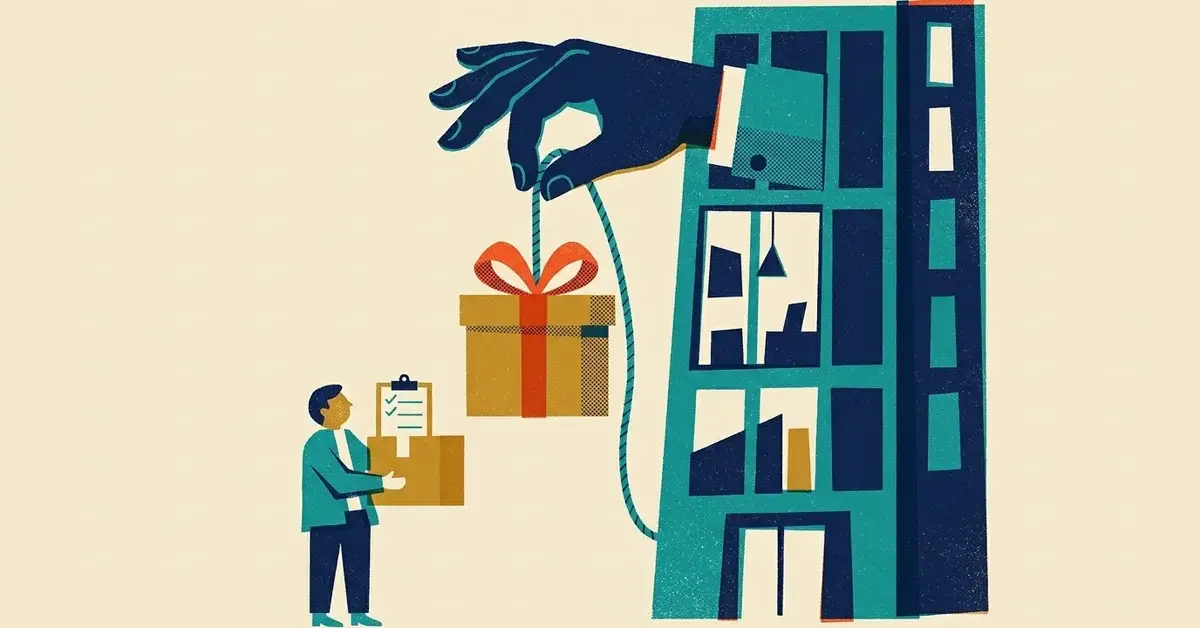
You run a small nonprofit. You need email, Office, a way to take donations and maybe some ads. You've heard Microsoft and Google give nonprofits free stuff. Then you start looking and find five portals, three verification services and a page that says your grant was discontinued.
Here's the deal: the big programs are real, but most of them are discounts with conditions, not free money. And they all want the same paperwork. Get that right once and the rest goes a lot faster.
Program details checked October 2026. Terms change often, so confirm on each program's own page before you apply.
The quick answer
- Put your paperwork in one folder: IRS determination letter, EIN, legal name exactly as the IRS has it, and a website and email on your own domain.
- Apply to Google for Nonprofits for free Google Workspace and Google Ad Grants. Google verifies you through Goodstack.
- Register with Microsoft for Nonprofits for free Microsoft 365 Business Basic licenses and discounts on the paid plans.
- Join TechSoup for donated and discounted software from other vendors.
- Track every application, login and renewal date in one spreadsheet.
Check this first: are you eligible?
Most of these programs are built for U.S. 501(c)(3) organizations, and each one checks a little differently. Before you spend an afternoon on forms:
- Do you have your own 501(c)(3) status? Google for Nonprofits doesn't accept fiscally sponsored groups without their own status, though group exemptions can qualify (Google for Nonprofits eligibility). TechSoup has a similar rule for its partner programs (TechSoup eligibility).
- Are you a school, hospital or government body? Google excludes those, though their charitable or philanthropic arms can qualify. Microsoft has its own rules for libraries, museums and some U.S. healthcare organizations (Microsoft Learn: Special nonprofit use cases).
- Does your legal name match everywhere? Microsoft lists mismatched legal identifiers and organization names among the most common reasons validation stalls (Microsoft Learn: Eligibility guidelines).
- Do you have a real website? Microsoft asks for a public website on your own domain, not a social media page, to speed up validation (Microsoft Learn: Register a validated tenant).
If you're fiscally sponsored, ask your sponsor which programs they've already joined.
The core programs (as of October 2026)
A quick map of who gives what and how they check you:
Program | What you can get | How they verify you |
|---|---|---|
Microsoft for Nonprofits | Free Business Basic licenses, discounts on paid Microsoft 365 plans, Azure credits | Microsoft's own validation partner, through the Nonprofit Hub |
Google for Nonprofits | Free Google Workspace, discounted paid Workspace, Ad Grants | Goodstack |
TechSoup | Donated and discounted software and hardware from partner companies | TechSoup validation |
Goodstack | Verification only, used by Google and others | Your EIN and legal records |
Sources for each row are in the sections below.
Microsoft for Nonprofits
What changed in 2025. If you've read older guides (including the original version of this post), they mention 10 free Microsoft 365 Business Premium licenses. That grant is gone. Microsoft's update dated July 1, 2025 says the Business Premium grant and the Office 365 E1 grant were both discontinued, and existing grant licenses expire at their next renewal date (Microsoft Learn: Microsoft for Nonprofits updates).
What you can still get, per that same page:
- Up to 300 granted (free) licenses of Microsoft 365 Business Basic.
- Discounts of up to 75% on many Microsoft 365 offers, including Business Standard and Business Premium.
Know what Business Basic doesn't include. It has the web and mobile versions of Word, Excel and PowerPoint, plus email, Teams and OneDrive, but not the desktop apps (Microsoft 365 Business Basic). If your team lives in desktop Excel or Outlook, budget for discounted Business Standard or Premium for those people.
As of November 2026, Microsoft's pricing update lists nonprofit Microsoft 365 Business Standard at $3.50 (up from $3.00) and Business Premium at $5.50, effective July 1, 2026. Business Basic is free.
Microsoft also lists a $2,000 annual Azure credit for eligible nonprofits (Microsoft Learn: Nonprofit offerings and products). Most small offices won't need it unless you host something in Azure.
How to apply: go to the Nonprofit Hub, run the eligibility pre-check, then apply. Already have Microsoft 365? Sign in with your existing admin account instead of creating a new tenant. Microsoft says validation typically takes up to three business days, longer if its validation partner needs more documents (Microsoft Learn: Eligibility guidelines).
Watch for: after approval, some tenants show a "Nonprofit Portal (Nonprofit Staff Pricing) Trial." Microsoft says that isn't a grant and doesn't include usable services. You still have to activate an actual offer in the hub.
Keep the grant once you have it. Microsoft's eligibility page says grantees must regularly complete an attestation to its donor rules, and it can remove access when granted licenses sit unused (it names keeping at least 85% active usage). Take licenses off people who've left.
Still on the old Business Premium grant? Check the subscription's renewal date under Billing in the Microsoft 365 admin center. Move people to Business Basic or a discounted paid plan before that date, so nobody loses access to email or files. Microsoft's update page links the steps.
Google for Nonprofits
What you get (Google for Nonprofits products):
- Google Workspace for Nonprofits at no charge. Since June 2025 the free plan covers up to 2,000 employees or volunteers and includes the Gemini app and NotebookLM.
- Discounts on paid Workspace editions: Business Standard at 75% or more off, Business Plus at 72% or more off, Enterprise editions at 70% or more off.
- Google Ad Grants: up to $10,000 USD a month in Search ads on Google.com (Google Ads Help).
- The YouTube Nonprofit Program and Google Maps Platform credits.
How they verify you: every applicant is verified by Goodstack, Google's validation partner (Google for Nonprofits eligibility).
Watch for: Ad Grants comes with rules you have to keep meeting. Accounts must hold a 5% click-through rate each month, and missing it two months running gets the account temporarily deactivated. Newer accounts also need working conversion tracking with at least one conversion a month (Ad Grants account management policy). Put a person's name on it, or it lapses.
TechSoup
What it is: a nonprofit that validates you once and then gives you access to donated and discounted products from partner companies.
How to join: sign up at techsoup.org and add your organization (TechSoup: How to join). Joining is free. Most products carry an admin fee, shown on each product page, and TechSoup has raised fees on some programs before. Check the price on the day you order.
Watch for: many offers allow one donation per organization. Don't spend it on the wrong product.
Goodstack
Not a discount program. Goodstack is the verification service companies use to confirm you're a real nonprofit, and Google for Nonprofits is one of them. Get your record right there (legal name, address and EIN matching your IRS record) and applications to programs that use it go faster.
Beyond Microsoft and Google: where else to save
We've written up each category separately, with the fine print checked:
- Marketing: Ad Grants, free donation platforms and nonprofit CRM discounts. 12 marketing tools your nonprofit can use for free
- Productivity and collaboration: project management, video calls, file sharing. 12 free and discounted tools for non-profits
- Design: free design tools for flyers, social posts and event graphics. Stop paying for design
- Finance: accounting and donation tools with nonprofit pricing. Still paying full price? 2 financial tools
- Hardware and supplies: refurbished computers, donated computers and tax-exempt purchasing. 5 tech grants hiding in plain sight
Why these are easy to miss
Nobody markets them hard. They sit on corporate "social impact" pages that move and change names.
And each program verifies you its own way. So a lot of small organizations try one, hit a document request, and quietly give up.
If you get rejected or stuck
- Read the reason. It's usually a name or EIN mismatch, an unverified phone or email, or a website that doesn't show your mission.
- Fix the record, then reapply. Don't open a second application or a second Microsoft tenant. Microsoft lists duplicate applications from multiple tenants as a common cause of problems.
- Contact the program directly. Microsoft's nonprofit support form, Google for Nonprofits help and TechSoup support all handle validation questions.
Keep it working
A spreadsheet is enough. Columns:
- Program
- Admin login (an organization address, never a volunteer's personal email)
- Applied on
- Status (pending, approved, rejected)
- What we got (licenses, credit, devices)
- Renewal or re-verification date
Then three rules:
- Two admins on every account, so access doesn't leave with one person. Microsoft notes that only global admins can activate grants, and losing the only one means a support request (Microsoft Learn: Nonprofit Hub access).
- Calendar reminders for every renewal date. That's how you catch the next "grant discontinued" email before it bites.
- Licenses go to roles, not people. When a volunteer leaves, the license stays.
When to get help
- You got the "Business Premium grant discontinued" email and aren't sure who needs which license before renewal.
- You're approved but don't know which licenses you have or who's using them.
- You're setting up donated Microsoft 365 or Google Workspace and want email, accounts and security done right the first time.
That's the kind of setup we help nonprofits with. Get in touch if you'd like a hand.
Related reading
- Non-profits, you're missing out: these 5 tech grants are hiding in plain sight
- 12 marketing tools your nonprofit can use for free (or close to it)
- Stop paying for design: these 2 creative tools are free for non-profits
Originally published August 2025. Updated November 2026.




No comments yet