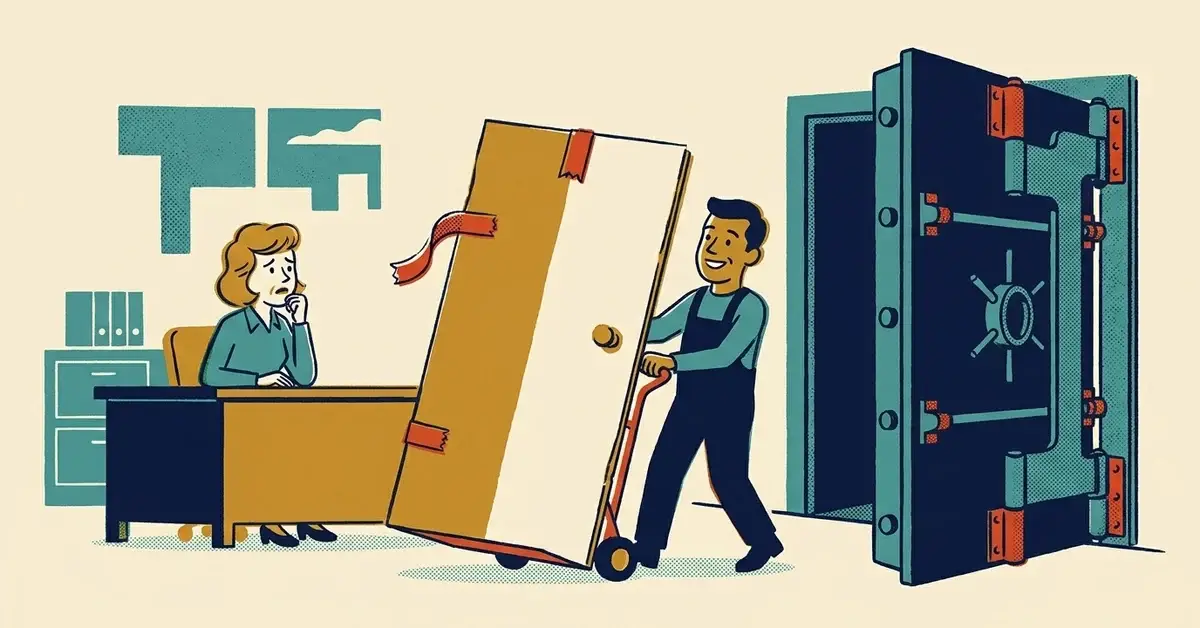
Someone offers you a cheaper way to "do security." Maybe it's a new app a vendor built with AI over a weekend. Maybe it's a dashboard a staff member made with ChatGPT. Maybe it's a pitch to cancel the endpoint protection you pay for and use the homemade tool instead.
It looks slick. It runs. It even sends alerts.
Here's the deal: an app that runs isn't the same as an app that protects you. If nobody can explain how it works, keep your real security tools and treat the new thing as an experiment, not a replacement.
The quick answer
- Don't cancel proven security tools (endpoint protection, email filtering, backups, multi-factor sign-in) to replace them with an AI-built app nobody can explain.
- Ask hard questions before any new tool touches your data: who wrote it, what it connects to, where the data goes, who patches it, and how they handle security bugs.
- Give any new tool the least access it needs, and test it on something that doesn't matter first.
- No answers, no access. If the maker gets vague or defensive, walk away.
What "vibe coding" actually means
Vibe coding is building software by describing what you want to an AI tool and accepting the code it writes, often without reading or understanding it. Many vibe coders aren't developers at all. If the app seems to work, it ships.
The term took off after AI researcher Andrej Karpathy used it in a post in February 2025, and Merriam-Webster now lists it.
Tools like ChatGPT, Claude, Cursor, Lovable and Replit make this possible for people who have never written a line of code. That's genuinely useful for prototypes and simple internal tools.
The problem is what gets built with it, and who's on the hook when it breaks.
How to tell if a tool was vibe coded
You usually can't tell from the screen. You can tell from the answers. Watch for:
- Nobody can explain the parts. "The AI handles that" is not an answer to "how do you store passwords?"
- No documentation. A few screenshots and a chat community instead of setup guides and a security page.
- No patch history. No release notes, no changelog, no way to see when the last security fix went out.
- No way to report a bug. Serious software makers publish how to report a security problem (often a
security.txtfile or a "vulnerability disclosure" page). - Built fast, sold fast. "We built it in a weekend" is a fine story for a to-do app. Not for something guarding customer data.
- "It's open source, so it's fine." Open source can be excellent. But someone still has to track what's in it and keep it updated.
Why AI-built tools go wrong on security
It's not that AI code is always bad. It's that nobody checked.
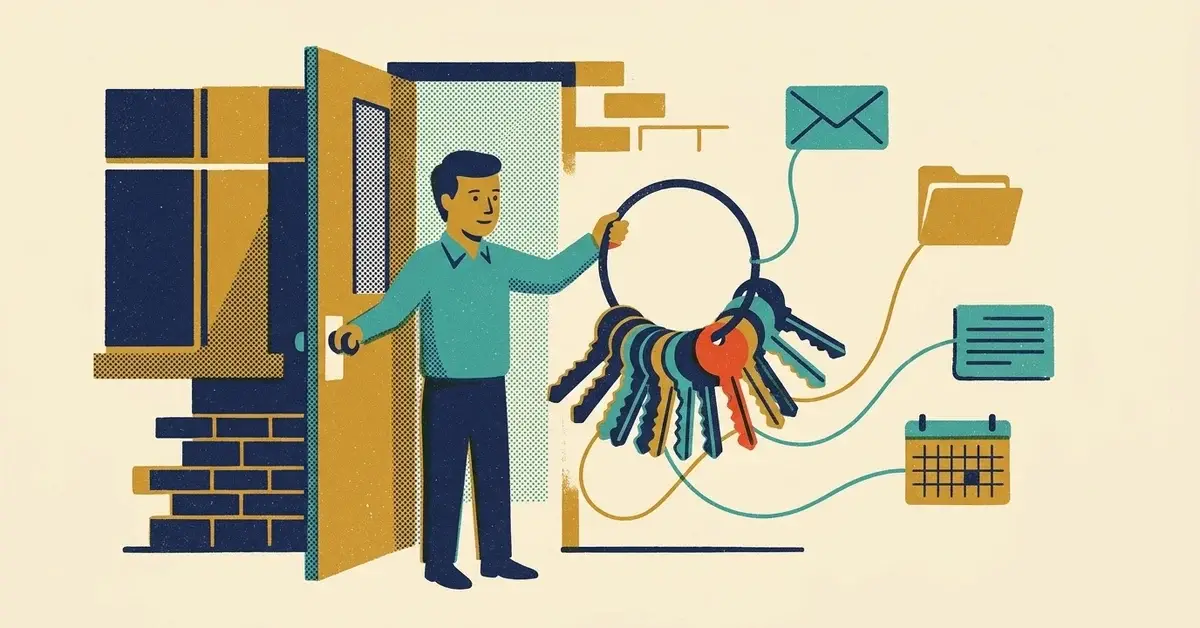
The OWASP Top 10, the most widely used list of web app security risks, puts broken access control at number one in its 2025 edition: apps that let people see or change things they shouldn't. Think of it as a building where every door has a lock, but nobody checked which keys open which doors. An AI tool will happily build the doors. Checking the keys is still a human job.
That's not hypothetical. In May 2025, a vulnerability in apps generated by the AI app builder Lovable was published as CVE-2025-48757. The record says weak database security settings in apps built through April 15, 2025 let attackers who weren't signed in read or write the apps' database tables. Lovable disputes the record, saying each customer is responsible for protecting their own app's data.
Which is exactly the point. When the builder says security is your job, and you didn't know there was a job, nobody's doing it.
A few other ways it goes wrong:
Mystery parts from the internet
Apps are built from smaller pieces of shared code called packages. OWASP's 2025 list adds software supply chain failures at number three: problems caused by "vulnerabilities or malicious changes in third-party code, tools, or other dependencies."
AI makes this worse in one specific way. Researchers presenting at USENIX Security 2025 found that code-writing AI models regularly suggest packages that don't exist. An attacker can publish malware under one of those made-up names and wait for someone to install it. If the person building your tool doesn't check, it goes straight in.
Too much access
AI tools that can act on their own, not just write code, need permissions. Give them too many and one bad step does real damage.
In February 2026 the Financial Times reported that Amazon's own AI coding tool, Kiro, was involved in a December 2025 interruption to an AWS service. Amazon disputed that account, calling it "user error—specifically misconfigured access controls" that affected one service (AWS Cost Explorer) in one of its 39 regions.
Either way, the lesson for a small business is the same: whatever builds or runs your tools, AI or human, should only have the access it needs.
Updates when someone feels like it
A real security product gets patched on a schedule, with emergency fixes when something serious turns up. A hobby project gets updated when its maker has a free Saturday.
Attackers don't wait for Saturday.
A false sense of safety
This is the sneaky one. A homemade tool that shows a green dashboard can make everyone relax, while nothing is actually watching for the attacks that matter.
What to ask before any new tool touches your business
Use these with any vendor, AI-built or not. CISA, the U.S. government's cybersecurity agency, published a whole Secure by Demand guide (August 2024) on questions to ask software makers. Here's the short version for a small business:
- Who built it, and can they explain how it signs people in and stores data?
- What does it connect to? Email, files, your Microsoft 365 or Google account, customer records?
- Where does our data go, and how long is it kept?
- Who patches it, and how often? Ask to see the release notes.
- How do we report a security problem, and how fast do you respond?
- What third-party code does it use, and who keeps that updated?
- What happens to our data if you stop supporting it?
Copy those into an email and send them. The answers, or the silence, tell you most of what you need. Our AI vendor red flag checklist has a longer version.
If you're already using one
Don't panic and rip it out mid-week. Do this instead:
- List what it can reach. Check its connected-app permissions in your Microsoft 365 or Google admin settings. More on finding those in the connected apps problem.
- Cut its access down to only what it needs.
- Make sure your real tools are still running. If you turned off endpoint protection or email filtering when the new tool arrived, turn it back on today.
- Send the maker the questions above. Set a deadline for answers.
- If it holds customer data and the answers are bad, plan a move off it, and check whether anything was exposed.
Keeping it under control in a business
- One rule for staff: no new app gets connected to company email, files or customer data without a yes from whoever owns IT.
- Keep a simple list of every tool, who approved it, and what it can access. If people are already using their own AI tools, start with the shadow employee problem.
- Keep the basics in place: endpoint protection on every computer, automatic updates, multi-factor sign-in, email filtering, and tested backups.
- Use AI where it shines: drafting, summarizing, internal helpers that don't guard anything. Add new security tools next to the proven ones, not instead of them.
We have this thing called layered security for a reason. A vibe-coded app shouldn't be the only layer.
When to get help
- Someone's pitching you a tool to replace your current security software, and you can't judge the answers.
- An AI-built app already holds customer data and nobody knows how it's secured.
- You found tools connected to company accounts that nobody remembers approving.
If any of that sounds familiar, we're happy to take a look.
Related reading
- AI vendor red flags: 12 questions to ask before a tool touches client data
- Your AI toolchain is a security hole: the connected apps problem nobody inventoried
- Your team's AI is a "shadow employee"
Originally published March 2026. Updated November 2026.




No comments yet