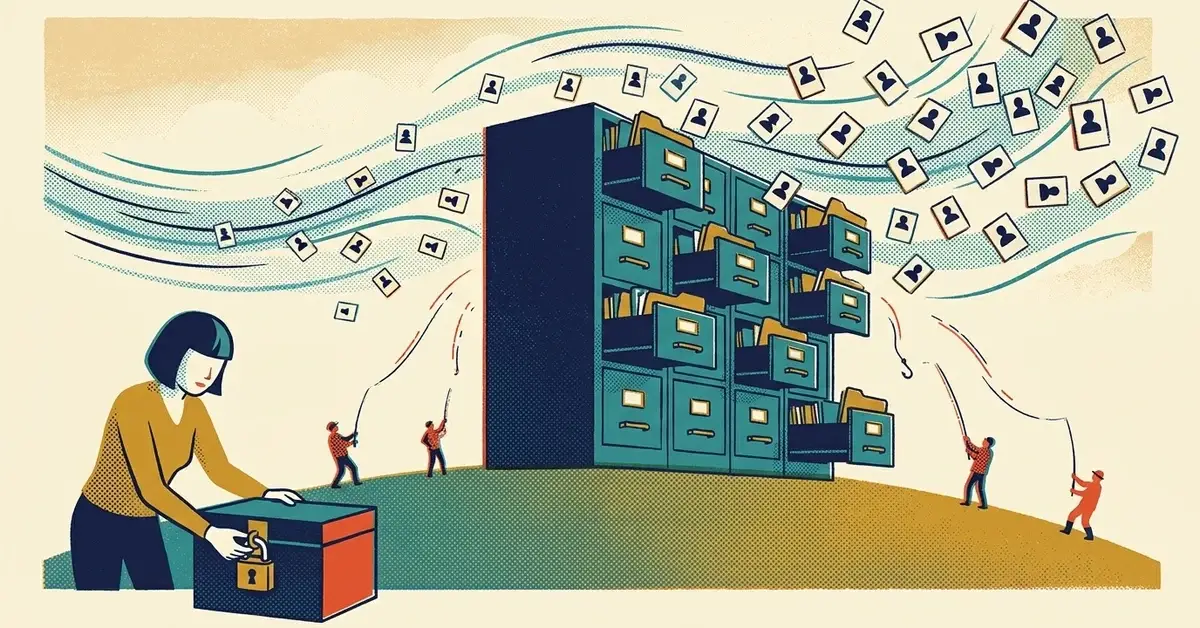
Your bookkeeper gets an email from "you" asking for a quick wire. It uses her real title, mentions the vendor you actually use and signs off the way you do. Or a new hire gets a LinkedIn message from a "recruiter" who knows exactly what he did at his last two jobs.
Nobody broke into your systems to get that information. It was sitting in a database anyone could open.
The quick answer
You can't pull your staff's details back out of a scraped list. You can make that list useless to a scammer.
- Make a rule: any request to move money or change bank details gets a phone call to a number you already have, never one from the email.
- Turn on multifactor authentication (MFA) on email, banking and payroll for everyone.
- Warn your team, especially whoever pays bills, runs payroll or hires.
- Check your domain for known breaches and change any reused passwords.
What happened
In November 2025, security researcher Bob Diachenko and the Cybernews research team found an unprotected MongoDB database (a type of database that, misconfigured, can be read by anyone on the internet who finds it) holding about 4.3 billion records and roughly 16 terabytes of professional and company data. As of the original report:
- It was found on November 23, 2025 and secured about two days later, after the researchers alerted the owner.
- It held nine collections (think of them as separate tables), with names like "profiles," "people" and "companies."
- The records looked like LinkedIn data: full names, email addresses, phone numbers, LinkedIn profile links, job titles, employers, work history, education and locations. One collection held more than 732 million records, many with profile photos.
- Some records carried an "Apollo ID" field, which the researchers said points to Apollo.io, a sales intelligence tool. That is a field name, not proof Apollo was the source or the owner.
- The owner wasn't confirmed. Cybernews said the data looked like it belonged to a lead-generation company, built by scraping and combining sources, but it didn't name one.
Here's the deal: there's no way to know from the outside who copied it while it was open. So the safe assumption is that it's out there.
How to tell your business is being targeted
Scraped data makes a scam sound like it knows you. Watch for:
- Messages that use real job titles and names but arrive from an outside or slightly-off email address.
- "Quick favor" requests for wire transfers, gift cards or a change to a vendor's bank account, with urgency and a reason not to call.
- Recruiter or job-offer messages to staff that ask them to download a file, install an app or move the conversation to WhatsApp or Telegram.
- Fake vendor emails that name a supplier you really use and say their "banking has changed."
- A run of password-reset or sign-in prompts nobody asked for. That's often someone trying leaked passwords against your accounts.
None of these is new. What the leaked data changes is how believable they are.
What to do, easiest first
1. Set a call-back rule for money (today, free)
This one stops the most expensive version of the problem. Business email compromise, where a scammer poses as a boss or vendor to redirect a payment, cost U.S. victims about $3 billion in 2025, according to the FBI's 2025 IC3 report.
The FBI's own advice is to confirm any change in payment details by calling a number you looked up yourself, not one in the request.
Copy this into your team chat:
New rule: if anyone (including me) asks you by email or text to pay someone, buy gift cards or change bank details, call them on the number we already have before you do anything. No exceptions, no matter how urgent it sounds.
2. Turn on MFA everywhere it matters
Microsoft says MFA can block more than 99.2% of account compromise attacks. Start with email, then banking, payroll and your accounting software. Use an authenticator app over text messages where you can.
3. Fix reused passwords
If staff use the same password at work and on some random shopping site, a leak anywhere becomes a key to your email. A password manager for the team fixes this. So does a one-line rule: every work account gets its own password.
4. Check your domain for known breaches
Have I Been Pwned's domain search shows which addresses on your business domain have turned up in breaches it has loaded, once you prove you own the domain. Per its support page, it's free for domains with a small number of breached addresses, and you can sign up for alerts on new ones. It won't necessarily include this particular database, since it was an exposed scrape rather than a confirmed theft. Use it as a general health check.
5. Brief the people scammers will aim at
Ten minutes with whoever handles payments, payroll and hiring. Show them the warning signs above. Tell them they will never get in trouble for calling to double-check.
6. Trim what's public
Your team page and LinkedIn are part of running a business. But ask whether the website needs everyone's direct email, phone extension and reporting line. A general contact address for the public and a short staff list gives a scammer less to work with.
Why this kind of leak matters
A scraped database is a shopping list. Names, titles and reporting lines tell an attacker who approves payments, who's new and who to impersonate. Add an AI writing tool and they can send thousands of personal-sounding messages in an afternoon.
The uncomfortable part is that your business can be targeted without ever being breached. The breach happened at a company you've never heard of.
If someone already fell for it
- Money sent? Call your bank right away and ask them to recall the transfer. Speed matters most here. Then report it at ic3.gov.
- Someone typed a password into a fake page? Change it, sign out of all sessions and check the account for new forwarding rules or connected apps.
- Someone opened a "job offer" file? Disconnect that computer from the network and get it checked before anyone logs in to work accounts from it.
- Not sure anything happened? Change the password anyway. It costs nothing.
Preventing it in a business
A short checklist to run once and revisit every quarter:
- Call-back rule for payments and bank changes, written down and shared
- MFA on email, banking, payroll and accounting for every user
- Password manager, or at least no reused work passwords
- Domain monitoring set up for breach alerts
- Staff page reviewed for details that don't need to be public
- New hires told about the call-back rule on day one (they're the favorite target)
When to get help
- A payment went out and you're not sure it was legitimate.
- You see sign-ins to company email from places nobody on the team has been.
- You have more than a handful of staff and no one is sure whether MFA is actually on for all of them.
If any of that sounds familiar, talk to us.
Related reading
- Business email compromise: the $2.9 billion scam hiding in your inbox
- Job offer or job trap? How scam recruiters are hacking your small biz
- Credential stuffing: why that old breach email might be breaking into your business
Originally published December 2025.



No comments yet