
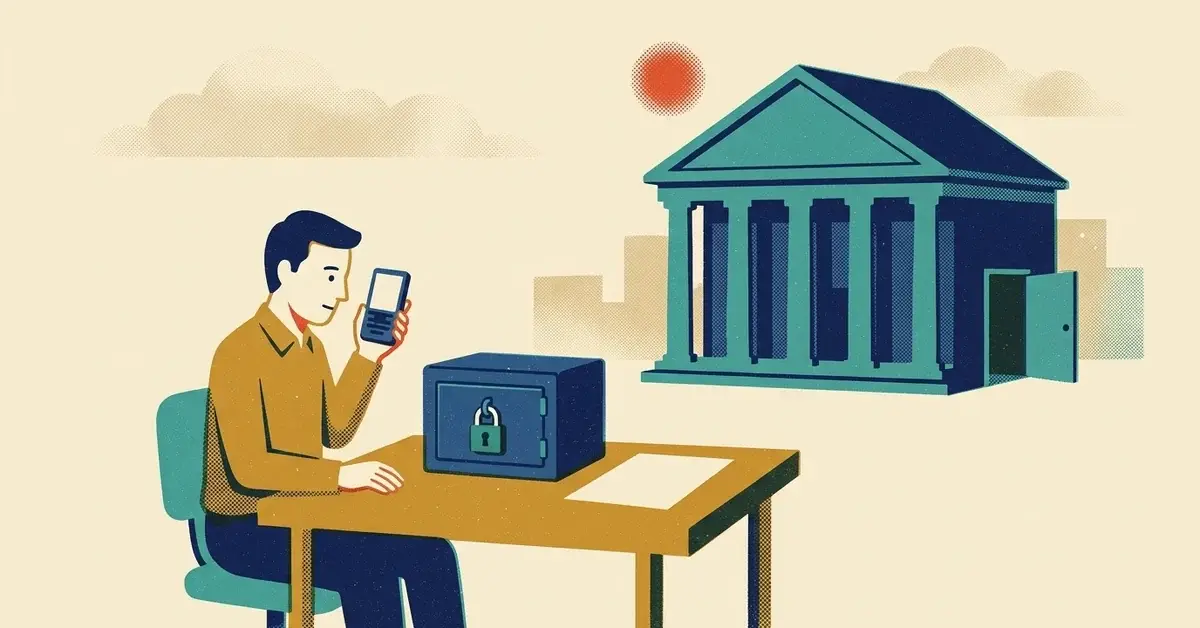
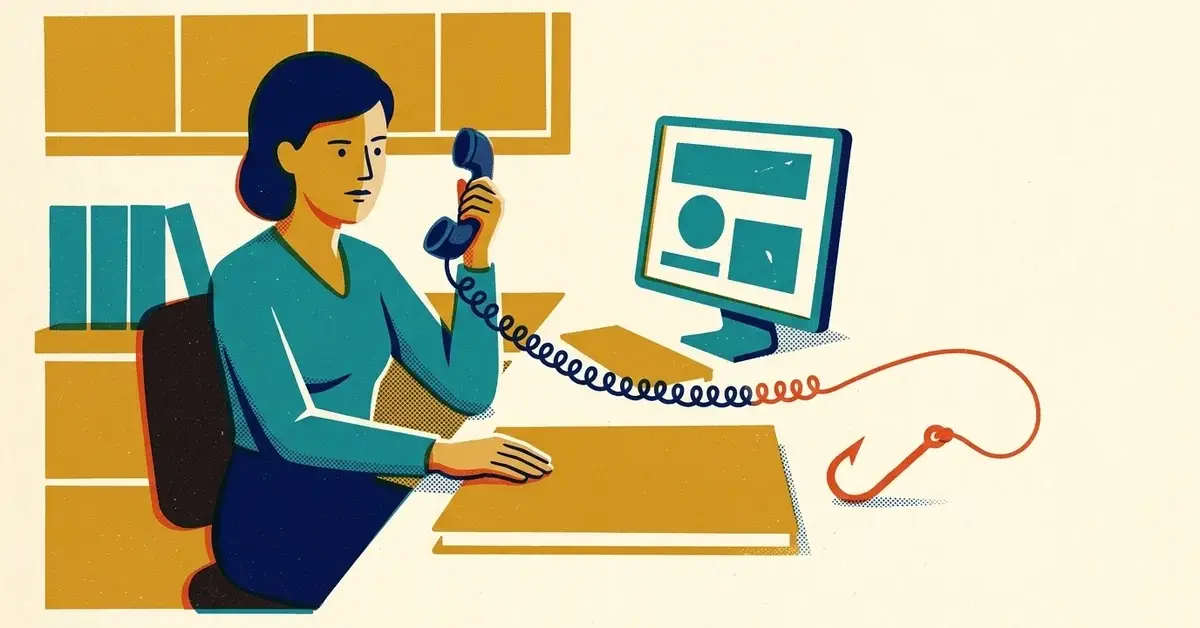
A recruiter messages you on LinkedIn. Great role, great pay, and they seem to know your work. The interview is a video call, but first you need to install their meeting app. Or the call page says your camera isn't working and gives you a quick "fix" to paste in.
Stop there. That's the scam.
Fake recruiters aren't after your résumé. They want you to run something on your computer. And if that computer is the one you use for your business, they get your saved passwords, your browser sessions and whatever else lives on it.
The quick answer
If you're in the middle of one of these right now:
- Don't install anything a recruiter sends you, and don't paste any command they give you into Run, Command Prompt, PowerShell or Terminal.
- Leave the call or chat. A real employer will wait while you check.
- Look the company up yourself. Go to its website by typing the address, find its careers page, and check the job is listed there.
- If you already installed or ran something, disconnect that computer from the internet and jump to "If you already clicked" below.
How to tell a fake recruiter from a real one
Real recruiters do cold-message people. So "they contacted me first" isn't proof of anything. These are the signs that matter:
- They want you off the platform fast. A move from LinkedIn to Telegram, WhatsApp or a personal Gmail address before there's any real interview.
- The interview needs special software. Real companies use Zoom, Teams or Google Meet, or a hiring platform you join in the browser. They don't need you to download a "custom" meeting app from a link in a chat.
- Something "breaks" and they have a fix. The camera or microphone fails, and the page tells you to copy a command and run it. No legitimate interview site works this way.
- The pay is out of line with the job, or the hiring process skips steps (no real interview, an offer within a day).
- They ask for money for equipment, training or "processing", or want payment in crypto. The FBI's IC3 has warned about fake work-from-home jobs where the "employer" asks for cryptocurrency payments, and its advice is plain: "Never send money to an alleged employer."
- The details don't add up. The domain is close to the company's but not quite. The recruiter's profile is new, thin or has a stock photo.
On LinkedIn, a verification badge on a job post means the company has a verified Page and the person who posted the job has verified they work there. LinkedIn grants it after its own check, and it can't be bought. It helps. It isn't a guarantee, and a missing badge isn't proof of a scam. Checking the careers page yourself is still the better test.
What these scams look like
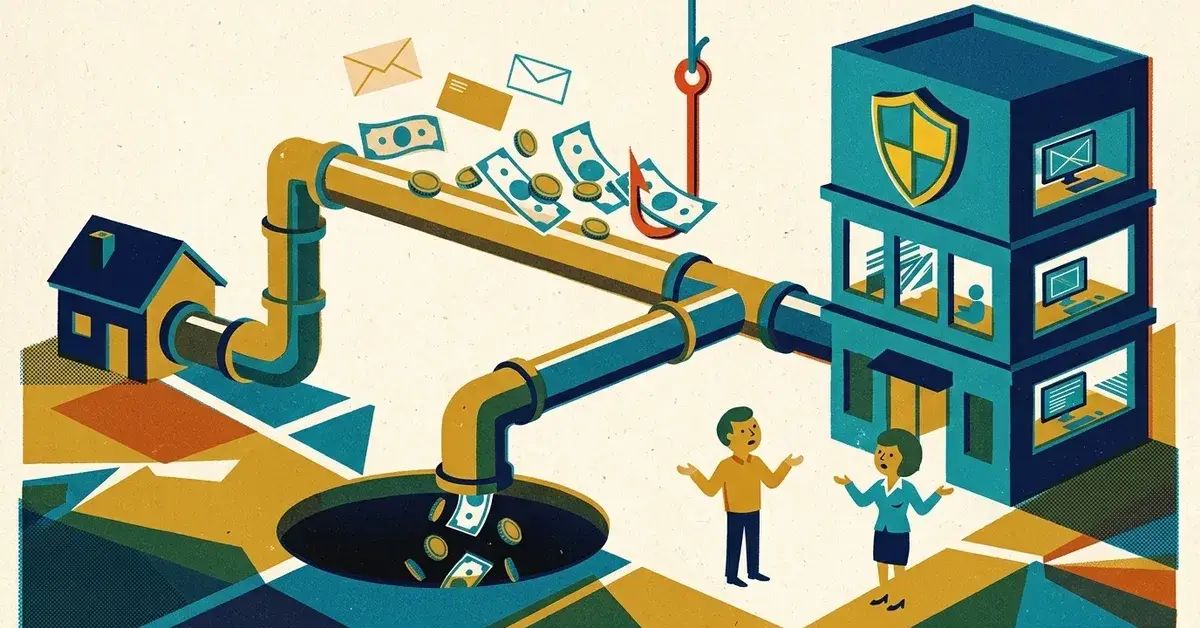
Here's the deal: the job is just the hook. The payload is malware, usually an "infostealer" (malware that copies saved passwords, browser cookies and crypto wallets and sends them to the attacker).
Two campaigns from 2025 show the pattern:
- GrassCall (February 2025). A group set up a fake crypto company called ChainSeeker.io with LinkedIn and X profiles and paid job ads, moved candidates to Telegram, and told them to install a video meeting app called GrassCall. BleepingComputer reported on February 26, 2025 that the app installed password-stealing or remote-access malware on Windows and Mac, and that some people reported having their crypto wallets drained.
- "ClickFake Interview" (2025). Sekoia attributed this one to Lazarus, a North Korean hacking group. Fake interview sites showed a camera error and said a driver download was needed. On Windows, candidates were told to press Windows+R, type cmd and paste a command into the Command Prompt; on a Mac, to paste it into Terminal. The command installed a backdoor instead.
That "paste this to fix it" trick has a name: ClickFix. Microsoft's threat intelligence team describes it as a lure built around "minor technical issues" that gets people to run commands in the Windows Run box, Terminal or PowerShell. It shows up in fake CAPTCHAs and fake error pages too, not just interviews.
Early versions of these campaigns went after crypto and tech workers. The trick works on anyone with a laptop and a LinkedIn profile, though, and that includes you and your staff.
Why this is a business problem
A five-person office doesn't have a separate "job hunting" computer. Someone takes a recruiter call on the same laptop they use for email, banking and the accounting software.
Once an infostealer runs, it can grab:
- Passwords saved in the browser.
- Session cookies, which can let an attacker into your Microsoft 365 or Google account without your password or your MFA prompt.
- Files and anything synced to that laptop.
So one employee's side job search can turn into a hijacked business email account. That's how invoice fraud starts.
If you already clicked
Don't panic, and don't wait. Do these in order:
- Disconnect the computer from Wi-Fi and unplug its network cable. Leave it on.
- From a different, clean device, change the passwords for your email, banking and anything saved in that browser. Email first.
- Sign out everywhere. In Microsoft 365, an admin goes to Users > Active users, selects the person, then Sign out of all sessions on the Account tab (Microsoft's steps). In a Google account, go to Security & sign-in > Your devices > Manage all devices, select a device you don't recognize, then Sign out (Google's steps).
- Check your email rules for forwarding or auto-delete rules you didn't make. Attackers add them to hide what they're doing.
- Get the computer checked by whoever handles your IT. If an infostealer ran, plan on a wipe and reinstall rather than a quick scan.
- Report it to ReportFraud.ftc.gov and the FBI's IC3, and report the fake profile to LinkedIn.
If crypto was involved, move what's left to a new wallet from a clean device. The old one should be treated as gone.
Preventing it in a business
You can't stop staff looking for jobs. You can make the trick fail.
One-line staff rule: "Nobody installs software or runs a command because someone in a chat or call told them to. Ask first, every time."
Then the settings:
- No admin rights on everyday accounts. Most of these installers need permission to install. Standard user accounts block a lot of them.
- Turn on Microsoft Defender's cloud-delivered protection (or your antivirus product's equivalent) and keep it updated.
- Block the Windows Run box where staff don't need it. Microsoft suggests a Group Policy setting for this: User Configuration > Administrative Templates > Start Menu and Taskbar > Remove Run menu from Start Menu. That needs Windows Pro or higher and some IT know-how.
- Use a password manager instead of saving passwords in the browser, and phishing-resistant MFA where you can.
- Have endpoint detection on business computers. It's built to notice a "meeting app" quietly reading browser password stores, even when antivirus misses the file.
And talk about it. A two-minute heads-up at a team meeting ("if a recruiter asks you to install something, it's a scam") goes a long way.
When to call someone
Get help if:
- Someone ran a recruiter's installer or command on a computer used for work.
- You see sign-ins, email rules or password-reset emails you don't recognize afterward.
- Money or crypto has already moved.
If you'd rather not work through the cleanup alone, we can help.
Related reading
- Is That Person Real? How to Spot Deepfake Video Calls, Fake Job Candidates and AI Photos: the same scam from the other side, when a fake candidate applies to you.
- Fake Virus Warning Pop-Up? What to Do
- Got a Scam Text? 5 Steps to Take
Originally published July 2025. Updated October 2026.

No comments yet