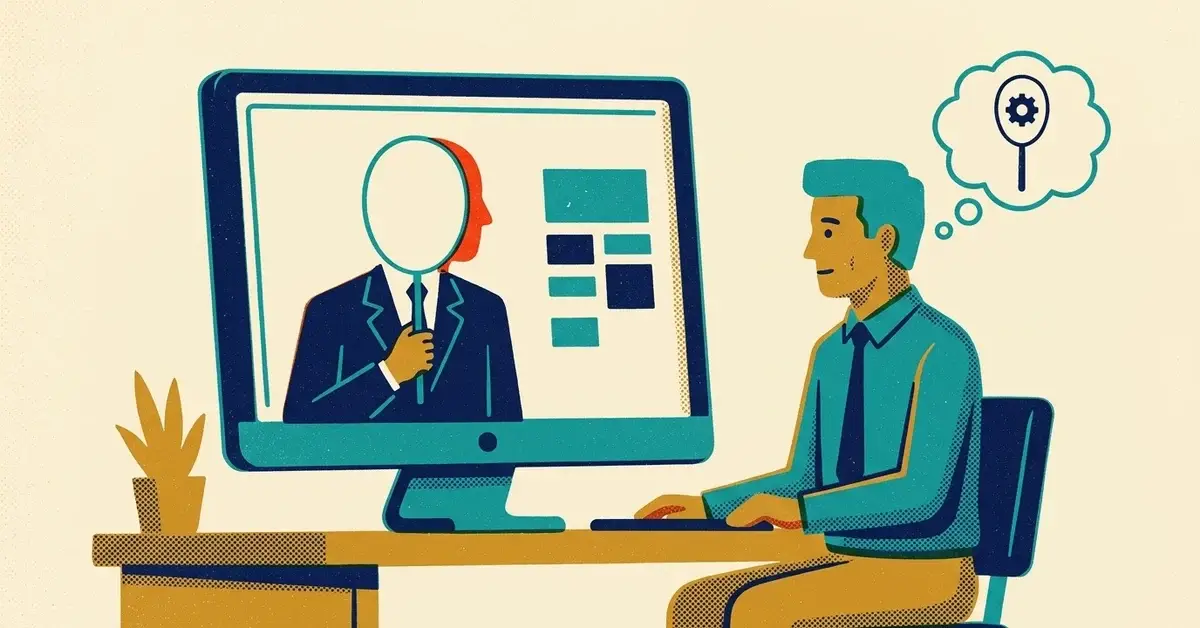
A job candidate interviews well on video, but their lips don't quite keep up with their words. A "partner" on a Teams call asks for a payment and won't turn their camera back on after a glitch. A customer sends a photo of a damaged delivery that looks a little too perfect.
Is that even a real person? Sometimes the honest answer is "you can't tell by looking." AI can now fake a face on a live video call and make a convincing photo in seconds. So this post is about how to check, not how to stare harder.
If your worry is a phone call that sounds like you or your boss, start with our post on AI voice cloning scams. This one covers faces: video calls, video interviews and photos.
The quick answer
- Don't let a face on a screen approve anything. Money, bank details, logins and files get confirmed on a channel you already had, like a phone number on file.
- Check who's actually in the meeting. In Microsoft Teams, look for "(Guest)", "(External)" or "(Unverified)" next to a name.
- Put friction into remote hiring. Camera on, plain background, a question only the real person could answer, and a check that the person who starts on day one is the person you interviewed.
- Treat photos as claims, not proof. Ask for a second angle, a short video or the original file before you refund, approve or pay.
- If your face or brand shows up in a fake, save copies, report it to the platform, and tell your customers what you'll never ask them to do.
Why "it looked real" isn't a test anymore
Here's the deal. The FBI warned in December 2024 that criminals use generative AI to make video for live video chats posing as company executives, and to produce fake identification documents such as driver's licenses. That's the same tool kit, aimed at the two things most small businesses rely on to trust someone: seeing their face and seeing their ID.
The best-known case is the engineering firm Arup. In 2024 an employee in its Hong Kong office sent about US$25 million after a video call with people who looked and sounded like senior colleagues. None of them were real (CNN, May 16, 2024). Our post on spotting AI-fake emails, videos and invoices walks through the payment side of that story.
A small business isn't too small for this. The meeting doesn't have to be fancy. It just has to look enough like someone you trust, for long enough, to get one "yes."
How to tell which kind of fake you're dealing with
The signs differ by where the fake shows up, so work out which situation you're in first.
A video call with someone you know
The person looks like your colleague, partner or client, and the call ends with a request. Warning signs:
- The request is about money, bank details, passwords or files, and it's urgent or secret.
- The camera "breaks" right when you ask a question, or the person won't move or turn.
- The meeting came from a new link or a new account, not their usual one.
- The call "breaks" and the fix is something to install. In a November 2026 alert, the FBI described fake Zoom and Teams meetings that play recorded webcam video of people the target knows, then claim an audio problem and walk the target through an "update" or a pasted command that installs malware. Leave the call and update the app yourself.
- Their name carries a label it shouldn't. Microsoft says Teams shows "(Guest)" for guests, "(External)" for people from other trusted organizations, and "(Unverified)" for anyone it can't verify at all. Your own coworker shouldn't show up as Unverified.
A job candidate on a video interview
The FBI first warned employers in June 2022 that people were using deepfakes and stolen identities to apply for remote jobs, especially IT and software roles with access to customer data. The tells it described: lip movements that don't match the words, and coughs or sneezes that don't line up with what's on screen. It has since warned that applicants have used face-swapping during video interviews to hide who they are (FBI, January 2025).
Other signs worth a second look:
- The person refuses to turn the camera on, or keeps a blurred or fake background.
- The resume, LinkedIn profile and the person on camera don't quite match.
- Their phone number or email has turned up on other applications.
- After the offer, they ask to ship the work laptop somewhere other than the address on their ID, or they change bank accounts repeatedly (FBI, July 2025).
A photo or document someone sends you
Damage photos for a refund, a picture of an ID, a "proof of payment" screenshot, a delivery photo. AI can make all of these. Don't spend too long hunting for six fingers. Look at whether the photo fits what you already know: the order, the date, the address, the product.
Your face or brand in someone else's fake
A video of "you" endorsing something, a fake profile using your staff photos, an ad using your logo. That's impersonation, and the fix is mostly reporting and warning people (see below).
The fixes, easiest first
1. Make "seen on video" count for nothing on money
Write one rule and tell everyone who can pay a bill: no payment, bank change, gift card, login or file goes out because of a video call, however real it looks. The person who got the request hangs up and confirms on a number or chat thread you already had before the request arrived.
The FBI's suggestion for families works for small teams too: agree on a secret word or phrase to confirm identity. Our voice cloning post has a simple way to set one up.
2. Tighten who gets into your Teams meetings
You'll need a Teams admin for this. In the Teams admin center, go to Meetings > Meeting policies, open the policy, and under Meeting join & lobby set Who can bypass the lobby to People in my org or People who were invited (Microsoft Learn). Outsiders then wait in the lobby until someone admits them, so nobody new slips into a call unnoticed. Microsoft notes that organizers can change this per meeting, and changes can take up to 24 hours to apply.
Then tell staff the one thing to check: the label next to each name.
3. Add three checks to remote hiring
You don't need a background-check company to make a fake candidate's life harder.
- Camera on, plain background, for the whole interview. Ask the candidate to wave a hand in front of their face; the FBI suggests this because it may make AI-generated video glitch. It also suggests asking them to point the camera out a window and answer questions about where they say they are (FBI, July 2025). Newer tools may cope better, so treat it as one check, not proof.
- Ask about things only the real person would know. A past job's day-to-day work, the city they say they live in, a project on their resume. Call references on numbers you find yourself, not the ones on the resume.
- Match day one to the interview. The person who starts should be the person you interviewed, with ID that matches. Ship equipment only to the address on their paperwork, and treat a last-minute address or payment change as a reason to stop and ask.
4. Ask for more than one photo
For refunds, claims and anything with an ID photo:
- Ask for a second angle or a short video showing the item next to today's packaging.
- Ask for the original file rather than a screenshot. Some cameras and AI tools attach Content Credentials, a kind of label showing where the image came from, which you can check at contentcredentials.org/verify. If there's no label, that doesn't mean it's fake. Most photos still don't have one, and a screenshot strips it.
- Run a reverse image search (in Chrome, right-click the image and choose Search with Google Lens) to see if the photo already exists online (Google's steps).
Why this works on smart people
A forged signature isn't caught by staring at it longer. It's caught by calling the person who supposedly signed.
Deepfakes work the same way. They're built to pass a glance from a busy person who has every reason to trust a familiar face. Getting fooled isn't carelessness. It's the scam doing its job, which is why a boring process beats a sharp eye.
If it's already happened
You paid or sent something after a fake call:
- Call your bank's fraud line now and ask them to recall or freeze the transfer.
- Report it to the FBI at ic3.gov. Include the meeting link, account names, email addresses and phone numbers.
- Keep everything: the invite, chat messages, screenshots, call logs.
- If anyone shared a password or code, change it and check that account's sign-in activity.
You hired someone who isn't who they said: cut their access to email, files and remote tools first, then deal with HR. Report it at ic3.gov.
Someone is using your face or brand: save copies and links, report the post or account through the platform's impersonation form, and report it to the FTC at ReportFraud.ftc.gov. Then post a short note for customers: "We'll never ask you to pay or share passwords on a video call. If someone does, call us on the number on our website." Our post on what to do when AI cloned your voice covers warning clients in more detail.
Preventing it in a business
- Written rule: video, voice and photos never approve money, bank changes or access on their own.
- Teams lobby on for outsiders, and staff know what Guest, External and Unverified mean.
- Remote hiring checklist: camera on, local questions, references you found yourself, day-one ID match, equipment only to the address on file.
- Refund and claim checklist: second angle or video, original file, reverse image search for anything large.
- A five-minute team chat that ends with: you'll never be in trouble for checking.
One-line staff rule: a face on a screen is a starting point, not a signature.
When to call someone
- Money or data has already gone out after a call or interview you now doubt.
- Someone you hired may not be who they said, and they still have access.
- You're not sure your Teams and email settings let outsiders in unnoticed.
If that's where you are, get in touch.
Related reading
- AI voice cloning scams: would your staff spot a fake call from you?
- How to spot AI-fake emails, videos and invoices before you pay
- Someone called claiming to be our bank, IT or the boss: what do we do?
Originally published November 2025. Updated November 2026.




No comments yet