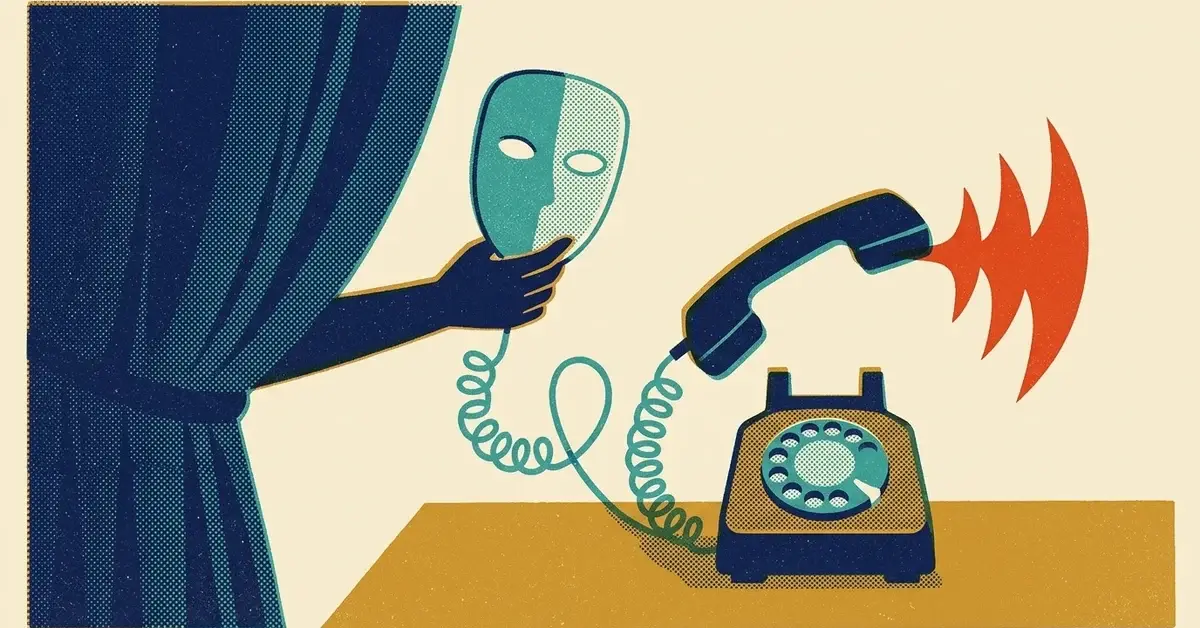
Your bookkeeper's phone rings. It's you. Same voice, same way of saying her name. You're between meetings, a supplier needs paying today, and could she send the wire now and you'll explain later?
Except it isn't you. It's a copy of your voice, made with AI from recordings of you talking online.
Would she send it?
That's the question this post helps you answer before someone else asks it.
The quick answer
- Agree on a rule today: no money moves, and no bank details change, on the strength of a call, voicemail or message alone.
- Verify on a second channel. Hang up and call the person back on a number you already have, not one the caller gives you.
- Use a code word for urgent requests, known only to the people who need it.
- Require two people to approve wires, new payees and bank detail changes.
- Tell your team, out loud, that you will never be upset with them for checking.
Why a familiar voice isn't proof anymore
Here's the deal. Voice cloning tools take recordings of someone talking and produce new speech that sounds like them. Recordings of business owners are everywhere: videos on your website and social media, podcasts, webinars, even your voicemail greeting.
This isn't a theory. The FBI warned in December 2024 that criminals are using AI-generated audio, including cloned voices, to make fraud more convincing, and in May 2025 that a campaign was sending AI-generated voice messages pretending to be senior U.S. officials.
And it's not only voice. In 2024 the engineering firm Arup confirmed that an employee in its Hong Kong office transferred about $25 million after a video call with people who looked and sounded like company executives. They were fakes.
Caller ID won't save you either. Scammers can make any number show up on the screen, which the FCC calls spoofing.
So the voice can be faked, the face can be faked and the number can be faked. What can't be faked easily is a process.
What the call usually sounds like
The voice changes. The script doesn't. Watch for:
- Urgency. "It has to go out in the next hour."
- Secrecy. "Don't mention this to anyone yet."
- A reason you can't call back. "I'm about to board," "I'm in a meeting," "my phone's dying."
- An unusual request. Gift cards, a new supplier's bank account, payroll changes, customer data, a password reset or an MFA code.
- Pressure when you hesitate. A real boss can wait two minutes for a callback. A scammer can't.
Any one of these is a reason to slow down. Two or more, stop and verify.
Set up your verification rules
You want this written down before anyone needs it. It doesn't have to be fancy.
1. Decide what counts as "high risk"
At minimum:
- Sending a wire or ACH payment
- Adding a new payee or changing someone's bank details
- Buying gift cards for anyone
- Changing payroll or direct deposit details
- Sending customer, employee or financial records outside the business
- Resetting passwords or sharing MFA codes
2. Pick the second channel
For each of those requests, the person receiving it confirms through a different route than the one it arrived on:
- Call back on the number saved in your contacts or your staff list.
- Or message the person on your company chat (Microsoft Teams, Google Chat, Slack), if their account is protected with MFA.
- Never use a phone number, link or email address supplied in the request itself.
3. Add a code word
Pick a word or short phrase for urgent requests and share it in person, not by email or text. If a caller claiming to be you can't give it, the call ends. Change it if someone leaves the business. The FBI gives families the same advice: a secret word or phrase to confirm who's really calling.
4. Require a second approver for money
One person sets up the payment, another approves it. Many business banking platforms can require a second approval for wires and new payees; ask your bank whether yours does and how to switch it on.
5. Write the one-line rule
Put this somewhere your team will see it:
"We never move money, change bank details or share passwords because of a call, voicemail or message alone. We always verify on a second channel, even if it's the owner asking."
Train your team (it takes 15 minutes)
You don't need a course. You need one short conversation, then a reminder now and then.
- Read the one-line rule out loud at your next team meeting.
- Give them the words to use. "No problem, I'll call you right back on your usual number." Real colleagues won't mind. Scammers will push back, and that's the tell.
- Make checking safe. Say it plainly: nobody gets in trouble for verifying a request, even if it really was you. The scam works when people are afraid to slow down.
- Practice once. Leave a voicemail asking for something unusual and see if the team follows the rule. Talk it through afterward, no blame.
- Tell them where to report odd calls, so you hear about attempts that didn't work too.
Cut down the raw material (a little)
You can't take your voice off the internet, and you shouldn't stop making videos for your business. But you can:
- Use a plain voicemail greeting instead of a long one in your own voice, especially on lines the public can reach.
- Think twice about long, clean audio of the person who approves payments. That's the voice a scammer would want most.
This lowers the risk. The process is what actually protects you.
If someone already fell for it
Move fast, and keep it calm. Whoever was fooled was targeted by people who do this for a living.
- Call your bank's fraud line right away if money was sent. Ask them to try to recall or freeze the transfer. Minutes matter.
- Report it to the FBI at ic3.gov. Include the time, the number that called, amounts and account details.
- Change any passwords that were shared, and reset MFA on those accounts.
- Warn your team and, if your name was used with clients or suppliers, them too. Our post on what to do when AI clones your voice to scam clients covers that side.
- Call your cyber insurer if you have a policy. Use the claims number in the policy, and call early.
When to call someone
Get help if:
- Money has left the account, or account passwords were handed over.
- You're not sure whether email or Microsoft 365 accounts were also compromised.
- You want help setting up dual approval, MFA and a short staff training session.
If you'd like a hand with any of it, get in touch.





No comments yet