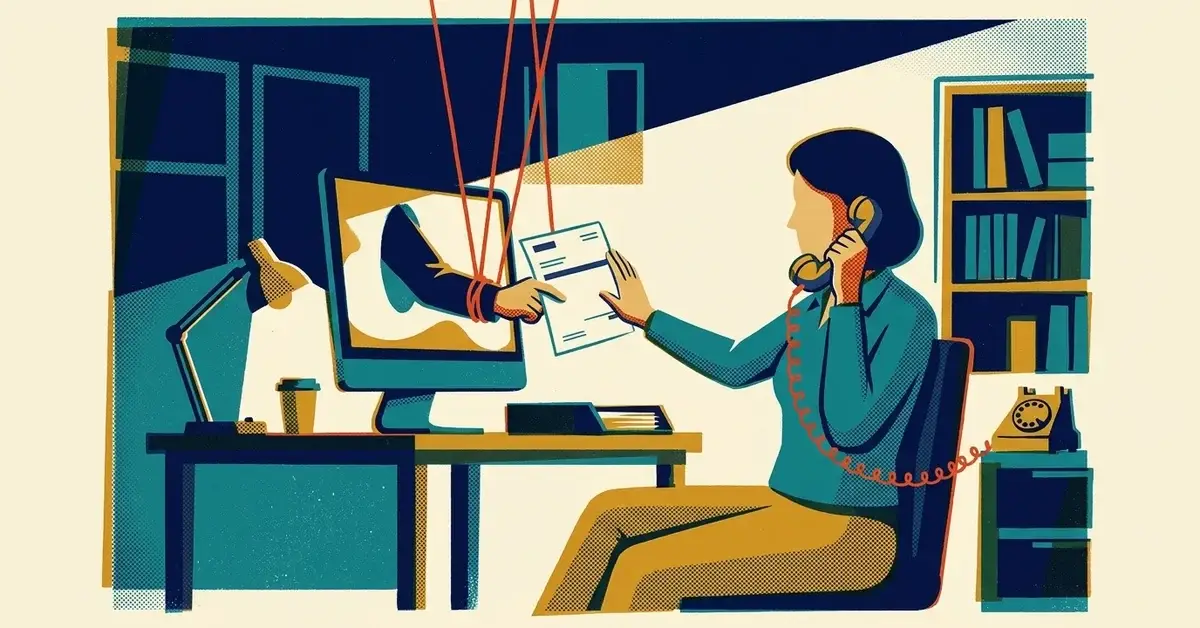
An invoice lands from a vendor you pay every month. Same logo, same layout, same contact name. One small note at the bottom: "We've changed banks, please use the new account below."
Or your phone rings and it's your business partner's voice, a little rushed, asking you to send a payment before end of day. Or there's a video call, and the people on it look and sound exactly like your colleagues.
Any of those can now be fake. Here's how to tell, and the one habit that catches them even when you can't.
The quick answer
- Stop trusting how it looks or sounds. AI can copy a logo, a writing style, a voice and a face.
- Treat any request to move money, change bank details, buy gift cards or share a login as unverified, no matter who it seems to come from.
- Verify through a second channel you already had: the phone number on file, not the one in the email, invoice or voicemail.
- Make bank detail changes need a call-back and a second person to approve.
- Agree on a code word for urgent money requests between owners and whoever pays the bills.
- Already paid? Call your bank now and ask them to recall the payment, then report it at ic3.gov.
Why the old warning signs don't work anymore
You were probably taught to look for bad spelling, odd grammar and a generic "Dear customer." Those tells are mostly gone. AI writes clean, polite, perfectly formatted email in seconds, in any tone you like, including your boss's.
Voice and video have caught up too. In February 2024, Hong Kong police said a finance employee had joined a video call with people he believed were his company's CFO and other staff. All of them were deepfakes. He went on to send HK$200 million, about US$25.6 million, across 15 transfers. In May 2024 the engineering firm Arup confirmed it was the company involved (CNN, May 16, 2024). He'd been suspicious of the first email. The video call is what convinced him.
The FBI warned in December 2024 that criminals are using generative AI to make fraud more believable, including cloned voices and fake video (FBI public service announcement I-120324-PSA). Our guide to the AI threats facing small businesses covers this and three other risks.
So "does this look real?" is the wrong test. "Did I verify this request?" is the right one.
How to tell: the request gives it away, not the polish
Almost every one of these scams ends in the same place: money moving, or access handed over. Look at what's being asked, not how nicely it's asked.
These are the red flags, whatever the format:
- Money or access. A payment, new bank details, gift cards, crypto, a login or a code.
- Urgency. Today, before close of business, before the deal falls through.
- Secrecy. "Keep this between us," "don't loop in accounting."
- A new channel. The person who always emails is suddenly texting, or calling from a number you don't know.
- Resistance to a call-back. "I'm about to board, just handle it."
Two or more of those together is enough to stop and verify.
Fake emails
- Check the actual address, not the display name. On a computer, hover over the sender's name; on a phone, tap it. Lookalike domains swap a letter (rn for m) or add a word.
- Hit Reply and look at where it's going. A reply-to address that's different from the sender is a classic.
- An unfamiliar sender in Outlook may show a banner like "You don't often get email from..." That banner is a gift. Read it. (How to turn it on is below.)
Fake invoices
- New bank details are the biggest red flag on any invoice. Real vendors do change banks, but rarely, and they won't mind you calling to confirm.
- Compare against the last real invoice you paid: invoice number format, amounts, the remit-to address, the email it came from.
- An invoice for work you can't match to a purchase order or a job is a reason to ask, not to pay.
Cloned voices
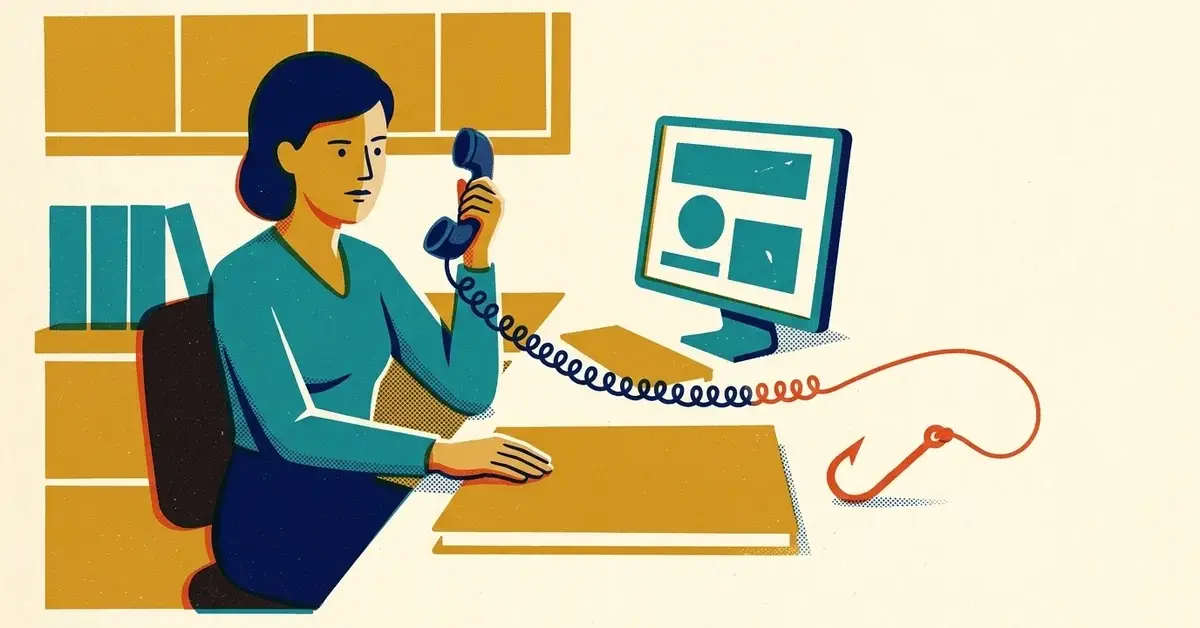
Voice-cloning tools work from recordings of someone talking, like a video on your website or a voicemail greeting. Don't judge by the voice. Hang up and call the person back on the number you already have for them. A real colleague won't mind. A scammer will suddenly be very hard to reach.
Deepfake video calls
You may notice glitches: lips slightly out of sync, odd blinking, faces that blur when they turn, audio that sounds flat. The FBI suggests looking for imperfections such as distorted features or unnatural movement. But they're getting harder to spot every year, so don't rely on them. If a video call ends with a request to move money, verify it the same way as an email: separately, on a number you already had.
The fixes, easiest first
1. Set a call-back rule
Write it down and tell everyone who can pay a bill:
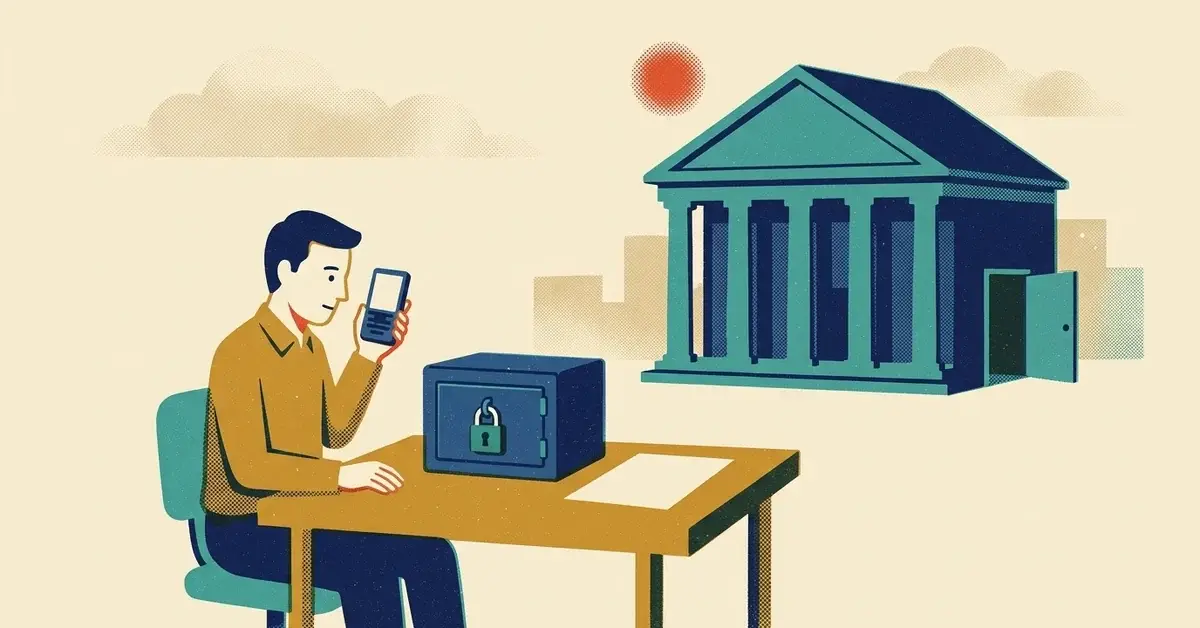
Any new payee, any change to bank details, and any urgent payment request gets a call-back to a number we already have on file before money moves.
Not the number in the email. Not the number in the invoice footer. The one in your accounting system, your contract, or your phone from before this request arrived.
2. Add a second approver
For bank detail changes and payments over an amount you pick, a second person approves. Many business bank accounts and accounting tools can enforce this. It's slower by a few minutes, and that's the point.
3. Agree on a code word
The FBI's December 2024 announcement suggests agreeing on a secret word or phrase with the people you trust, to confirm who you're talking to. In a business, that's the owners and whoever handles payments. If "the boss" calls in a hurry and can't give the word, you hang up and call back.
4. Turn on Outlook's first-contact warning (Microsoft 365)
Microsoft 365 can show a "You don't often get email from..." tip on messages from new or rare senders. It's off by default, and Microsoft recommends turning it on (Microsoft Learn).
An admin turns it on in the Microsoft Defender portal:
- Go to Email & collaboration > Policies & rules > Threat policies > Anti-phishing.
- Open the default policy (or your own), and edit the actions.
- Under Safety tips & indicators, select Show first contact safety tip, then save.
If you have Microsoft Defender for Office 365, the same policy can also flag emails pretending to be your executives or lookalikes of your domain (impersonation protection). That part needs the Defender for Office 365 license (Microsoft Learn).
5. Stop scammers sending as your domain
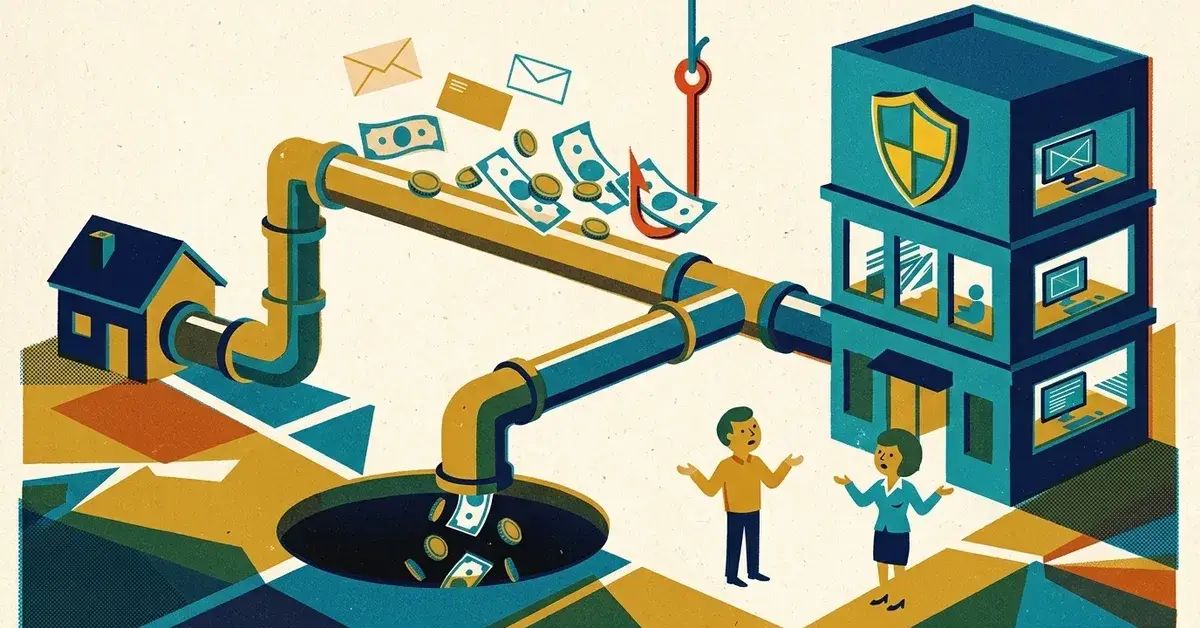
SPF, DKIM and DMARC are three email settings that make it much harder for someone to send email that claims to come from your exact domain. Our guide to SPF, DKIM and DMARC walks through them. They won't stop lookalike domains, which is why the call-back rule still matters.
Why this works on smart people
Think of it like a forged signature. If the forgery is good enough, staring harder at the signature won't help. You check with the person who supposedly signed it.
These scams are built around how normal, busy people work: a familiar name, a believable reason, and just enough pressure to skip the check. Falling for one isn't a sign anyone was careless. It's a sign the scam was well made.
If you've already paid or replied
Speed matters most here.
- Call your bank's fraud line now. Ask them to recall or freeze the transfer. Have the date, amount and receiving account ready.
- Report it to the FBI at ic3.gov.
- Keep everything: the email (don't delete it), the invoice, call logs, screenshots.
- Call the real vendor or colleague on a known number and tell them. Their email may be the one that was compromised.
- If anyone entered a password or code, change that password and check the account's sign-in activity and mail forwarding rules.
Preventing it in a business
- Written payment policy: call-back on a known number for any bank change or new payee; second approver above a set amount.
- Code word for urgent money requests between owners and the bookkeeper.
- Two-minute team briefing: show staff a real example of a fake invoice and a cloned-voice request, and tell them they'll never be in trouble for checking.
- Email settings: first-contact tips on, SPF/DKIM/DMARC in place.
One-line staff rule: if it moves money or changes where money goes, we confirm by phone on a number we already had.
When to get help
- Money has already left the account.
- A vendor or colleague's email account appears to have been taken over, or yours has.
- You're not sure your email settings are protecting you, and you don't have anyone to check.
If you need a hand with any of those, get in touch.

No comments yet