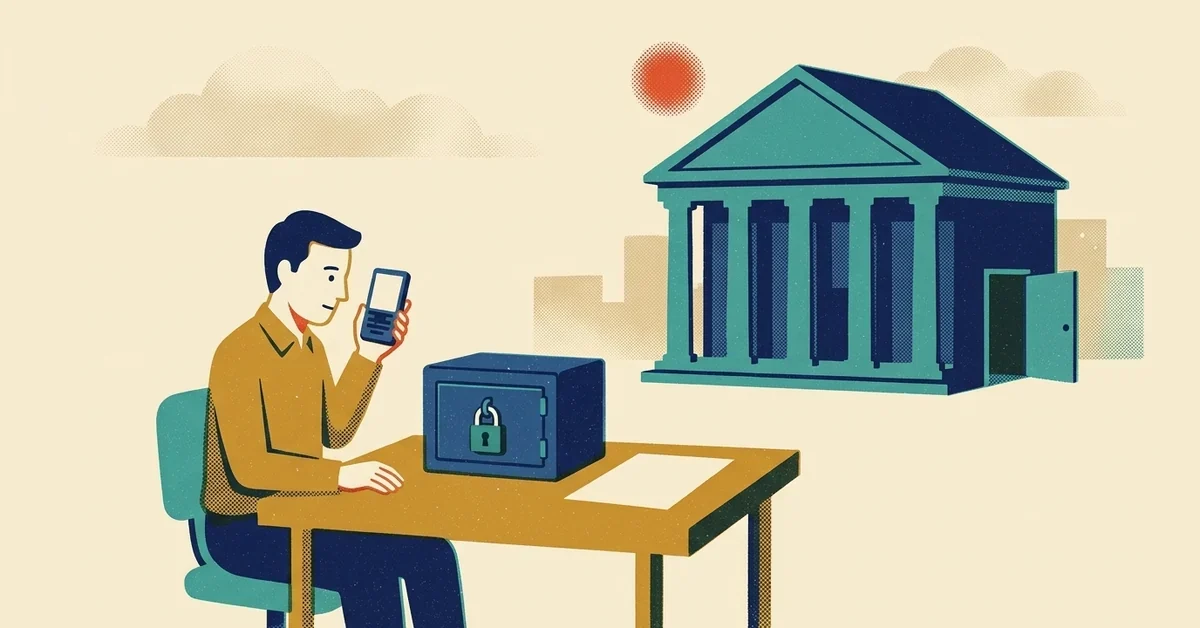
On Thursday, October 29, Binance, the world's biggest cryptocurrency exchange, was hit by a hack worth about $6.3 billion. It's being called the largest crypto theft on record.
If you hold crypto on Binance, or anywhere else, you're probably asking two questions: is my money safe, and what should I be doing right now? Here's the deal: the attack went after Binance's own systems, not customers' passwords, and Binance says it's covering the losses. But big hacks bring a second wave of scams aimed at worried customers, and that's the part that can actually cost you money. Here's what happened, and how to lock down your crypto whether it sits on an exchange or in your own wallet.
The quick answer
- Don't respond to anything about "hack compensation." Binance says it is covering losses from its own funds. Any message asking you to log in through a link, connect your wallet or pay a fee to get your money back is a scam.
- Lock down your exchange account: an authenticator app or passkey instead of text-message codes, an anti-phishing code, and a withdrawal address allowlist.
- Keep only what you're actively trading on an exchange. Money you're holding long term is safer in a wallet you control.
- Protect your recovery phrase like cash. Written down, offline, never typed into a website and never shared.
- Check every transaction on your wallet's own screen before you approve it.
- Keep the computer and phone you use for crypto clean. This hack started with one compromised laptop.
What happened at Binance
Here's what's been reported so far, as of October 31, 2026. The investigation is ongoing and details are still coming out.
- The amount. Binance put the impact at about $6.3 billion (Reuters). Blockchain analytics firm Chainalysis told Reuters it had confirmed at least $5.9 billion stolen, moving across several blockchains. The previous record was the roughly $1.5 billion stolen from the Bybit exchange in 2025 (BBC).
- How it happened. Binance co-CEO Richard Teng said the attack involved a compromised laptop and malicious software built to delete evidence of itself as it went. The attackers manipulated a system used to approve transactions, and moved money out of a Binance-controlled "hot" wallet (one connected to the internet) in a way that skipped the normal approval controls, according to Reuters. Binance's initial investigation pointed to an engineer's laptop, and a later update said it had found "additional points of breach" (BBC).
- Who's suspected. Two major blockchain analytics firms told the BBC they have strong intelligence pointing to a North Korean state-backed group known as Lazarus or TraderTraitor. North Korea has always denied involvement in these attacks. The FBI previously named the same North Korean activity, which it calls TraderTraitor, as responsible for the Bybit theft (FBI public service announcement). As of October 31, no government agency has publicly said who was behind the Binance hack.
- What Binance says it's doing. Binance said customer funds are safe, that it set aside about $6.34 billion of company money to cover the losses, and that roughly $3 billion of the stolen assets had been frozen with the help of partners. On Saturday it said it had covered 90% of the losses and was on track to reopen withdrawals on Sunday, November 1. "Binance will absorb the financial impact of these stolen funds, not our users," the company said (BBC; Binance's recovery update). The US Secret Service said it is working with private-sector partners to trace, freeze and recover the funds.
Notice what's not on that list: stolen customer passwords. This was an attack on the exchange itself. If you're a Binance customer, you didn't do anything wrong, and Binance says it, not its users, will absorb the losses.
The real risk to you right now: the scams that follow
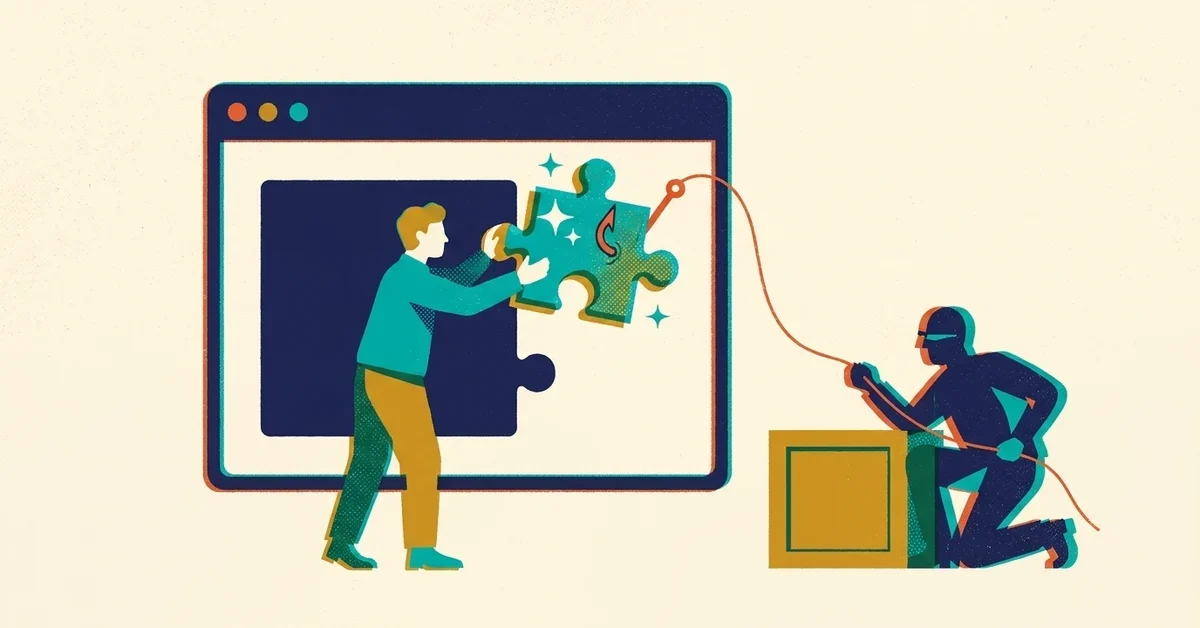
Every big, scary headline is a gift to scammers. They know thousands of people are worried about their money and looking for answers, so expect fake emails, texts, calls and social media posts using the Binance name.
What they'll look like:
- "Claim your compensation." A message or website offering a refund, compensation form or "airdrop" for hack victims. Binance says it will absorb the losses itself, and it hasn't announced any claims or compensation process. It tells customers to rely only on official Binance channels for updates, so check inside the official app or by typing the address yourself.
- "Verify your account" or "your withdrawal is on hold." A link to a login page that looks like Binance. It isn't. It's there to capture your password and your sign-in code.
- Fake support calls. Someone claiming to be from Binance security, telling you to move your crypto to a "safe" wallet. A real exchange will never ask you to send your crypto anywhere.
- "Connect your wallet to receive your refund." If you use your own wallet, connecting it to a fake site and approving what it asks can drain it in one click.
The FTC's rule of thumb applies here: "Only scammers demand payment in cryptocurrency," and crypto payments "typically are not reversible" (FTC). If a message creates urgency, asks for your recovery phrase or wants a payment in crypto, it's a scam. Our post on what to do when you get a scam text walks through the next steps.
How to secure your crypto
1. Lock down your exchange account
Even though this hack didn't target customer logins, your exchange account is still the front door to your money. On any exchange you use:
- Use an authenticator app or a passkey for sign-in, not text-message codes. Codes sent by text can be stolen through phone-number takeovers and phishing pages. Passkeys can't be typed into a fake site at all, and Binance now supports them (Binance's passkey guide). Our post on MFA fatigue and passkeys explains why.
- Turn on the anti-phishing code. Binance lets you set a personal code that appears in every genuine email and text it sends you, so a message without your code didn't come from Binance. On the website it's under Profile > Account > Security > Advanced Security > Anti-Phishing Code (Binance's guide). Other exchanges have similar options.
- Turn on the withdrawal address allowlist. Binance calls it the withdrawal whitelist: once it's on, "you can only withdraw to addresses on your whitelist" (Binance's guide). If someone gets into your account, they can't send your crypto to their own wallet without getting past that list first.
- Use a unique password for your exchange and for the email account it's tied to. If your email gets taken over, your exchange account usually follows.
2. Decide how much belongs on an exchange at all
When you buy crypto on an exchange, the exchange usually holds the keys for you. That's convenient for trading, but it means your money depends on the exchange's security, not just yours. One analyst quoted by Reuters put it plainly: investors will now look more closely at where their assets are held and who is responsible when something goes wrong.
The SEC's investor bulletin on crypto asset custody basics lays out the trade-off:
- Hot wallets are connected to the internet. They're convenient for frequent transactions, but the SEC notes they "also expose your crypto assets to cyberthreats."
- Cold wallets are offline, often a small physical device. They're less convenient, and the SEC warns the devices "can be lost, damaged, or stolen, which may result in a permanent loss of your crypto assets." That's why the recovery phrase in the next step matters.
A sensible split for most people: keep what you're actively trading on the exchange, and move what you're holding for the long term to a wallet you control. That way a problem at any one exchange only touches part of your money.
3. If you hold your own crypto, guard the recovery phrase
A self-custody wallet gives you a recovery phrase, usually 12 or 24 words. Anyone who has those words has your crypto. The SEC's bulletin says to keep it somewhere secure and never share it.
- Write it down on paper (or stamp it into metal) and store it somewhere safe, like a home safe. Consider a second copy in a separate secure place.
- Never store it digitally. No photos, no notes app, no cloud drive, no email to yourself. If your phone or computer gets malware, digital copies are the first thing it looks for.
- Never type it into a website or give it to anyone. No real exchange, wallet company or support agent will ever ask for it. Anyone who does is trying to rob you.
4. Check every transaction on the device itself
The Binance attackers got around the exchange's approval process by tampering with the system that handled approvals. The lesson for the rest of us: what your computer screen shows you can be wrong if the computer is compromised.
If you use a hardware wallet, check the receiving address and amount on the hardware wallet's own screen before you approve, not just on your computer. When you paste a wallet address, compare the first and last several characters against the address you meant to use. Some malware quietly swaps copied addresses for the attacker's.
For a large transfer, send a small test amount first and confirm it arrived.
5. Keep the devices you use for crypto clean
This hack started with one compromised laptop. Your own computer and phone deserve the same respect if they hold the keys to your money.
- Keep your operating system, browser and wallet apps up to date.
- Be picky about what you install. Fake apps and cracked software are a common way in. Our post on a fake CleanMyMac download shows how convincing they can look.
- Audit your browser extensions. A malicious extension can read and change what's on the page, including wallet addresses. Here's how to check yours.
- For serious amounts, consider a dedicated device used only for crypto, and nothing else.
6. Watch out for "recovery" offers
If you've lost crypto to a scam or a hack, you'll start hearing from people offering to get it back. The FBI has repeatedly warned about criminals posing as law firms and recovery services that target people who've already been scammed. The FBI says "private sector recovery companies cannot issue seizure orders to recover cryptocurrency," and warns about anyone who promises to get your money back (FBI warning; fake law firms). A request for payment in crypto or gift cards is one of the red flags the FBI lists.
If you've lost money, report it to the FBI at ic3.gov and to the FTC at ReportFraud.ftc.gov, and contact the exchange or wallet company you used right away.
If your business holds or accepts crypto
The same rules apply, with a few more:
- Separate duties. No single person should be able to move company crypto alone. Require a second person to approve transfers.
- Approve on a separate, trusted device. Binance's approval controls were bypassed through a compromised system, which shows that approvals are only as strong as the devices they run on.
- Ask your custody provider how it stores your assets, including how much is kept in hot versus cold wallets. The SEC bulletin suggests asking exactly that.
- Write down what you hold, where, and who has access, so a departing employee doesn't take the only key with them.
When to get help
You can do almost everything above yourself in an afternoon. Get help if:
- You clicked a link or approved something you're now unsure about.
- You think a device you use for crypto might be infected.
- Your business holds crypto and you want the approval process and devices locked down properly.
Our cybersecurity service covers device security, account protection and security awareness for small businesses. Get in touch if you'd like a hand.



No comments yet