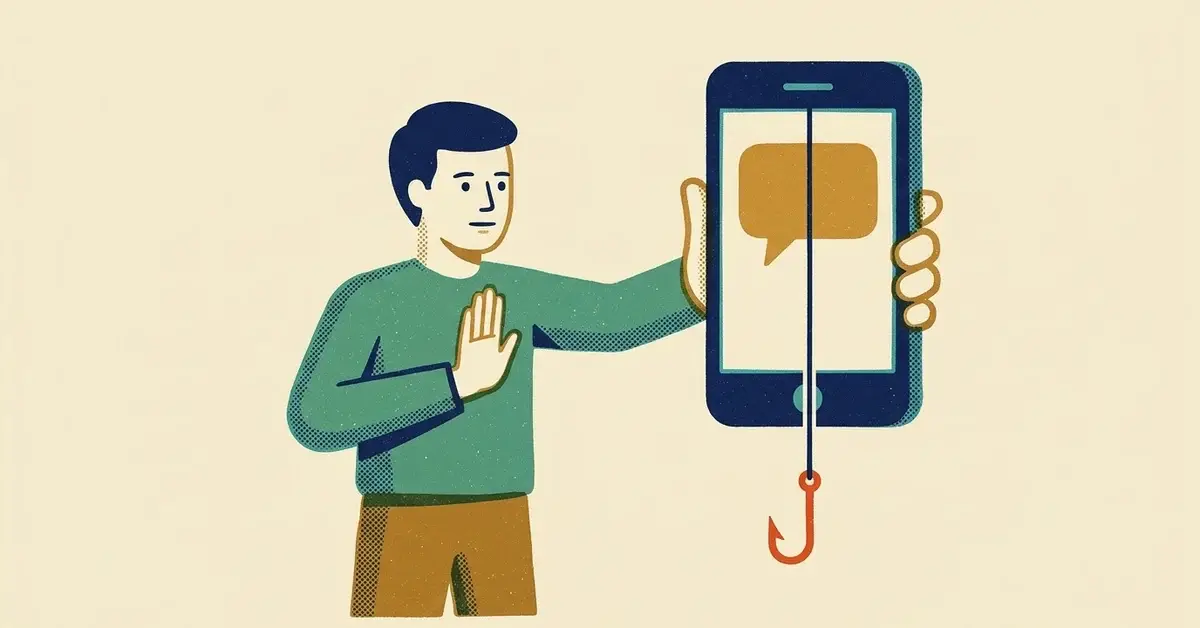
A text lands on your phone:
USPS: We couldn't deliver your package. Tap here to reschedule.
Or it's an unpaid toll. Or a "suspicious login" on your bank account. Or a message that looks like it's from your boss asking for a quick favor.
It looks official and it sounds urgent. That's the point. Here's the deal: most of these are scams, and the fix is the same five steps every time.
The quick answer
- Don't tap the link.
- Don't reply, not even "STOP".
- Check the claim yourself, through the company's own app or website, or a number you already have.
- Report it: forward it to 7726, then use your phone's report option.
- Delete it, and block the number if it keeps coming.
If you already tapped the link or typed something in, skip to "If you already clicked" below.
How to tell it's a scam text
Scam texts (sometimes called smishing, short for SMS phishing) come in a handful of shapes. The FTC's look at the top text scams of 2024 lists the usual suspects:
- Fake delivery problems with a link to a site that looks like the real USPS one.
- Fake unpaid toll notices with a link to "pay now".
- Fake fraud alerts about a purchase you didn't make, pretending to be your bank or Amazon.
- Fake job offers that pay you for simple tasks, then ask you to send money.
- "Wrong number" texts that turn into a friendly chat, then an investment pitch.
People reported losing $470 million to scams that started with a text in 2024, more than five times the 2020 figure, and the FTC says that's likely only a fraction of the real harm because most fraud never gets reported.
Texts are still the most common way in. In its 2026 testimony to Congress, the FTC said a text message was the top contact method people named in their 2025 fraud reports.
Red flags to look for:
- A deadline or a threat: "today", "suspended", "legal action".
- A link you weren't expecting, especially a short or odd-looking web address.
- A sender you don't recognize, or an email address instead of a phone number.
- A request for payment, a code, a password or gift cards.
- Your "boss" texting from a new number and asking you to keep it quiet.
One question settles most of them: were you expecting this? If not, treat it as fake until you've checked.
The five steps, in detail
1. Don't tap the link
The link is the whole scam. It usually goes to a fake login or payment page built to collect your card number, password or personal details. Some try to get you to download an app.
No matter how real the logo or the wording looks, don't tap it. Not "just to see".
2. Don't reply or call back
Even if it says "Reply STOP to unsubscribe". A reply tells the scammer your number is real and someone reads it. That gets you more texts, not fewer.
Don't call a number in the text either. It goes to the scammer.
3. Check the claim the right way
Go around the message, not through it.
- Delivery: open the shipper's own app or type their web address yourself, and enter your tracking number from the original order email.
- Tolls: log in to your toll account through the agency's real website, or call the customer service number on your statement. That's exactly what the FBI recommends in its warning on toll text scams.
- Bank or card: open your bank's app, or call the number on the back of your card.
- A text from your boss or a coworker: call them on the number you already have, or walk over and ask.
If the problem is real, you'll see it there. If you don't, the text was fake.
4. Report it
Reporting takes 30 seconds and helps get the sender blocked for everyone.
- Forward it to 7726. That spells SPAM on the keypad, and U.S. carriers use those reports to block senders. Do this before you delete the message.
- iPhone: when a message comes from someone who isn't in your contacts, look for Report Spam at the bottom of the message, then Delete and Report Spam. You can't report a message once you've replied to it, one more reason not to. Whether it reaches your carrier as well depends on your carrier and country (Apple's steps).
- Android (Google Messages): touch and hold the conversation, then tap Block > Report spam > OK. Or open the conversation and tap More options > Details > Block & report spam (Google Messages Help). That also blocks the number and moves the chat to Spam & blocked.
- The FTC: report it at ReportFraud.ftc.gov. If you lost money, also file with the FBI at ic3.gov.
5. Delete it and lock things down
Once it's reported, delete it and block the number if your phone hasn't already.
Then use it as a reminder to check the basics:
- Turn on multi-factor authentication (a second step at login, like a code or an app prompt) for email, banking and anything with payment details. A passkey is even better where it's offered.
- Use a password manager instead of notes, screenshots or one password everywhere.
- Update your phone. Turn on automatic updates in your phone's settings.
- Turn on spam filtering. In Google Messages, as of November 2026, tap your profile picture, then Messages settings > Protection & Safety > Spam and scam protection (Google's steps). On iPhone, open Messages, tap the Filter button in the conversation list, then Manage Filtering and turn on Screen Unknown Senders (Apple's steps). Your carrier may also offer a free spam-blocking app.
If you already clicked
It happens. These are built to catch normal, busy people. What you do next depends on how far it got.
You tapped the link but didn't type anything: close the page. Don't download anything it offers. Keep an eye on your accounts, and run your phone's updates.
You typed a password: change it now, from the real site or app. If you use that password anywhere else, change it there too. Turn on multi-factor authentication if it wasn't on.
You entered card or bank details: call your bank or card company using the number on your card. Ask them to block the card and watch for charges. Dispute anything you don't recognize.
You gave your Social Security number or other ID: go to IdentityTheft.gov for a step-by-step recovery plan, and consider freezing your credit with the three credit bureaus.
It was a work phone or a work login: tell whoever handles your IT right away. A stolen Microsoft 365 or Google Workspace password is a much bigger problem than one spam text, and the faster it's reset, the less damage it can do.
Why these texts work
Scam texts don't need to fool everyone. They need to reach a lot of people at a bad moment: waiting on a package, just back from a road trip, stressed about money.
Urgency does the rest. "Pay in 24 hours or face a penalty" is designed to get you tapping before you think. The scammer's whole plan depends on you not stopping to check. So stop and check.
Preventing it in a business
Your staff get these texts too, often on the same phones they use for work email and logins.
- One staff rule: nobody acts on a text asking for money, gift cards, codes or passwords until they've called the sender on a known number.
- Tell staff how you'll never ask. "I will never text you to buy gift cards" takes ten seconds to say and stops a common scam cold. Right before you close for the holidays is a good time to say it, and our holiday IT checklist covers the rest.
- Make reporting easy. Staff should know who to tell if they clicked, and that they won't get in trouble for it. A fast "I think I clicked" beats a quiet one every time.
- Protect logins, not just phones. Multi-factor authentication on email and Microsoft 365 or Google Workspace means a stolen password alone isn't enough.
More on calls and texts pretending to be your bank, IT or the boss: someone called claiming to be our bank, IT or the boss.
When to call someone
- Someone typed a work password or a multi-factor code into a link from a text.
- Your phone started acting strangely after you tapped a link or installed something.
- Money left an account, or a customer says they got a strange message "from you".
If you need a hand sorting it out, talk to us.
Related reading
- Someone Called Claiming to Be Our Bank, IT or the Boss: What Do We Do?
- Scanned a QR Code From an Email? What to Do Now (and Why Your Filter Missed It)
- Phone Buzzing With Login Requests You Didn't Make? MFA Fatigue Attacks and How Passkeys Stop Them
Originally published May 2025. Updated November 2026.

No comments yet