
You claimed your Google Business Profile. Your hours are on it, a few photos, some good reviews. People find you on Maps and call.
So is a website just one more bill?
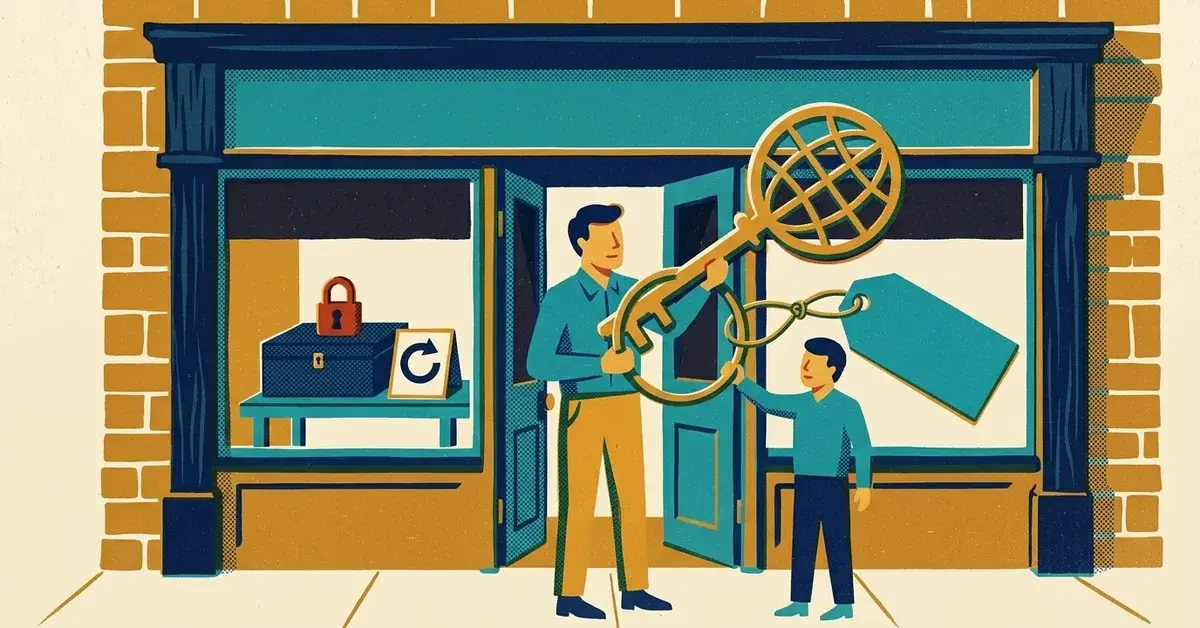
For most service businesses, no. The profile gets you found. The website is the part you control, and the part that answers the questions a profile can't.
The quick answer
- Keep the profile. It's free and it's how local customers find you on Google Search and Maps.
- Have a website too, even a small one: a home page, one page per service, and a contact page.
- Link them. Put your website address in the profile's Website field.
- Make them match. Same business name, phone, address and hours in both places.
How to tell if your profile alone is costing you
Ask yourself these. Every "yes" is a customer you might be losing.
- Do people call to ask questions a page could answer? Pricing ranges, what's included, service area, how long a job takes.
- Do you offer more services than fit in a profile? A plumber who does water heaters, drain cleaning and repiping needs a place to explain each one.
- Do people search for problems, not your name? "Why is my water heater leaking" is a question a profile can't rank for. A page can.
- Would you be stuck if your profile went down tomorrow? If the answer is "people couldn't find us at all," you're renting your whole online presence.
- Did you ever use a free Google-made website (an address ending in
business.site)? Those are gone. More on that below.
What a profile does well
Google's Business Profile is the listing that shows up in Maps and the local results. It's good at the quick stuff: hours, phone, directions, photos, reviews, and a short list of services.
It also matters for ranking. Google says local results are mainly based on relevance, distance and prominence, and that prominence takes in how many websites link to your business and how many reviews you have (Google Business Profile Help: Tips to improve your local ranking).
So keep it current. It's not optional.
What a website does that a profile can't
You control it
Google owns the profile. It can change the layout, drop features, or suspend the profile if it decides a guideline was broken. Google's guidelines say it "reserves the right to suspend access to Business Profiles" that violate them (Guidelines for representing your business on Google).
Your website stays up whatever Google does with Maps.
Profile features come and go
This isn't hypothetical. Some recent examples:
- Free Business Profile websites: Google stopped letting businesses build
business.sitewebsites from their profile. Those sites were turned off in March 2024, and visitors were redirected to the profile only until June 10, 2024 (Search Engine Journal coverage of Google's announcement). - Chat: Business Profile chat and call history were removed on July 31, 2024 (Google Business Profile Help: Changes to chat and call history).
- Questions and answers: Google discontinued the Q&A API on November 3, 2025, saying it is updating the Q&A experience (Google for Developers: Q&A API change log).
If a feature you rely on lives only on Google, it can disappear with a few weeks' notice.
It answers the questions before they call
A service page can explain what's included, what isn't, your service area, your process and a rough idea of cost. That's fewer "just a quick question" calls, and better leads when they do call.
It ranks for more than your name
A profile mostly shows up when someone searches for your business or a service near them. A website page can show up for the problem itself: "how do I know if my roof needs replacing," "landscaper for a sloped backyard." Each service page is another way in.
It feeds your profile
Google says it builds Business Profiles partly from crawled web content, including "information from a business' official website" (Google Business Profile Help: How Google sources info in Business Profiles). A clear website gives Google something accurate to work from.
It's somewhere for others to link to
Remember prominence: links from other websites count. A local news mention, a supplier's dealer list or a chamber of commerce directory needs a page to point at.
What to do this week
Easiest first.
1. Check your profile is complete
Go to business.google.com, sign in, and click Edit profile (Google Business Profile Help: Edit your Business Profile). Check:
- Business name exactly as it appears on your signage and invoices
- Phone number, hours and holiday hours
- Services
- Website: the full address, starting with
https://
If you're a service-area business working from home, Google's guidelines say to hide your address and show your service area instead.
Google reviews edits before they go live, so give it time.
2. If you had a business.site website, replace the link
If your profile, email signature, business cards or ads still point at a business.site address, that link is dead. Update each one to your new website, or remove it until you have one.
3. Build the smallest useful website
You don't need a big site. Start with:
- Home: what you do, where, and how to reach you, in the first screen.
- One page per service: what's included, who it's for, the area you cover, and a call or quote button.
- About: who you are and how long you've been doing this.
- Contact: phone, email, a short form, and your service area or address.
Use your own domain (yourbusiness.com) and an email address on it. It looks more established than a free address and it's yours to keep. Just starting out in the Augusta area? Our first-30-days tech checklist puts the domain, email and website in order.
4. Make every listing match
Same name, phone, address and hours on the website, the profile, Facebook, Yelp and anywhere else you're listed. Mismatches confuse customers, and Google builds your profile partly from information it finds across the web, so conflicting details can end up on it.
5. Connect Google Search Console
Google Search Console is free. It shows which searches bring people to your site and flags problems Google has crawling it. Set it up once and check it monthly.
Why people stop at the profile
Because the profile works, at first. Calls come in, reviews pile up, and a website feels like a cost with no obvious return.
The gap only shows when something changes: a suspension, a removed feature, a competitor whose service pages start showing up for the questions your customers ask.
If your profile is suspended or a feature disappears
- Suspended profile: read Google's guidelines and fix what doesn't match them first (extra keywords stuffed into the business name is one Google calls out). Then appeal through Google's appeals tool. Google says appeals can only be submitted once, so include evidence such as a business license or a photo of your signage, and don't create a new profile for the same business (Google Business Profile Help: Appeal a suspended profile). If the appeal is denied, you can still request an additional review. Your website keeps working the whole time, so put your phone number and hours front and center on its homepage.
- A feature you used is gone: move it to your website. Chat becomes a contact form or a text-us number. Q&A becomes an FAQ section on your service pages.
Keeping both in shape
- One person owns both the profile and the website, with the logins in your business password manager.
- Add at least one other owner or manager to the profile so you're not locked out if that person leaves: business.google.com > More > Business Profile settings > People and access > Add (Google Business Profile Help: Manage owners and managers).
- Review both every quarter: hours, services, photos, prices, and that the website link still works.
- When anything changes (phone, address, a new service), update the website and profile the same day.
When to get help
- Your profile is suspended and the reinstatement request was turned down.
- You're getting calls but your website isn't bringing in any work, or you don't know whether it is.
- Nobody on your team has time to build or keep up a website.
That's the kind of thing our SEO and marketing service covers. Talk to us if you'd like a hand.


No comments yet