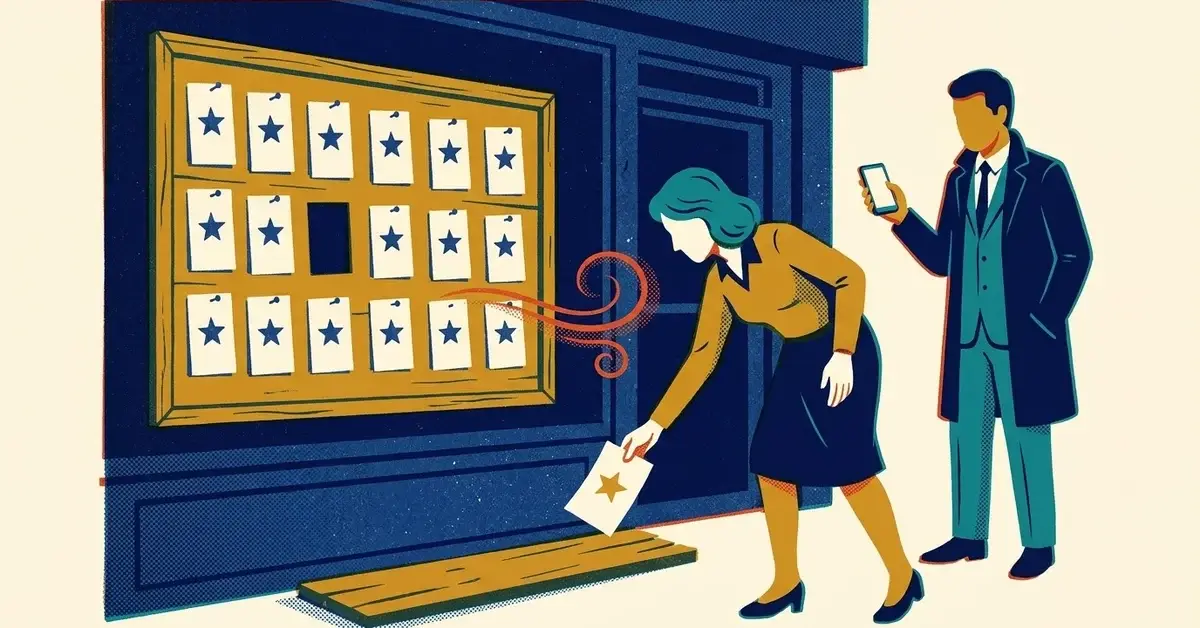
A customer tells you they left you a Google review. They can see it. You can't.
Or you sent five review requests last week, three people said they posted, and your count didn't move.
It's frustrating, because reviews are the proof new customers check before they call. A missing one feels like lost credibility. Usually it isn't gone for good, and usually it isn't Google punishing you.
The quick answer
- Give it a few days. Google checks every review against its policies before it appears, and Google Business Profile Help says that check can take a few days.
- Make sure it went to the right profile. Search your business name on Google Maps and look for a second listing (old address, old phone number, slightly different name).
- Look for an email or alert from Google in the account that manages your Business Profile. Restrictions and policy problems show up there.
- Read the review against Google's rules. A review with a phone number, a link, someone's personal details or an offer attached to it can be removed, and removed reviews don't come back.
- Still missing after a week? Contact Google Business Profile support (steps below).
How to tell which problem you have
Start with the pattern. It tells you more than any single review.
One review is missing, the rest look normal. Most likely it's still in Google's policy check, it was removed for a policy reason, or the customer reviewed a different listing.
Several reviews from the same week are missing. Look at how they were collected. Was there a discount, a raffle entry or a "thanks for the 5 stars" offer? Were they all posted on a device at your front counter? That's where policy problems start.
Older reviews disappeared too. Check whether you recently merged two profiles, got reinstated after a suspension, or changed your business category. Each of those is on Google's list of reasons, covered below.
The customer sees it, nobody else does. Ask a colleague to search for your business on their own phone, or open Google Maps in a private browser window yourself. If it's still not there, it hasn't been published to everyone yet.
The usual reasons, and what to do about each
1. It's still being checked
Google says reviews are screened for policy compliance, and that this can delay when they appear by a few days (About missing or delayed reviews).
Nothing to fix here. Wait.
If it's been more than a week, move on to the next checks.
2. It was removed for a policy reason
Google's prohibited and restricted content policy covers a lot of ground. The ones that catch real customers most often:
- Contact details or links. Posting "email addresses, phone numbers, social media links, or links to other websites" in a review isn't allowed. A happy customer who writes "call Mike at 555-..." just broke the rule.
- Personal information about someone, posted without their consent.
- Off-topic content. Reviews have to be about the reviewer's own experience at that business.
- Offensive language or an attack on a person.
- An incentive. A review "posted due to an incentive offered by a business" is against the policy, even if the review itself is honest.
- A conflict of interest. Google says this "may include current or former employment." Reviews from staff, family or ex-employees are a risk.
The hard part: Google's Help page says "reviews removed for policy violations won't be restored." There's no appeal button for a review that was removed under the policy.
What you can do is fix how the next ones are collected. That's the request process below.
3. It landed on the wrong profile
Google's rule is one Business Profile per business. Duplicates happen anyway: an old address after a move, a listing someone else created years ago, a second profile you made by accident.
Search your business on Google Maps by name, by old address and by old phone number. If you find a second listing, Google's Resolve duplicate profiles & ownership issues page covers your options:
- A duplicate you created by mistake can be removed from your account without affecting your verified profile. Removing it deletes that profile's content and managers, so make sure you're removing the right one.
- Two profiles for the same business on Maps can be merged by suggesting an edit on Google Maps. Google reviews every merge request. When profiles merge, their reviews are combined, but your replies to those reviews may be lost.
After a merge, Google says reviews from both profiles can take a few days to show on Search and Maps.
Also check the customer didn't review a different business with a similar name nearby. A direct review link (below) stops this from happening again.
4. Your profile is restricted or was suspended
If Google finds that a business broke its Fake Engagement policy, it can do more than delete the reviews. Per Business Profile restrictions for policy violations, it can:
- block new reviews and ratings for a set period,
- unpublish existing reviews for a set period, and
- show a warning on your profile telling customers that fake reviews were removed.
Google says it emails the owner before applying a restriction, so check the inbox for the account that manages your profile, including spam. The restriction page also explains how to appeal.
Separately, Google notes that reviews can sometimes be removed after a profile is reinstated from a suspension. If that happened to you, contact support.
5. Your category has reviews switched off
Google says it may temporarily disable reviews for some profiles or categories. It also removes and disables reviews for profiles whose main category is a school for students aged 6 to 18 (universities, day care centers and swim schools aren't included).
If that category doesn't describe your business, change it in your profile. If it does, reviews won't come back on that profile.
6. The customer's app is out of date
Google lists older phones and old versions of Google Maps as a reason a review fails to post. If a customer insists they posted and nothing ever appeared, ask them to update Google Maps and try again.
How to ask for reviews so they stick
This is the part you control. And it's where most review problems start.
Get your direct review link
The link sends customers straight to your profile's review box, so nobody reviews the wrong listing. According to Google Business Profile Help, on a computer:
- Go to your Business Profile.
- Select Read reviews > Get more reviews, then the share icon.
- Select Copy to copy the link, or right-click the QR code and Save image as... to download it.
Google says the review QR code can only be generated in a browser on a computer, not on a phone.
Ask the right way
Google's Tips to get more reviews and its review policy add up to four rules:
- Ask everyone, not just the customers you think are happy. "Selectively" asking for positive reviews, or discouraging negative ones, is against the policy.
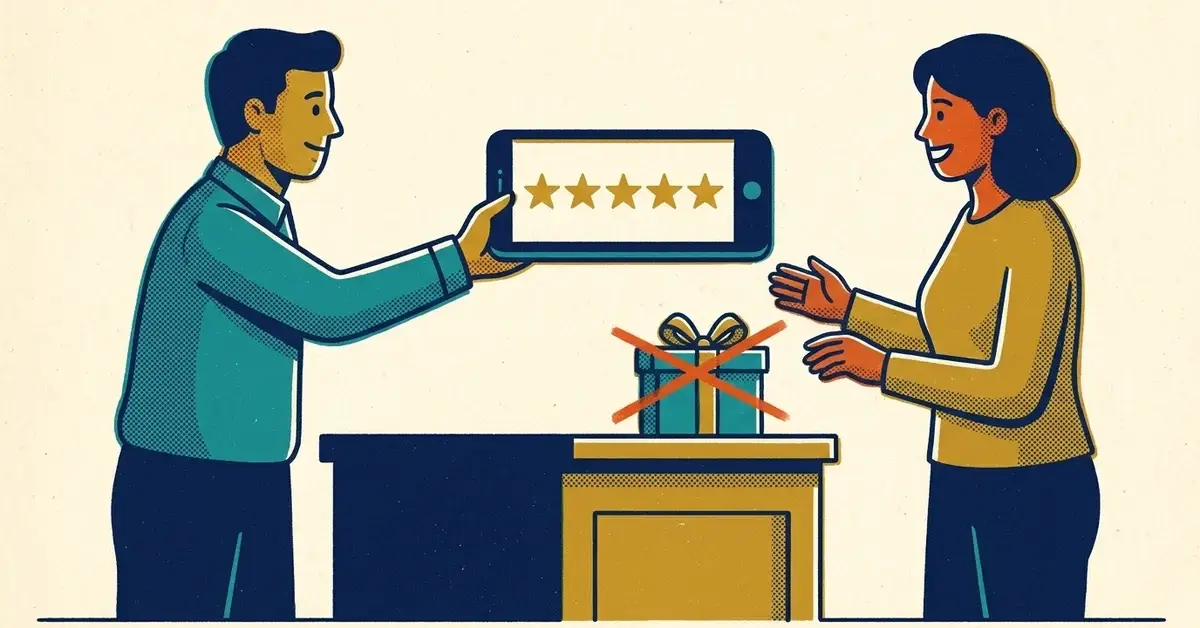
- No rewards. No discount, freebie or prize draw in exchange for a review. Google calls this fake engagement and says it's "strictly prohibited."
- No staff, family or friends. That's the conflict-of-interest rule.
- Let customers write their own words. Don't hand them a paragraph to paste.
Two more that are my judgment, not Google's written rules: don't pass customers a tablet at your counter to review on, and send requests as jobs finish rather than in one big blast to your whole list. Both look less like a real customer and more like a campaign.
A request you can copy
Text or email, sent the day the job is done:
Hi [Name], thanks again for choosing us for [service]. If you have a minute, we'd really appreciate a quick Google review. A sentence or two about how it went is perfect: [review link]
If they say they posted and it's not showing:
Thanks so much for doing that. Google checks reviews before they go live, so it can take a few days. If it's still not showing next week, would you mind checking it's on [Business name] at [street]? There's another listing with a similar name nearby.
Short. Their words. One link.
Keeping trust up while you sort it out
A missing review costs you most when a new customer is comparing you with someone else this week. Cover the gap:
- Reply to the reviews you do have. Google suggests replying to positive and negative reviews, and a reply shows someone's paying attention.
- Post photos of recent work to your Business Profile.
- Put testimonials on your website, with the customer's permission.
And if a review you think is fake or abusive is the problem, not a missing one, Google's report inappropriate reviews page has the steps.
When to get help
- Reviews have been missing for more than a couple of weeks and none of the checks above explains it.
- You've found duplicate profiles and aren't sure which one to keep.
- Google has emailed you about a restriction or suspension.
Untangling Business Profile problems is part of our SEO and marketing work. Get in touch if you'd like a hand.


No comments yet