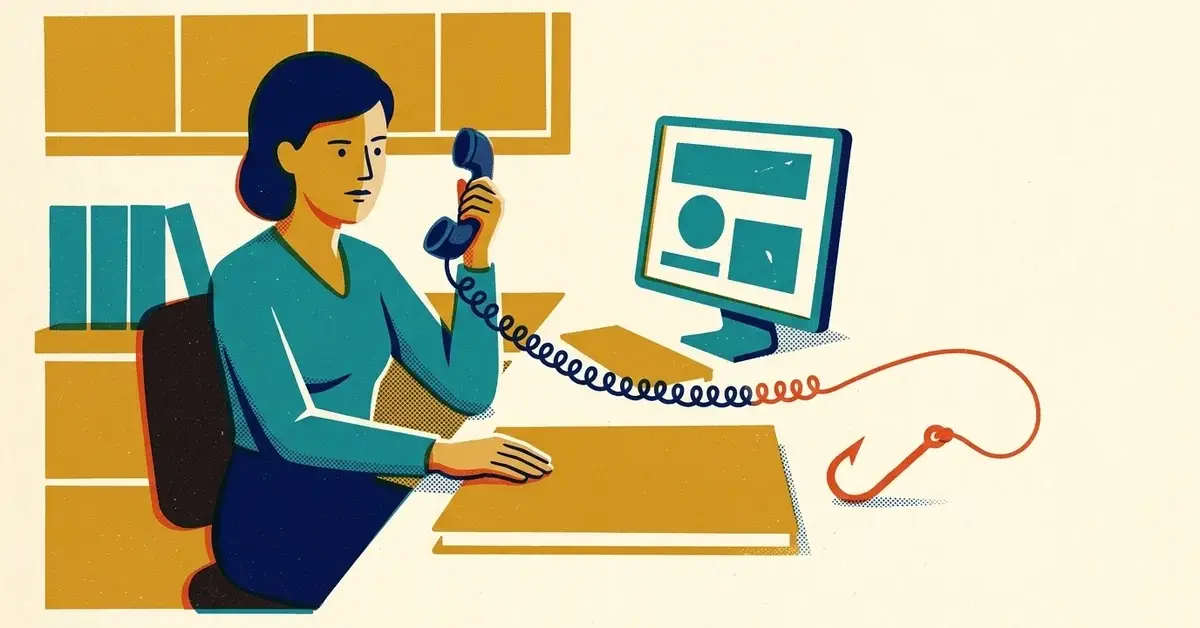
The phone rings at the front desk. The caller says they're with QuickBooks, your company database is corrupted, and they need to speak with your bookkeeper or the owner right away before you lose your financial data.
Here's the deal: that's a scam. A business we know got this exact call recently. You don't need to know anything about databases to see through it, either. Once you think about how QuickBooks actually works, the story falls apart on its own.
The quick answer
- Hang up. Don't transfer the call to the bookkeeper or the owner, and don't confirm who they are.
- Don't let anyone onto your computer. No remote access apps, no "go to this website," no reading back a code that just got texted to you.
- Check it yourself. Sign in to QuickBooks the way you normally do. If you use QuickBooks Desktop, run its built-in Verify Data tool.
- If you want to talk to Intuit, you call them, using the contact options inside QuickBooks or on intuit.com. Never a number the caller gives you.
- Tell your team and report it, so the next person who picks up the phone knows what this call sounds like.
Why QuickBooks would never make this call
There are two kinds of QuickBooks, and the scam doesn't make sense for either one.
If you use QuickBooks Online
QuickBooks Online is software as a service (SaaS). Your books live on Intuit's servers, not on your computer, and Intuit runs those servers. If something on their side breaks, their engineers fix it on their side. They don't need your bookkeeper, your password or access to your office computer to repair their own systems, and you'd have nothing to install to help them.
Think of it like your email in Gmail or Microsoft 365. If Google had a problem with a server, they wouldn't phone you and ask to log in to your laptop to fix it.
If you use QuickBooks Desktop
With Desktop, your company file sits on your own computer or your office server. That's the whole point of Desktop. So ask the obvious question: how would Intuit even know your file is corrupted?
They wouldn't. When a Desktop file has problems, you find out first, because QuickBooks shows *you* an error when you open it or run a report. And the fix is a tool you run yourself: Intuit's own help article on verifying and rebuilding data in QuickBooks Desktop walks you through File > Utilities > Verify Data, then Rebuild Data if it finds damage. No phone call involved.
Side by side
QuickBooks Online | QuickBooks Desktop | |
|---|---|---|
Where your data lives | Intuit's servers | Your computer or office server |
Who finds problems | Intuit, on their own systems | You, through an error on your screen |
Who fixes them | Intuit, with no help from you | You (or your IT person), using Verify and Rebuild Data |
Does fixing it need a cold call to your office? | No | No |
What the scammers are really after
So why ask for the bookkeeper or the owner by name? Because those are the people with the keys: the QuickBooks login, the bank connections, payroll, and the authority to pay for things.
The usual playbook goes something like this:
- Get on your computer. The caller walks someone through installing a remote access app, the same kind of tool real IT support uses. Once they're in, they can see your screen, your files and anything you log in to.
- "Prove" the problem. One QuickBooks user described on Intuit's own community forum how a caller opened their company file in WordPad and pointed at the jumble of strange characters as proof it was corrupt. That's a trick. A QuickBooks file isn't a text document, so it *always* looks like gibberish in a text editor. A perfectly healthy file looks exactly the same.
- Sell you a fix. In that same forum post, the "fix" was a support plan costing thousands of dollars a year.
- Or skip the sale and take more. With remote access and a logged-in bookkeeper, a criminal can change bank details, add a user, look at payroll and employee Social Security numbers, or leave software behind to come back later.
It feels convincing because they often know real details. The person in that forum post said the caller knew their name, their company's name and phone number. That information is usually public: your website, your state business filing, Google, LinkedIn. Knowing your name doesn't make someone Intuit.
What Intuit actually says
Intuit's guidance on recognizing suspicious emails and messages says scammers impersonate Intuit by email, text, phone and fake websites. It says Intuit won't ask for your password, won't ask for your verification code outside the normal sign-in, and won't ask you to send sensitive financial information in unsolicited messages. Its advice when in doubt: sign in directly through the official site instead of following anything in the message.
On the phone question specifically, Intuit staff replying on its community forum say Intuit only calls you when you've asked for a callback about an issue. If you didn't ask, it isn't them.
If you get one of these calls
- Stay polite and end the call. "We'll check with our IT company and call QuickBooks back ourselves" is all you need to say. Real support won't argue with that. A scammer will push, and the pushing is your answer.
- Don't hand them off. Don't transfer to the bookkeeper or owner, and don't say when they'll be in.
- Don't install anything or visit any website they give you. Not AnyDesk, not TeamViewer, not ScreenConnect, not "a quick secure link."
- Never read back a code. If a verification code shows up on your phone during the call, that's the caller trying to get into your account. Those codes are only for you.
- Write down what you can. The number they called from (it can be faked, but write it down anyway), the name they gave, the time, and what they asked for.
- Check for yourself. Sign in to QuickBooks Online the usual way, or run Verify Data in Desktop. If everything opens and works, you have your answer.
- Tell the owner, the bookkeeper and the rest of the team. These callers often try again, sometimes with a different person on the line.
- Report it. Use the "Report technical support scams" option on Intuit's security site at security.intuit.com, and report it to the FTC at ReportFraud.ftc.gov.
If someone already gave them access
It happens, and it's fixable if you move fast. Nobody should get in trouble for reporting it.
- Disconnect that computer from the internet. Unplug the network cable or turn off Wi-Fi. Leave it powered on so it can be checked.
- Call your IT partner. They need to remove the remote access software and check for anything else the caller left behind.
- Change passwords from a different, clean device: QuickBooks, email, online banking and anything else that was open or saved on that computer. Turn on multi-factor authentication (MFA, the code on your phone after your password) if it isn't already.
- Call your bank. Tell them what happened and ask them to watch for unusual transfers or changes to payees.
- Look inside QuickBooks. In QuickBooks Online, check the user list for anyone you don't recognize and review the audit log for changes you didn't make, especially bank details, payroll and vendor payment info.
- If you paid them, call your card company or bank right away and ask about reversing the charge.
- Report it to Intuit and the FTC as above, and to the FBI at ic3.gov if money was lost.
Preventing it in a business
- Set the rule once: "Nobody gets remote access to our computers unless we started the call, or our IT company says so." Put it in writing and tell every new hire.
- Train whoever answers the phone. The front desk is the first line of defense, and these callers count on reaching someone who wants to be helpful.
- Turn on MFA for QuickBooks, email and banking. It won't stop a phone call, but it makes a stolen password much less useful.
- Know who supports your software. If your IT company handles QuickBooks issues, everyone should know that, so "QuickBooks is calling" automatically sounds strange.
- Keep backups of your QuickBooks Desktop file. If a file ever does get damaged, a recent backup turns a crisis into an inconvenience.
- Keep remote access apps off computers that don't need them, and let your IT partner control which ones are allowed.
When to call someone
- Anyone at your office installed software or opened a website because a caller asked them to.
- Someone read a code to a caller, or you see logins, users or changes in QuickBooks or your bank account you can't explain.
- QuickBooks Desktop really is showing errors and you're not comfortable running Rebuild Data yourself.
If any of that sounds familiar, get in touch and we'll help you sort it out.

No comments yet