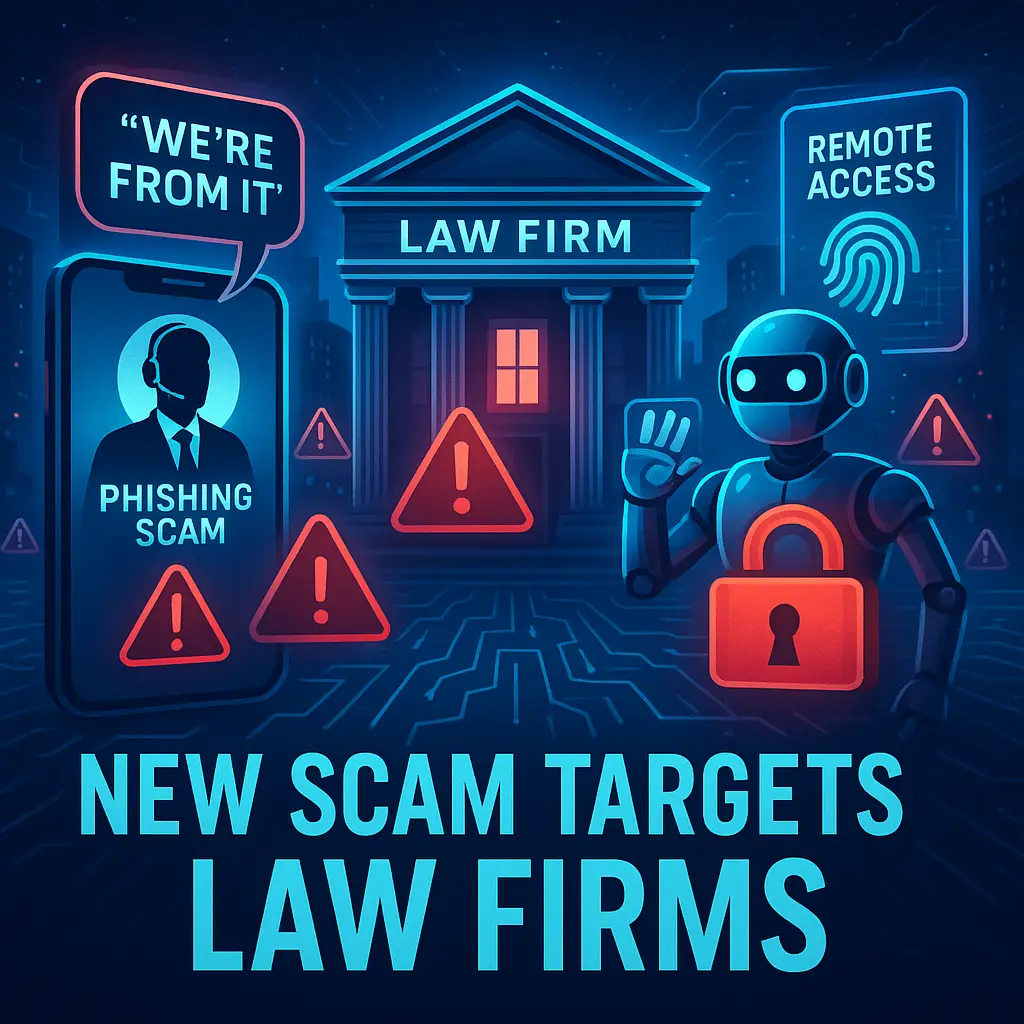
Someone at your firm gets a call from "IT." They sound calm, they know the firm's name, and they need to connect to the laptop for a quick fix. Or it starts with an email about a small subscription charge nobody recognizes, with a number to call to cancel it.
Either way, the goal is the same: get a person to let a stranger onto the computer. Once they're on, they copy client files and come back with a demand to pay or see them leaked. The FBI has warned law firms specifically about the group behind this, which it calls Silent Ransom Group, first in May 2025 and again in a May 26, 2026 alert (FBI FLASH-20260526-01). It's also tracked as Luna Moth, Chatty Spider and UNC3753. The 2026 alert adds a new twist: when calls and emails don't work, someone may show up in person posing as IT and ask to plug a USB drive into a computer.
Here's the deal: no malware link, no hacking. Just a phone call and a remote support app.
The quick answer
- Hang up on any unexpected call from "IT." Call your IT person or provider back on the number you already have, not one the caller gives you.
- Never call the number in a surprise "subscription charge" email. Check your card or bank statement yourself.
- Nobody installs a remote support app because a caller asked. Real IT support at your firm will have told you in advance how they connect.
- If someone already got on a computer, unplug it from the network (cable out, Wi-Fi off), don't shut it down, and call your IT provider now.
How to tell it's this scam
Real IT support can call you, so the call alone isn't proof. These are the tells:
- You didn't ask for help. Microsoft's own guidance for Quick Assist, the remote help tool built into Windows, says it plainly: never allow a connection from someone claiming to be "IT Support" unless you started the conversation.
- There's urgency. "Your account is about to be locked." "We're seeing a problem right now." Pressure is the point.
- They want you to install something or open Quick Assist and read them a code.
- The email is about a charge you never signed up for, and the only way to cancel is to call. That's often called callback phishing: the email itself is clean, so filters let it through, and the real attack happens on the phone.
- A remote support app shows up that nobody approved. AnyDesk, Zoho Assist, Splashtop, Syncro and Quick Assist are all legitimate products. The problem is one appearing on a PC when nobody at the firm asked for it.
What to do if you already let them in
Don't panic and don't try to clean it up yourself. You want to stop the connection and keep the evidence.
- Disconnect the computer. Unplug the network cable or turn off Wi-Fi. Don't shut it down; your IT provider may need what's in memory.
- Call your IT person or provider on a number you already have. Tell them exactly what happened and when.
- Change passwords from a different device, starting with email and anything the person might have seen, and sign out of all sessions. Make sure two-step sign-in (MFA) is on.
- Write down what you remember: the caller's name and number, what they asked you to install, roughly when they connected and for how long.
- Report it at ic3.gov, the FBI's Internet Crime Complaint Center.
- Talk to your cyber insurer and your bar's ethics guidance before anyone negotiates or pays. A firm holding client data may have notification duties, and that's a conversation for your insurer and counsel, not the caller.
If a ransom message has already arrived, don't reply to it. Let your insurer's incident team or your IT provider handle any contact.
How to check a computer for remote access apps
On Windows 11:
- Go to Settings > Apps > Installed apps.
- Scroll the list for remote support tools: Quick Assist, AnyDesk, TeamViewer, Zoho Assist, Splashtop, ScreenConnect, Syncro and similar.
- For each one, ask: who uses this, and why? If nobody at the firm knows, ask your IT provider before you remove it. If you're mid-incident, disconnect the PC instead (steps above).
On a Mac, open Finder > Applications and look for the same names.
If your firm doesn't use Quick Assist, Microsoft recommends disabling or removing it as a best practice. To remove it on one PC: Settings > Apps > Installed apps > Quick Assist > ... > Uninstall.
Why law firms
Law firms hold exactly what an extortionist wants: confidential client files that the firm has a duty to protect. A threat to leak them puts real pressure on the partners, whether or not the attacker ever follows through.
And this scam skips the defenses most firms paid for. Antivirus is looking for malicious software. A remote support app that a person installed on purpose isn't malicious software; it's the same tool real IT companies use every day. That's why the human step, the phone call, matters more here than any filter.
It isn't only law firms. The same playbook works on any office with sensitive client files: medical practices, insurance agencies, accountants.
Preventing it at your firm
This is mostly a policy problem, which is good news. Policies are cheap.
One rule for staff
Put it in writing and say it at the next staff meeting: "Our IT will never call you out of the blue and ask to connect. If anyone does, hang up and call [IT contact] on [number]." Put that number somewhere everyone can find it.
Decide how real support connects
Pick the one remote tool your IT provider uses and tell staff its name. Anything else is a red flag. CISA's Guide to Securing Remote Access Software covers how to lock this down for whoever manages your computers.
Stop staff installing software
Most people at a law firm don't need to install apps. If their Windows accounts aren't administrators, a caller can't talk them into installing a new remote tool. Ask your IT provider to check.
Turn on MFA everywhere
Two-step sign-in won't stop someone who's already on the computer, but it makes stolen passwords much less useful afterward.
Keep backups you can actually restore
Backups don't stop a leak threat, but they do mean you're not also locked out of your own files. Test a restore, not just the backup job.
Watch for new remote tools
Monitoring that alerts when a new remote access app appears or a large amount of data leaves the network catches this when antivirus won't. Ask your IT provider whether you have it.
When to get help
- Someone connected to a firm computer and you don't know what they did.
- A ransom or leak threat has arrived.
- You find remote access software nobody can explain.
Any of those is past a DIY fix. If you don't have an IT provider to call, get in touch.
Related reading
- Someone Called Claiming to Be Our Bank, IT or the Boss: What Do We Do?
- Can a Stranger Reach Your Office Computer? How to Lock Down Remote Access
- Fake Virus Warning Pop-Up? What to Do (and What Not to Click)
- "QuickBooks" Called Saying Our Database Is Corrupted. Is It a Scam?
Originally published June 2025.

No comments yet