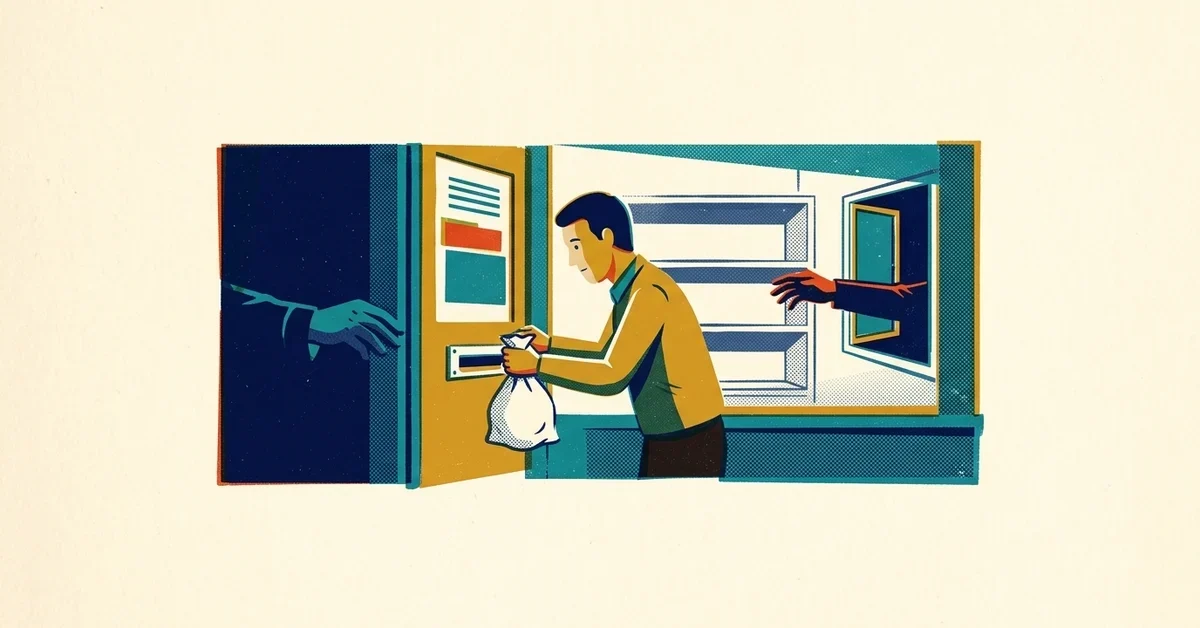
Your files won't open. Every folder has a new text file in it with a price, a deadline and a crypto wallet address. Somebody on your team is asking the question everyone asks first: do we just pay and make this go away?
Here's the deal. Paying rarely makes it go away. Most businesses that get hit once get hit again, often within days, and a lot of the ones that pay end up paying more than once. The ransom is usually not the biggest bill, either.
The quick answer
- Don't pay on day one. Paying doesn't remove the attackers from your network, and it doesn't guarantee your files come back.
- Disconnect, don't wipe. Pull affected computers off the network (unplug the cable, turn off Wi-Fi) but leave them powered on and untouched. You'll need the evidence.
- Call your cyber insurer's claims line before you hire anyone, then your IT partner.
- Report it to the FBI at ic3.gov. It's free, and it helps if paying ever becomes a legal question.
- Plan to rebuild from clean backups, whether you pay or not.
The rest of this post is the why, what it really costs, and a one-page plan you can fill in this week so you're not making these calls for the first time in the middle of an attack.
What the numbers say about paying
The newest big study is Semperis's 2026 Ransomware Risk Report. Its research partner surveyed 1,200 IT and security people in nine countries, and every one of their organizations had been hit by at least one successful attack in the past year. Two things to keep in mind: the sample skews toward larger organizations, and Semperis sells identity recovery tools. The patterns still hold up, and they match what other research finds.
What they found:
- 69% were hit successfully more than once in 12 months.
- The repeat attack often came fast: 30% on the same day and 29% within the same week.
- 59% paid a ransom, and more than half of those who paid (53%) paid more than once.
- 23% paid because they couldn't get the attackers out of their systems.
That last one is worth sitting with. Nearly a quarter of these organizations weren't paying to get their files back. They were paying because the criminals were still inside and they had no way to remove them.
Across the wider market, fewer victims are paying than ever. Blockchain analysis firm Chainalysis found that only 28% of ransomware victims paid in 2025, an all-time low, while the number of victims named on leak sites rose about 50% (The Register, February 2026). Attacks are up, payments are down. Plenty of businesses have learned that paying doesn't buy what they hoped.
And for small businesses, this isn't a big-company problem. Verizon's 2025 Data Breach Investigations Report found ransomware in 88% of the breaches it studied at small and midsize businesses, compared with 39% at large organizations. Attackers go where the defenses are thinnest.
Why paying doesn't buy you a clean network
A decryption key is not a magic undo button. Sarah Armstrong-Smith, a member of the UK Government's Cyber Advisory Board, put it bluntly in the Semperis report: the keys criminals hand over are often buggy, and old, large or complex files sometimes never come back.
The bigger problem is everything you can't see. By the time the ransom note appears, the attackers have usually been inside for days. Semperis found most attackers sat in the network for 2 to 6 days before striking. That's plenty of time to plant backdoors, create their own accounts and steal data. As Armstrong-Smith says in the report, you can never trust that system again, so you'll be rebuilding it to a known good state whether you pay or not.
Paying also tells every criminal group watching that you're a business that pays. Semperis quotes cyber resilience expert Sarah Gosler: pay without fixing the hole and you're likely to be hit by another group, sometimes within the same week or month.
Then there's the legal side. The U.S. Treasury's Office of Foreign Assets Control (OFAC) has warned that paying a ransom to a sanctioned group or country can break U.S. sanctions law, even if you didn't know who was behind the attack. Reporting to the FBI or CISA quickly counts in your favor. Your lawyer and insurer should be in that decision, not just whoever is holding the company credit card.
The bill that arrives after the ransom
Ask people what ransomware costs and they quote the ransom. Ask the victims and you get a longer list. Here's what organizations in the Semperis survey said they went through after an attack:
What happened after the attack | Share of victims |
|---|---|
Lost revenue or a temporary shutdown | 42% |
Cyber insurance canceled or the rate raised | 42% |
Data stolen or destroyed | 36% |
Damage to their reputation | 33% |
Layoffs, resignations or firings | 28% |
Fines or lawsuits | 17% |
Closed for good | 2% |
Look at the second row. Losing your cyber insurance, or watching the premium jump, happened just as often as losing revenue. Insurers price risk, and a business that just got breached looks like a risk. If your renewal asks about multi-factor authentication (MFA, the code on your phone after your password) and backups, that's why.
Recovery isn't cheap even when nobody pays. Sophos's State of Ransomware 2026 puts the average cost to recover from an attack at $1.7 million, not counting any ransom. That survey covers organizations with 100 to 5,000 employees, so a 10-person office won't see that number. The shape is the same, though: the cleanup, the downtime and the lost work cost far more than the ransom.
Time matters too. In the Semperis survey, 28% got back to normal in less than a day, but about half needed up to a week. For a small business, a week without email, invoicing or your client files can be what decides whether you have a good year or a terrible one.
Where ransomware response falls apart
You'd think the hard part would be the technology. According to the people who've lived through it, it's usually the plan. When Semperis asked what got in the way of responding to the attack, the top answers had nothing to do with tools:
- No clear roles: 48% said nobody knew who was supposed to do what.
- Teams not talking to each other: 44%.
- An outdated plan: 44%.
Picture it. Email is down because it's part of what got encrypted. Nobody knows who has the authority to shut off the internet connection. The person who set up the backups left last year. The insurance policy number is in a PDF on the server that's now locked. That's not a technology failure. That's a missing piece of paper.
A one-page ransomware plan for a small business
This is the piece of paper. Fill it in, print it, and keep a copy somewhere that isn't your network: a folder in the office, the owner's glovebox, a personal phone. It takes an afternoon.
1. Who decides
Write down one person who can make the big calls (take the network offline, call the insurer, approve outside help) and one backup for when they're on a plane. In a crisis, "let's get everyone's input" means nothing happens for six hours.
2. How you'll talk if email and Teams are down
Assume your normal tools are gone or watched by the attackers. Pick a fallback now: a group text, a personal email address, a phone tree. Semperis's experts recommend this kind of "out-of-band" channel, meaning one that doesn't run through the systems that might be compromised.
3. Who you'll call, with numbers
- Your IT partner (the after-hours number, not the main line)
- Your cyber insurer's claims or breach hotline, plus your policy number
- Your lawyer
- The FBI: report at ic3.gov and note your local field office's number from fbi.gov/contact-us/field-offices
- Your bank, in case attackers also go after payments
Check your policy before you need it. Many cyber policies expect you to call their hotline first and use the response firms they've approved, and hiring your own first can complicate the claim.
4. Where your clean backups are, and how long a restore takes
Write down where your backups live, who can get to them, and when someone last restored a file to prove they work. At least one copy should be offline or impossible to change (what backup vendors call "immutable"), because attackers go after backups first. Our post on the 3-2-1 backup rule walks through a setup a small office can afford.
5. What you'll tell staff, customers and partners
Two or three short, pre-written messages save hours. One for staff (don't turn anything on, don't talk to the press, use the fallback channel). One for customers if their data may be involved. Your lawyer should approve anything that goes out, since some states have breach-notice rules with deadlines.
6. A 30-minute practice run
Once a year, sit down with the people on the plan and walk through a pretend attack: "It's Saturday night, files are encrypted, email is down. What happens first?" Former BP security chief Simon Hodgkinson says in the Semperis report that skipping these practice runs, called tabletop exercises, is exactly why so many teams don't know who's in charge when it counts. You'll find the gaps in half an hour. Better to find them on a Tuesday afternoon than at 2 a.m.
If it's already happened
If you're reading this with a ransom note on your screen:
- Disconnect affected machines from the network, but don't turn them off or wipe them.
- Don't log in to admin accounts from a computer that might be infected. Use a clean device to change passwords, starting with email and any admin accounts.
- Call your insurer and your IT partner. Let them handle any contact with the attackers. Negotiating yourself almost always makes it worse.
- Report it at ic3.gov and to CISA at cisa.gov/report.
- Don't restore over the top of a compromised system. The attackers' way back in has to be found and closed first, or you'll be doing this again next week.
Preventing it in a business
You can't make an attack impossible, but you can make your business a much harder and less profitable target:
- Turn on MFA everywhere, starting with email, remote access and admin accounts.
- Lock down remote access. Exposed remote desktop and old VPNs are a favorite way in; see how to lock the ransomware front door.
- Install updates on a schedule, not when someone gets around to it.
- Keep tested, offline backups and know how long a full restore takes.
- Put endpoint detection and response (EDR) on every computer, with someone watching the alerts, including nights and weekends, when 79% of the attacks in the Semperis survey happened.
- The one-line staff rule: if something on your screen looks wrong, tell someone right away. Nobody gets in trouble for a false alarm.
When to call someone
- You've found a ransom note, or files have suddenly changed names or won't open on more than one computer.
- You don't know if your backups would actually work, or nobody has tested a restore this year.
- Your cyber insurance renewal is asking questions about MFA, EDR or backups that you can't answer with confidence.
If any of that sounds familiar, we can help you put this plan together before you need it.



No comments yet