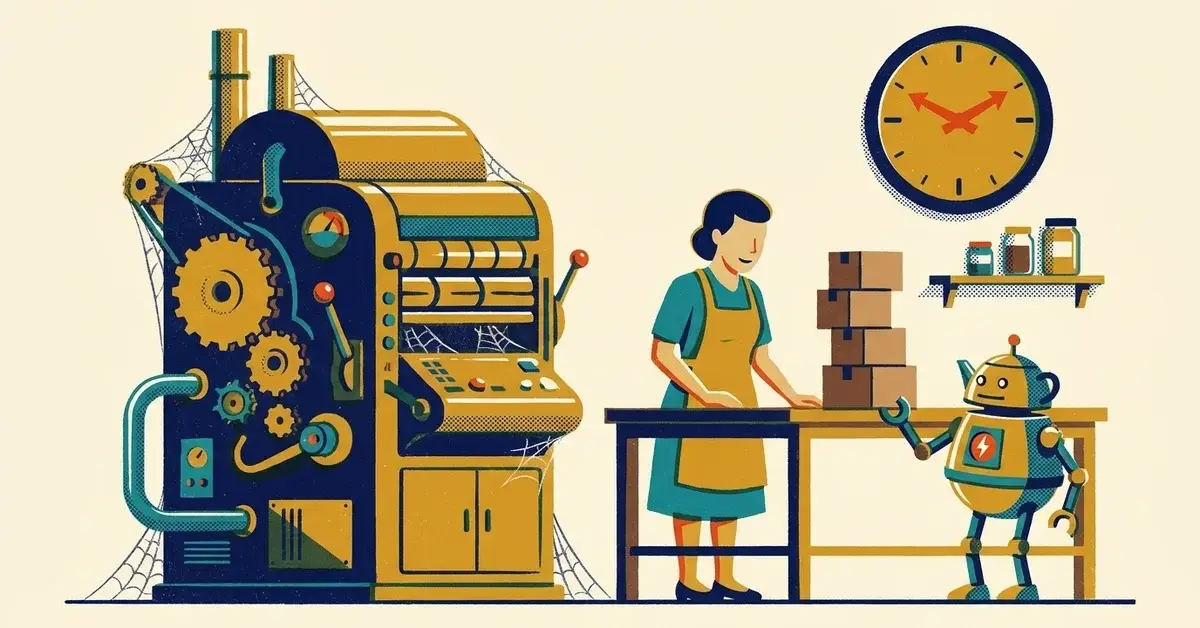
You've read the AI success stories. Small brand, tiny team, suddenly doing the work of twice the headcount. So you paid for a ChatGPT subscription, asked it a few things, and three months later your week looks exactly the same.
That's normal. The businesses that get real time back from AI don't start with a chatbot. They start with one boring task.
The quick answer
- Pick one task that eats at least an hour a week and follows the same pattern every time.
- Use the AI already built into tools you pay for before you buy anything new.
- Time it for two weeks: minutes before, minutes with AI, how much you had to fix.
- Keep a person on anything that reaches a customer or touches money. AI drafts. You send.
If the task got faster and the fixes were small, keep it and pick the next one. If not, drop it. No harm done.
What the success stories actually have in common
The U.S. Chamber of Commerce published a set of Colorado examples in December 2024. Two of them are worth a closer look:
- An apparel brand (Drick Bernstine's BE A GOOD PERSON) leans on the AI features built into Shopify and QuickBooks to keep up with growth without adding staff.
- A dog toy maker (Adam Baker's SodaPup) uses AI to write product descriptions, handle customer questions and touch up product photos.
Notice what's missing. Neither story is about a custom AI system or an expensive consultant. Both are built-in tools pointed at repetitive work.
And they're not unusual anymore. In the Chamber's 2026 Empowering Small Business report, published October 2, 2026, 66% of small businesses surveyed said they use AI. Plenty of them are using it. The question is whether it's saving them anything.
How to tell which tasks are worth it
Good first tasks share three traits. Same format every time. You can check the result in under a minute. A mistake is embarrassing, not expensive.
Task | Good first pick? | Why |
|---|---|---|
Product or service descriptions | Yes | Same shape every time, easy to proofread |
Replies to common customer questions | Yes, as drafts | You review before sending |
Meeting notes and to-do lists | Yes | Low risk, you were in the meeting |
Social post drafts from a blog or job photo | Yes | Easy to edit, nothing binding |
Quotes and prices | No | AI will invent numbers. Prices come from your sheet |
Contracts and legal wording | No | Small wording changes create real risk |
Anything with client financial or health data | Not without rules | Check where the data goes first |
Step 1: Check what you already pay for
Before you buy a new tool, look at what's sitting in your current subscriptions. As of October 2026:
If you use | What's included | Catch |
|---|---|---|
Microsoft 365 Business Basic, Standard or Premium | Microsoft Copilot Chat at no extra cost, at copilot.cloud.microsoft signed in with your work account | It answers from the web, not your files, unless you upload a file or use it in Outlook. Copilot across all your work data in Word, Excel and Outlook needs the paid Microsoft Copilot license |
Google Workspace Business Starter, Standard or Plus | Gemini, included since January 2025 | Gemini in Docs, Sheets and Drive needs Standard or Plus. Starter gets it in Gmail |
A paid Shopify plan | Shopify Magic product descriptions | Write the facts yourself (size, material, care). Let it handle the wording |
Sources: Microsoft's Copilot Chat eligibility list, Google's January 2025 Workspace announcement and Business edition comparison, and Shopify's Magic product descriptions page.
One more reason to start here. Microsoft says prompts and responses in Copilot Chat, signed in with a work account, aren't used to train its foundation models. A personal account on a free AI tool may have different terms. Check before anyone pastes customer details into it.
Step 2: Run a two-week trial on one task
Make a simple spreadsheet with these columns and fill in one row each time you do the task:
Column | What goes in it |
|---|---|
Date | When you did it |
Task | "Reply to 'are you open Saturday?' emails" |
Minutes before AI | Your honest estimate |
Minutes with AI | Including checking and fixing |
What you had to fix | Wrong facts, wrong tone, made-up details |
Keep it? | Yes, no, or "only with this prompt" |
At the end of two weeks, add up the minutes. That's your answer. Not a vendor's.
Step 3: Write the prompt down and reuse it
The time saving comes from doing it the same way every time. Once a prompt works, save it in a shared doc. For example:
Write a reply to the customer email below. Friendly, under 120 words. Use only the facts I give you: [hours, policy, link]. If the answer isn't in those facts, say I'll follow up today. Do not make up details.
That last line matters. AI fills gaps with confident guesses unless you tell it not to.
A worked example
This one is hypothetical. Say a five-person landscaping company spends about three hours a week answering the same emails: "Do you service my area?", "When can you start?", "Do you do one-time cleanups?"
Week one, the office manager pastes each email into Copilot Chat with a saved prompt and the company's service-area list. Replies take two minutes instead of six. She fixes a wrong neighborhood twice, then adds the full zip code list to the prompt.
Week two, the fixes stop. She's getting about two hours a week back, and nothing went out she didn't read first.
That's a realistic win. Not dramatic. Repeatable.
Why AI projects stall
- No specific task. "Use AI more" isn't a plan. "Draft the Saturday-hours replies" is.
- Too many tools. Everyone on the team picks a different one, and nobody knows where client data went.
- Nobody measured. Without the before and after, it's a feeling, and feelings don't survive a busy week.
- Trusting the first draft. AI writes fluent, confident text. Fluent isn't the same as right.
If AI already caused a problem
Wrong info sent to a customer? Fix it fast and in plain words: a short correction, an apology, the right answer. Then find the prompt or template that produced it and fix that, so it doesn't happen twice. We walk through it in My AI sent the wrong info to a client. Now what?
Setting it up for a team
- One approved tool, on a business account tied to your company, not personal logins.
- Multifactor authentication on that account, same as email.
- A one-line rule: no client financial, health or password information goes into any AI tool that isn't on the approved list.
- A shared prompt doc so the good prompts don't live in one person's head.
- A human sends. AI drafts customer messages, quotes and anything binding. A person reads and sends.
When to get help
- You're on Microsoft 365 or Google Workspace and aren't sure which AI features are on, or who can use them.
- Staff are already using different AI tools and you don't know what's been pasted into them.
- You want AI connected to your own files or inbox and need to know what it will be able to see.
If that's on your list, talk to us.
Related reading
- What AI tasks should I never automate in a small business?
- What AI tools should my employees use without getting in trouble?
- How can small businesses use AI to find the "busy work" that should be automated?
Originally published March 2025. Updated November 2026.


No comments yet