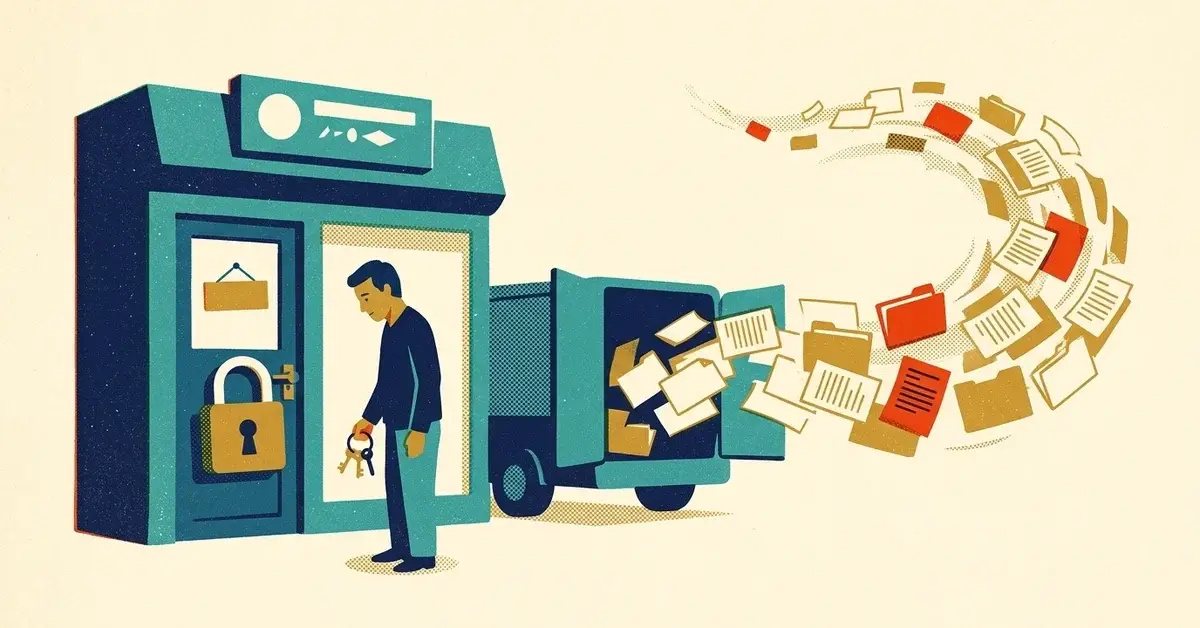
TransUnion, one of the three big U.S. credit bureaus, told regulators in August 2025 that personal information on about 4.4 million people had been exposed. Its own systems weren't the way in. A third-party app it used was.
If that can happen to a company whose whole business is protecting financial data, it's worth asking which of your vendors could do the same to you.
The quick answer
If you got a TransUnion breach letter, or you just want to be careful:
- Freeze your credit at all three bureaus. It's free and it stops new accounts being opened in your name.
- Treat any "TransUnion" or "credit alert" email, text or call as suspect. Go to the site yourself instead of clicking.
- Sign up for the free monitoring offered in the letter, if you got one.
For your business, the lesson is about vendors:
- List the outside apps and services that hold your customer or employee data.
- Turn on multifactor authentication (MFA) on every one that offers it.
- Know who you'd call and what you'd tell customers if one of them got breached.
What happened
Here's what was public as of late August 2025, according to SecurityWeek's report on TransUnion's filings with state attorneys general:
- The breach happened on July 28, 2025.
- It hit a third-party application serving TransUnion's U.S. consumer support operations. TransUnion said the incident didn't involve its core credit database or include credit reports.
- About 4.46 million people were affected, according to TransUnion's notice to Maine's attorney general, as reported by SecurityWeek. Maine's public breach list was offline as of October 2026, so the notice itself couldn't be checked directly.
- What was exposed: TransUnion's breach notifications listed names, Social Security numbers and dates of birth, according to SecurityWeek.
- TransUnion offered 24 months of free credit monitoring to the people affected.
TransUnion didn't name the app or say who was behind it. So the honest answer to "how did they get in?" is that we don't know.
Why this matters if you're not a credit bureau
Nobody hacked TransUnion's front door. They went through a supplier with access to its data. That's the part that applies to a five-person office.
You use vendors too
Your email, accounting software, payroll, CRM, scheduling app, website forms and the marketing tool that holds your mailing list all keep copies of your data. Each one is another door. If one of them is breached, your customers won't care that it was technically someone else's fault. It's still your name on the apology.
Exposed data fuels better scams
Names, birth dates and Social Security numbers are exactly what a scammer needs to sound legitimate. Expect more convincing phishing (fake emails or texts that try to get you to click or pay) after any big breach, whether it's "TransUnion fraud department" or "your bank's security team."
The safe habits are the same for everyone: freeze your credit, watch your statements and don't trust unexpected contact that asks you to act.
What to do this week
1. Protect yourself and your staff (15 minutes each, free)
The FTC says a credit freeze costs nothing to place or lift, doesn't affect your credit score and lasts until you lift it. You have to contact each of the three bureaus (Equifax, Experian and TransUnion) separately; the FTC page links to each one. Lift it for a day when you apply for a loan or card. If anything looks like identity theft, IdentityTheft.gov walks you through a recovery plan.
Send this to your team:
Heads up: after the TransUnion breach, expect fake emails, texts and calls pretending to be credit bureaus, banks or "fraud departments." Don't click links or call numbers in those messages. If you're worried, go to the company's website yourself. And if a message asks you to pay something or change bank details, check with me first.
2. Make a vendor list (an hour, free)
Open a spreadsheet with four columns:
- Vendor (Microsoft 365, QuickBooks, Gusto, your website host...)
- What data it holds (customer emails, payment info, employee SSNs)
- Who has a login
- MFA on? (yes/no)
You'll probably find a tool nobody uses anymore that still holds a customer list. Export what you need and close the account.
3. Turn on MFA everywhere it's offered
MFA means a stolen or guessed password alone isn't enough to get in. Start with email, then anything that holds money or Social Security numbers. The FTC's vendor security advice for small businesses adds a few more: put your security expectations in vendor contracts, check that vendors actually follow them, and give each vendor access only to what it needs.
4. Ask your key vendors two questions
For the three or four vendors that hold your most sensitive data:
- "Do you require MFA for your own staff who can access our data?"
- "How and how fast would you tell us about a breach?"
A vendor that can't answer either question is telling you something.
5. Write down your breach plan (half a page)
Who you'd call first, where your vendor contacts live, and who talks to customers. The FTC's data breach response guide covers what to do in order. State breach notification laws differ, so the "who must we notify" part is a question for your attorney, not a blog post.
When to call someone
- A vendor tells you your data was in a breach and you're not sure what was exposed or what you owe customers.
- Staff are getting targeted messages that use real names, titles or account details.
- You've made your vendor list and can't tell who has access to what.
If you'd like help sorting through any of that, we're here.
Related reading
- The Breach That Hurts You Probably Won't Be Yours
- How to Protect Yourself From a Data Breach: Steps for Individuals and Businesses
- One Phishing Email. Thousands Affected. Why Social Engineering Still Works in 2026
Originally published September 7, 2025.




No comments yet