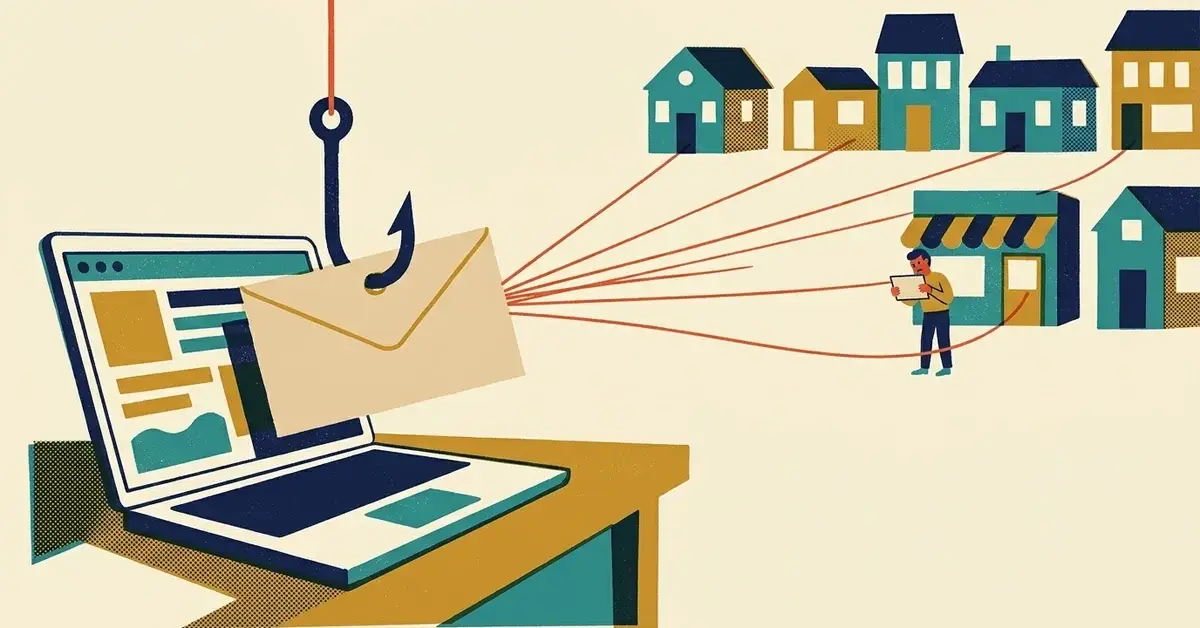
One employee clicks a link in an email that looks normal. They type their password into a page that looks normal. And now someone else is reading their inbox.
That inbox doesn't just hold their mail. It holds every attachment, invoice, form and spreadsheet anyone ever sent them. Including your customers' details, if your business was the one sending.
That's the uncomfortable lesson from a breach that reached people at food maker Rich Products in spring 2026. Here's the deal, and what to do about it this week.
The quick answer
- Turn on multifactor authentication (MFA) for every email account. A stolen password alone shouldn't be enough to get in.
- Make reporting easy. Show everyone the Report button in Outlook or Gmail, and say out loud that reporting a mistake is never a problem.
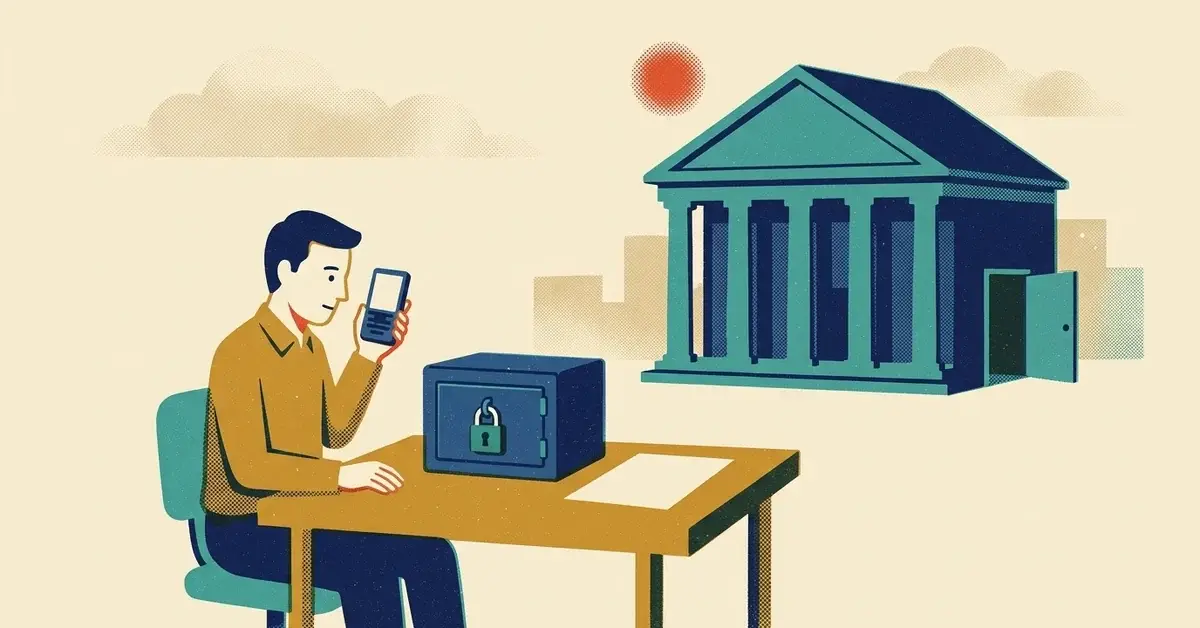
- Verify money and data requests by phone, using a number you already have, never the one in the email.
- Ask your vendors one question: if one of your people gets phished, what of ours is sitting in their inbox?
That covers most of the risk. The rest of this post is the why and the detail.
What happened
The breach didn't start at Rich Products. It started at a vendor.
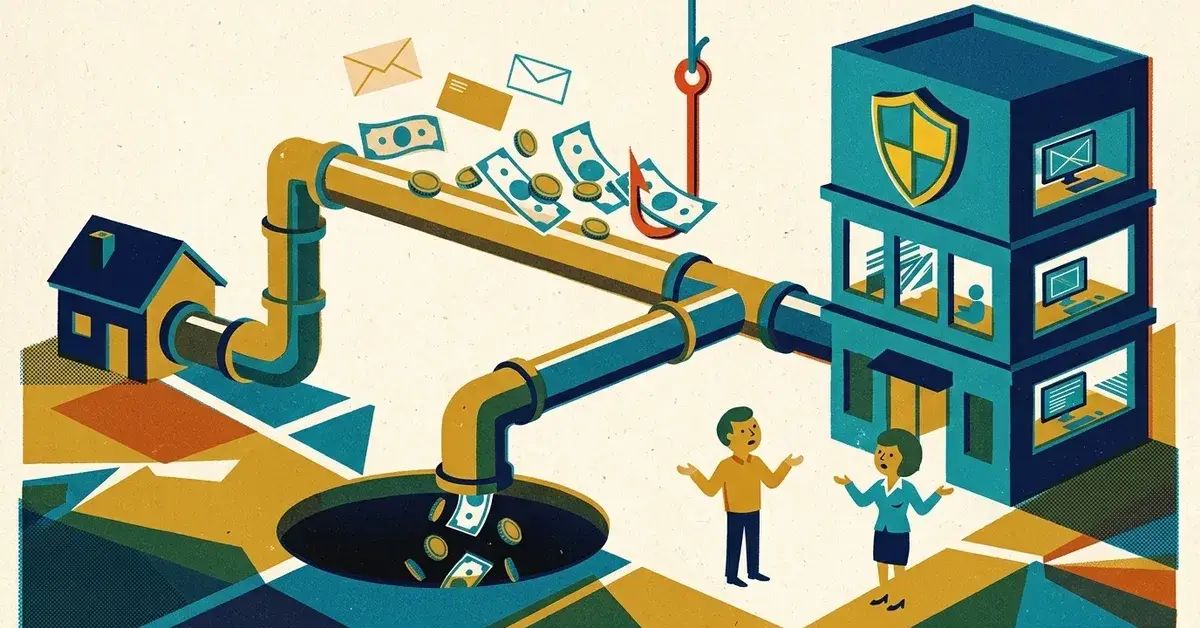
Late in 2025, an employee at First Advantage, a background-screening company, fell for a phishing email. The attacker got into that one mailbox and downloaded what was in it. Months later, companies that had sent personal information to that vendor, Rich Products among them, began sending breach notices to the people whose details were in those emails.
One person. One inbox. People notified at companies that were never hacked themselves.
Nobody broke through a firewall. Nobody needed to.
Why social engineering still works
Social engineering just means tricking a person instead of hacking a computer. It works for a boring reason: people are busy, and the email looks like work.
Phishing used to be easy to spot. Bad spelling, odd logos, a prince with a fortune. Now an attacker can write clean, polite email in seconds, copy a real company's look, and send it from a real account they've already taken over. Google's Gmail phishing guide puts it plainly: phishing messages can "look exactly like a message from an organization or person you trust."
So "look for typos" isn't a plan anymore. What still works is noticing what the email wants you to do.
How to tell a phishing email from a real one
Google's guide lists the patterns, and they hold up for Outlook too. Stop and check when an email:
- Asks you to sign in after clicking a link. Go to the site yourself instead. Google says that if you're signed in, its emails won't ask for that account's password.
- Asks for private details: passwords, bank account numbers, card numbers, Social Security numbers.
- Sounds urgent or comes from an "authority" (a bank, a tax office, the boss) pushing you to act now.
- Has a sender name that doesn't match the address. "Accounts Payable" sending from a Gmail address is a clue.
- Has a link that doesn't match its text. On a computer, hover over it before you click and read where it really goes.
A useful one-line staff rule: if an email wants you to sign in, pay, or send personal details, check it another way first.
If someone already clicked
Don't wait to be sure. Act now and sort it out later.
- Change the password for that account from a different, clean device if you can.
- Sign out everywhere and make sure MFA is on.
- Check the mailbox for new rules. Microsoft's guide to compromised accounts lists the warning signs: rules that forward mail to unknown addresses, rules that move messages to Junk or RSS Subscriptions, odd messages in Sent Items, and new external forwarding.
- Warn the people who might get the next email. Attackers like to send their next phish from the account they just took over, to everyone in its contacts.
- Tell whoever handles your IT, and keep the original email. Don't delete the evidence.
If customer or employee personal information was in that mailbox, you may have breach-notice duties. That's a call for your attorney, not a guess.
Preventing it in a business
You can't train phishing out of existence. You can make one mistake cost a lot less.
Turn on MFA everywhere. In Microsoft 365, the free starting point is security defaults. Microsoft's security defaults page says MFA "can block over 99.2% of identity-based attacks," and walks through turning it on: Microsoft Entra admin center > Entra ID > Overview > Properties > Manage security defaults. If you have Entra ID P1 or P2 licenses, Microsoft says security defaults probably aren't right for you, and Conditional Access is the tool to use.
Give people a Report button and thank them for using it. Outlook has a built-in Report button on most versions, per Microsoft's reporting guide. In Gmail it's More (next to Reply) > Report phishing. The person who reports a phish they almost fell for is doing you a favor. Treat them that way.
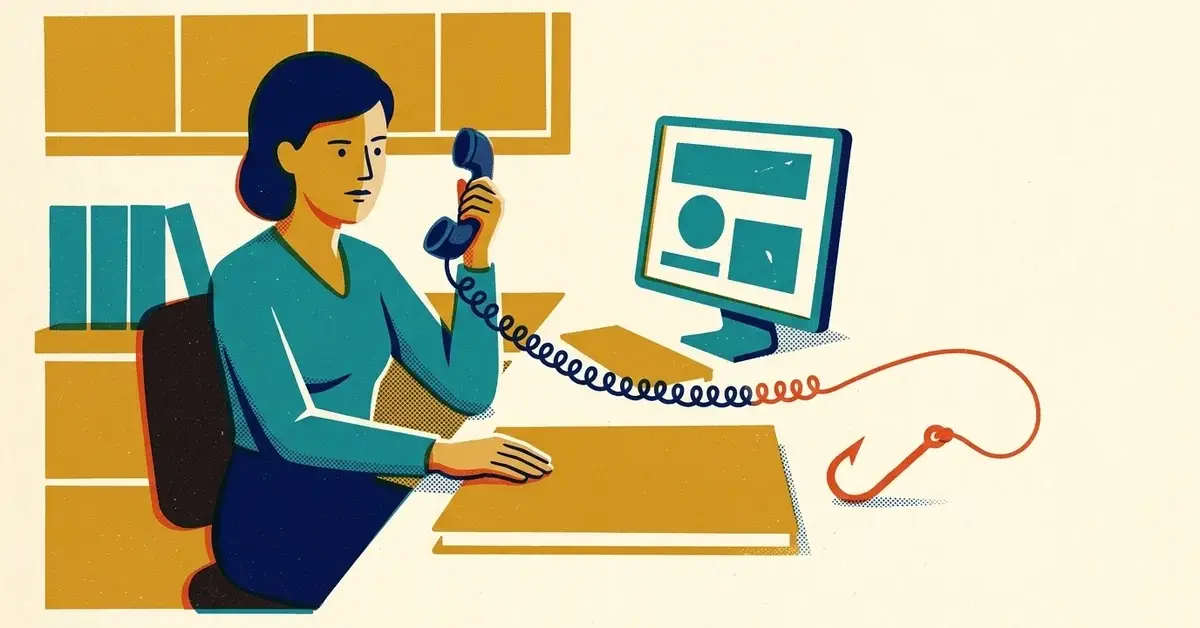
Set a call-back rule for money. Any new bank details, changed invoice or urgent payment request gets a phone call to a number you already have. No exceptions for the boss. Especially not for the boss.
Clean out old inboxes. Personal information sitting in years-old email is exactly what an attacker downloads. Send sensitive files through a secure portal or shared link with an expiry, and delete what you no longer need.
Ask your vendors. Anyone you send employee or customer data to (payroll, background checks, your accountant) is part of your risk. Ask how they protect email and whether they use MFA. It's a two-minute conversation.
Train in small doses. Short, regular reminders about what phishing looks like now beat one long annual video everyone has on mute. We have this thing called layered security for a reason: training is one layer, MFA is another, and neither has to be perfect.
When to call someone
- Someone entered a password into a page they're now not sure about, and you don't know what that account can reach.
- You find forwarding rules or sent messages nobody recognizes.
- A customer or vendor says they got a strange payment request "from you."
If any of that is where you are, talk to us. Our cybersecurity page covers how we help with email security.
Related reading
- Business Email Compromise: The $3 Billion Scam Hiding in Your Inbox
- AI-Built Phishing: Why Scam Emails Look Real Now (and What Still Gives Them Away)
- How to Spot a Fake Microsoft Login Portal: A Guide for Small Businesses
- The Microsoft 365 Security Settings Small Businesses Never Turn On
Originally published May 2026. Updated October 2026.

No comments yet