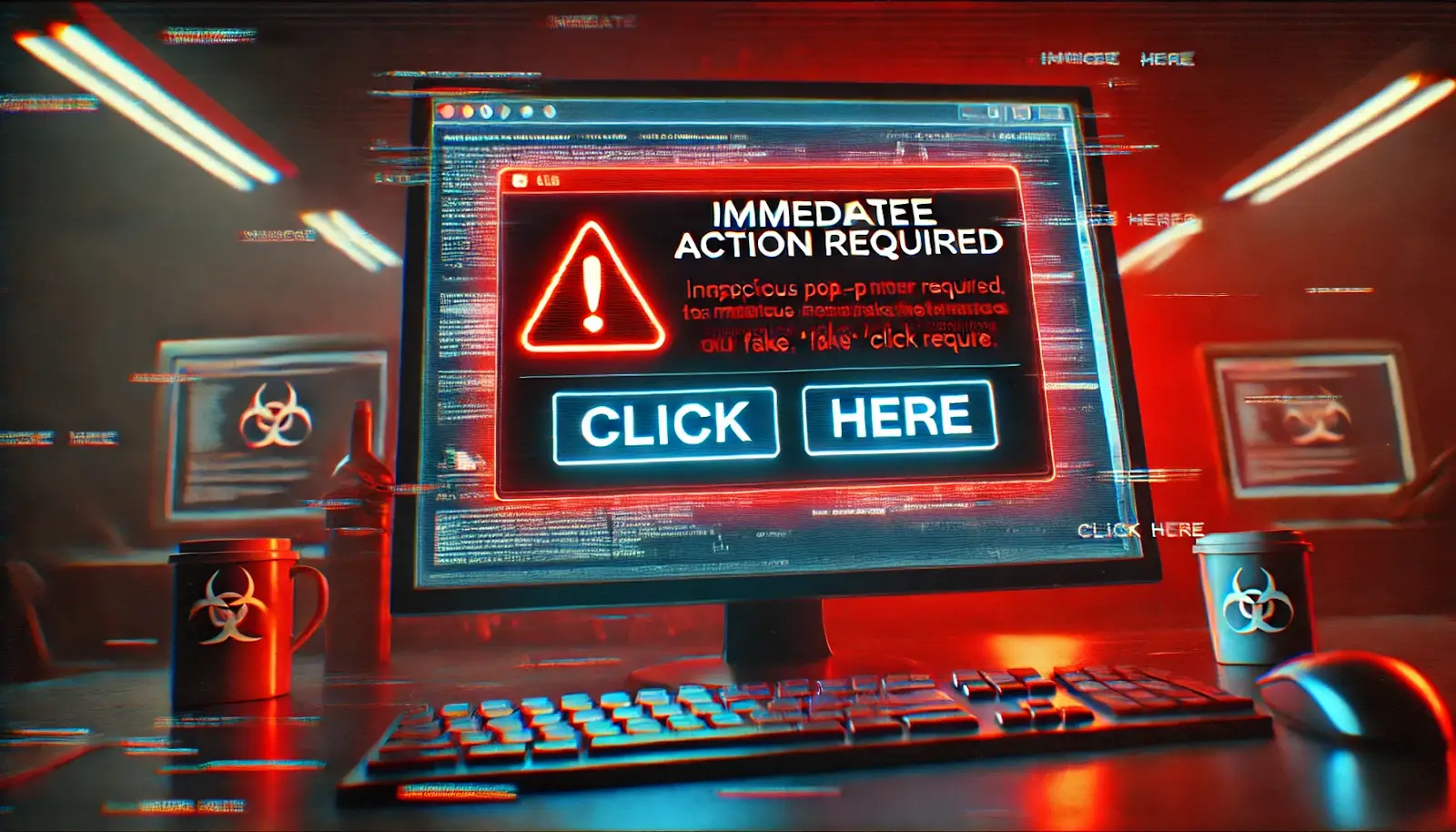
Nowadays cybersecurity is more important than ever, especially for small businesses. With the rise of online threats, one of the most common and dangerous tactics cybercriminals use is the creation of fake login portals. These deceptive sites are designed to steal your sensitive information, such as usernames and passwords, by mimicking legitimate login pages.
For small businesses, falling victim to such attacks can have severe consequences, including financial loss, data breaches, and damage to your reputation. That's why it's crucial to be able to identify and avoid these fake portals. This guide covers the key signs of a fake Microsoft login portal and practical tips to help you and your employees stay safe.
By the end of this article, you'll have a better understanding of how to spot a fake Microsoft login portal and what steps to take if you encounter one. Let's dive in and arm your business with the knowledge needed to protect against these cyber threats.
Understanding the Threat
What is a Fake Login Portal?
A fake login portal is a deceptive website designed to look like a legitimate login page, such as those for Microsoft 365, Outlook, or OneDrive. Cybercriminals create these fake portals to trick users into entering their usernames and passwords, which they then steal and use for malicious purposes. These portals can be highly convincing, often mimicking the design and layout of the real sites.
Impact on Small Businesses
For small businesses, the consequences of falling for a fake login portal can be severe. Once cybercriminals have access to your login credentials, they can infiltrate your systems, steal sensitive data, and even lock you out of your own accounts. This can lead to significant financial losses, legal liabilities, and damage to your business's reputation.
The most common follow-on is business email compromise: the attacker reads your mail, waits for an invoice conversation, and sends your customer new bank details. The FBI's Internet Crime Complaint Center consistently ranks it among the costliest types of cybercrime reported each year (FBI IC3).
By understanding the threat posed by fake login portals, you can take proactive steps to protect your business and avoid becoming another statistic.
Key Indicators of a Fake Microsoft Login Portal
Suspicious URLs
One of the most important things to check when you encounter a login portal is the URL. Cybercriminals often create URLs that look similar to legitimate ones but have subtle differences. For example, a fake URL might use "micros0ft.com" instead of "microsoft.com" or include extra words like "login-verification.com."
Examples:
- Legitimate: https://login.microsoftonline.com
- Fake: https://login-microsoftonline-secure.com
Tip: Always double-check the URL before entering your credentials. If something looks off, it's better to be cautious and verify the site.
Unusual Design and Layout
While some fake portals are highly sophisticated, many have noticeable design flaws. These can include poor-quality logos, mismatched fonts, or incorrect color schemes. Additionally, fake portals might have spelling or grammatical errors that you wouldn't expect to see on a legitimate site.
Example: A fake portal might have a logo that appears blurry or pixelated, whereas the real Microsoft logo will always be clear and high-quality.
Tip: Pay attention to the overall look and feel of the site. If anything seems out of place, it could be a red flag.
Unexpected Pop-Ups and Requests
Legitimate Microsoft login portals will not ask for additional information through pop-ups or unexpected requests. If you encounter a login page that suddenly asks for your security questions, credit card information, or other sensitive details, it's likely a fake.
Example: A fake portal might display a pop-up asking you to verify your account by entering your credit card number, which is something a real Microsoft login page would never do.
Fake Captcha
Fake CAPTCHAs are pop-ups or forms that pretend to be genuine verification checks. They appear unexpectedly and try to trick you into doing something harmful—like downloading malware, clicking on dangerous links, or giving away private information.
Why It Matters for Small Businesses
- Data Theft: Sensitive employee or customer information could be stolen.
- Malware Risks: Accidentally installing malicious software can disrupt operations.
- Reputation Damage: Customers lose trust if your systems are compromised or suspicious pop-ups appear on your site.
Clickjacking
Clickjacking is a sneaky trick used by online criminals. They place hidden buttons or links on top of what looks like a normal webpage or pop-up. So when you think you're clicking something harmless—like a “Close” or “Continue” button—you might actually be clicking a hidden, harmful link underneath.
Why It Matters for Small Businesses
- Data Risks: Sensitive business or customer information could be exposed.
- Downtime & Costs: Accidentally installing malware or losing data can disrupt business operations and lead to costly fixes.
- Reputation Damage: If your systems get compromised or customers encounter threats on your website, it can erode trust in your brand.
Double Clickjacking
Doubleclick jacking is a deceptive technique used by attackers to trick users into performing unintended actions through multiple clicks. Much like traditional clickjacking, it relies on social engineering and visual misdirection but involves additional steps (often more than one click) to increase the likelihood of success.
How It Works with Unexpected Pop-Ups
- Surprise Pop-Ups: You might get a pop-up you weren’t expecting, urging you to click “OK” or “Accept.”
- Hidden Overlays: Behind that pop-up’s button, criminals hide their own link or command.
- Unintended Action: When you click, you could end up installing bad software, agreeing to something you never wanted, or revealing personal information without realizing it.
Why It Matters for Your Business
- Data Risks: Confidential business or customer data could be exposed.
- Malware: Accidentally installing malicious software can disrupt operations and be costly to fix.
- Reputation: If attackers gain control of your systems or website, it can damage your brand’s trustworthiness.
Best Practices for Verification
Double-Check the URL
Before entering your credentials, always verify the URL of the login portal. Look for subtle differences that might indicate a fake site. Legitimate Microsoft URLs will typically include "microsoft.com" or "microsoftonline.com."
Tools and Tips:
- Stay Alert: If a pop-up seems odd or appears when you’re not expecting it, don’t rush to click.
- Use Pop-Up Blockers: Tools like uBlock Origin or Adblock Plus help filter unwanted pop-ups.
- Keep Software Updated: Regularly update your web browser, antivirus, and operating system.
- Educate Your Team: Train employees to spot suspicious pop-ups and to hover over links (when possible) before clicking.
Look for Security Indicators
You'll often hear "look for the padlock." Don't rely on it. Almost every phishing site uses HTTPS and shows a padlock too. The padlock only means the connection is encrypted, not that the site belongs to Microsoft.
Tips:
- Check the domain name itself, not the padlock. Microsoft 365 sign-in happens on login.microsoftonline.com (or login.microsoft.com and login.live.com for personal accounts).
- Better still, don't sign in from a link at all. Type office.com or use a bookmark, and see if the same document or message is waiting for you there.
Use Two-Factor Authentication (2FA)
Enabling two-factor authentication (2FA, which Microsoft calls MFA) makes stolen passwords far less useful. Be aware, though, that some fake login pages pass your sign-in through to the real Microsoft page in real time and capture the code and the signed-in session too. Phishing-resistant methods like passkeys and Windows Hello for Business don't work on a fake site, which is why Microsoft recommends them (Microsoft Learn).
Benefits of 2FA:
- Adds a second check, such as an approval in the Microsoft Authenticator app with number matching, or a passkey.
- Significantly reduces the risk of unauthorized access.
How to Enable 2FA:
- For a work or school Microsoft 365 account, go to mysignins.microsoft.com/security-info.
- Choose Add sign-in method and add Microsoft Authenticator or a passkey. Avoid text messages and email codes if you have a choice: they're the easiest to steal.
Responding to a Fake Login Portal
Immediate Actions
If you suspect that you've encountered a fake Microsoft login portal, it's crucial to act quickly to minimize potential damage. Here are the steps you should take immediately:
- Do Not Enter Any Information: If you haven't already entered your credentials, do not proceed. Close the browser window immediately.
- Disconnect from the Internet: Temporarily disconnect from the internet to prevent any potential malware from communicating with external servers. Do not power off your computer.
- Notify Your IT or Cybersecurity Team: Report the incident to your IT department or cybersecurity team as soon as possible. Provide them with details about the suspicious site and any actions you may have taken.
Recovering from a Phishing Attack
If you have entered your credentials into a fake portal, follow these steps to secure your accounts and prevent further damage:
- Change your password and sign out everywhere: Change the password right away, and ask your IT admin to revoke your sessions, because some fake pages steal the signed-in session as well as the password. Use strong, unique passwords for each account. Not sure anyone got in? The steps for a suspicious Microsoft 365 sign-in show how to read the sign-in log and what to clean up.
- Enable Two-Factor Authentication (2FA): If you haven't already, enable 2FA on your accounts to add an extra layer of security.
- Monitor Your Accounts: Keep a close eye on your accounts for any unusual activity. Report any suspicious transactions or changes to your IT team or service provider.
Check your mailbox rules: Attackers often add an inbox rule that hides or forwards replies. Look in Outlook > Settings > Mail > Rules and delete anything you didn't create.
Reporting Fake Sites
Reporting fake sites helps prevent others from falling victim to the same scam. Here are some tips for reporting fake Microsoft login portals:
- Use the built-in Report button in Outlook: If you receive a phishing email, select Report > Report phishing in Outlook to flag it to Microsoft and your IT team.
- Microsoft Security Intelligence: Report unsafe sites directly to Microsoft Security Intelligence by visiting their website and submitting the URL.
- Microsoft Defender for Office 365: If your organization uses Microsoft Defender for Office 365, submit suspicious emails and URLs through the platform.
Closing Thoughts
Protecting yourself and your business from cyber threats is more important than ever. Fake Microsoft login portals are a common tactic used by cybercriminals to steal sensitive information, but by staying vigilant and informed, you can safeguard your business against these attacks. Remember to always double-check URLs and enable two-factor authentication to add an extra layer of protection.
If you'd rather have someone handle this for you, talk to us.
References
Kasanmascheff, M. (2025, February 6). New mass phishing attack fakes Microsoft ADFS login portals to hijack business email accounts. WinBuzzer. Retrieved February 25, 2025, from https://winbuzzer.com/2025/02/06/mass-phishing-attack-fakes-microsoft-adfs-login-portals-to-hijack-business-email-accounts-xcxwbn/


No comments yet