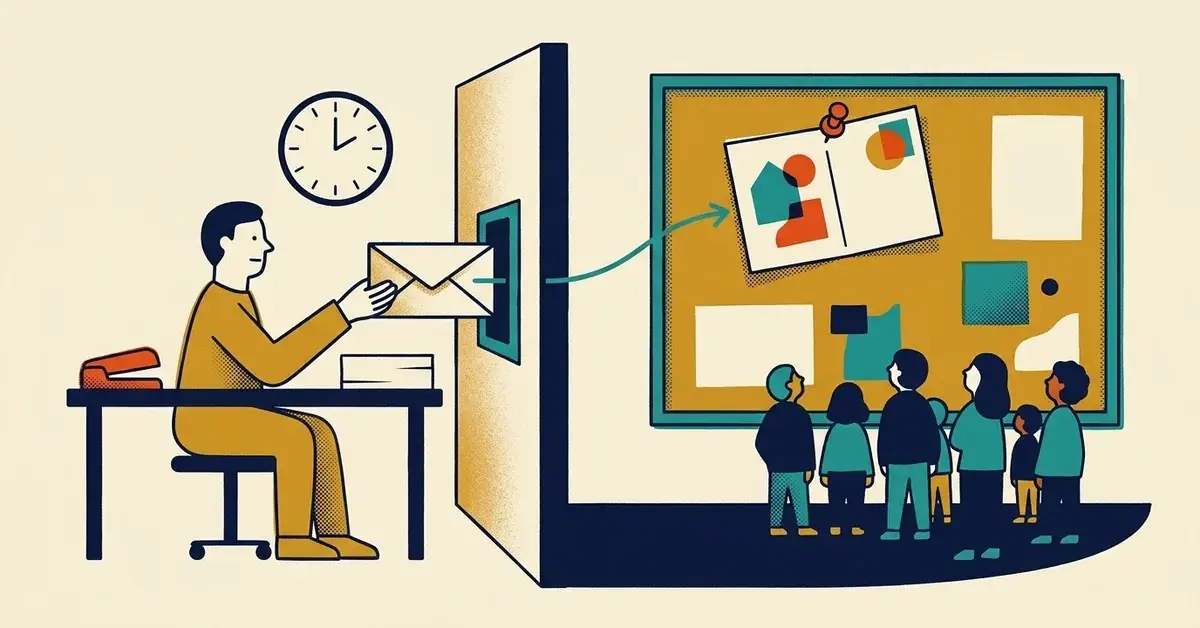
You asked an AI tool to tidy up a proposal, liked the answer and clicked Share to send it to a coworker. That link now works for anyone who has it. Not just the coworker.
Most of the time nobody else ever sees it. But a share link is a public web page, and public web pages can end up in search results when the link gets posted somewhere.
This post shows you how to find every chat you've shared in ChatGPT, Claude and Gemini, delete the ones you don't need, and check whether any of them already turned up in Google.
The quick answer
- Open the shared-links list in each AI tool your team uses (exact paths below).
- Delete every link you don't still need. Deleting the link kills the public page.
- Search Google for your business name plus the tool's share address (searches below).
- If a deleted chat still shows in Google, ask Google to drop it with its Refresh Outdated Content tool.
- Give staff one rule: nothing with client details, passwords or API keys goes in a shared chat.
What happened with Claude in July 2026
In late July 2026, people searching Google for site:claude.ai/share found shared Claude chats and Artifacts in the results, some holding company files, client data, crypto keys and legal questions (The Decoder, The Next Web).
This wasn't a hack. Nobody broke into private chats. Every page in those results was one somebody had chosen to share.
The Decoder reported that the share pages apparently lacked a "noindex" tag, the line of code that tells search engines to leave a page out of results. Anthropic's spokeswoman told The Next Web that "these shareable links are not guessable or discoverable unless people choose to share them themselves": a chat only reached search results after someone posted its link somewhere a search engine could crawl. Google's results disappeared within a couple of days, while Bing and Brave Search kept the chats visible for longer.
Both explanations can be true at once. Google itself says blocking a page from its crawler "is not a mechanism for keeping a web page out of Google" and that it "might still find and index a disallowed URL if it is linked from other places on the web" (Google Search Central). A share link posted in one public place is enough.
It also isn't the first time. ChatGPT used to have a checkbox that made a shared chat discoverable in search. OpenAI removed it at the end of July 2025 after shared chats showed up in Google (Search Engine Journal). We covered that one in What Happens When Your Chat History Isn't Private.
The lesson is the same for every tool. "Anyone with the link" means public. It's not unlisted, and it's not private.
How to tell if you have shared chats out there
Ask around the office. Three questions:
- Has anyone ever clicked Share on an AI chat to send it to a client, a coworker or a contractor?
- Has anyone pasted a share link into a support forum, a Facebook group, a Slack community or a public document?
- Does more than one person sign in to the same AI account? Then nobody knows what the others shared.
A yes to any of them means it's worth ten minutes in the settings below.
Where to find and delete shared links
Each tool keeps a list of the links you've created. The table shows where it is, as of October 2026. Sources are under the table.
Tool | Where your shared links are | What deleting does |
|---|---|---|
ChatGPT | Settings > Data controls > Shared links > Manage | The link stops working. Your chat stays, and so does any copy someone already saved |
Claude (Free, Pro, Max) | Settings > Privacy > Shared chats > Manage | Unshare revokes the link to the snapshot you shared |
Gemini | Settings & help > Your public links, or gemini.google.com/sharing | Visitors see that the chat no longer exists. Copies posted elsewhere stay |
Sources: OpenAI Help Center, Claude Help Center and Gemini Apps Help.
ChatGPT
- Open Settings > Data controls.
- Next to Shared links, click Manage.
- Choose Delete shared link on each one you don't need.
Deleting a link stops anyone opening it, but it doesn't delete your chat, and it doesn't remove a copy someone already saved. Deleting the chat itself also removes its link.
Claude
- Open Settings > Privacy.
- Next to Shared chats, click Manage. You'll see each chat's title, the date you shared it and the link.
- Click Unshare on anything you don't need.
Two details from Anthropic's help page worth knowing. A shared chat is a snapshot: messages you send after sharing stay private. And files you attached aren't included in the shared page, though anything you pasted into the chat is. On Team and Enterprise plans, chats can only be shared with people in your own organization, not publicly.
Gemini
- Go to gemini.google.com.
- Click Settings & help > Your public links.
- Click Delete public link on one, or Delete all links.
Google's help page says plainly that anyone with the link can read the chat and reshare it, even if you never sent it to them. On a Google Workspace account, your admin can turn sharing off for everyone. If the Share button is missing, that's probably why.
Any other AI tool
Look for "shared links", "public links" or "published" in the settings. If the tool doesn't give you a list, open each chat you remember sharing and switch it back to private.
Check whether Google already found them
Run these searches in Google, swapping in your business name or a client name:
site:chatgpt.com/share "Your Business Name"site:claude.ai/share "Your Business Name"site:gemini.google.com/share "Your Business Name"
Try a staff member's name and your email domain too. No results is the answer you want.
Search engines don't all update at the same speed, so run the same searches in Bing.
If a chat with sensitive details was public
- Delete the link first (steps above). That takes the page down at the source.
- Ask Google to drop the old result. Use Google's Refresh Outdated Content tool and paste in the exact URL from the search result. Google says it's for pages you don't own that are gone or have changed (Google Search Console Help). Bing has its own Content Removal Tool.
- Change anything that was in it. A password, an API key or a login code that sat on a public page is burned. Change it, even if the page is gone now.
- Think about who's affected. If client or employee details were in the chat, they may need to know. If it was personal information about a lot of people, get advice before you decide on that.
Preventing it in a business
Fix the habit, not just the links.
- One account per person. Shared logins mean shared history and nobody owning what got shared.
- Use a business plan where you can. On Claude's Team and Enterprise plans, sharing stays inside your organization. On Google Workspace, the admin decides whether Gemini sharing is on.
- Share the answer, not the chat. Copy the part you need into an email or a document. The chat behind it holds everything else you typed, too.
- Add a quarterly check to someone's calendar: open the shared-links list in each tool, delete what's stale.
The one-line staff rule: if you wouldn't post it on your website, don't put it in a shared chat.
For the bigger picture on what to keep out of AI tools in the first place, see Is It Safe to Put Business Data Into AI Tools?.
When to call someone
Get help if a shared chat contained passwords, API keys or customer records, if you can't tell which accounts staff have been using, or if you'd like AI settings and sharing locked down across the whole team. If you want a hand, get in touch.



No comments yet