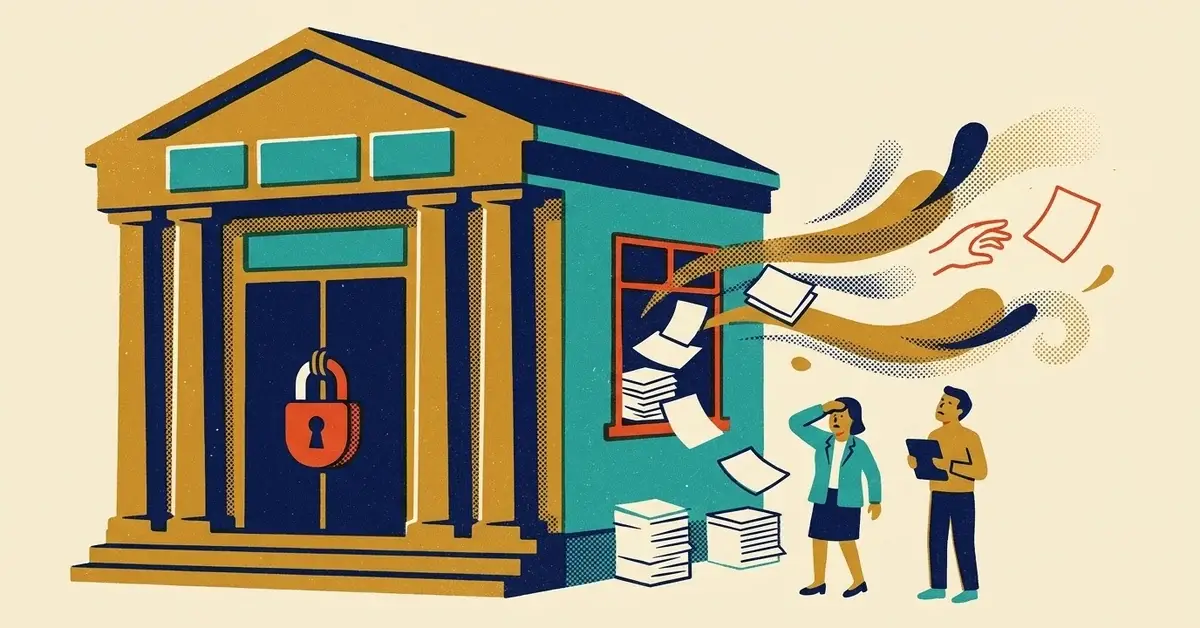
In spring 2025, Cobb County, Georgia, was hit by ransomware. The county said it wouldn't pay. A ransomware group called Qilin claimed the attack and posted samples of what it said were stolen personal records online.
That's the part worth sitting with. Refusing to pay was a reasonable call. It just didn't stop the leak.
If a county government with an IT department can end up there, a ten-person office with no IT department needs to think about it before it happens, not during.
The quick answer
- Assume an attacker would steal data, not just lock it. Backups get your files back. They don't un-leak anything.
- Turn on MFA everywhere so a stolen password isn't enough to get in.
- Keep fewer copies of sensitive documents. Data you deleted can't be leaked.
- Check that your backups would survive an attack and that you've actually restored from them.
- Write a one-page plan now: who you call, who decides, and where the phone numbers live when email is down.
Why refusing to pay doesn't stop the leak
Ransomware used to be simple. Attackers scrambled your files and sold you the key.
Now most groups steal a copy of your data first, then lock things up. Huntress's Qilin profile describes this as the group's main tactic: "double extortion," where they encrypt files and also threaten to post stolen data on their leak site if the ransom isn't paid.
So there are two threats, not one. Good backups handle the first. Nothing handles the second after the fact. Huntress's ransomware trends page says it plainly: cloud backups can help you restore and keep working, but they can't stop an attacker from leaking data they already took.
Paying doesn't fix that either, by the way. You're trusting criminals to delete what they stole. We cover that decision in should you pay a ransomware demand.
Which means the real work happens before anyone gets in.
What has changed since 2025
The short version: Qilin didn't slow down.
Huntress's 2026 trends page names Qilin as one of the most active ransomware groups of 2025, with more than 1,000 attacks that year, run as "ransomware-as-a-service." That's a franchise model: one group builds the tools and runs the leak site, and affiliates rent them to carry out attacks. The same page mentions an alliance between LockBit, Qilin and DragonForce, three of the better-known names.
For a small business, the franchise model is the bit that matters. More affiliates means more people looking for an easy way in, and they aren't picky about the size of the target.
Huntress's profile also says Qilin likes phishing to get a foothold, then moves through the network from there. That's ordinary stuff, which is good news: ordinary defenses work against it.
How to tell how exposed you are
Answer these honestly:
- Where does your sensitive data live? Customer files, employee records, scanned IDs, tax forms. Name the folders and the apps.
- How many copies are there? The shared drive, someone's Downloads folder, an old laptop in a closet, an email attachment from 2019.
- Who can open it? Everyone, or the people who need it?
- Could someone sign in with only a stolen password?
- When did you last restore a file from backup? Not "check that backups ran." Actually restore something.
If you're unsure on two or more, start with the checklist below.
The checklist: what to do this week
1. Turn on MFA for every account that matters
Multifactor authentication means a password alone won't get someone in. Microsoft's security defaults page says MFA plus blocking older sign-in methods stops more than 99.9% of common identity attacks, and security defaults turns both on at no extra cost.
In the Microsoft Entra admin center, go to Entra ID > Overview > Properties > Manage security defaults and set it to Enabled. You need at least the Conditional Access Administrator role. Then do the same for your bank, payroll and accounting logins.
2. Delete what you don't need
This is the one nobody does, and it's free.
Microsoft's guidance on securing data puts it in one line: limit the number of copies of sensitive data and delete data that's no longer needed to minimize data breach risks.
Practical version:
- Stop keeping copies of driver's licenses and Social Security cards once you've verified what you needed.
- Pick one home for each type of sensitive file and clear out the duplicates.
- Set a reminder to clear old client folders past whatever retention period your accountant or lawyer tells you applies.
3. Limit who can open it
The receptionist doesn't need the payroll folder. The part-time contractor doesn't need admin rights. Microsoft recommends giving Global Administrator to fewer than five people and everyone else the least access their job needs.
4. Make sure backups would survive
If your backup is a drive plugged into the server, ransomware can reach it too. Our 10-minute backup check walks through the 3-2-1 rule and how to test a restore.
5. Write the one-page plan
Print it. Ransomware tends to take email and shared drives down with it.
What | Fill in |
|---|---|
First call | Name and mobile number of the person who takes charge |
Who decides what happens next | Owner, plus one backup person |
Outside help | Your IT provider and your cyber insurer's claims line |
First steps | Disconnect affected computers from the network; don't wipe anything yet |
Who tells customers and staff | One named person, and what they won't say until facts are confirmed |
If you have cyber insurance, check your policy for who you're required to call first. Some insurers want to be the first call.
If it's already happening
- Unplug, don't power off. Disconnect affected computers from the network and Wi-Fi. Leave them on so there's evidence to look at.
- Don't contact the attackers yourself.
- Call your IT provider and your insurer before you make any decisions about paying.
- Report it to law enforcement. Your IT provider or insurer can help you do it properly.
When to call someone
- You found a ransom note, or files with strange new extensions.
- You can't answer where your sensitive data lives or who can open it.
- Your backups have never been tested with a real restore.
If any of those is you, we can help.
Related reading
- Should You Pay a Ransomware Demand? Why Paying Rarely Ends It
- Do Your Backups Actually Protect You From Ransomware? A 10-Minute Check and the 3-2-1 Rule
- Your Vendor Got Breached: What Your Small Business Should Do Now
Originally published May 2025. Updated October 2026.




No comments yet