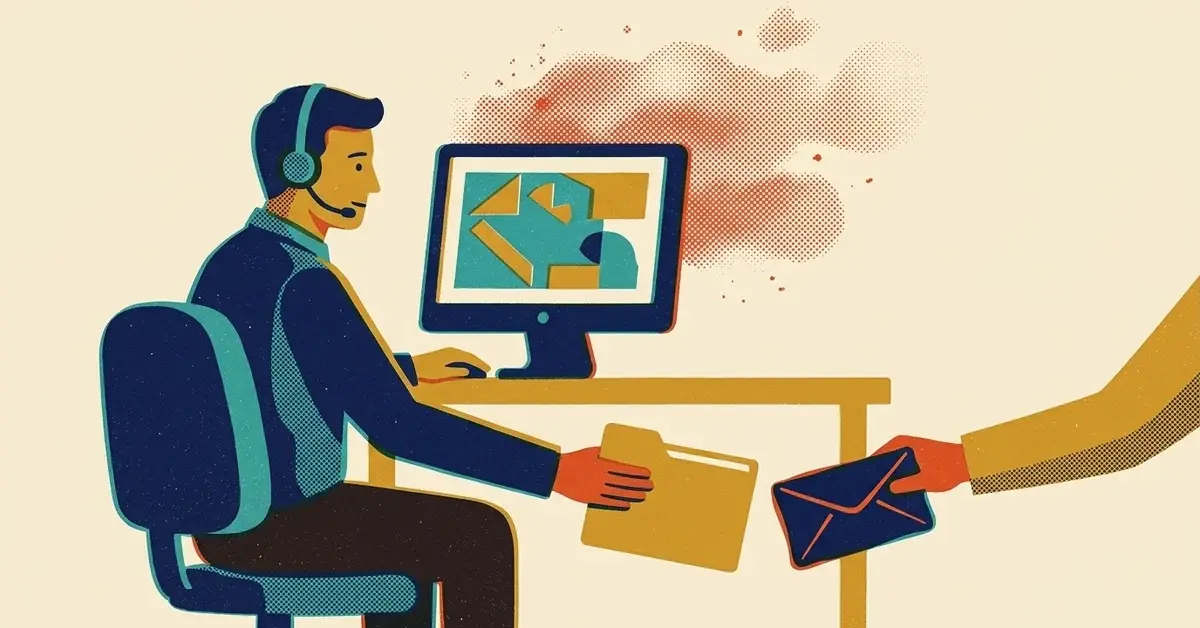
Nobody hacked Coinbase's firewall. In May 2025, Coinbase disclosed that criminals had paid some of its customer support agents to hand over customer data.
That's the uncomfortable part. Every business has people who can look up customer records because that's their job. If one of them can be bribed, tricked or impersonated, the best security software in the world is guarding the wrong door.
You don't need to run a crypto exchange for this to apply. You need a front desk, a support inbox or a bookkeeper.
The quick answer
- Give each person only the access their job needs. Support staff rarely need to see everything, or export it.
- Never reset a password or change payment details based on a call or email alone. Call back on a number you already have.
- Remove access the day someone leaves or a contractor's job ends.
- Tell your customers how you'll contact them, and what you'll never ask for.
- Know who would notice if someone downloaded your whole customer list.
What happened at Coinbase
Here's the summary from Huntress's May 2025 threat roundup, which covered the disclosure:
- Criminals bribed overseas customer support agents, mainly in India, to steal personal data on less than 1% of Coinbase's monthly transacting users.
- The data included names, addresses, phone numbers, government ID images and partial Social Security numbers.
- No login credentials, two-factor codes, private keys or customer funds were accessed.
- The attackers reportedly used the data to impersonate Coinbase and talk customers into sending them cryptocurrency.
- They then demanded $20 million to keep quiet. Coinbase refused, and offered a $20 million reward for information leading to their arrest and conviction instead.
- Coinbase estimated remediation, including reimbursing affected customers, at $180 million to $400 million, and moved some support work to a new U.S. hub.
So the stolen data wasn't the end goal. It was raw material for the next scam: if a caller knows your name, address and the last digits of your Social Security number, "Coinbase support" sounds very convincing.
Why the support desk is the soft spot
Think of support access as a master key that gets handed to a lot of people. It has to be, or customers can't get help.
Three things make it risky:
- Volume. Support teams are often large, outsourced and high-turnover. More people with the key means more chances one of them misuses it.
- Broad access. It's easier to give every agent the same view of every customer than to work out what each one needs.
- Helpfulness. Support people are trained to solve problems quickly. Attackers count on that.
A small business has the same pattern at a smaller scale: the office manager who can see every client file, the bookkeeper with full access to the bank, the IT contractor nobody removed after the project ended.
What has changed since 2025
Attackers have gotten better at going through the help desk without bribing anyone.
Huntress's 2026 ransomware trends page describes attackers cloning executives' voices from audio that's easy to find online (YouTube, podcasts) and using them to talk help desks into resetting passwords, approving wire transfers or handing over credentials. As Huntress puts it, the attacker can then simply log in rather than hack their way in.
So the lesson from Coinbase has widened. It's no longer just "could one of our people be bribed?" It's also "would our people know the voice on the phone isn't really the boss?"
How to tell if your business has the same gap
- Could one employee export your whole customer list without anyone noticing?
- Does everyone with Microsoft 365 or Google Workspace admin rights still need them?
- If someone called claiming to be you and asked for a password reset, what would your staff do?
- Are there former employees or contractors who can still sign in to anything?
- Do your customers know how you would and wouldn't contact them?
The fixes, easiest first
1. Cut access down to the job
In Microsoft 365, open the Microsoft 365 admin center and go to Roles > Role assignments to see who holds which admin role.
Microsoft's admin roles guide says to assign the least permissive role that gets the job done. Someone who only resets passwords gets Password Administrator or Helpdesk Administrator, not Global Administrator. Microsoft also recommends keeping Global Administrator to fewer than five people.
Then do the same in the systems that hold customer data: your CRM, practice management software, accounting. Most have roles. Use them.
2. Make "call back" a rule, not a judgment call
A staff rule you can copy and paste:
We never reset a password, change bank or payment details, or send customer data because of a call, text or email alone. We hang up and call back on a number we already have on file, even if it sounds like the owner.
The last part matters most. The person most likely to be impersonated is whoever's in charge.
3. Remove access the same day
When someone leaves or a contractor's work ends, turn off their accounts that day, not at the end of the month. Keep a short list of every system each person has a login for, so you aren't guessing. What happens when you don't is its own post.
4. Tell customers what you'll never ask for
Coinbase's stolen data was used to scam its own customers. Yours could be too, after a breach at your business or one of your vendors.
Put a line on your website, invoices and email signature:
We will never call or text to ask for your password, a verification code, or a payment to a new account. If anyone does, hang up and call us at [number].
5. Make sure someone would notice
You don't need a security team watching screens. You do need to know who would see it if one account suddenly downloaded thousands of records or signed in from another country. If the honest answer is "nobody," that's worth fixing, whether that's alerts you turn on yourself or someone watching for you.
If you think someone misused their access
- Turn off their access first, then ask questions. Don't tip them off by asking first.
- Keep the evidence. Don't wipe their computer or delete their account; disable it.
- Work out what they could reach, and whose data was in it.
- Call your IT provider and, if you have it, your cyber insurer before you contact affected customers. There may be notification rules you have to follow.
When to call someone
- You don't know who has admin access to your systems, or former staff might still have it.
- A customer says someone called them "from your company" asking for a code or payment.
- You think an employee or contractor took data with them.
If any of that sounds familiar, we can help.
Related reading
- Fired IT Guy Resets 2,500 Passwords. Could This Happen to Your Business?
- One Phishing Email. Thousands Affected. Why Social Engineering Still Works in 2026
- Your Vendor Got Breached: What Your Small Business Should Do Now
Originally published June 2025. Updated October 2026.





No comments yet