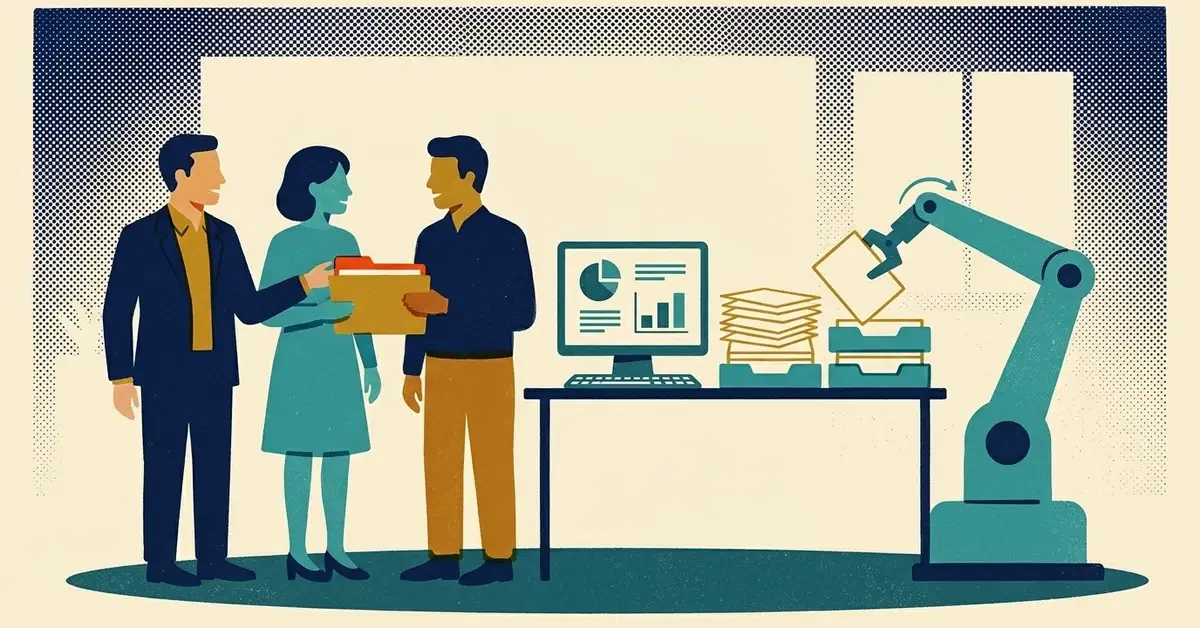
Someone on your team asks it out loud: "Is AI going to take our jobs?" Nobody laughs.
Fair question. Here's the short answer for a small business.
AI takes over tasks, not people. In a 5- or 15-person office, nobody does one task all day. The receptionist also handles scheduling, billing questions and the angry customer. AI can draft, sort and summarize. It can't do the rest of that job.
What actually decides whether a role changes is how you roll AI out. Do it quietly and people assume the worst. Do it with them and they find the time savings for you.
The quick answer
- List the tasks, not the jobs. Write down the repetitive tasks each person does every week.
- Mark the ones AI can draft or sort. First drafts, summaries, sorting email, tidying notes.
- Tell your team what you're doing and why before anyone tries a tool. A script is below.
- Pick one tool you already pay for and test it on one task for two weeks.
- Agree one rule: AI drafts, a person checks and sends.
What AI is good at in a small office (and what it isn't)
Think of AI as a fast, unreliable first-draft writer. Quick. Never tired. Wrong often enough that someone has to check everything it produces.
Good at:
- First drafts of emails, posts, quotes and job descriptions
- Summarizing long email threads, documents and meeting transcripts
- Turning rough notes into a tidy checklist or procedure
- Sorting and tagging: which emails are invoices, which are leads, which are spam
Not good at, and not close:
- Knowing your customers, your prices and your exceptions
- Judgment calls: the refund, the late payment, the upset client
- Being accountable. If an AI-written email promises something you don't offer, you still own that promise.
- Getting facts right every time. AI tools state wrong things with full confidence.
That last list is most of what your staff actually do all day.
Do a task audit, not a job audit
Before you change anything, find out where the time goes. This takes one meeting and a spreadsheet.
Make a sheet with these columns and have each person fill in their own rows:
Column | What goes in it |
|---|---|
Task | One repetitive task, in plain words ("write follow-up email after a quote") |
Hours a week | Their honest estimate |
AI could draft or sort it? | Yes / Partly / No |
Who checks the result | The person who signs off before it goes out |
Then sort by hours. The top few "Yes" or "Partly" rows are where to start.
You'll usually find the same pattern: AI can take the first pass on a handful of tasks, and every one of those tasks still needs a person at the end. That's the answer to "will it replace me?" in your own numbers. If you're the one asking, our 30-minute task check for office workers walks you through it.
For more ways to find these tasks, see how to use AI to find the busy work worth automating.
How to tell your team (copy and paste)
People fill silence with the worst case. Say it first. Something like:
We're going to try AI tools for some of the repetitive work: first drafts, summaries, sorting email. This is about getting time back, not cutting jobs. You'll help pick what we try, and nothing AI writes goes to a customer without one of us checking it. If you find a task it does badly, tell me. That's useful too.
Only say "not cutting jobs" if it's true. If you haven't decided, say what you have decided: that nobody's role changes without a conversation first.
Then follow through. Ask in two weeks what's working and what isn't.
Start with what you already pay for
You probably don't need a new subscription to test this.
- Microsoft 365: Microsoft says Copilot Chat is included at no extra cost for users who sign in with a work account on Microsoft 365 Business Basic, Business Standard or Business Premium (as of October 2026). Signed in that way, prompts are covered by Microsoft's enterprise data protection. Copilot built into Word, Excel, Outlook and Teams is a separate paid license, per Microsoft's license options page.
- Google Workspace: Gemini features like Help me write in Gmail need an eligible Google Workspace or Google AI plan. Check your admin console before you buy anything.
Pick one. Test it on the top task from your audit. Two weeks is enough to see if it helps.
Set the ground rules before anyone starts
Three rules cover most of the risk:
- Work accounts only. No personal AI accounts for business tasks. With everyone on different free tools, you've no idea where customer data went. More on that in your team's AI is a shadow employee.
- No customer, financial or employee data in a tool you haven't checked.
- AI drafts, a person sends. Every customer-facing message gets read by a human first.
Write them down. One page is fine.
If someone's role really does shrink
Sometimes the audit shows that one person's week was mostly tasks AI can now draft. That's not the same as a job going away.
The usual move is to give that person the next thing you never had time for: following up on old quotes, asking happy customers for reviews, cleaning up your procedures. Someone who already knows your customers is worth more than the hours AI saved.
If you're thinking about changing anyone's hours or role, talk to them first, and get proper HR or legal advice for your state before you decide.
Train people, then let them lead
The staff who use the tools every day will find better uses than you will. Give them:
- A short session on what the tool is for and what it isn't
- Your three ground rules
- Permission to say "this made it worse"
Training your team to use AI effectively has a simple plan for that first session.
When to get help
- You want AI rolled out across the team but aren't sure which licenses you already have.
- People are already using personal AI accounts for work and you need to pull that back.
- You need the settings locked down (who can use what, and where the data goes) before you start.
If you'd like a hand with any of that, talk to us.




No comments yet