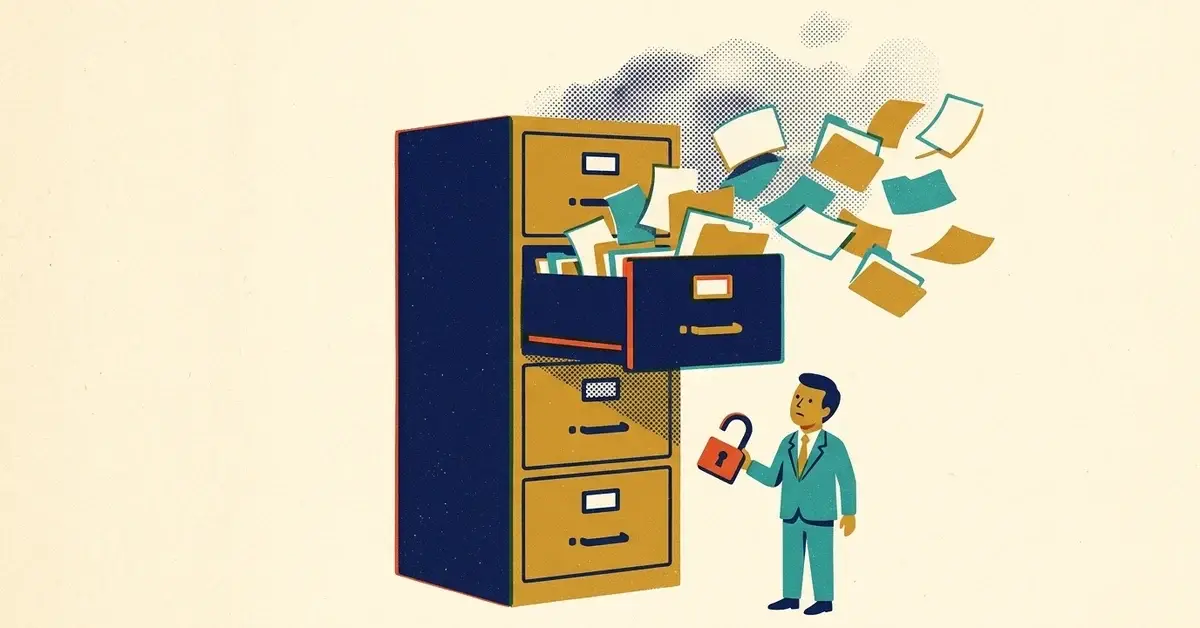
A mental health provider in Montana noticed its network acting up in September 2024. It took until July 2025 for patients to hear that their Social Security numbers and medical details may have been taken.
That gap is the story. Not the hacker. The ten months.
Here's what was reported, and what a small office can take from it.
What happened
According to the center's own notification letter (as filed with Montana's Department of Justice) and the federal HHS breach report:
- September 2024: Western Montana Mental Health Center (WMMHC) noticed a network disruption on September 15 and brought in outside cybersecurity experts.
- May 2025: a review of the files involved finished, and the center knew whose data was in them.
- July 17, 2025: the center announced the incident and began notifying people.
- Who: 86,758 people, according to the HHS breach report.
- What: names, Social Security numbers, driver's license and other ID numbers, dates of birth, medical information, financial account information and health insurance details.
The center said it had no evidence the data had been misused, notified the FBI, and offered free credit monitoring and identity protection to people whose Social Security numbers were involved. HHS lists it as a hacking/IT incident involving a network server. As of the original reporting, no group had been publicly named.
Why the gap matters more than the break-in
Here's the deal. Most organizations that get breached can't say what was taken on day one. Someone has to work out which files the attacker touched, then go through them line by line to find whose details are in there.
The more scattered and old the data, the longer that takes. And while it drags on, the people whose information is out there don't know to freeze their credit.
So the lesson for a small business isn't "buy a fancier firewall." It's this: know what sensitive data you hold, keep less of it, and make sure you'd see an intruder before the network starts acting up.
If you got a breach notice like this one
If you or your staff were patients, or you get a notice from any company, do these first:
- Freeze your credit with Equifax, Experian and TransUnion. A freeze is free, and it stops new accounts being opened in your name. Lift it temporarily when you apply for credit.
- Take the free credit monitoring if it's offered. It's not a fix, but it's an early warning.
- Read every Explanation of Benefits from your health insurer. Care you never got is a sign someone is using your insurance.
- Check your credit reports for free at AnnualCreditReport.com.
- Report identity theft at IdentityTheft.gov, the FTC's recovery site, if something shows up.
Be careful with calls and emails that mention the breach. Scammers read the news too, and "We're calling about the data breach, can you confirm your Social Security number?" is a gift to them. A genuine notice shouldn't ask you to read out your Social Security number.
Six lessons for any small office that holds sensitive data
You don't need to be a clinic for this to apply. A tax preparer, a law office, a staffing agency or a dentist holds the same kind of data. A smaller pile, maybe. Same value to a criminal.
1. Know where your sensitive data lives
Make a one-page list: what you collect (Social Security numbers, IDs, bank details, health information), where it's stored (the practice software, a shared drive, email, a filing cabinet scanned into a folder), and who can open it.
If you can't make the list, you won't be able to answer "what did they take?" quickly either.
2. Keep less of it
Old intake forms from 2014 are a liability, not an asset. Set a retention period with whoever handles your legal and records questions, then actually delete what's past it. Data you don't have can't be stolen.
3. Turn on multi-factor authentication everywhere
Email, remote access, the practice or accounting software, the backup system. A stolen password with MFA in the way is usually a dead end. A stolen password without it is the front door.
4. Get someone watching after hours
"Irregular network disruptions" are often the late stage of an attack, not the start. Endpoint detection and response (EDR), the security software that watches for attacker behavior rather than just known viruses, catches earlier signs. But it only helps if someone actually looks at the alerts, including at 3am on a Saturday.
5. Keep backups the attacker can't reach
At least one copy offline or locked so it can't be changed or deleted from your network. Test a restore. A backup you've never restored is a hope, not a plan.
6. Write the "bad day" plan before the bad day
One page. Who you call first (your IT partner, your cyber insurer's hotline, your lawyer), who can approve shutting systems down, and where the contact list lives when email is down. If you have cyber insurance, check now whether the policy says who you must call first.
When to get help
Bring in outside help if any of these are true:
- Nobody is watching your security alerts outside office hours.
- You can't say where your clients' Social Security numbers or health details are stored.
- You've seen odd network behavior, locked accounts or unexplained logins and nobody has looked into it.
If you'd like a second opinion on any of it, we're happy to talk.
Related reading
- The TransUnion breach: what it means for your business and your vendors
- 2025 was a wake-up call: the year's biggest hacks and what to learn
- Law firms under siege: understanding and preventing cyber threats
Originally published August 3, 2025. Updated October 2026.




No comments yet