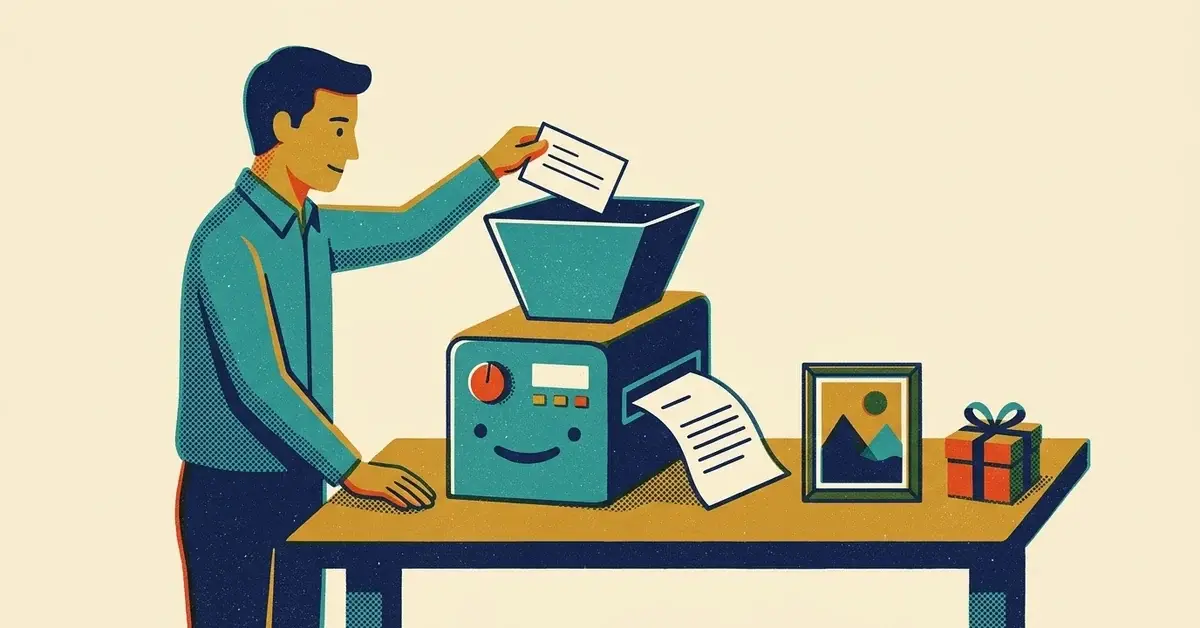
You've probably heard "generative AI" a hundred times this year and nodded along. Here's what it means, in about five minutes, with no jargon you have to look up afterward.
Generative AI is software that makes new content from a request you type. Text, images, audio, code. You ask, it produces something. Microsoft's documentation puts it as a type of artificial intelligence that can create original content, such as natural language, images, audio, and code, and says the output depends on what you give it.
ChatGPT, Microsoft Copilot and Google's Gemini are all examples. If you've typed a question into one and gotten a paragraph back, you've used it.
The quick answer
- It's a very good drafter. Give it a request, get a first version in seconds.
- It doesn't look anything up by default. It predicts what text should come next. Sometimes that's right. Sometimes it's confidently wrong.
- You are the editor. Read everything before it goes out.
- Use your work account. What you type into a free personal account may not be protected the way a business account is.
- Start with one small, low-risk task. An email reply or a meeting summary, not a client contract.
How it works, without the math
Think of the autocomplete on your phone. You type "See you" and it suggests "soon." Generative AI is that idea, scaled up enormously.
These tools are built on models trained on huge amounts of existing writing, images and code. Microsoft's explanation is that the models use the patterns identified in the training data to produce new, statistically similar content. For text, the model builds its answer one small piece at a time, picking what is most likely to come next given your request and what it has already written.
Two things follow from that, and they explain most of what confuses people.
It doesn't give the same answer twice. Microsoft's page says these models are designed to produce unique content, so they won't generate the same output for identical inputs. Ask for a tagline three times, get three taglines. That's useful when you want options. It's annoying when you wanted the one you liked back.
It can be wrong and sound sure about it. It's predicting likely text, not checking facts. Microsoft's developer documentation lists hallucinations, meaning factually incorrect or ungrounded output, as a built-in limit of large language models, along with stale training data. If it names a statistic, a law, a price or a source, assume it needs checking until you've checked.
What it's good at in a small business
These are the jobs where a first draft is most of the value:
- Replying to routine emails
- Summarizing a long thread or document
- Turning rough notes into a checklist or a how-to
- Rewording something (shorter, friendlier, firmer)
- Brainstorming names, subject lines, ideas for a post
- Making a first-pass image for a flyer or a social post
If your team is already stretched, Swamped? How AI Can Take Busywork Off a Small Team shows how to try this without piling on more work.
What it's bad at
- Facts you haven't given it. It doesn't know your prices, your policies or your customers unless you paste them in.
- Math and exact figures. Totals, dates and quantities need a human check, or your accounting software.
- Anything with legal or money consequences. Contracts, quotes, tax answers.
- Sounding like you, without help. Left alone, it writes in a generic voice. You edit.
- Knowing what happened last week. Models are trained on data up to a point. Some tools can search the web to cover the gap. Not all do, and the answer is only as good as what they find.
What AI Tasks Should I Never Automate in a Small Business? covers the second half of that list in more detail.
Myths worth dropping
"It will replace my staff." Nothing in the way these tools work suggests that. They draft and summarize. They don't take responsibility for the result, and somebody has to. In a small office that somebody is a person you already employ.
"It's too technical for us." It's a text box. If you can write an email, you can use it. The skill is in asking clearly and checking the answer, and you pick that up by doing it.
"It's free, so there's no catch." There can be one. Free personal accounts may use what you type to train future models, depending on the service and the settings. Business plans generally keep your data under your company's agreement with the vendor. Read the terms for whatever you use. Who Owns the Data I Feed Into AI? goes through it.
How to try it this week
You might already have access. Microsoft says Copilot Chat is available at no extra cost for eligible users who sign in with a work account on Microsoft 365 Business Basic, Standard or Premium. Features inside the Office apps depend on licensing and your admin's settings, so two people on the same plan may see different options. Google Workspace plans include Gemini features too, and which ones varies by plan.
Then:
- Pick one task. A reply to a customer who asked about hours or availability is a good one.
- Give it context. "Write a friendly reply to a customer asking whether we can do Saturday appointments. We can't, but we have Friday at 4 p.m. Keep it under 80 words." The more you give it, the better the draft.
- Read it, fix it, send it. Check names, dates and anything it added that you didn't say.
- Ask again if it's off. "Shorter." "Less formal." "Drop the second paragraph." Follow-ups are the point.
- Keep the prompts that work in a shared document.
What to leave out of the box
Until you've read the terms for the tool you're using, don't paste in:
- Passwords or access codes
- Full card numbers or bank details
- Client records, medical or legal information
- Anything under an NDA
When to get help
- You'd like AI tools tied into your email, calendar or shared files, and you want the permissions set so they can't see more than they should.
- Staff are already using personal AI accounts for client work.
- You aren't sure what your Microsoft 365 or Google Workspace plan includes.
We can help sort that out.



No comments yet